Change my GoDaddy account username
You can change your username after you sign in to your GoDaddy account.
- Go to your GoDaddy Security page. You might be prompted to sign in.
- In the Security list, below Account Information, select Username.
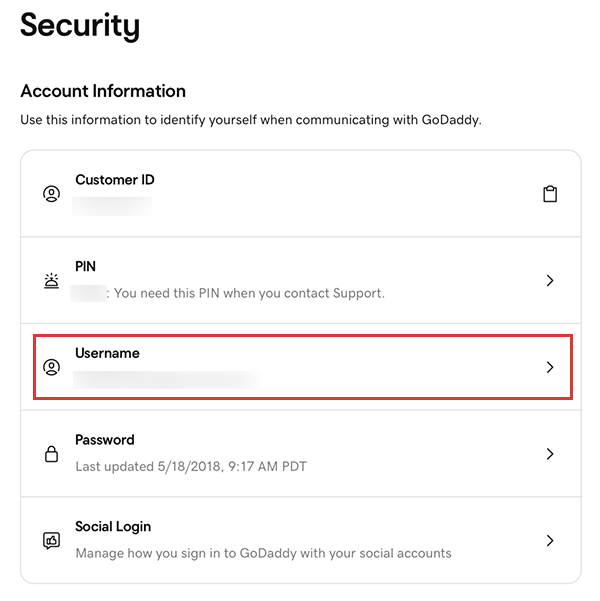
- Enter a New username of 5 to 50 characters.
Required: There must be at least one letter in the username.
- Select Change Username.
Note: If you see an error message, the username you created may be too short, too long, or is already in use. Try again with a different username.
More info
- If you forgot your username, you can retrieve it.
- If you can't sign in to your GoDaddy account, try our troubleshooting steps.