Recommended
Starter
SAVE 75%
£29.99
£6.49
/mo
For first 1-yr term
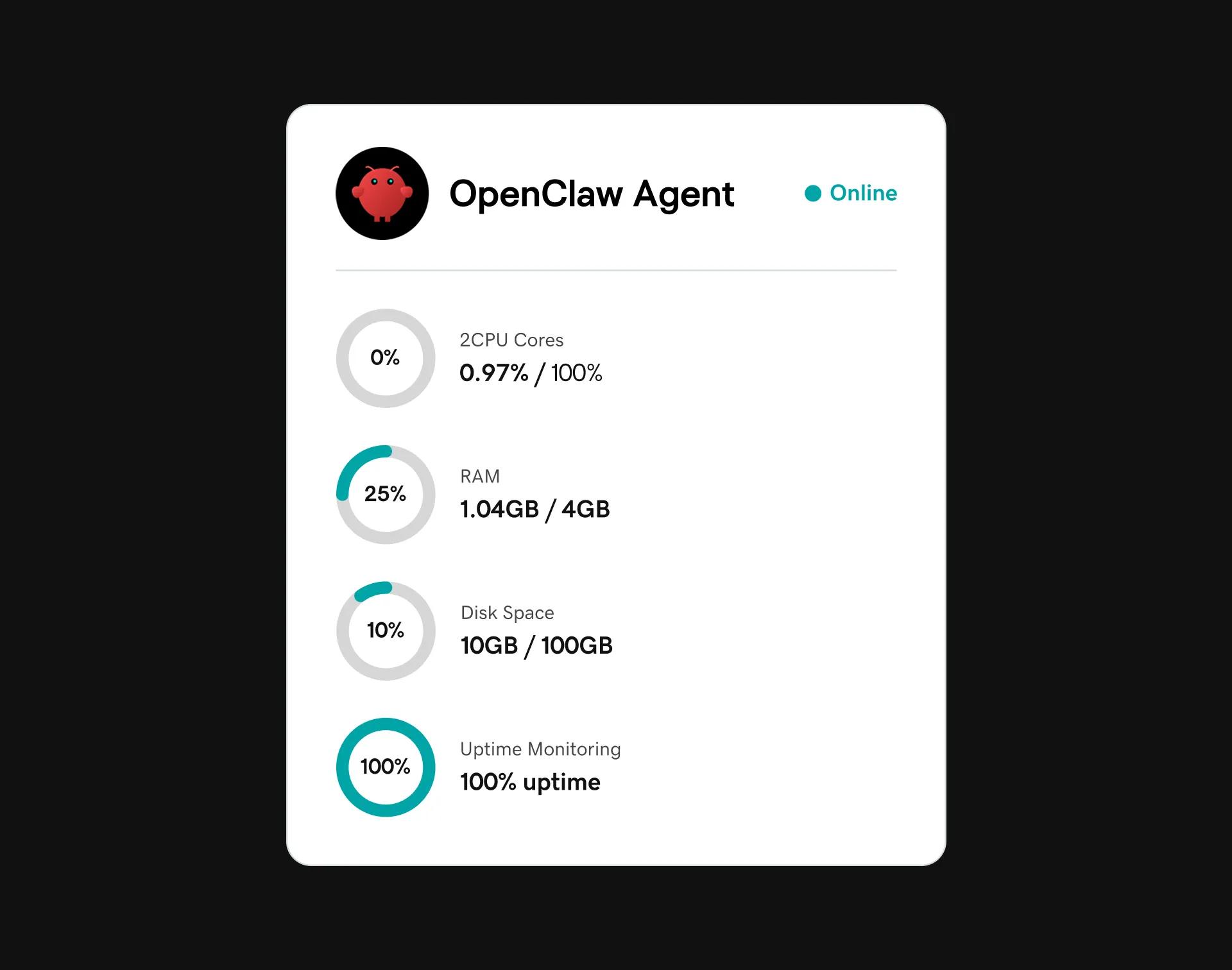
2 vCPU cores
4 GB RAM
100 GB NVMe SSD Storage
Snapshot backups
2 additional IPs available upon request
Global data centers
Pro
SAVE 81%
£60.99
£9.99
/mo
For first 1-yr term
4 vCPU cores
8 GB RAM
200 GB NVMe SSD Storage
Snapshot backups
3 additional IPs available upon request
Global data centers
Included in every OpenClaw VPS Hosting plan
NVMe SSDs
Get up to 3x speed and unlimited traffic. KVM virtualization for full control and upgrades to increase RAM, CPU, and storage.DDoS protection and SSL
Get 24/7 network monitoring, advanced DDoS and free SSL certificate (for 1st year) with a dedicated IP.Unlimited hosting
Create accounts with optional cPanel/WHM and Installatron.Root access
Retain full control and configure your server to your needs (up to the operating system level).Deploy OpenClaw on GoDaddy VPS
OpenClaw VPS Hosting gives small businesses, agencies, and developers self-hosted AI automation on a GoDaddy-managed server without vendor lock-in.
Plus, along with 24/7 support, we offer the following:
- Your data stays on your server
- API costs go directly to your AI provider
- No third party can access your conversations
- One-click deployment and enterprise-grade infrastructure
- A platform that doesn't require technical self-management
How to launch OpenClaw in 5 steps
Get your VPS configured, connect your AI provider, and launch OpenClaw in five simple steps. No coding or complex setup required.
01. Choose your plan. Pick the VPS Hosting plan that fits your usage and complete checkout.
02. Set up your VPS. In your GoDaddy hosting dashboard, select your new VPS and complete the guided onboarding, including server name, username and password, and data center.
03. Launch OpenClaw. From your VPS Dashboard, click Launch OpenClaw in the top right. Your OpenClaw dashboard opens in a new tab.
04. Add your LLM provider key. Create an API key with your AI provider, such as OpenAI or Claude, then add it to your OpenClaw settings. You choose which AI powers your assistant.
05. Connect a channel and go live. Chat with OpenClaw in its dashboard or connect it to Telegram, WhatsApp, Slack, or Discord for access from your phone. Add Agent Skills as your needs grow.
6 examples of OpenClaw at work
OpenClaw runs on your server, connects to your team’s apps, and works with your preferred AI model. Here are six real-world, use-cases of what it can do.
01. Customer support that’s 24/7 on WhatsApp, Slack, or Discord. A shopper asks at 2 a.m. if you ship internationally. Your agent checks your products, policies, and prices, then replies in seconds. No missed sales.
02. Content and social calendar. Give OpenClaw a brief. It plans the month, drafts blog posts and social variants, then puts them in your scheduler for you to review, not write.
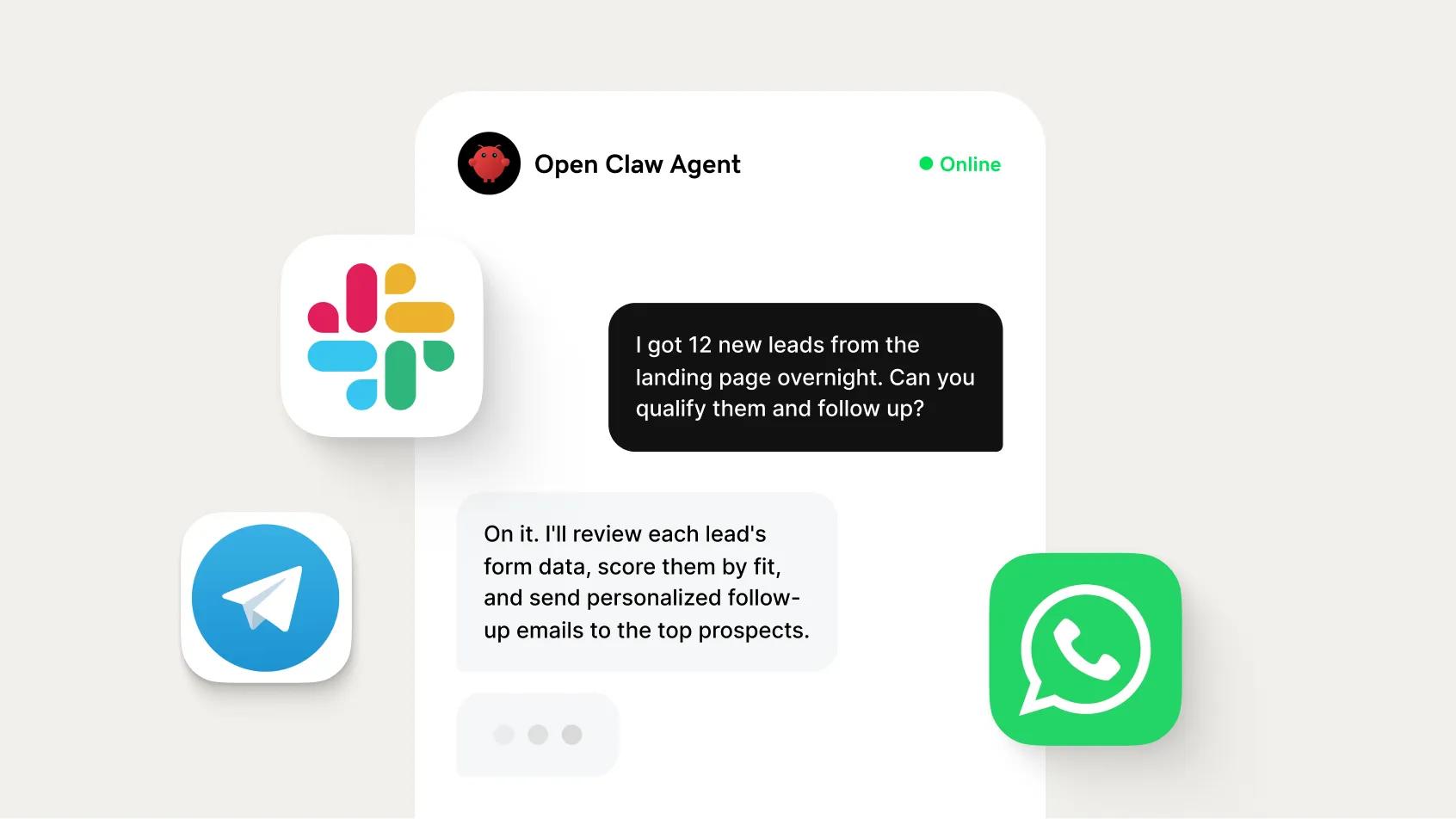
03. Sales support and lead qualification. A demo request lands in Slack. Your agent researches the company, scores it against your ICP, and alerts your rep only when the lead is worth pursuing.
04. An always-on SEO team. Rank tracking, keyword research, page audits, draft content updates. All running on your server, all yours, no per-seat SaaS subscriptions.
05. System and site monitoring. Your site slows to a crawl at 4am. Your agent catches it, sends you the diagnosis, and you've fixed it before a single customer notices.
06. Multi-client operations from a single server. Five clients need help at once. OpenClaw handles support questions, preps reports, and follows up on leads, freeing you to take on a sixth client.
GoDaddy OpenClaw VPS Hosting FAQ
How much does it cost to run OpenClaw?
Running OpenClaw on GoDaddy VPS has two costs, your hosting plan and your API usage. There are no additional markups or fees; no per-message fees, no platform commissions, and no OpenClaw markup on your AI usage. What you spend on AI goes to your AI provider, not to a middleman.
Your OpenClaw VPS Hosting fees are structured like this:
- Your OpenClaw VPS hosting plan. A fixed monthly fee that covers the server keeping your agent online 24/7. Pick the plan that fits your usage from the options above. Our Starter plan runs as low as £6.49/mo.
- Your AI provider's API usage. You bring your own key from OpenAI, Anthropic, DeepSeek, or another supported model, and pay them directly for what your agent uses. Costs scale with usage, so you pay for what you run. You pay your AI provider (OpenAI, Anthropic, etc.) directly for API usage.
Why run OpenClaw on GoDaddy?
GoDaddy is one of the world's largest hosting providers, trusted by millions to run their websites and applications. With OpenClaw preinstalled and one-click deployment, you can go from setup to a live AI agent in just minutes: no Docker configuration, terminal commands, or complex setup required. Plus, with automated daily backups and 99.9% uptime, your agents stay online, protected, and running smoothly around the clock. And if you ever need help, our expert support team is here to assist every step of the way.
How long does it take to set up my server?
Account setup usually takes only a few minutes, in some cases it may take up to 24 hours or longer. If you require immediate access to your hosting, contact us and we'll make every effort to get your account ready as quickly as possible.
Do I need to know how to code or use a terminal?
No. GoDaddy's one-click deploy handles all technical setup automatically. There’s no command line, no SSH, no Docker knowledge required. And if you ever get stuck or need help, our VPS support team is available 24/7 by phone, chat, or email.
How is OpenClaw different from ChatGPT?
ChatGPT answers when you ask. OpenClaw acts when you don't. It runs 24/7 on your own server, monitoring your systems, responding to your customers, and handling tasks on autopilot. You don't open a chat window. It's already working.
Can I run multiple agents for different clients?
Yes. One OpenClaw instance handles multiple agents, each configured for a different client or workflow. Agencies use this to manage customer support, monitoring, and lead handling across their entire client base from a single server.
What is GoDaddy OpenClaw Hosting and what are its benefits?
GoDaddy OpenClaw VPS Hosting lets you deploy OpenClaw, a self-hosted, open-source AI assistant platform, on a virtual private server managed by GoDaddy. Our OpenClaw hosting is built for small businesses, agencies, and developers who want AI automation without vendor lock-in.
Unlike shared AI tools or SaaS platforms, your OpenClaw assistant runs on infrastructure that you control:
- Your data stays on your server
- Your API costs go directly to your AI provider
- No third party has access to your conversations
GoDaddy adds one-click deployment, 24/7 expert support, and enterprise-grade infrastructure to a platform that would otherwise require technical self-management.
What can I do with OpenClaw?
OpenClaw is a multi-channel AI assistant platform that connects to the messaging apps and tools your team already uses.
Once deployed, you can build the following workflows:
- 24/7 customer support bot for WhatsApp
- Sales assistant that qualifies leads in Slack
- Research tool that summarizes documents on demand
- Scheduling assistant that manages your calendar via Telegram
- Internal help desk bot that answers employee questions on Discord or Slack
Because OpenClaw connects to LLMs like OpenAI or Claude, its capabilities grow as those models improve without any changes to your server setup.
Which messaging platforms and tools can I connect through OpenClaw?
OpenClaw supports over 50 integrations, giving you flexibility on how your assistant interacts with customers and your team.
Supported connections include:
- Messaging apps: WhatsApp, Telegram, Slack, Discord
- Business tools: CRM platforms, email, and website chat widgets
- Custom integrations: Extend or restrict connections as needed to create custom workflows
Do I need my own AI provider account and API keys?
Yes, and that's a feature, not a limitation. OpenClaw connects directly to AI providers like OpenAI, Anthropic, or Google using your own API keys.
This gives you direct control over your AI stack so you can:
- Pay your provider at standard API rates with no markup
- Know that your usage data goes to your provider account (not a third-party platform)
- Easily switch AI models or providers anytime without migrating your assistant
Is my data private and secure with GoDaddy?
Yes. Because OpenClaw is self-hosted on your GoDaddy VPS, your conversation data, documents, and workflow configurations are stored on your virtual private server, and not on a shared SaaS platform.
GoDaddy VPS includes DDoS protection, snapshot backups, a free SSL certificate for the first year, and 24/7 network monitoring. You keep root access, so you can apply additional security hardening as needed. GoDaddy manages the security and uptime of the underlying VPS infrastructure, while you’re responsible for keeping the OpenClaw application updated. If you need help with updates, our support team can guide you. The only data that leaves your server is what you send to your chosen AI provider through their API, subject to that provider’s privacy policy.
- Hosting
- VPS Hosting
- Openclaw