Access a saved color palette in Content Creator
Note: This feature is available to PRO subscribers on the Content Creator mobile app only.
A color palette is a handpicked set of colors that work well together. Once you’ve saved a color palette in Content Creator, you can access it from any project and use the colors in your graphics, shapes, fonts and backgrounds. This helps keep your brand consistent across your designs.
- Sign in to your Content Creator app.
- Create a project or edit an existing project.
- Tap
 layers.
 - Tap the background layer.
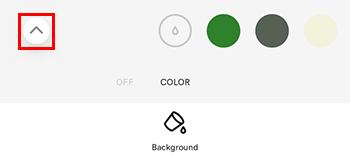
- In the color belt at the bottom of the screen, make sure Color is selected.
- Tap the up arrow on the far left to open your palette library.
- Tap the palette you'd like to load into your project. The colors will appear in your color belt.
Related steps
More info
- Use the dropper tool to select and apply an existing color to a design
- Use the color picker to apply a new color to a design
- Work with layers