Change my subscription payment method
Follow these steps to change the designated payment method for your product subscriptions.
- Go to your Renewals and Billing page and select Manage Subscriptions.
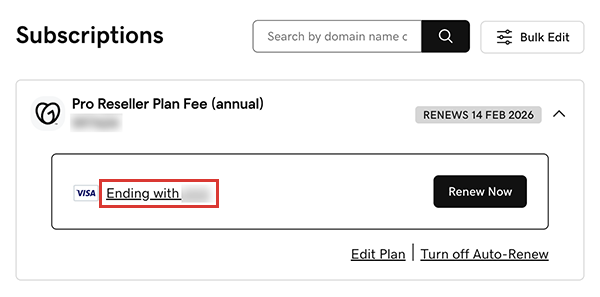
- Select the product with the payment method you want to change, and then select the payment method account number.
- Below Payment Methods, select a different payment method from the list.
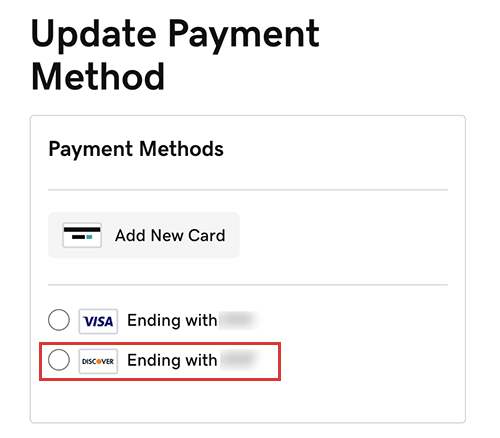
- If you need to add an additional payment method to your account, select Add New Card, enter the card information and then select Save.
- Select Save Payment Method.
Note: For products that are set to automatically renew: If the selected payment method can't be charged at billing time, we may try another payment method that has been successfully used before.