Accedi a Content Creator (previously GoDaddy Studio)
Accedi a Content Creator per creare contenuti visivi accattivanti per qualsiasi piattaforma, anche se non hai competenze di graphic design!
Utilizza il tuo smartphone per scansionare il codice QR e scaricare l'app mobile di GoDaddy per iOS o Android.
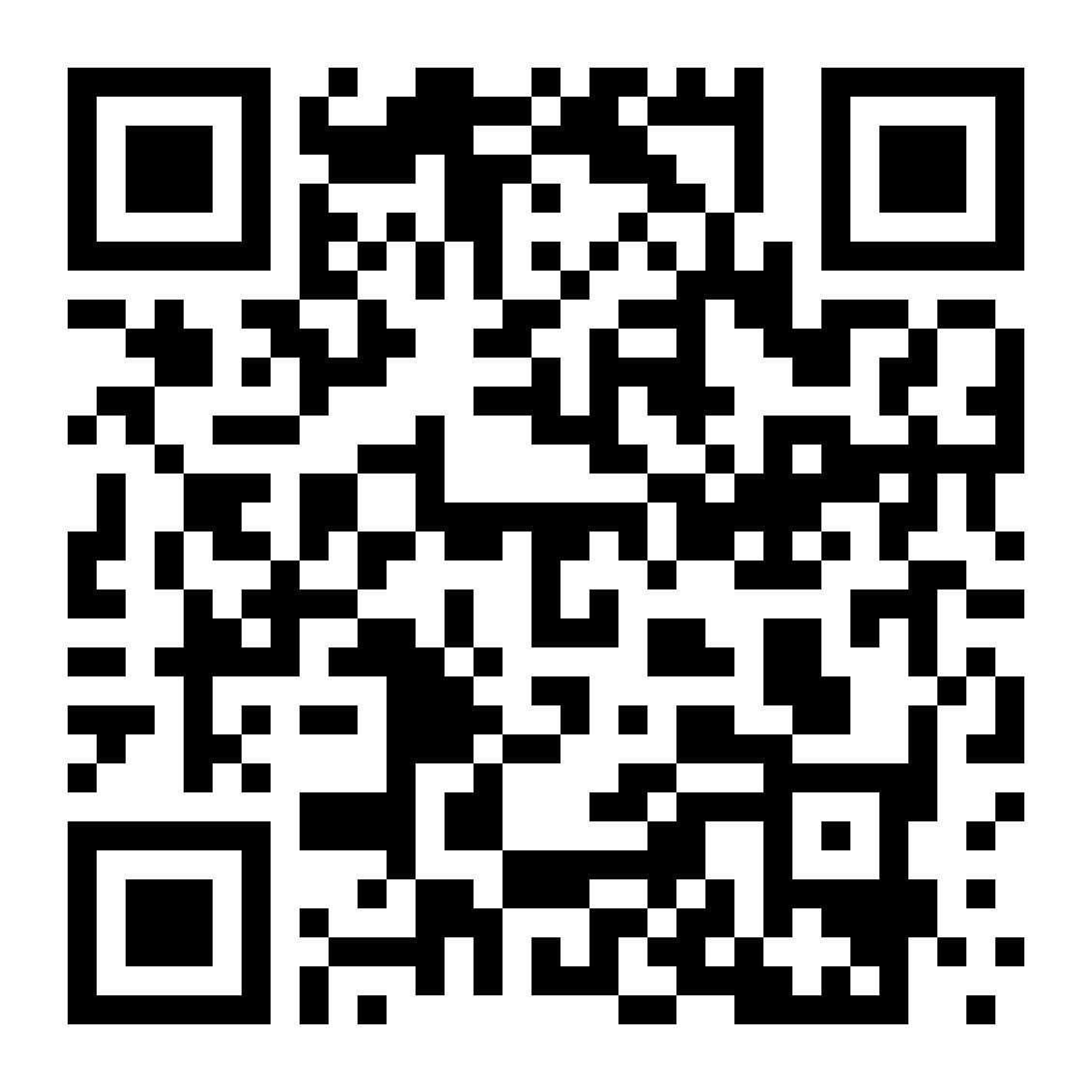
O, attieniti a questi passaggi per scaricare l'app:
- Vai all’app store del tuo dispositivo (iOS o Android).
- Cerca GoDaddy e scarica l'app. (Potresti trovare anche le app Commerce, Conversations e Investitore, ma tu stai cercando l'app GoDaddy).
- Accedi con le credenziali di GoDaddy.
- Ora puoi creare un progetto nuovo o modificare un progetto Content Creator esistente.
- Accedi a Content Creator.
- Inserisci i dati di accesso di GoDaddy e seleziona Accedi.
- Se hai abilitato la verifica in due passaggi, segui la procedura per verificare la tua identità.
Nota: se stai visualizzando il sito web di Content Creator da un browser su dispositivo mobile, ti verrà chiesto di scaricare o accedere all’app GoDaddy.