Bei Content Creator (previously GoDaddy Studio) anmelden
Melden Sie sich bei Content Creator an und erstellen Sie markante visuelle Inhalte für jede Plattform. Dafür brauchen Sie keinerlei Kenntnisse im Grafikdesign.
Scannen Sie mit Ihrem Mobiltelefon den QR-Code und laden Sie die mobile App von GoDaddy für iOS oder Android herunter.
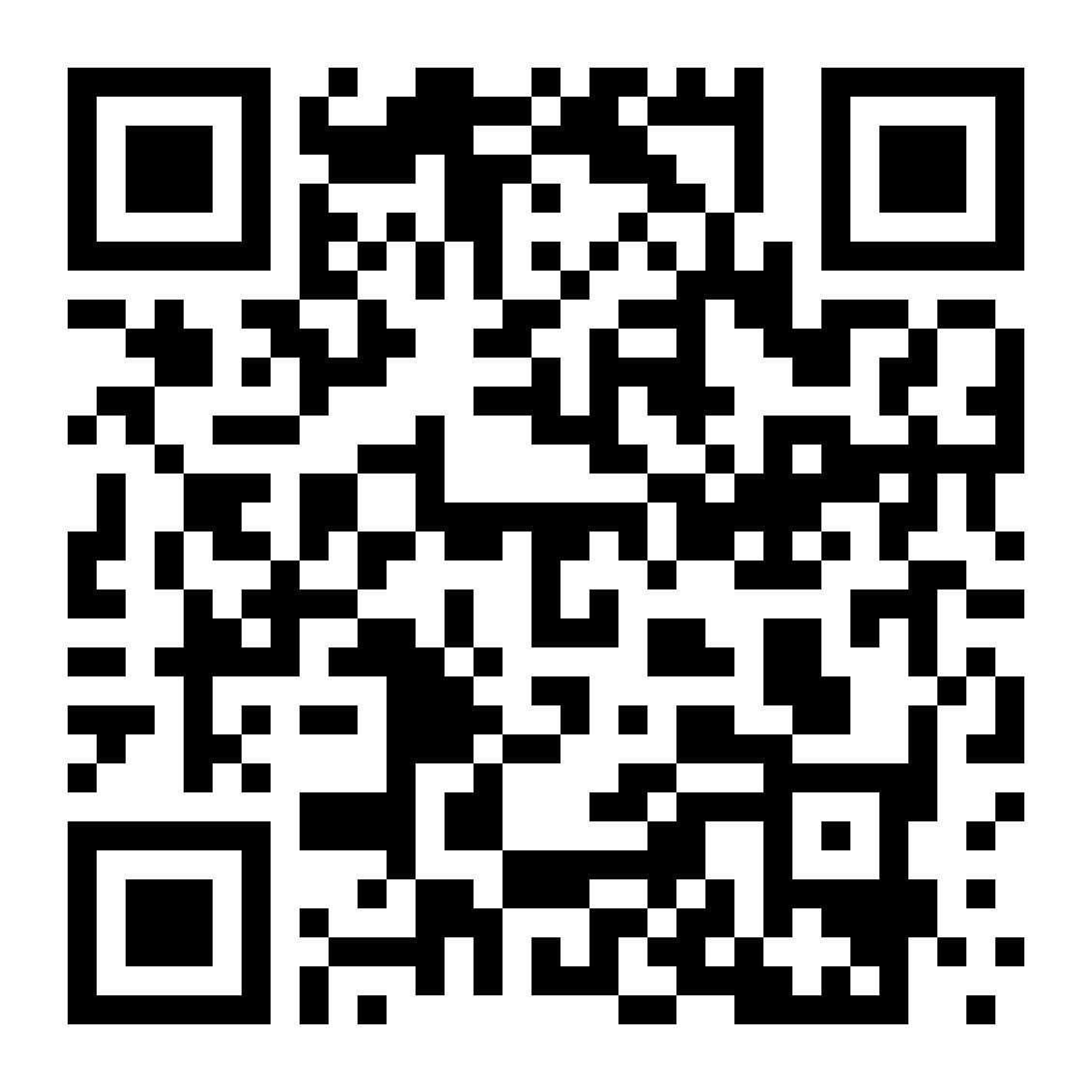
Alternativ können Sie auch die folgenden Schritte ausführen, um die App herunterzuladen:
- Rufen Sie den App Store für Ihr Gerät auf (iOS oder Android).
- Suchen Sie nach GoDaddy und laden Sie die App herunter. (Möglicherweise finden Sie auch unsere Apps Commerce, Conversations und Investor. Suchen Sie jedoch nach der App GoDaddy.)
- Melden Sie sich mit Ihren Anmeldedaten von GoDaddy an.
- Jetzt können Sie ein Projekt erstellen oder ein bestehendes Content Creator-Projekt bearbeiten.
- Gehen Sie zu Content Creator.
- Geben Sie Ihre Anmeldedaten für GoDaddy ein und wählen Sie dann Anmelden aus.
- Wenn Sie die zweistufige Verifizierung aktiviert haben, befolgen Sie die Schritte, um sich zu verifizieren.
Hinweis: Wenn Sie die Content Creator-Website auf Ihrem Mobilgerät in einem Browser aufrufen, werden Sie aufgefordert, die mobile App von GoDaddy herunterzuladen bzw. sich dort anzumelden.