Change the language in Advanced Email Security
Customize your welcome emails, password reset emails and the quarantine digests so that they’re sent in a language of your choice.
- Sign in to your GoDaddy Advanced Email Security page (use your GoDaddy username and password).
- Select Sign in to Advanced Email Security. The sign-in page will open.
- Enter your email address, select Sign In, and then Sign In With Microsoft.
- Follow the onscreen prompts to sign in with your Microsoft 365 email address and password. The Advanced Email Security portal will open.
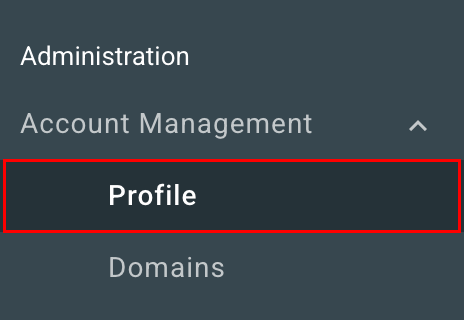
- On the leftmost side, select Account Management, and then Profile.
- Under Account Information, select Manage.
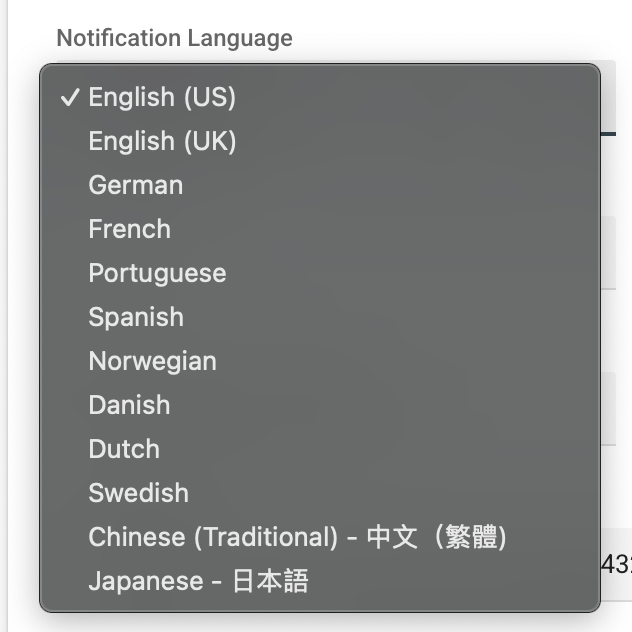
- Under Notification Language, select your desired language.
- Select Save.
Your next notifications will be translated into your selected language.