Connexion à Content Creator (previously GoDaddy Studio)
Connectez-vous à Content Creator et créez du contenu visuel accrocheur compatible avec toute plateforme. Aucune compétence en design graphique n’est nécessaire !
Utilisez votre téléphone mobile pour scanner le code QR et télécharger l’application mobile GoDaddy pour iOS ou Android.
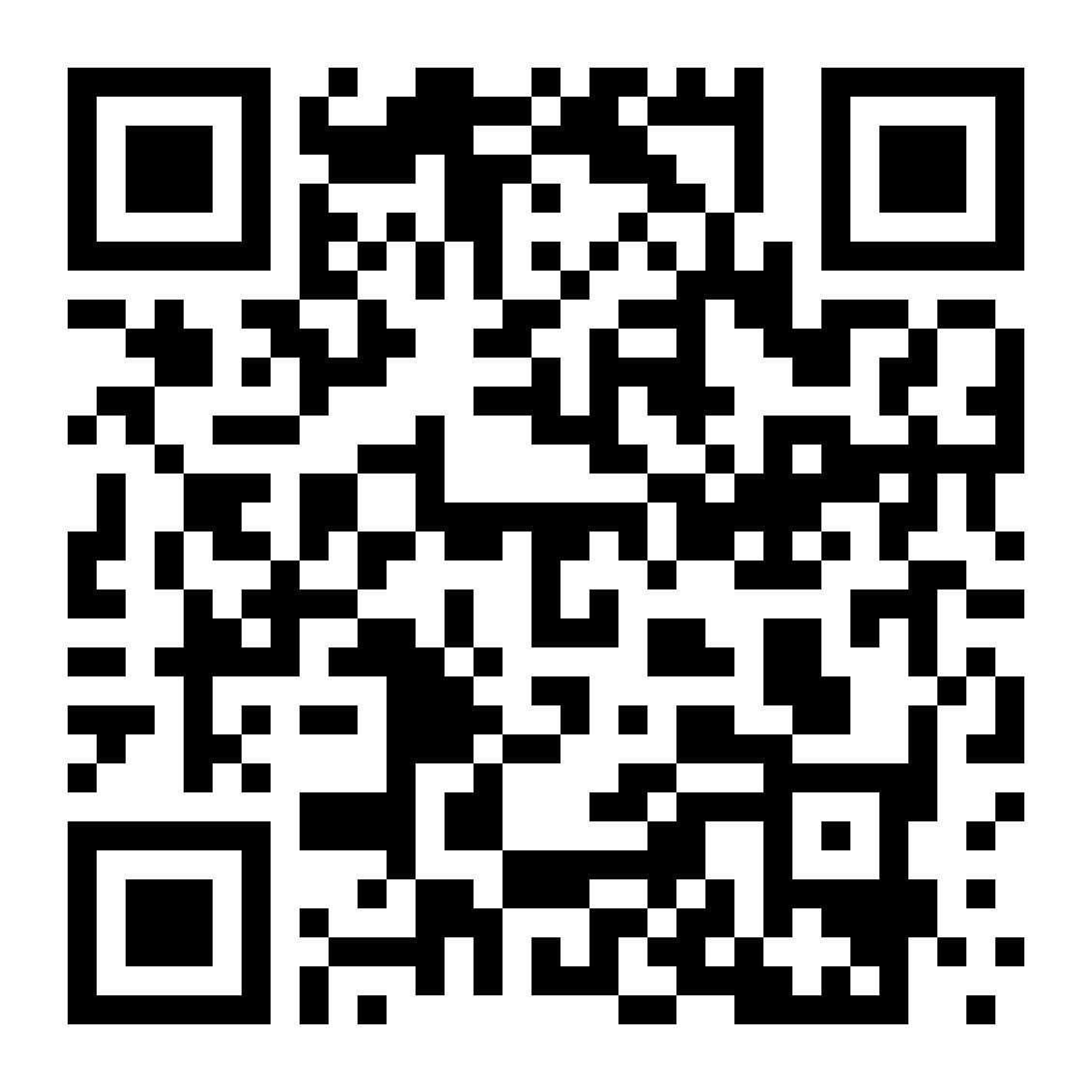
Vous pouvez également suivre la procédure suivante pour télécharger l’application :
- Accédez à l’App Store correspondant à votre appareil (iOS ou Android).
- Recherchez GoDaddy et téléchargez l’application. (Nos applications Commerce, Conversations et Investisseur pourraient aussi apparaître, mais vous devez télécharger l’application GoDaddy.)
- Connectez-vous en spécifiant vos informations d'identification GoDaddy.
- Vous pouvez maintenant créer un projet ou modifier un projet Content Creator existant.
- Rendez-vous sur Content Creator.
- Renseignez vos identifiants de connexion GoDaddy, puis sélectionnez Se connecter.
- Si vous avez activé la vérification en deux étapes, suivez les étapes pour vous identifier.
Remarque : Si vous consultez le site web de Content Creator dans un navigateur mobile, il vous sera demandé de télécharger l’application GoDaddy ou de vous y connecter.