手动将我的 Professional Email 添加至 Thunderbird
Add your Professional Email to Thunderbird using your server and port settings. We recommend using the account detection tool; if it doesn't work, you can use these settings to add your email account. (Add your email to Thunderbird using the auto discovery tool.)
- 输入 IMAP SSL 设置:
服务器主机名 端口 SSL/TSL 身份验证 传入 (IMAP) imap.secureserver.net 993 SSL 正常密码 传出 (SMTP) smtpout.secureserver.net 465 或 587 SSL 正常密码 用户名 Professional Email 地址 - 选择重新测试。
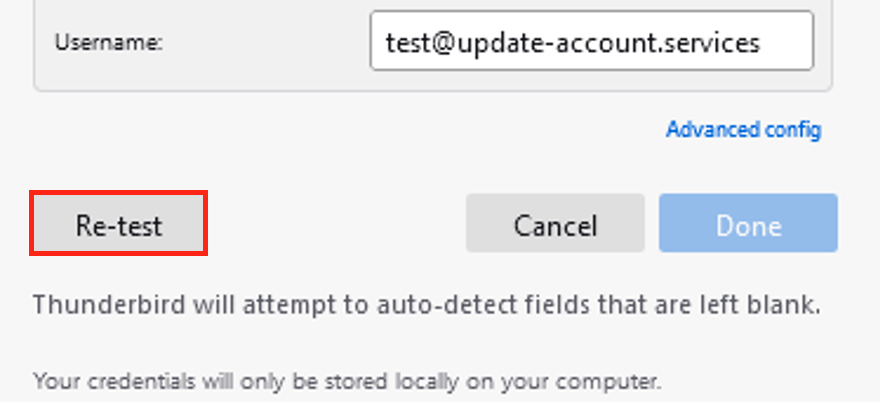
- 选择完成。您的电子邮件账户将开始在 Thunderbird 中加载。
To confirm your email was added correctly, send yourself an email, and then respond to it using Thunderbird. If Thunderbird can't verify your email account, please contact a GoDaddy Guide. Go to Transfers