Which GoDaddy website builder do I have?
GoDaddy offers a few different ways to build a website, each suited to different goals and skill levels. The classic Websites + Marketing Website Builder, Airo AI Builder and Airo for WordPress all create websites, but they work in different ways and come with different plans.
Here's a quick overview of each one, with more details further down.
| Classic Websites + Marketing Website Builder | Airo AI Builder | Airo for WordPress | |
|---|---|---|---|
| GoDaddy plan it comes with | Websites + Marketing | Standalone product (free tier and paid plans) | Managed Hosting for WordPress |
| How you edit | Start with a template and make manual edits | Conversational prompts, manual editing and code-level editing | AI chat from a sidebar in your WordPress dashboard, or manual editing in the WordPress editor |
| AI features | Limited, e.g. text suggestions, search engine optimization (SEO) | AI chat panel | AI chat panel |
| Builds web apps or custom tools? | Website only | Apps and websites | WordPress websites only (online stores supported with WooCommerce) |
Websites + Marketing classic Website Builder
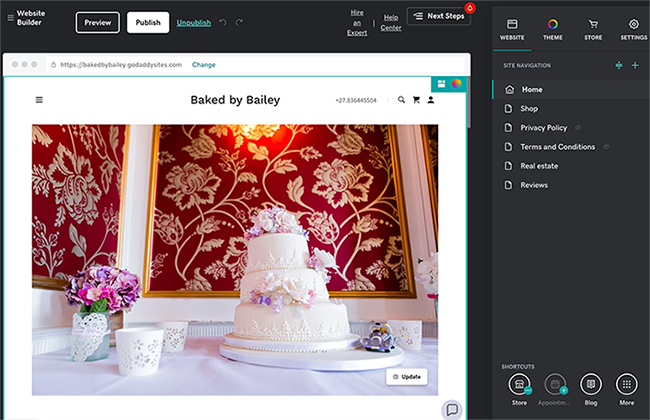
This is the original website editor included with a Websites + Marketing plan. You build your site from a template and then add and rearrange sections using a manual editing interface. Some AI-powered features, such as text suggestions and search engine optimization (SEO), are available in places within the editor.
Airo AI Builder
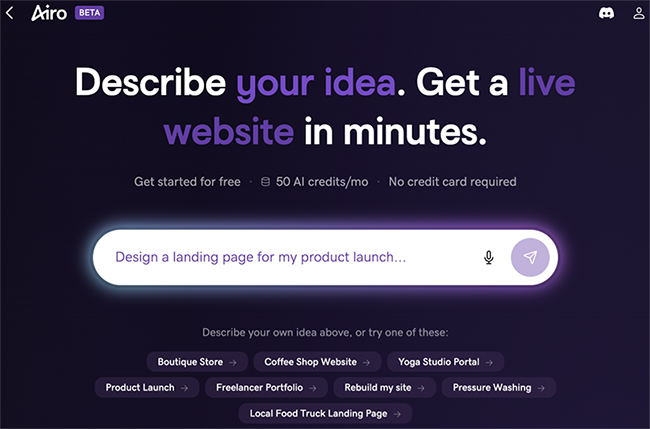
Airo AI Builder is designed for entrepreneurs, developers and creative builders who want to make websites, web apps, games or online stores by describing what they want in a conversation. It offers more customization and code-level control.
Airo for WordPress
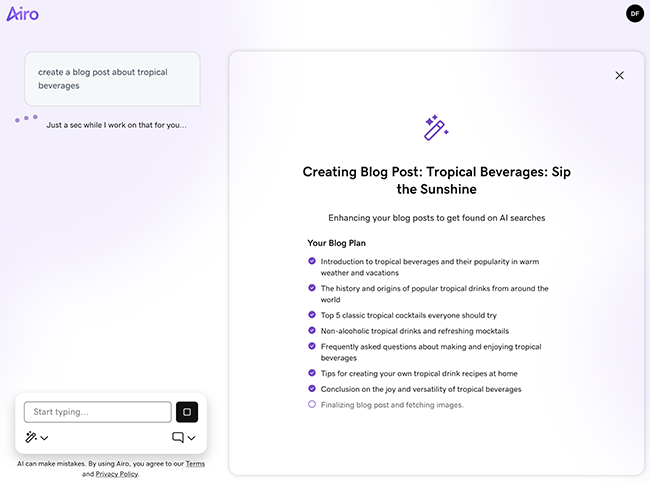
Airo for WordPress is included with Managed Hosting for WordPress hosting plans. You describe your business and goals in a conversation, and Airo builds a complete WordPress site in minutes. After your site is live, you can keep editing it by chatting with Airo directly inside your WordPress dashboard or by using the WordPress editor. It's a good option if you want a WordPress site with the flexibility to add plugins or sell with WooCommerce.