Seguimiento de enlaces y archivos adjuntos en sus correos electrónicos
Haz un seguimiento de cómo los destinatarios interactúan con tus correos electrónicos usando el Seguimiento avanzado (seguimiento de enlaces y archivos) en Professional Email powered by Titan. Recibirás una notificación cuando alguien haga clic en un enlace o descargue un archivo adjunto.
Adjuntar enlaces o archivos rastreados
Selecciona una pestaña en función de si deseas habilitar el seguimiento de enlaces o adjuntos.
Usa el seguimiento de enlaces para recibir notificaciones cuando los destinatarios hagan clic en los enlaces de tu correo electrónico.
- Inicia sesión en webmail Usa tu dirección y contraseña de Professional Email powered by Titan (tu nombre de usuario y contraseña de GoDaddy no funcionarán aquí).
- En la esquina superior izquierda, selecciona Nuevo correo electrónico .
- Ingresa el destinatario y el asunto.
- En la barra de herramientas de formato en la parte inferior del correo electrónico, selecciona
 Insertar enlace .
 - En la ventana emergente, ingresa la URL y el texto para mostrar.
- Activa la opción Seguir este enlace .
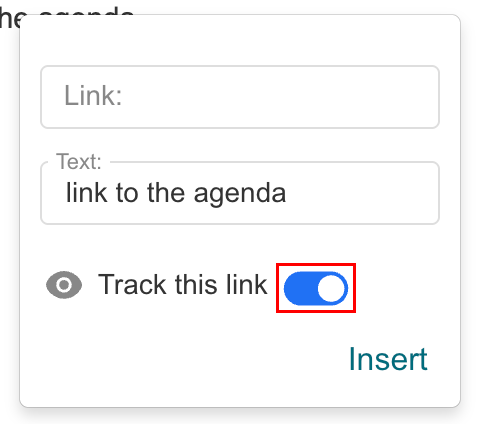
- Selecciona Insertar .
Una vez enviado, se te notificará cuando un destinatario haga clic en el enlace rastreado, junto con la marca de tiempo.
Usa el seguimiento de archivos para ver cuándo los destinatarios descargan archivos adjuntos.
- Inicia sesión en webmail Usa tu dirección y contraseña de Professional Email powered by Titan (tu nombre de usuario y contraseña de GoDaddy no funcionarán aquí).
- En la esquina superior izquierda, selecciona Nuevo correo electrónico .
- Ingresa el destinatario y el asunto.
- En la parte inferior del correo electrónico, selecciona
 Adjuntar archivo , y luego Adjuntar archivos rastreados .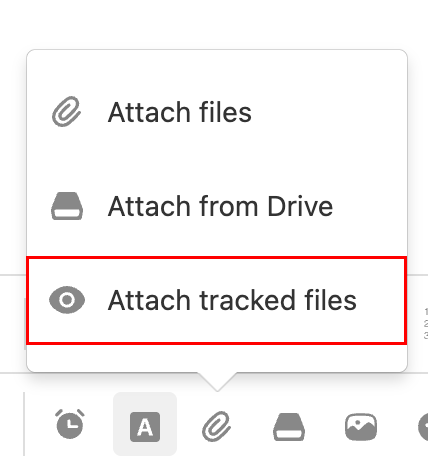
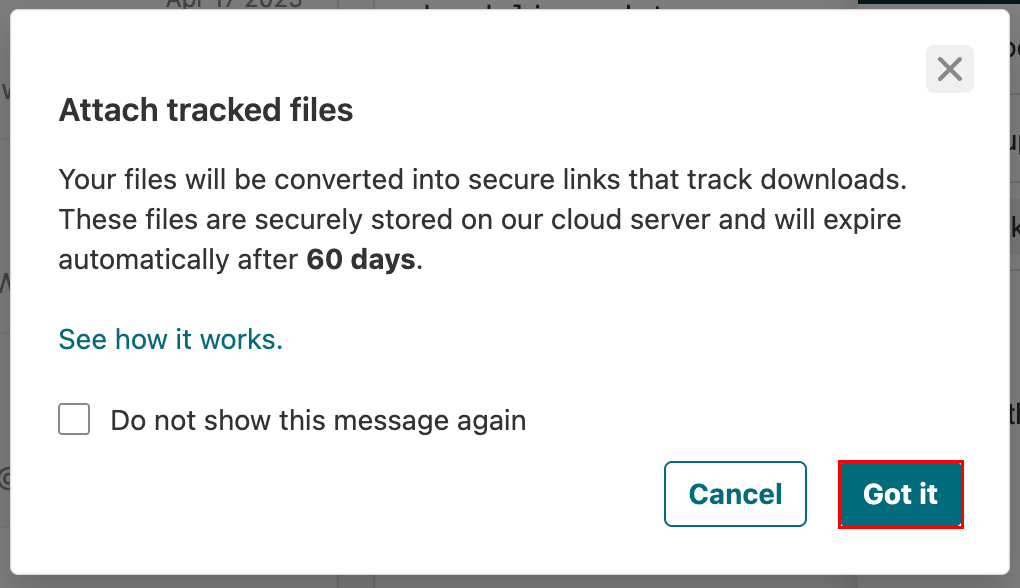
- Si ves un mensaje que te advierte que los archivos rastreados vencen después de 60 días, selecciona Entendido .
- Selecciona los archivos que deseas rastrear.
Después del envío, se te notificará cuando un destinatario descargue el archivo, incluyendo la fecha y hora.
Los archivos adjuntos seguidos se alojan de forma segura en los servidores de Titan y vencen 60 días después de que se envía el correo electrónico.
Ver clics en enlaces y descargas de archivos
Verifica los detalles de interacción para tus correos electrónicos enviados en el panel de control de seguimiento.
- Inicia sesión en webmail Usa tu dirección y contraseña de Professional Email powered by Titan (tu nombre de usuario y contraseña de GoDaddy no funcionarán aquí).
- En la esquina superior derecha, selecciona
 Leer recibos .
 - Abre una notificación de seguimiento. El panel de control mostrará:
- Actividad de apertura de correo electrónico
- Clics en el enlace
- Descargas de adjuntos
- Marcas de tiempo para cada interacción
Más información
- Para recibir una notificación cuando un destinatario lea tu correo electrónico, activa Seguimiento de correo electrónico .
- Set up Vacation Responder for out-of-office auto-replies
- Guardar archivos adjuntos de correo electrónico en Titan Drive