SSL Certificates
Show visitors you're trustworthy and authentic
Encrypt your data, credentials, and credit card details with SSL. Choose Managed service for setup and maintenance, or our new AI-powered Automated SSL that future proofs your website against industry validity changes.
- NEW Automated SSL with automatic reinstall*
- Enjoy hassle-free Managed SSL services
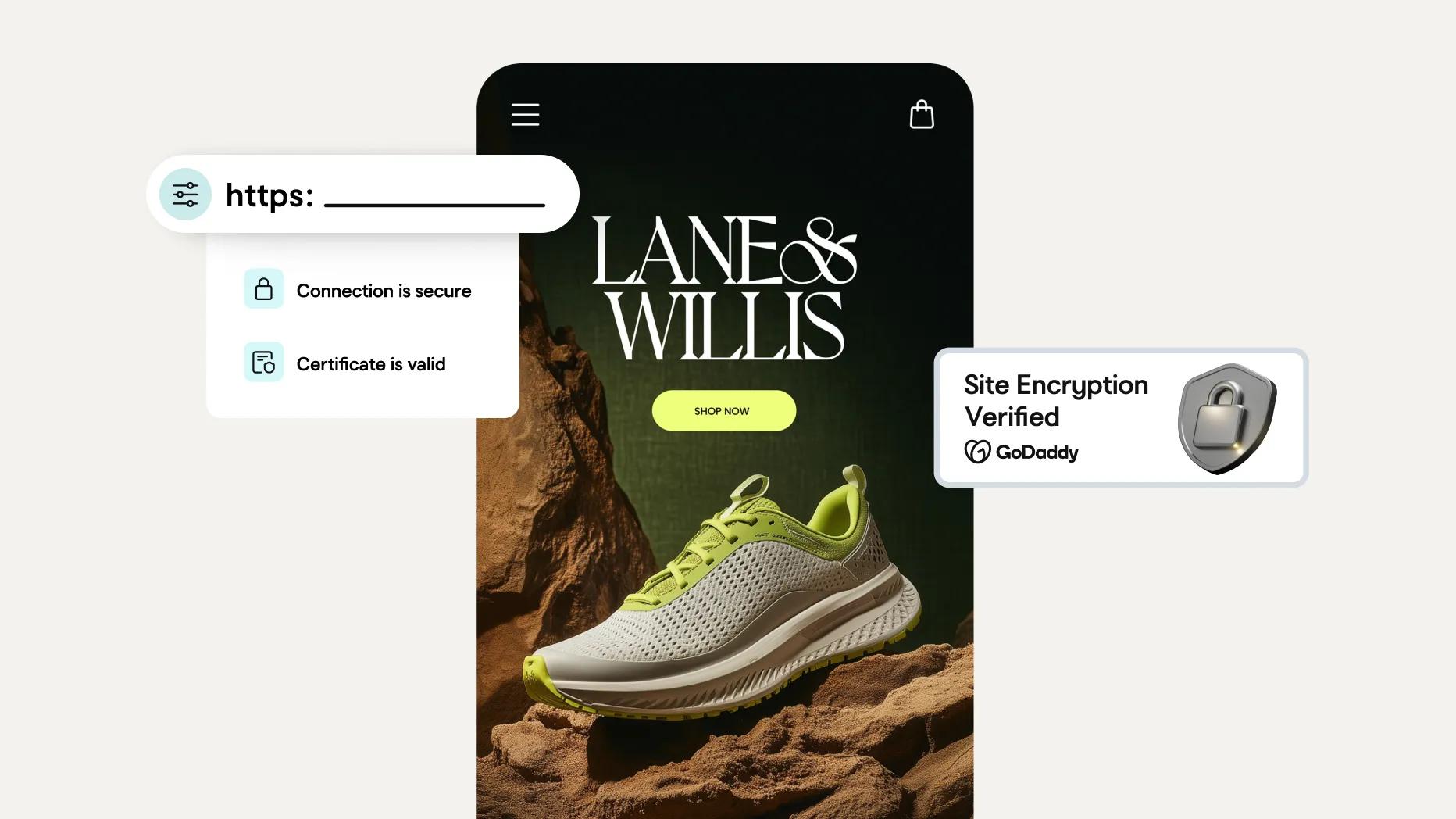
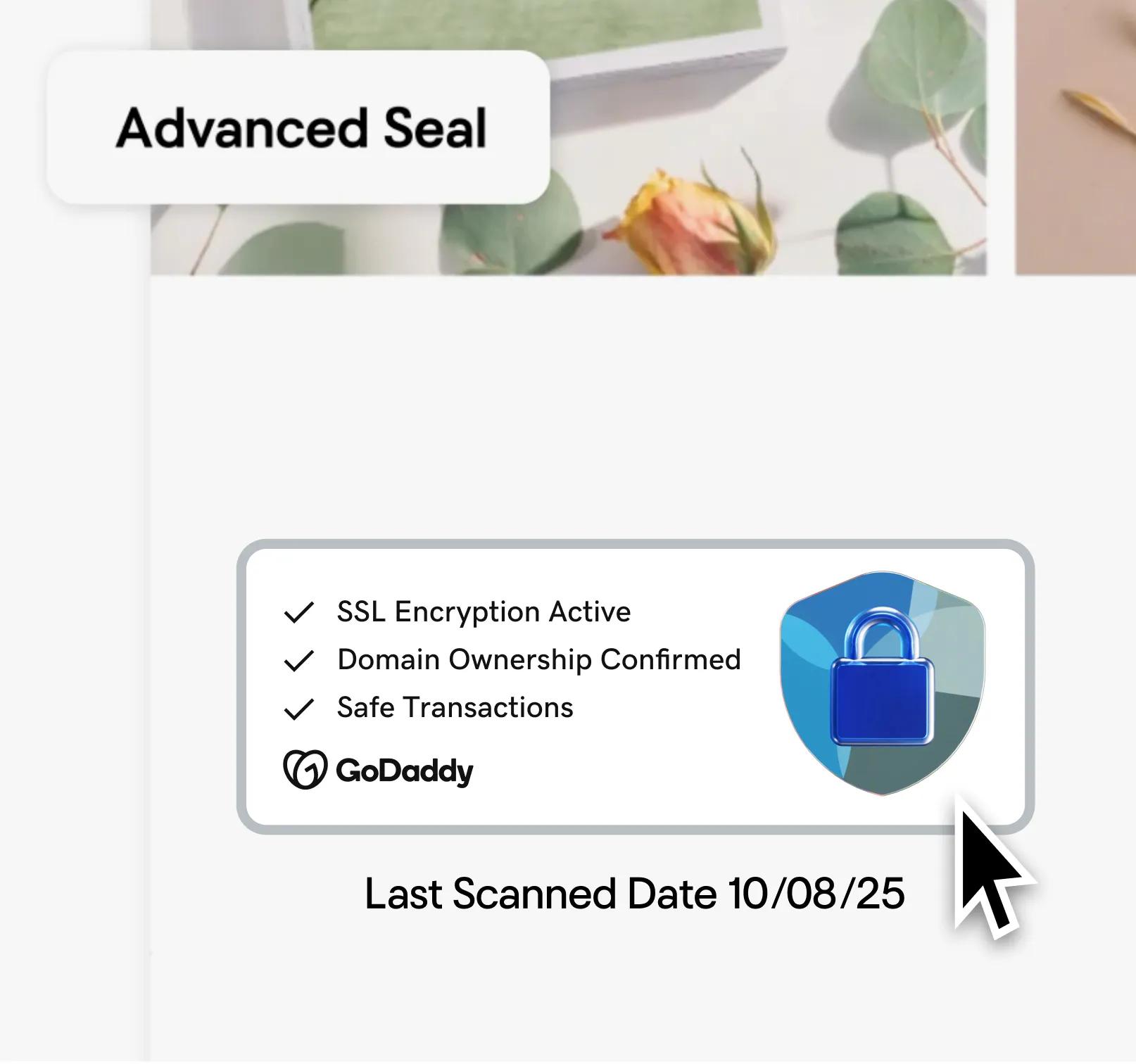
- Includes a Trust Seal to validate site encryption


DV SSL Certificate
Basic SSL certificate that you install and manage manually.
$5.99
/mo
With a 3-yr term.
SSL Features
1 SSL credit per 1 domain
Single site, UCC/SAN, and Wildcard available
2x encryption refresh, annually
Installation
Self-installation
Manual re-installation and troubleshooting 2+ times per year
Bonus Features
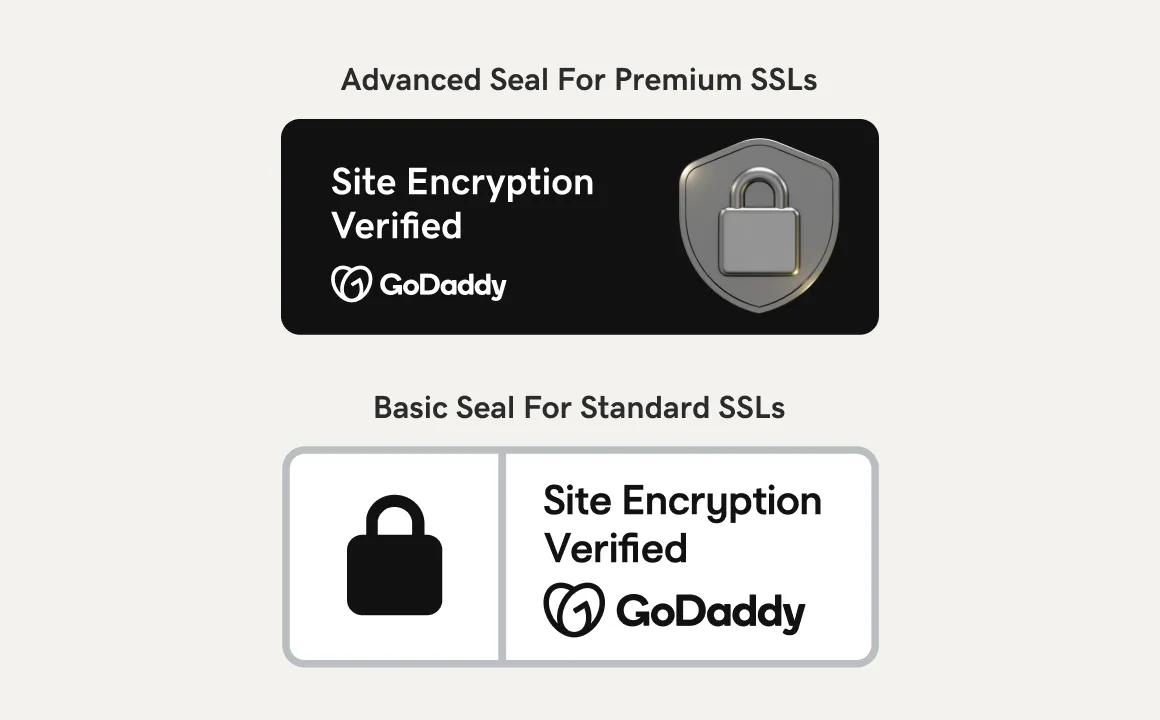
Basic Trust Seal
Pay per certificate
Automated DV SSL Certificate
AI-assisted installation and automated re-installation.
$7.99
/mo
With a 3-yr term.
SSL Features
Unlimited SSLs per 1 domain
Single site, multi-domain, and Wildcard available
2x encryption refresh annually
Installation
Personalized AI and guided workflows help you install and configure with ease
Fully automated re-installation, you handle troubleshooting
Bonus Features
Advanced Trust Seal
Pay per domain, not per certificate
SSL Change Monitoring Alerts notify you if your SSL is modified by anyone
INSTALLED IN UNDER 1 HOUR
Fully-managed DV SSL Certificate
GoDaddy installs your SSL certificate and handles all maintenance for you.
$9.99
/mo
With a 3-yr term.
SSL Features
1 SSL credit per 1 domain
Single site, UCC/SAN, and Wildcard available
5x encryption refresh, annually
Installation
GoDaddy installs and configures for you
GoDaddy re-installs and handles all troubleshooting and maintenance
Bonus Features
Advanced Trust Seal
Pay per certificate
SSL Change Monitoring Alerts notify you if your SSL is modified by anyone
Fully managed validation
PLUS
Included in every SSL certificate plan
Better Google Rankings
Show up higher in search results when you have an SSL.Industry-standard encryption
Strong SHA-2 and 2048-bit end-to-end encryption.A trust indicator
Your search bar displays the trust indicator, which provides peace of mind.Trust Seal
Verifies that your customers' data is safe.30-day money-back guarantee¹
Buy without worries as you find the plan that works best.More SSL Certificate options
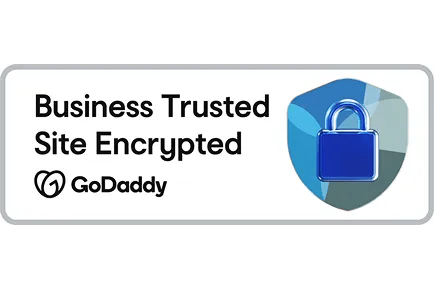
OV and EV plans upgrade to the Advanced Trust Seal, which not only shows encryption, it reassures visitors your business is valid.
FOR MANAGED SSL PLANS ONLY
We install your Managed SSL
Set up your Managed SSL Certificate plan with one simple step
01. After purchasing Managed SSL, please submit a request to GoDaddy and the website you wish to associate with it. Follow the link in your email, or come back and click here to get started.
That’s it. We’ll take care of the rest. That’s the “managed” in Managed SSL.
FOR MANUAL AND AUTOMATED SSL PLANS
How to install your SSL Certificate
A step-by-step guide to installing your SSL Certificate
01. Request the SSL Certificate: Specify your domain name and the type of web server hosting your site.
02. Verify your SSL Certificate: Confirm that you control your domain associated with the SSL Certificate and web server.
03. Install your SSL Certificate: Complete installation by either using ACME for automated installation and renewal or download and install your certificate manually.
04. Redirect HTTP: After installation, direct your visitors to the HTTPS version of your site.
05. Check installation: Enter your URL in a browser and look for the trust indicator. If it is present, installation is complete.
Reasons to buy your GoDaddy SSL Certificate
Exceeding industry standard with a 90-day re-issuance
Our Managed SSLs are now reissued every 90 days to provide better protection for your site. This exceeds the industry minimum of 2x annual re-issuance.
Exceptional customer service
You can always rely on getting super-friendly, super-knowledgeable, hands-on support from our GoDaddy Guides security experts.
We’re your Certificate Authority, literally
GoDaddy is a founding Certificate Authority (CA)/Browser Forum member. Our certificates help increase user confidence by showing you’ve secured your identity online.
Increase SEO ranking
Search engines heavily favor https-encrypted websites and will push them higher in search results.
Compliance with regulation standards
An SSL certificate helps protect online businesses, including standards and regulations such as PCI-DSS, HIPAA, HITECH, GDPR, and more.
Safe mobile and online payment systems
Give customers safe online payment options and keep them shopping. SSL certificates’ end-to-end encryption protocol thwarts access to customers’ data.
How SSL certificates work
SSL certificates create an encryption key to help prevent usernames, passwords, and other data from falling into the wrong hands.
The SSL agreement
When a visitor accesses a website with an SSL certificate, it automatically establishes an encrypted connection with their browser. Best when present on all pages and subdomains.

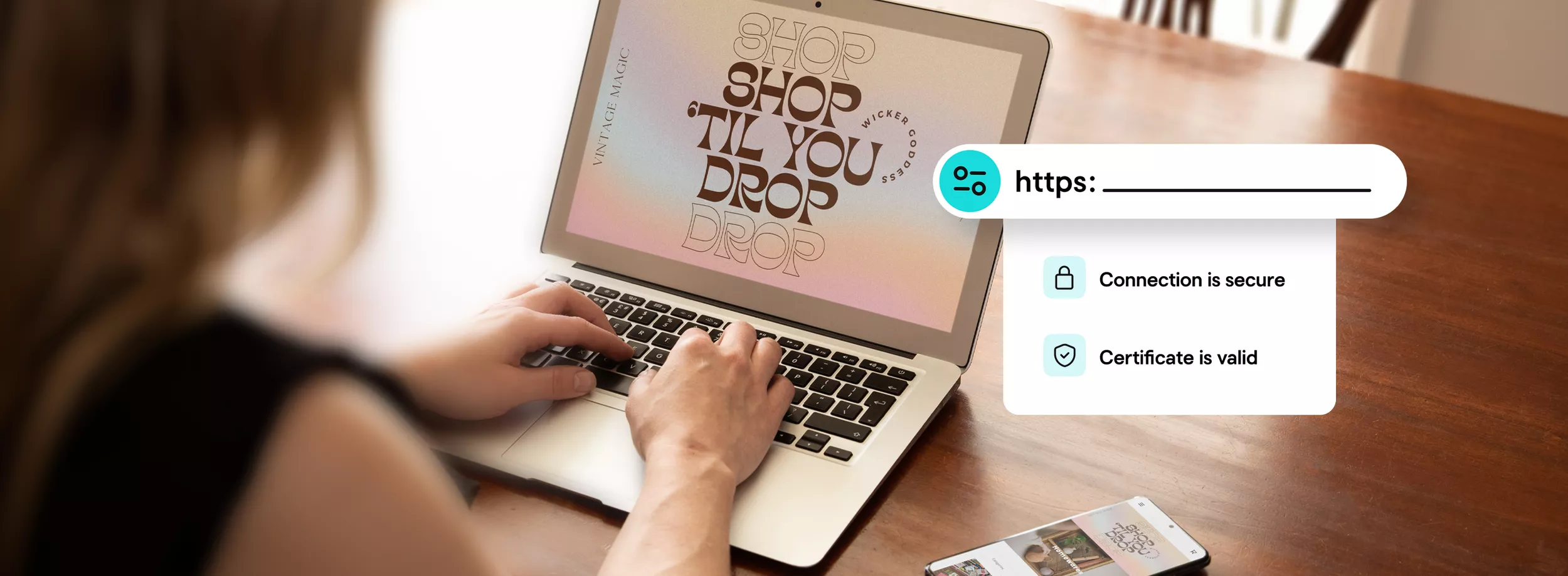
The Trust Indicator appears
Once the connection is complete, the "Not Secure" warning is replaced by a trust indicator and https prefix in the visitor’s browser, indicating that their sensitive data is encrypted.
Now you’re good to go
Your SSL Certificate encrypts all transmitted data. Remember to include your Trust Seal to display this encryption to your visitors.

Get a free SSL with annual plan
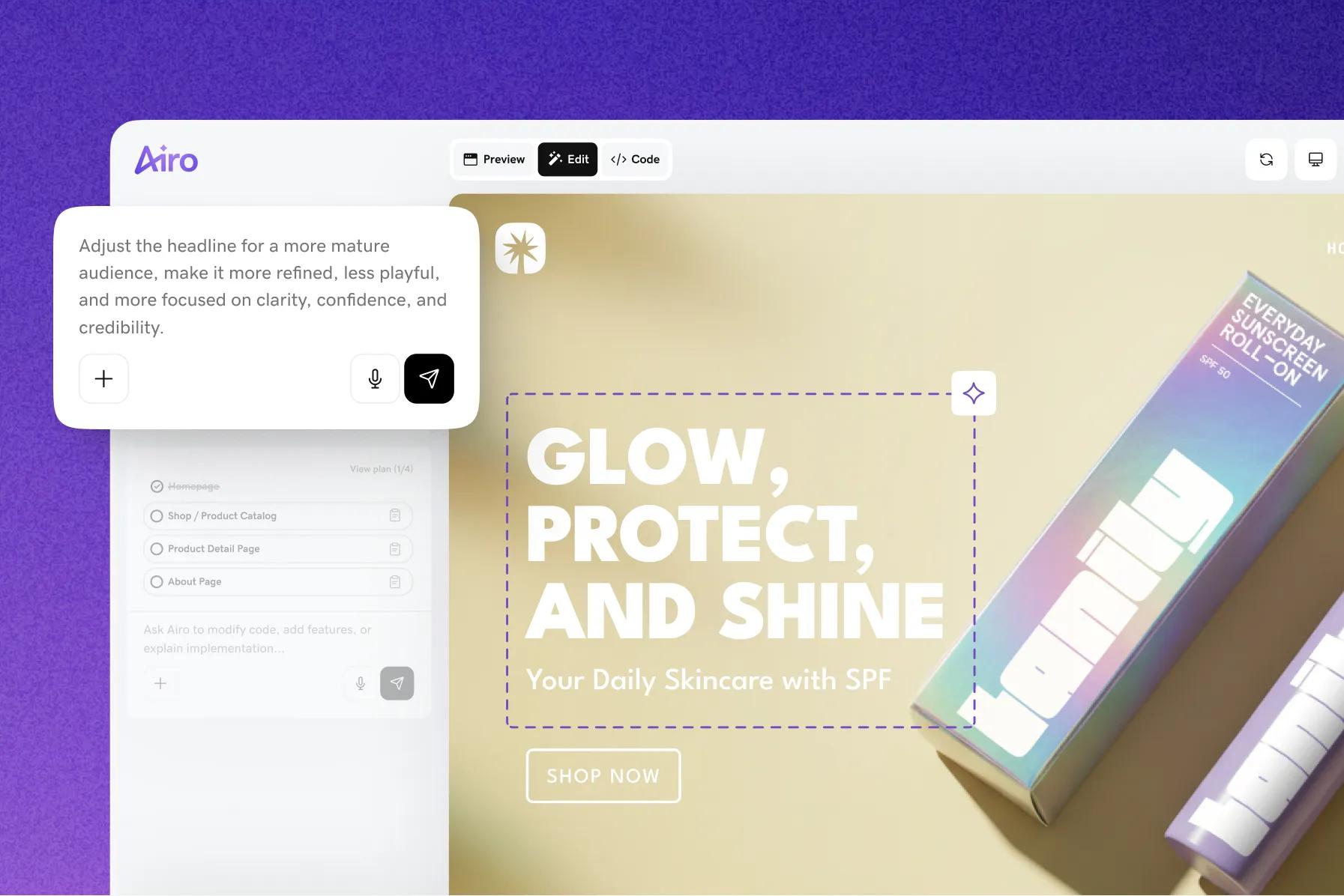
Help secure your site with a free SSL certificate when you purchase an annual Web Hosting, Managed Hosting for WordPress, or Airo AI Builder plan.
GoDaddy SSL Certificate FAQ
What is an SSL certificate and why do I need it?
SSL Certificates are SSL (Secure Sockets Layer) certificates that authenticate websites and allow them to switch from HTTP to HTTPS encryption, protecting the exchange of valuable information that visitors send or receive from a website.
An SSL certificate on your site instills trust in your visitors while helping to keep user data secure, verifying ownership of your website, and preventing attackers from creating a false version of your site. When you have an SSL certificate on your site, your customers can rest assured that the information they enter on any secured page is encrypted. GoDaddy makes installing your certificate easy and helps protect sensitive customer data on your site.
- Authentication
SSL certificates verify clients’ domain ownership and help prevent domain attacks and spoofs. - Encryption
SSL/TLS encryption is possible via the public/private key pairing that facilitates SSL certificates. Clients get the public key to open a TLS connection from the server's SSL certificate. - HTTPS
SSL certificates are required for the HTTPS web address. HTTPS (the secure version of HTTP) appears on websites with traffic encrypted by SSL/TLS. In addition to securing user data, HTTPS conveys credibility and trust to the site visitor.
For even more information on SSL certificates, check out this help article.
How do I install my SSL certificate?
When your GoDaddy SSL certificate is issued, we send an email to let you know. What happens next depends on where your site is hosted and the options you choose when purchasing the certificate.
If you choose Web Hosting, Website Builder, or Online Store, we’ll take care of everything for you. If you are hosting your website with another company or using our VPS Hosting, learn more here
To install an SSL certificate on Parallels Plesk Panel, cPanel, and Microsoft IIS, please look here.
What are the different types of SSL certificates?
Understanding the different types of SSL certificates validation is important when determining which is needed to help protect your visitors’ user data when they visit your site.
- Domain Validated (DV) SSL certificate. DV certificates verify the owner of the site. The Certificate Authority sends an email to the website’s registered email address to verify its identity. No detailed information about the company is required, and the DV Certificate is the easiest to obtain.
- Organizationally Validated (OV) SSL certificate. The Certificate Authority must validate the organization, physical location address, and the website’s domain name. The process takes about 2-3 days. OV certificates have a moderate level of trust and are fine for public-facing websites with lower-level transactions.
- Extended Validation (EV) SSL certificate. This is the SSL certificate with the highest level of security and is ideal for sites that deal with sensitive information. Before issuing an EV SSL certificate, the Certificate Authority thoroughly reviews the applicant. The review process entails the examination of corporate documents, confirmation of identity, and verifies relevant information through a third-party database.
What is the validity period for GoDaddy SSL certificates?
The validity period depends on the SSL product you have purchased.
- Certificates with 90-Day Validation
All Managed SSL certificate subscriptions and all SSL certificates provided through GoDaddy Websites + Marketing, Managed Hosting for WordPress, feature 90-day validation. These certificates automatically reprovision every 90 days. Read our FAQ on 90-Day SSL certificates to learn more about this product feature. - Certificates with 200-Year Validation
Deluxe Automated SSL certificates also feature 200-day validation and offer AI-assisted installation and automated re-installation. Basic, paid DV SSL certificates feature 200-day validation. If your DV SSL cert is connected to a GoDaddy domain, we will automatically revalidate and install your SSL certificate for you for the duration of your subscription. You will be responsible for manually installing the reissue if your certificate is connected to a non-GoDaddy domain provider.
What is the difference between Basic, Automated Deluxe, and Fully Managed SSL certificates?
- Basic SSL certificates
No frills, standard SSL certificates that you install, manage, and trouble shoot on your own. You also re-install the certificate at each certificate validity expiry for the life of your subscription. - Deluxe Automated SSL certificates
Our new SSL is an automated re-installation solution that helps provide continuous encryption through future industry required validity changes. And the GoDaddy AI-Assistant simplifies installation, configuration, and installation troubleshooting, to make the one-time upfront work as simple and fast as possible. - Fully Managed SSL certificates
The GoDaddy white-glove SSL solution for those who don't want to worry about installing, on-going maintenance and re-installation, or troubleshooting. Just tell us what website you want your SSL pointed to and we take care of everything from then on for the life of your subscription, so you can focus on more important things.
Which SSL certificate do I need?
Answer these questions to help find the SSL certificate you need:
- Where are you located?
Our certificates are issued worldwide with a few exceptions. Check this link to see if you're covered. - Do you have a business website?
If you do, a Basic SSL certificate (DV) is fine. This is also true for informational business sites. Ecommerce websites should use a single-domain Basic SSL certificate (DV) or an EV SSL certificate. - Which type of web hosting server do you use?
Our SSL certificates work on most hosting and server configurations. To protect multiple domains on Microsoft’s Exchange Server 2007, Exchange Server 2010 or Live® Communications Server, use a Multiple Domain UCC SSL. - How many different domains do you need to help protect?
Wildcard SSL certificates cover multiple subdomains. For example, use a Wildcard to protect *.coolexample.com, which would cover shop.coolexample.com, www.coolexample.com and any other subdomains.
UCC SSL certificates will cover multiple domains, subdomains and websites. For example, you can secure www.coolexample.com, mail.coolexample.com, and www.awesomeexample.com. - Do you need an SSL certificate that supports Intel vPro technology for remote PC management?
You’ll need our OV certificate.
How long will I have to wait for my GoDaddy SSL certificate?
A GoDaddy DV SSL usually takes 5 minutes or less. A GoDaddy OV SSL takes 3-5 business days, because we’re validating not just domain ownership but also the existence of the organization or business on the SSL application.
For GoDaddy EV SSL certificates, there is an extensive vetting process that starts with an in-depth application. Before you start, gather details about your business, such as registration number, incorporation or registration agent, and any relevant jurisdiction information.
How do I create a Certificate Signing Request (CSR)?
This depends on the software you use on your web server. Learn more. To learn how to generate a CSR on Plesk Panel, cPanel and Microsoft IIS, please look here.
What is a Multi-Domain UC certificate / SAN certificate?
A Unified Communications Certificate (UCC) is an SSL certificate that secures multiple domain names and host names within a domain name. A UCC SSL certificate lets you secure a primary domain name and up to 99 additional Subject Alternative Names (SANs) with a single SSL certificate. For example, you can use a UCC to protect www.domains1.com, www.domains2.net and www.domains3.org.
UCCs are compatible with shared hosting and ideal for Microsoft® Exchange Server 2007, Exchange Server 2010, and Microsoft Live® Communications Server. However, the information on the site seal and certificate (“issue to”) will only list the primary domain name. Please note that any secondary hosting accounts will be listed in the certificate as well, so if you do not want sites to appear connected to each other, you should not use this type of certificate.
How many separate domains can I protect with HTTPS?
Depending on how your website is configured, you might want to use something other than a single-domain SSL certificate.
- Wildcard SSL certificates cover all a domain name’s subdomains. For example, you can secure *.coolexample.com, which would cover shop.coolexample.com, www.coolexample.com, and any other subdomains.
- UCC SSL certificates can cover multiple subdomains, unique domain names and websites. For example, you can secure www.coolexample.com, mail.coolexample.com and www.awesomeexample.com.
How may I know even more about SSL certificates?
Visit our Knowledge Base to learn more about SSL certificate setup, usage and management.
Third-party logos and marks are registered trademarks of their respective owners. All rights reserved.
GoDaddy is a great business partner
GROW YOUR OWN BUSINESS
WEBSITES THAT WRITE THEMSELVES
Social Made Simple
TRUSTED WORLDWIDE
GoDaddy is a great business partner
GROW YOUR OWN BUSINESS
WEBSITES THAT WRITE THEMSELVES
Social Made Simple
TRUSTED WORLDWIDE
GoDaddy is a great business partner
GROW YOUR OWN BUSINESS
WEBSITES THAT WRITE THEMSELVES
Social Made Simple
TRUSTED WORLDWIDE
GoDaddy is a great business partner
GROW YOUR OWN BUSINESS
WEBSITES THAT WRITE THEMSELVES
Social Made Simple
TRUSTED WORLDWIDE
GoDaddy is a great business partner
GROW YOUR OWN BUSINESS
WEBSITES THAT WRITE THEMSELVES
Social Made Simple
TRUSTED WORLDWIDE
GoDaddy is a great business partner
GROW YOUR OWN BUSINESS
WEBSITES THAT WRITE THEMSELVES
Social Made Simple
TRUSTED WORLDWIDE
- Web Security
- SSL Certificate