Check the validation status of a Deluxe Automated SSL certificate
Here's how to find the current validation status of an SSL certificate associated with your Deluxe Automated SSL subscription.
- Go to your Certificate Lifecycle Management page. You may be prompted to sign in.
- Select Certificate Inventory. The Domains Covered list shows all the domain names for which you've requested certificates.
- Select
 View for the domain.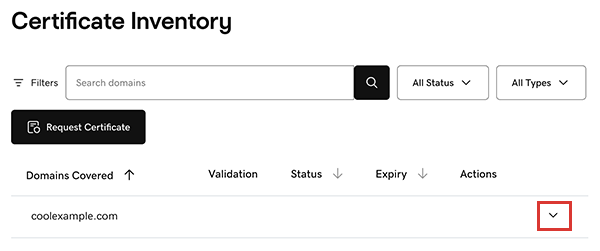
The certificate assigned to the domain appears in the list, including its Validation type, current Status, and Expiry date. - Select
 More options and then select View Details.
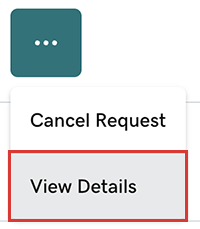
- The Validation Checklist Status list shows the current state of each validation item. To refresh the list, select Check My Update.