Complete a test transaction with the GoDaddy Smart Terminal Flex
Step 4 of the GoDaddy Smart Terminal Flex get started series.
Load a roll of receipt paper and run a test transaction to make sure everything is working as expected. You’ll need to use your own credit or debit card for this. But don’t worry – you can void out the charge after you’ve processed it and there won’t be any charges or fees. (And you’ll also learn how to void a transaction.)
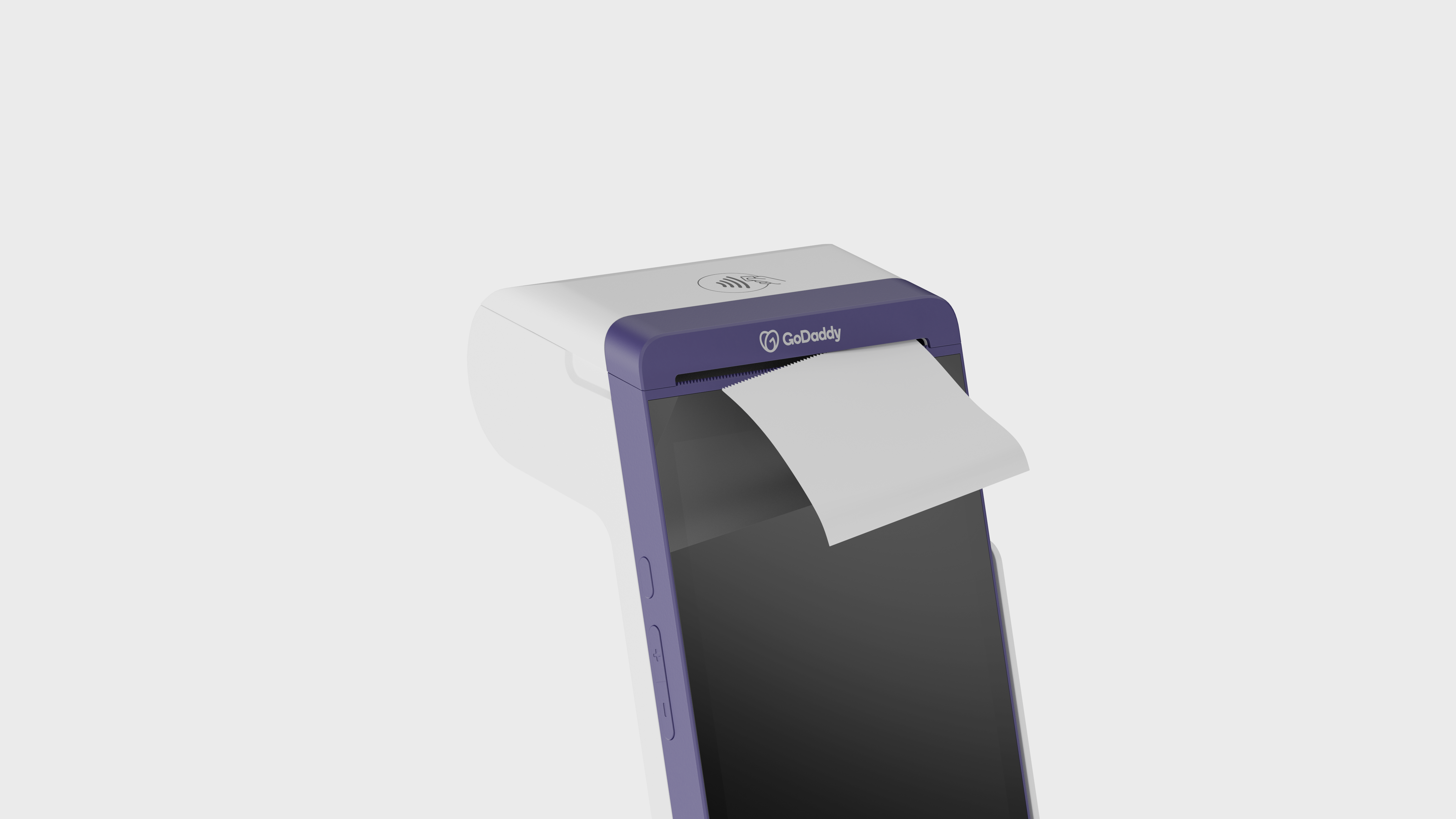
- Load a roll of printer paper into the Smart Terminal Flex.
- From the Smart Terminal Flex home page, tap Terminal to access the keypad.
- Enter a small amount like $1.00, then tap Charge.
- Insert, tap or swipe your credit card. (Problems reading the credit card? Check out our troubleshooting tips for help.)
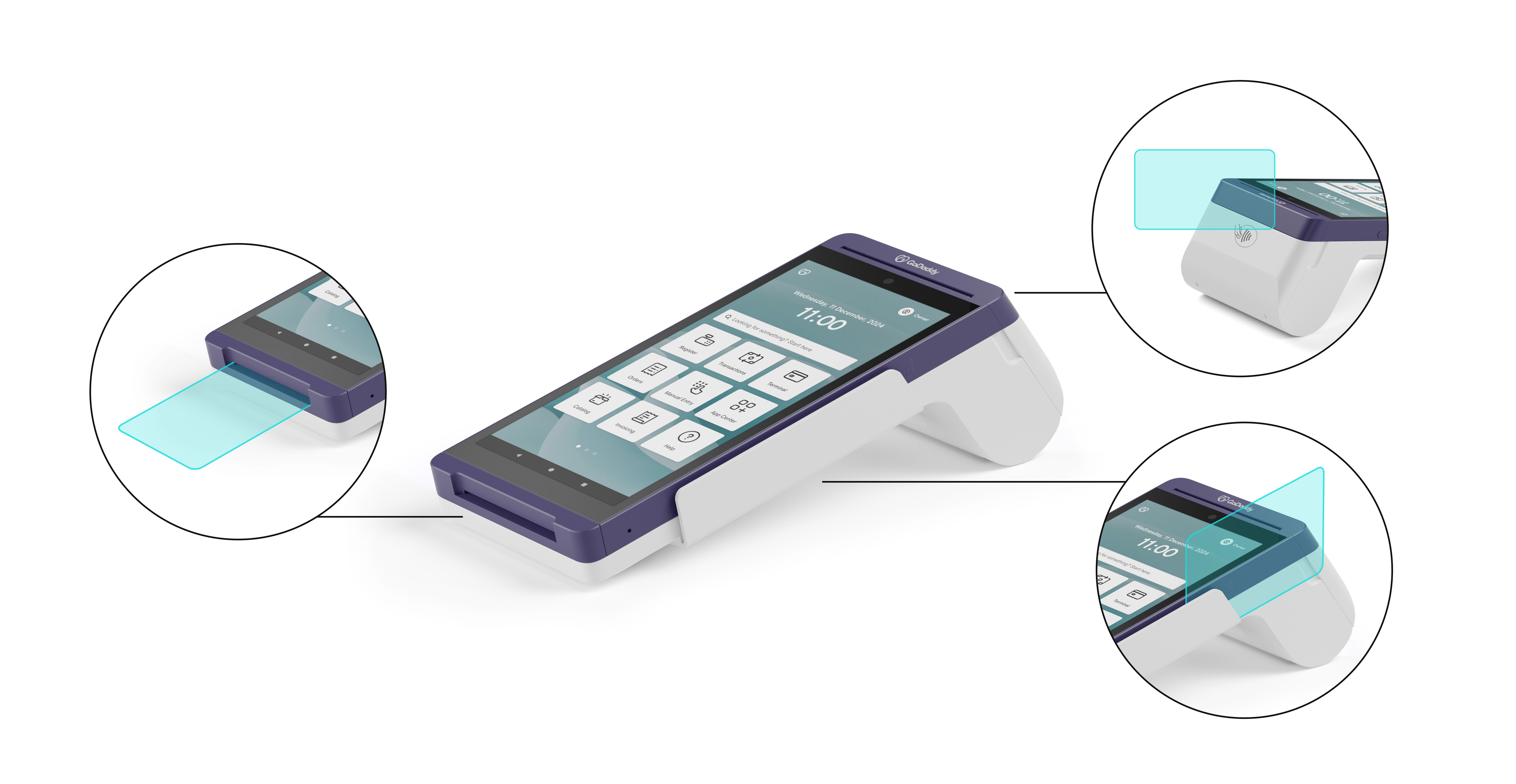
- For chip cards, insert the card into the slot below the payment screen. Make sure the front of the card is facing up, with the chip inserted first. Don't remove the card during the transaction.
- For credit cards without a chip, swipe the card along the slot on the side of the Smart Terminal with the magnetic stripe facing the device. Use a smooth motion and uniform speed when swiping.
- For contactless (NFC) payments, tap the card or device on the NFC icon on the front of the Smart Terminal and keep it close to the Smart Terminal during the transaction.
- Enter your signature when prompted, then tap Done.
- Tap Paper Receipt to print out the receipt. Don’t skip this! You can make sure your printer is working correctly AND look at how your info displays on your receipt.
- Your test transaction is complete! Now we need to void that charge. Here’s how:
Note: To avoid a potential transaction fee, make sure to void the test charge before Close of Day.
- Return to the home page and select Transactions.
- You should see the charge you just processed. Tap the transaction, then Void.
- Tap Yes.
- Tap Close. The transaction now shows Voided, meaning the charge will not be applied to your credit card. In the future, you’ll follow this same process whenever you need to void or refund a charge.