Our customers say
Excellent
4.4 out of 5 stars based on 142,527 reviews

Get paid and track sales, wherever your customers are
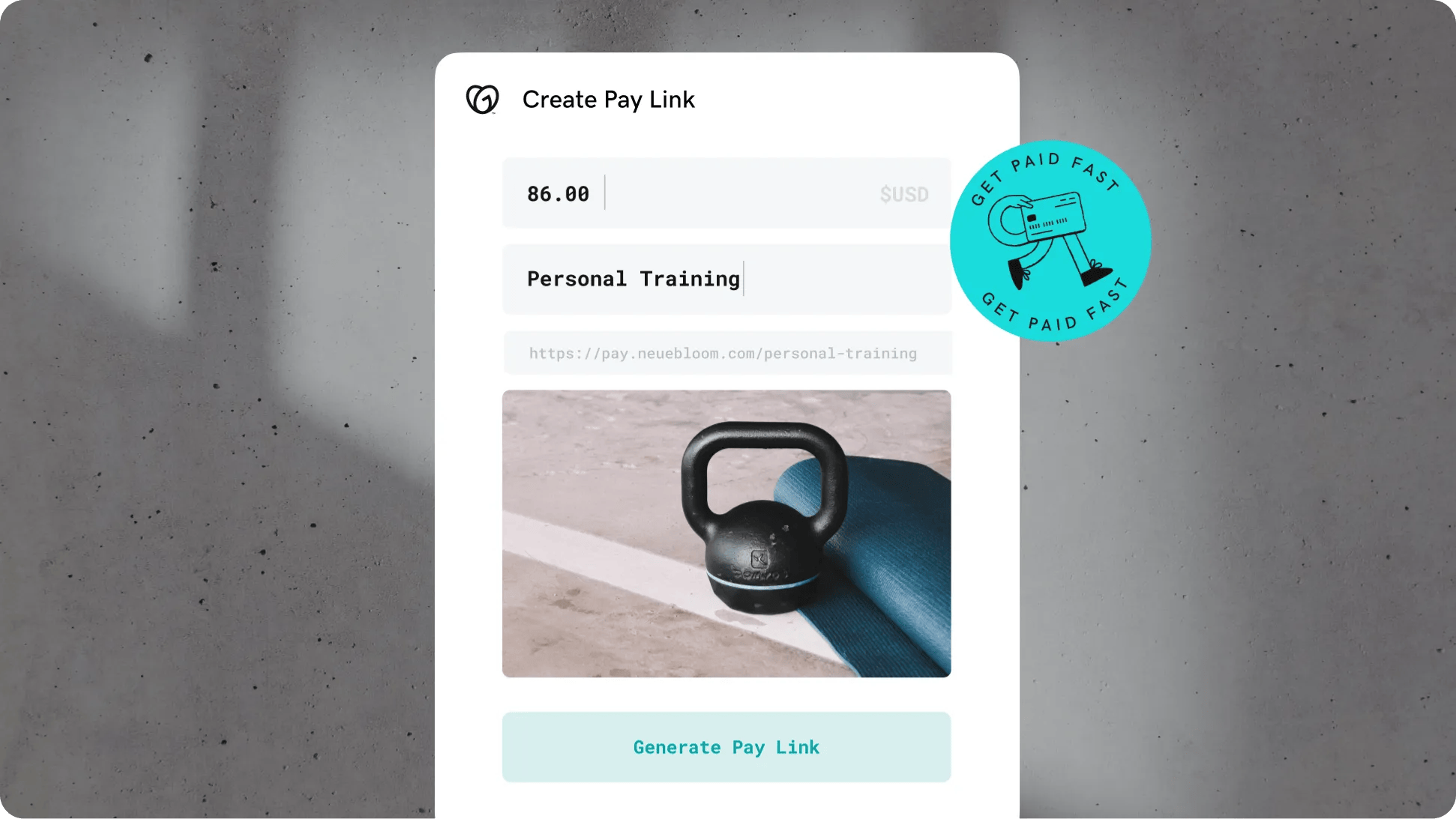
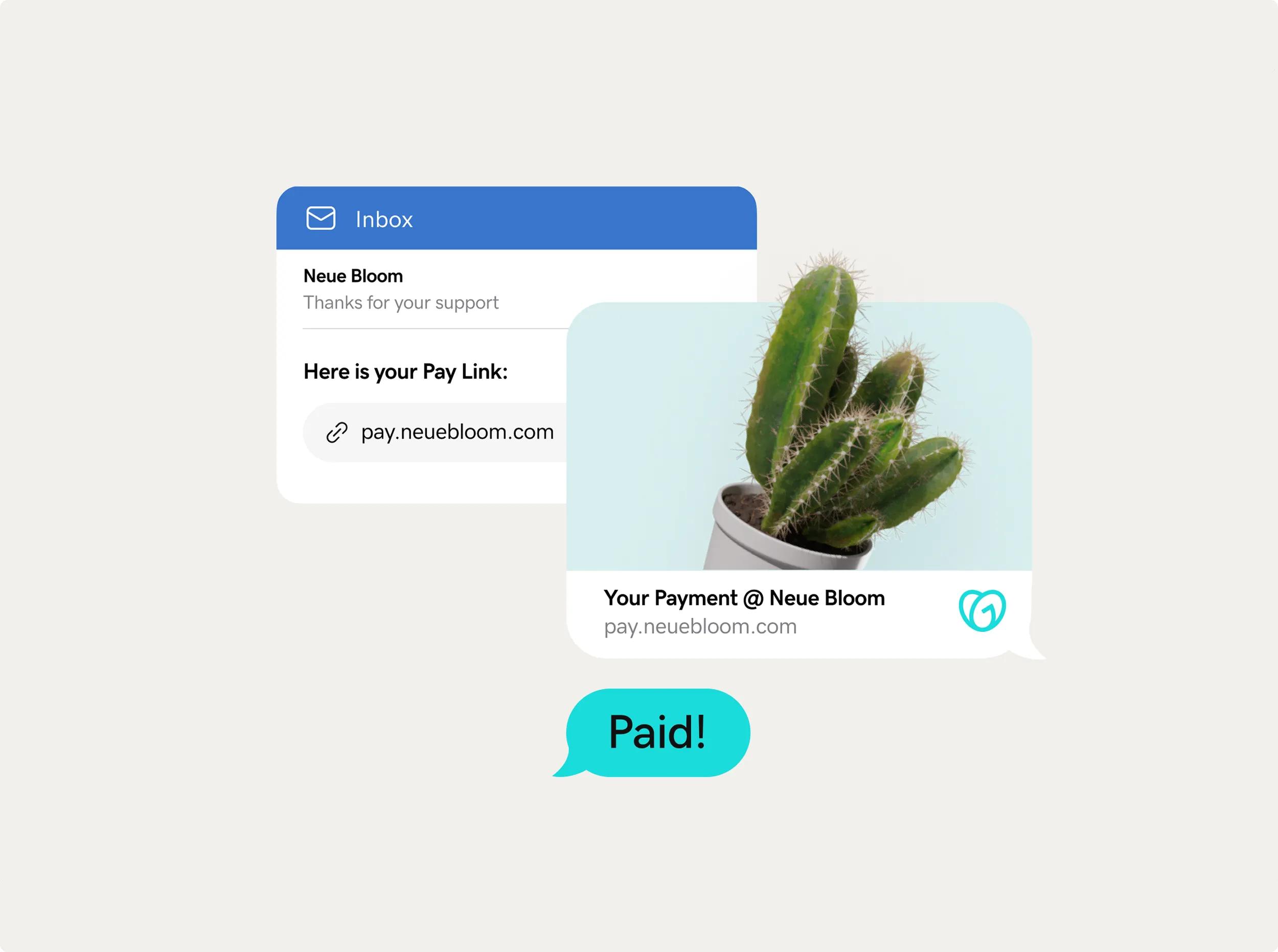
Create a branded payment link and send it directly to your customer’s inbox for specific pay requests.
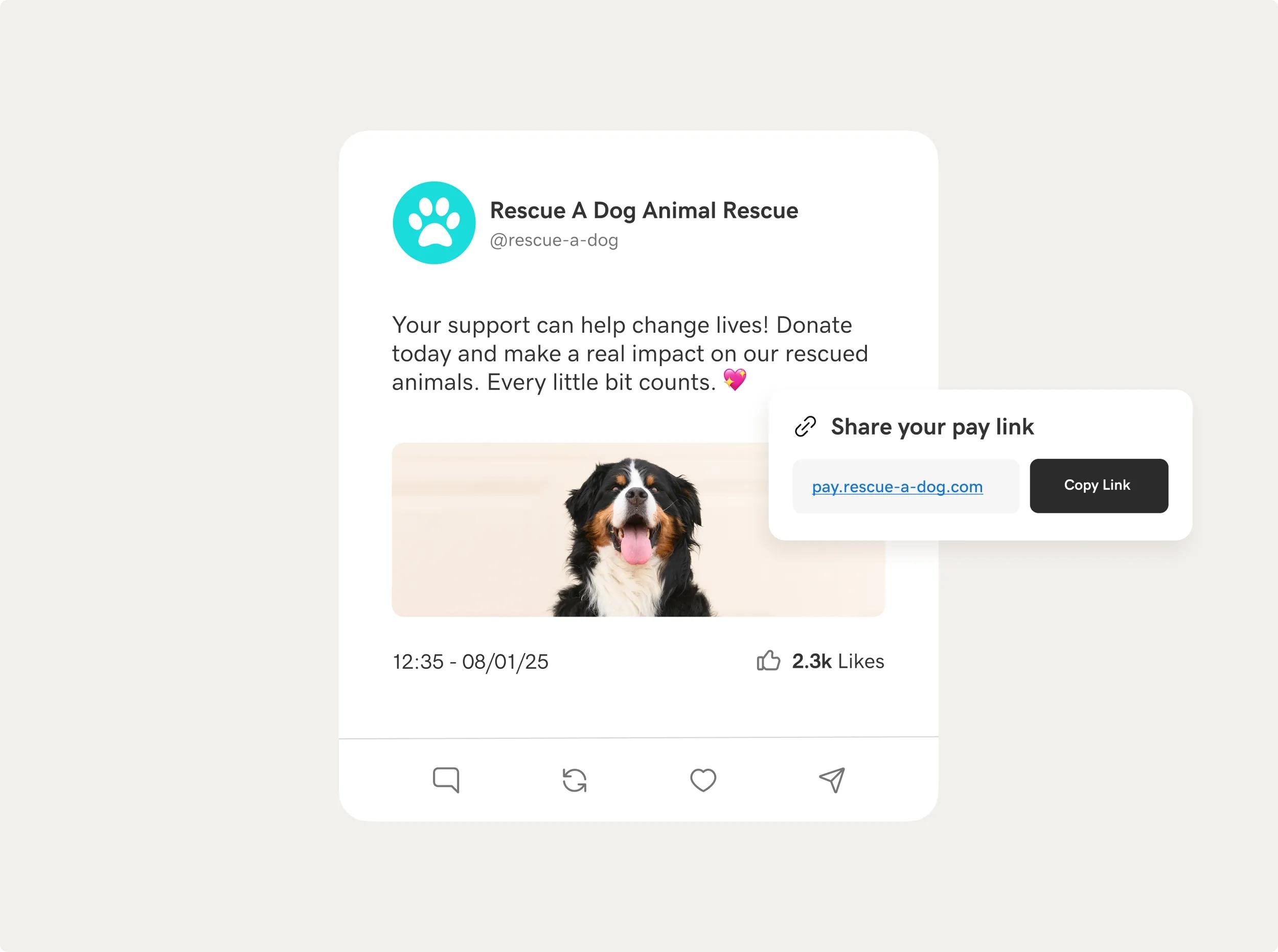
Create your custom Pay Link in minutes and simply copy and paste it to share on social pages, bios, and posts.
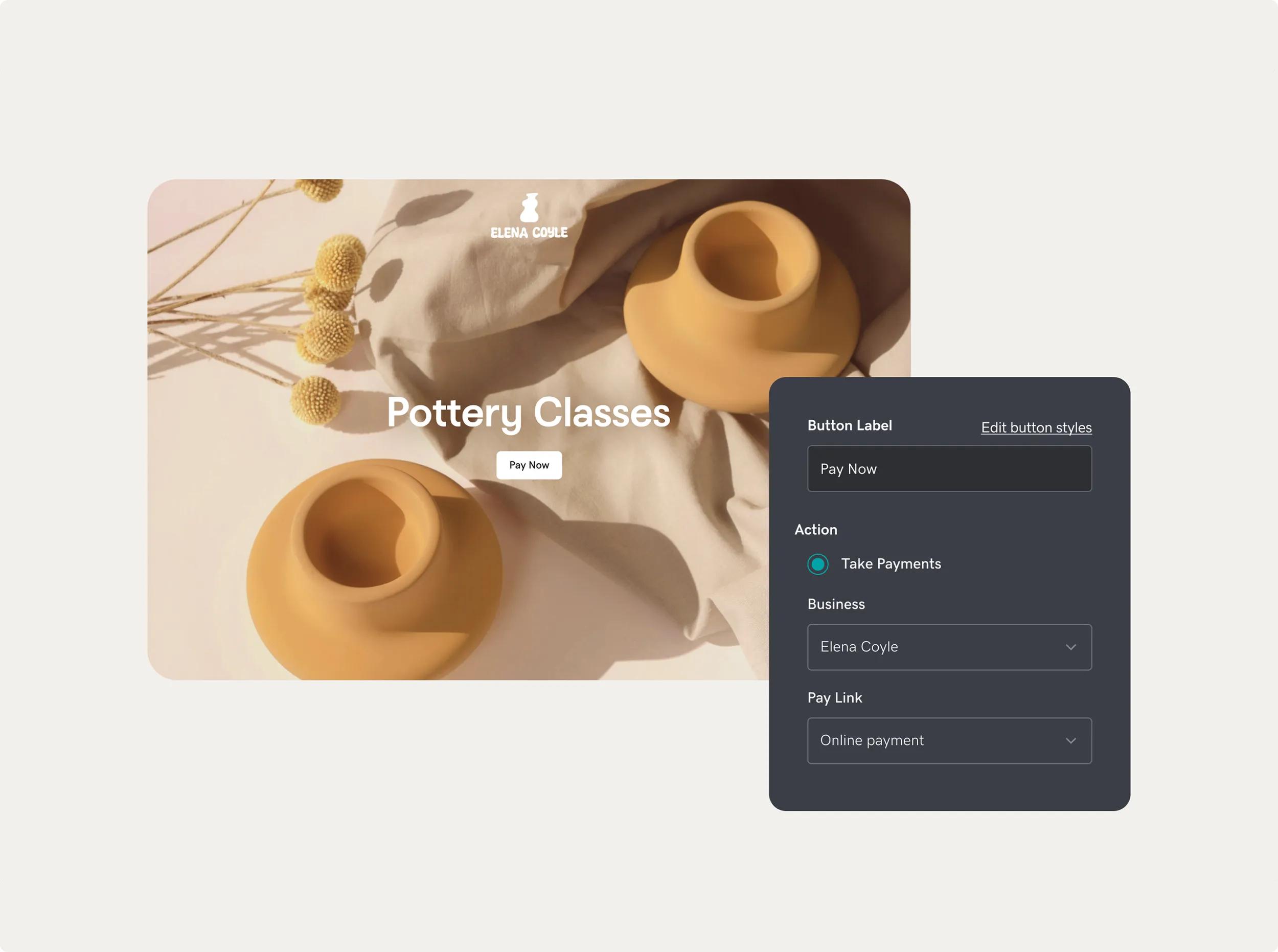
Easily add a link to your site to take payments. Or, add a Pay Button if your site is made with GoDaddy.
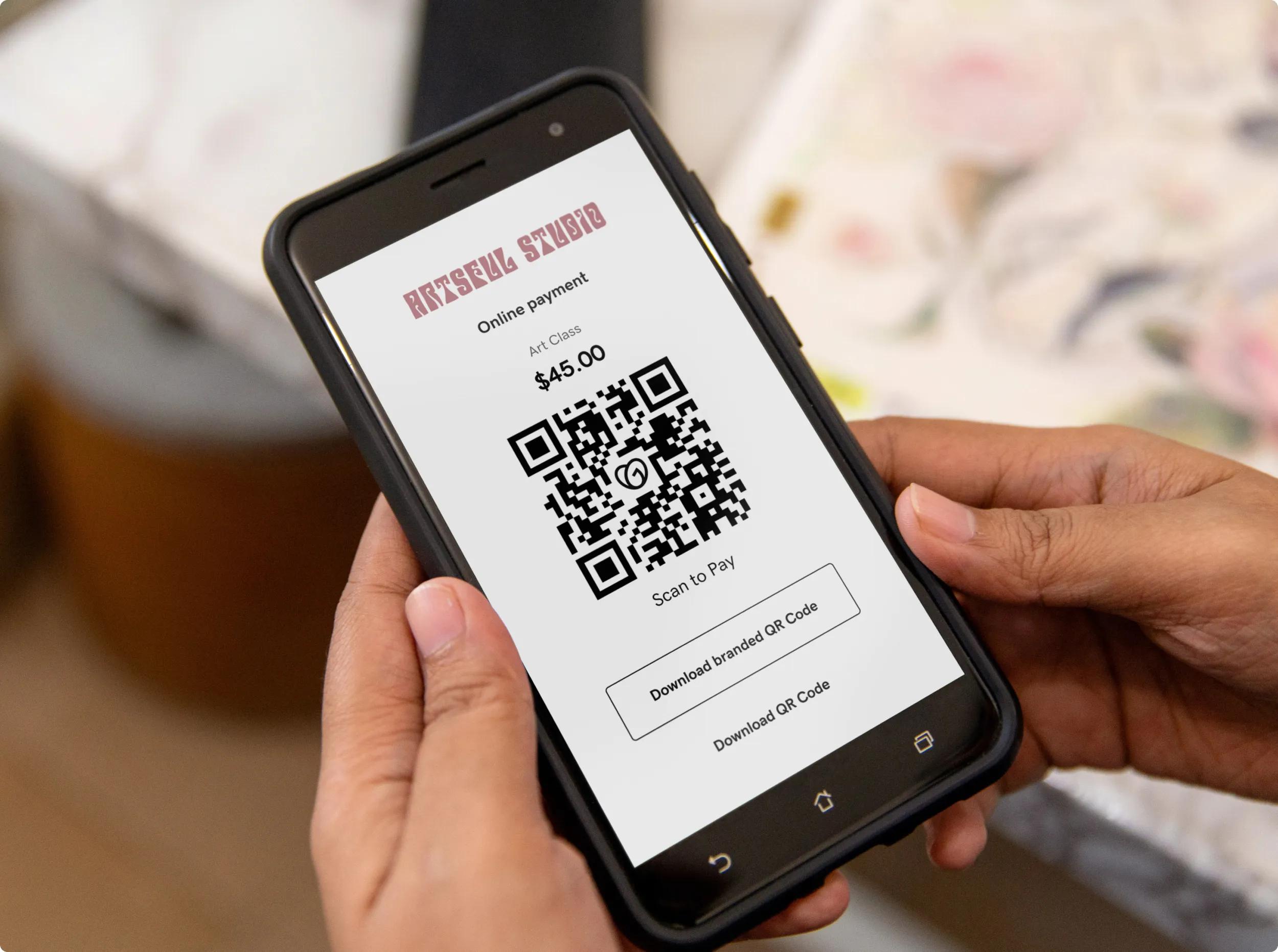
Transform a payment link into a scannable QR code with one click. Post or print it anywhere for customers to quickly scan and pay.
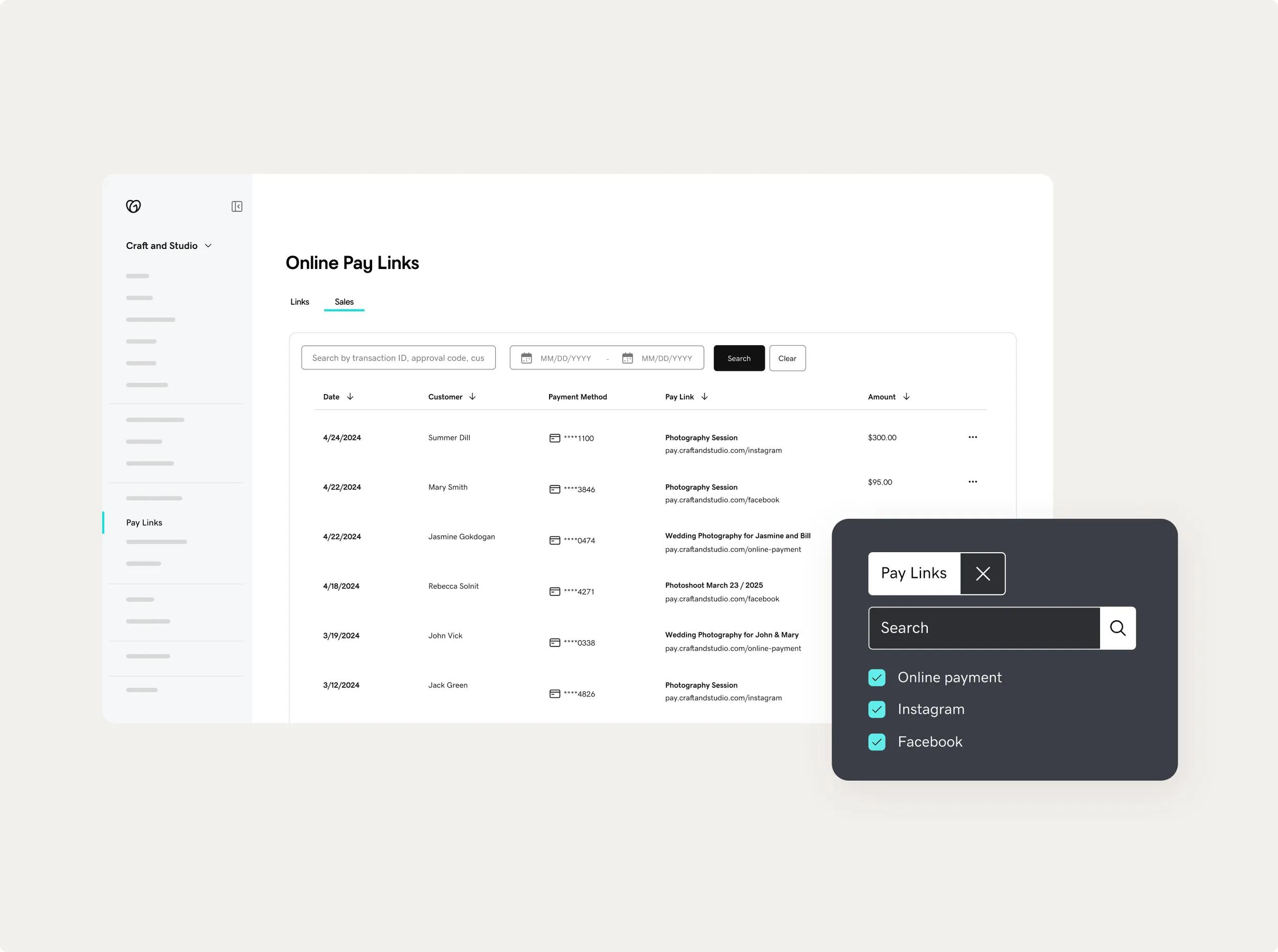
Create links for each sales channel and track payments to determine where your leads are coming from.
How to create a payment link with Pay Links
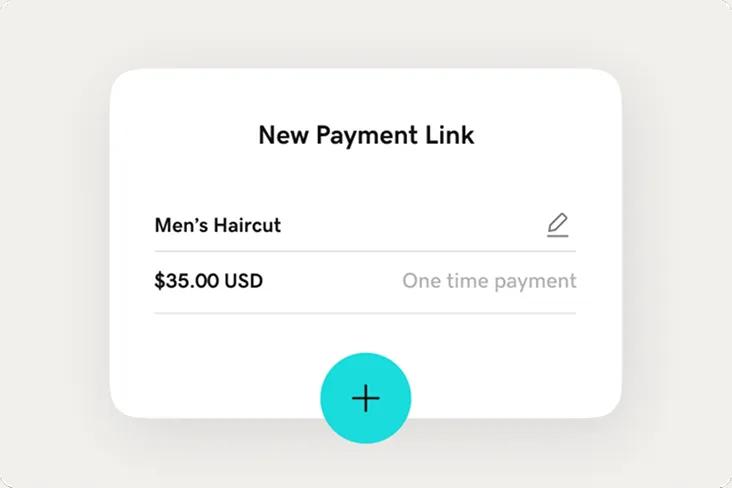
Create
On your GoDaddy Payments dashboard, select Pay Links, enter the price, description, and image for your payment request.
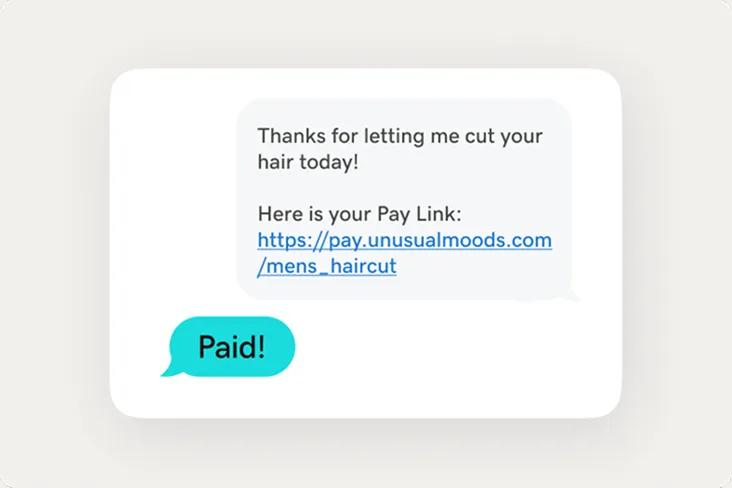
Share
Send your newly created payment link to your customer and it’ll take them to a secure checkout page to complete their purchase.
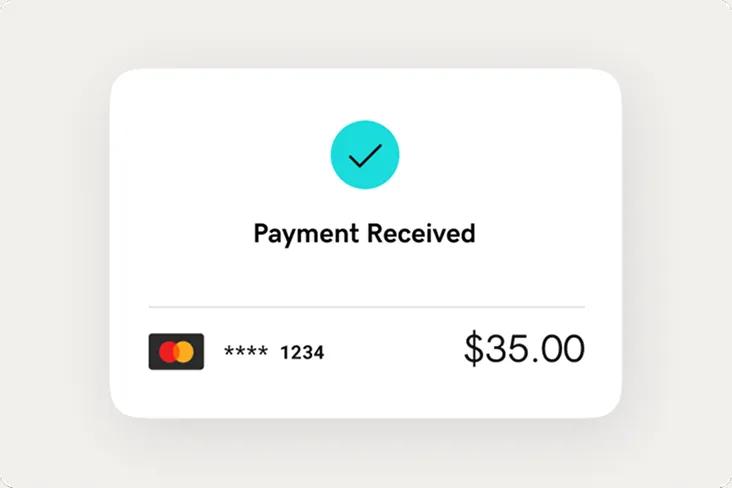
Get paid
Get money in your bank account as fast as the same day whenever a customer buys your products or services.
Made for businesses that are going places.
From startup to established, Pay Links is the flexible way to get paid.
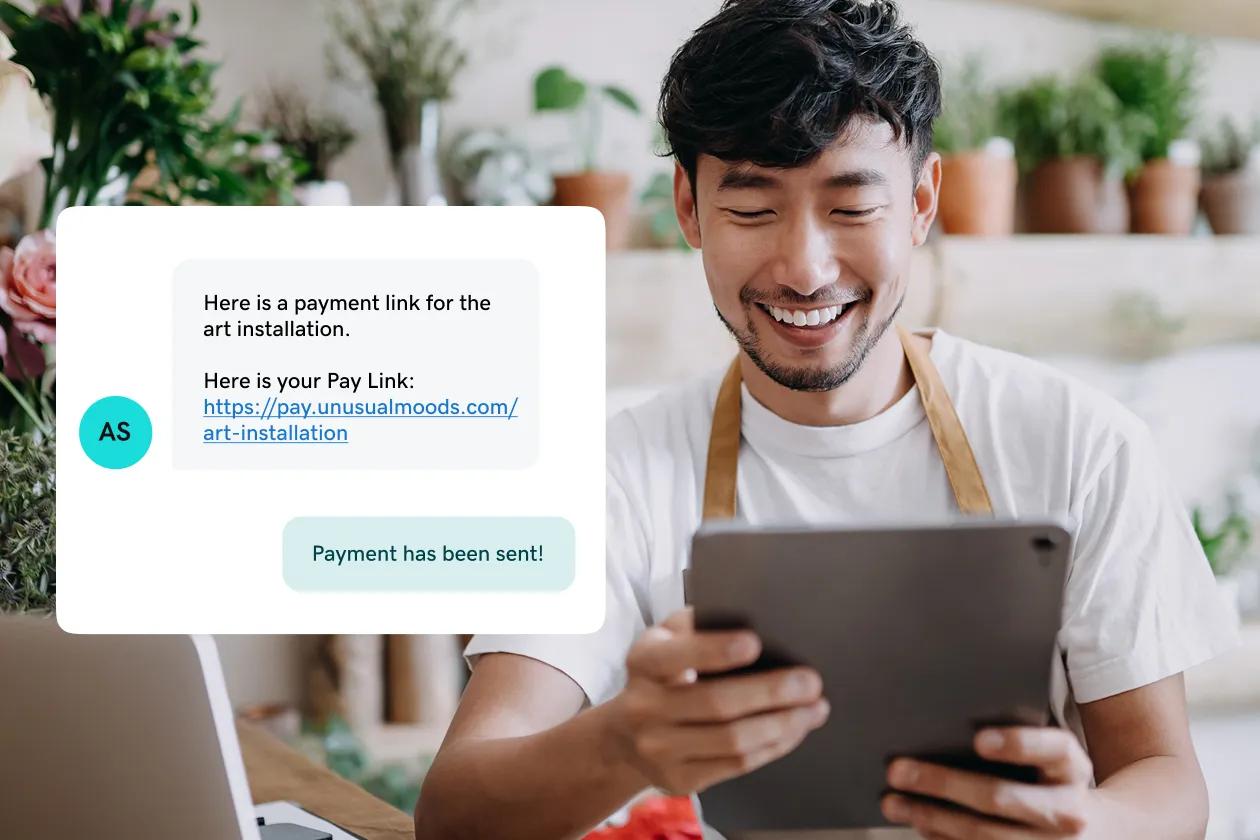
Services
From yoga lessons to consulting services and everything in between, grow your business with Pay Links.

Products
Whether you sell macaroons from your kitchen or jewelry at your local art center, Pay Links adds professionalism.
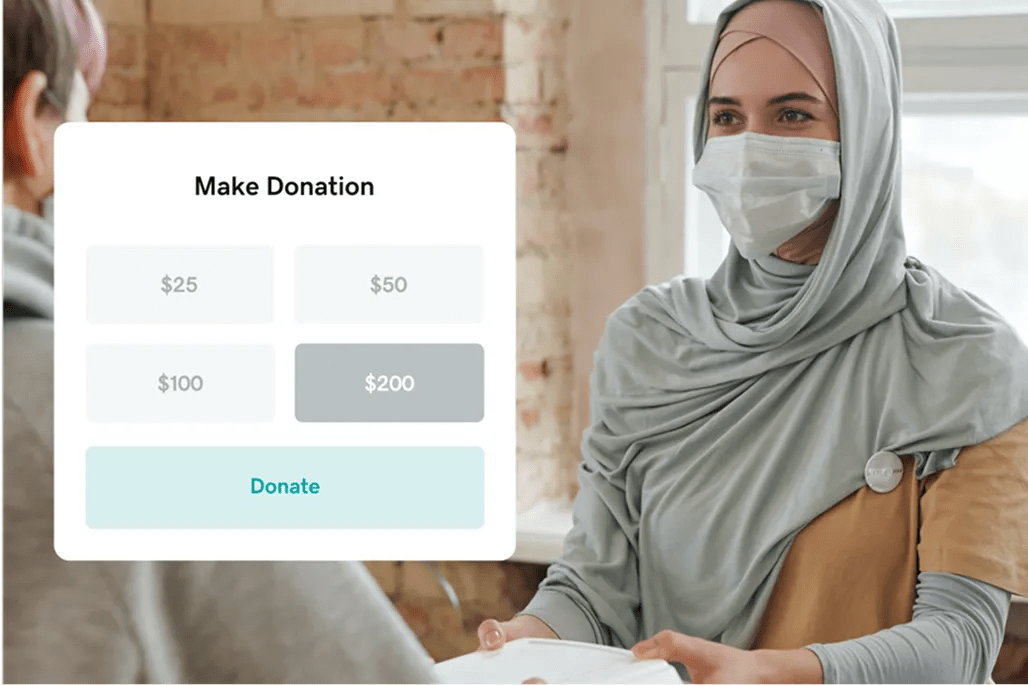
Organizations
Focus on what matters, not the hassle of setting up payments. Pay Links keeps it simple for whatever organization you’re in.
GoDaddy Online Pay Links FAQ
What are Pay Links?
A Pay Link or payment link is a clickable URL or QR code. It’s a quick and easy way to take online payments — no website needed. Just create a Pay Link, share it with your customers and they’ll complete their purchase from a secure checkout page.
Are Online Pay Links safe?
Yes. Pay Links is powered by GoDaddy Payments, our own secure payment processor. We follow strict PCI compliance standards and use advanced encryption to hide sensitive information, keeping your business and customer data safe.
How can I create a free online Payment Link?
Create a free payment link simply by signing up for a GoDaddy Payments account, where you’ll be able to set up a pay link in minutes.
Do I need a website to send a Pay Link?
No. You don’t need a website to send a payment link. GoDaddy Pay Links automatically creates a secure checkout page for each of your pay links, so you don’t need an ecommerce website. If you have a website made with GoDaddy, you can add your Pay Links as pay buttons on your site.
How quickly can I access my funds?
Money is deposited into your bank account by the next business day. Or for a low fee of 1.75%, you can get paid on the same day, including weekends and holidays.
What types of businesses and organizations should use Pay Links?
Pay Links works for all types of businesses. With Pay Links, you can accept payments for products, services, donations, and beyond.
Can I customize a Pay Link with my brand’s logo?
Yes. You can customize a pay link with your brand’s logo, business name, image, description, and link address to look even more professional.
Can I use Pay Links to generate a QR code?
Yes. You can use Pay Links to create a QR code that customers can scan using their mobile phone for contactless payment. Once you’ve created a pay link, you’ll have the option to transform it into a QR code with just one click.
Can I send an invoice using Pay Links?
You cannot send an invoice using Pay Links, but you can use the pay link to take payments on an invoice that you’ve already issued to a customer.
How can I add Pay Links to my existing website?
Once you’ve created a Pay Link, you can copy and paste it to your website and accept payments for a product or service.
Are there any restrictions on who can use GoDaddy Payments?
Yes, there are categories of businesses and business practices that are restricted from using GoDaddy Payments. Please see here for more information.
GoDaddy is a great business partner
GROW YOUR OWN BUSINESS
WEBSITES THAT WRITE THEMSELVES
Social Made Simple
TRUSTED WORLDWIDE
GoDaddy is a great business partner
GROW YOUR OWN BUSINESS
WEBSITES THAT WRITE THEMSELVES
Social Made Simple
TRUSTED WORLDWIDE
GoDaddy is a great business partner
GROW YOUR OWN BUSINESS
WEBSITES THAT WRITE THEMSELVES
Social Made Simple
TRUSTED WORLDWIDE
GoDaddy is a great business partner
GROW YOUR OWN BUSINESS
WEBSITES THAT WRITE THEMSELVES
Social Made Simple
TRUSTED WORLDWIDE
GoDaddy is a great business partner
GROW YOUR OWN BUSINESS
WEBSITES THAT WRITE THEMSELVES
Social Made Simple
TRUSTED WORLDWIDE
GoDaddy is a great business partner
GROW YOUR OWN BUSINESS
WEBSITES THAT WRITE THEMSELVES
Social Made Simple
TRUSTED WORLDWIDE
- Payments
- Pay Links