Connect a barcode scanner to a GoDaddy Smart Terminal
All Smart Terminals include a built-in camera that functions as a barcode scanner. You can also connect a compatible barcode scanner to a GoDaddy Smart Terminal Duo via USB cable for extra flexibility during checkout.
Note: The GoDaddy Smart Terminal Flex already functions as a handheld barcode scanner and is not compatible with additional external scanners.
- Connect the USB cord from the scanner directly into the Smart Terminal charging dock.
- Smart Terminal Duo: The Smart Terminal must remain in the charging dock while using the barcode scanner.
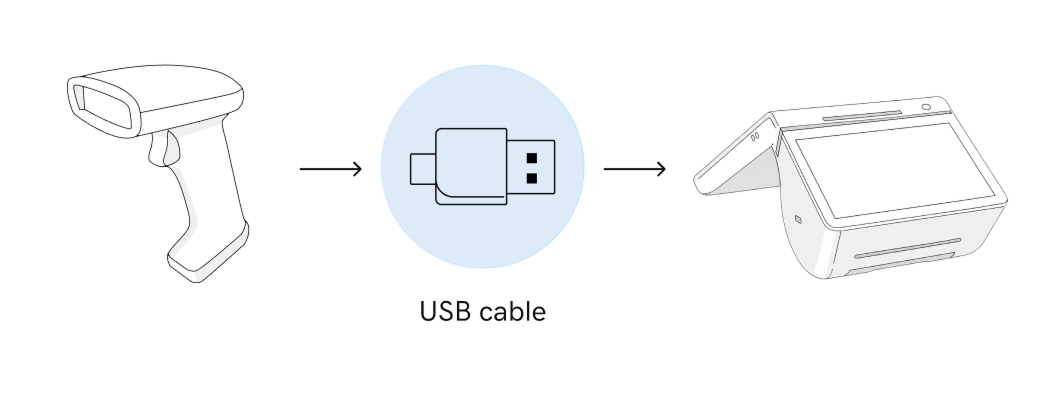
- Smart Terminal Duo: The Smart Terminal must remain in the charging dock while using the barcode scanner.
- A notification will appear on the home menu that says that the barcode scanner is connected. Tap Done when you see the message.
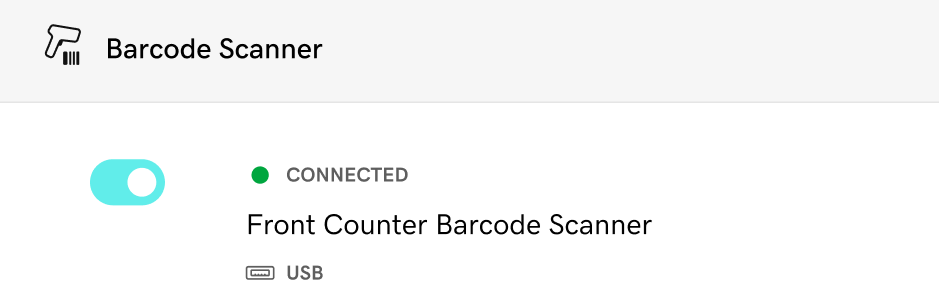
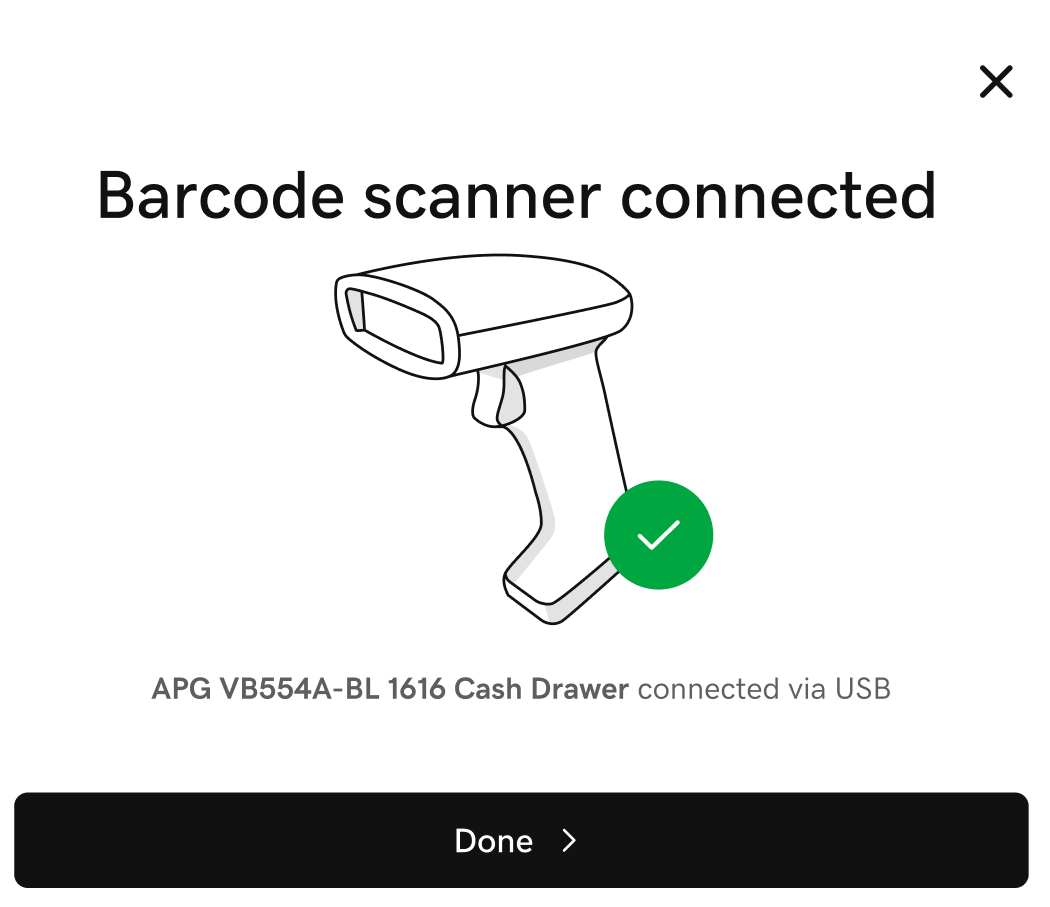 Note: If the notification does not appear, tap Accessories on the first page of the Smart Terminal home menu and see if it’s listed under Barcode Scanner. If it’s not there, tap Add Accessory, then tap Barcode Scanners and follow the onscreen steps to connect it.
- Scan the barcode below for your model. This configures the barcode scanner so that it automatically adds the Enter Key (Carriage Return) after scanning each item. These barcodes can also be found in the user manual for your barcode scanner.
Note: If you have trouble scanning the codes, try turning the brightness up on your screen. You can also print this page and scan the barcode on the printed paper.
Star Micronics 
Star Micronics user manual (PDF)
Unitech 
Unitech user manual (PDF)
Zebra 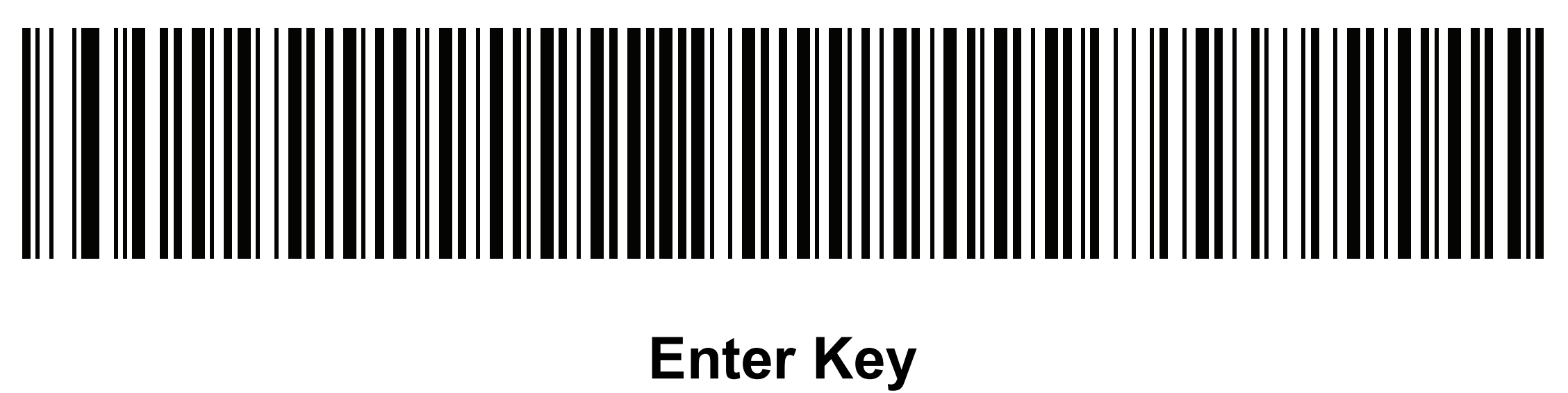
Zebra user manual (PDF) - You’re ready to start scanning! When creating an order on the Smart Terminal, tap the
 Barcode icon to scan products with the barcode scanner.
More info
- If your barcode scanner isn’t connecting as expected, check out our troubleshooting tips for help.
- Connect a different external accessory (like a printer or cash drawer) to your GoDaddy Smart Terminal.
- See all compatible accessories for GoDaddy Smart Terminals and find out more about accessory connection types and terms.
- Order accessories for your Smart Terminal.