
Thinking of registering a .app domain but aren't sure if the new extension is the right fit for you and your business? To help you decide, we'll take a look at some of the reasons why you might want to use a .app domain name.
But first, let's cover a bit of background information about .app domains.
Brief history of the .app domain extension
The .app domain extension is a top-level domain (TLD) created for apps, app developers and businesses with app-related products or services. It launched publicly in 2018 after Google acquired the extension through an Internet Corporation for Assigned Names and Numbers (ICANN) auction in 2015.
Unlike many TLDs, every website with a .app domain must use HTTPS encryption. This requirement helps protect visitors by creating a secure connection between their browser and the website. It also makes the domain a natural fit for software products, mobile apps and online tools.
5 reasons to register a .app domain
A .app domain gives app-focused ideas, brands and businesses a clear online home at every stage, from early planning to long-term growth.
1. Expand your app's online presence beyond app stores
App stores are essential for downloads, but they offer limited control over how you present your brand. A .app domain creates a dedicated space for product details, support resources, tutorials, release notes and customer stories. It’s also an easy web address for people to remember and share.
2. Secure your ideal name before launching a future app
A great app idea can take time to develop. Registering a .app domain early helps reserve a name that fits your brand before someone else claims it. It also enables you to build anticipation through a landing page, waitlist or newsletter while development is underway.
3. Protect your brand from misuse or confusion
Registering a .app domain that matches your business or product name can help create a more consistent brand presence online. It may also reduce the chance of another party using a similar app-related web address that could confuse potential customers.
4. Showcase your expertise as an app developer
A .app domain immediately signals that your website relates to app development or software. Developers can use it for a portfolio, consultancy site or personal brand to help prospective clients and collaborators understand their area of expertise before they even visit the site.
5. Use .app creatively for applications beyond mobile apps
The word “app” can apply to far more than a download on a phone. A .app domain can suit web applications, SaaS platforms, developer tools, online dashboards, games and AI-powered tools.
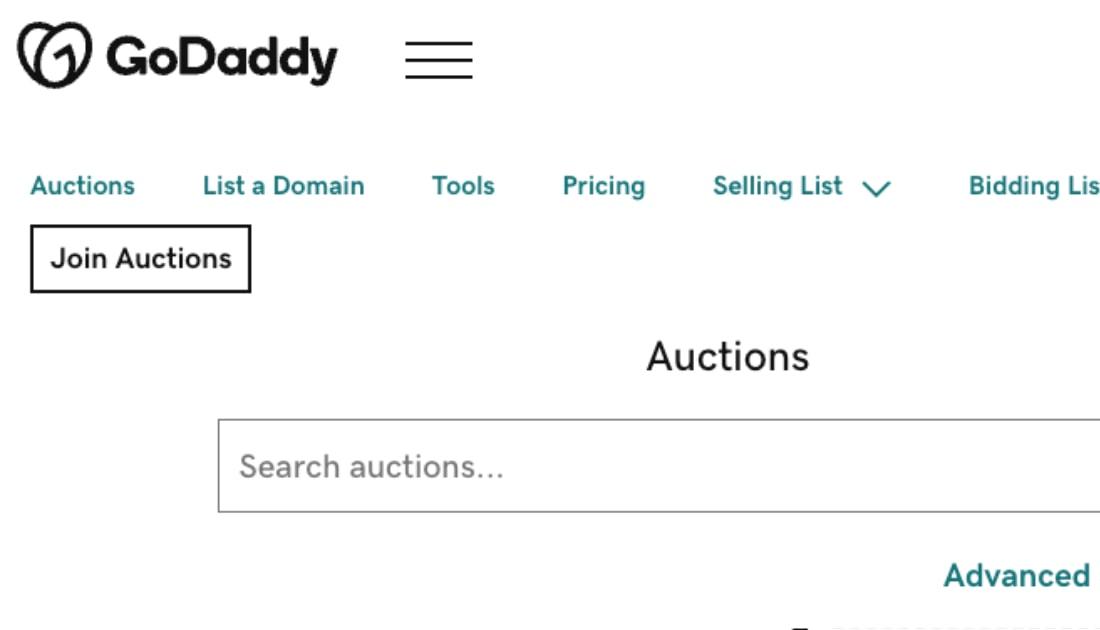
For domain investors, relevant and brandable names may offer opportunities to build a portfolio aligned with the growing app economy. You can use GoDaddy Auctions to explore available .app domains, research premium names and list domains for sale.
Why do .app domains require HTTPS and SSL?
Every .app domain requires HTTPS because the entire .app extension is included on browsers’ HTTP Strict Transport Security (HSTS) preload lists. These lists tell browsers to connect to a website securely using HTTPS from the start. A valid SSL certificate is required to activate HTTPS.
As a result, browsers will not load a .app website over an unsecured HTTP connection. This setting cannot be switched off. This requirement helps give visitors a safer, more trustworthy experience while helping domain owners avoid a common website issue: an unsecured connection caused by an expired or missing SSL certificate. GoDaddy includes a free Standard SSL certificate with eligible .app domain registrations. Learn more about SSL certificates from GoDaddy here.
Are .app domains good?
A .app domain is a good fit for businesses, developers and creators whose work centres on apps, software or digital tools. Weigh these key benefits and limitations before registering:
Advantages of a .app domain
The .app extension immediately signals that your business offers a digital product or service, so it’s an excellent option for mobile apps, SaaS platforms, AI tools, browser-based software and games.
It can also make branding easier when a .com is taken or priced beyond your budget. A relevant .app domain lets you pair a clear product name with an extension that reinforces it, rather than settling for a longer name, an awkward spelling or extra words.
Things to consider before registering a .app domain
A .app domain can be highly relevant, but relevance is not the same as universal recognition. Many people still instinctively type .com, especially when they have only heard a brand name aloud. Clear promotion of your complete domain name is important, particularly for newer businesses.
Your extension should also complement a strong, distinctive name. A .app domain cannot make a vague product name more memorable or explain an unclear offer. Aim for a name that is concise, easy to spell and closely connected to your brand.
Every .app website must use HTTPS, so you will need an active SSL certificate before the site can load. This gives your visitors a secure connection, but it is an essential setup requirement to account for.
Related: Is .com better?
Which businesses are the .app domain not suitable for?
.app generally isn’t the best choice for businesses whose value lies entirely offline, such as a café, plumber, estate agent or wedding venue. A .com, location-based extension or industry-specific extension may set clearer expectations for those audiences.
It may also be a less suitable primary domain for a brand targeting a broad, non-technical audience that is already accustomed to finding businesses through .com. In that case, consider using .app for a specific digital product or campaign while keeping a more familiar extension as the main brand address.
Do you need a domain name for an app?
You don’t need a domain name to publish an app in the Apple App Store or Google Play. However, a dedicated domain gives your app a professional online home that you control.
Use it to introduce your app, share download links, explain key features, publish support articles and direct users to a clear contact point. It can also give your marketing campaigns a memorable destination outside an app-store listing, which helps people learn about your product before they download it.
A domain also lets you create a professional email address, such as hello@yourapp.app. Using an address connected to your brand can look more credible than a personal email address and makes it easier for customers, partners and the press to identify your business. Learn how to create a professional email account to get started.
.app vs other domain extensions (.com, .io, .tech)
.app isn’t your only option. You can opt for the familiar .com, or try another tech-related domain like .io or .tech.
| Feature | .app | .com | .io | .tech |
| HTTPS required | Yes | No | No | No |
| Tech or developer association | Strong | General | Strong | Strong |
| General public familiarity | Growing | Very high | Moderate | Moderate |
| Name availability | Good | More limited | Moderate | Good |
| Best suited to | App developers and app businesses | Broad business and general use | Tech start-ups and SaaS businesses | Technology companies and digital products |
How to register a .app domain
You can register a .app domain through an accredited registrar such as GoDaddy. Choose an available name, complete your registration and connect it to your website, app landing page or online product. For more in-depth information, read our guide on registering a domain name in the UK.
1. Search for your .app name
Choose a short, memorable name that reflects your app or business. If you need help brainstorming, check out these tips on choosing the perfect domain.
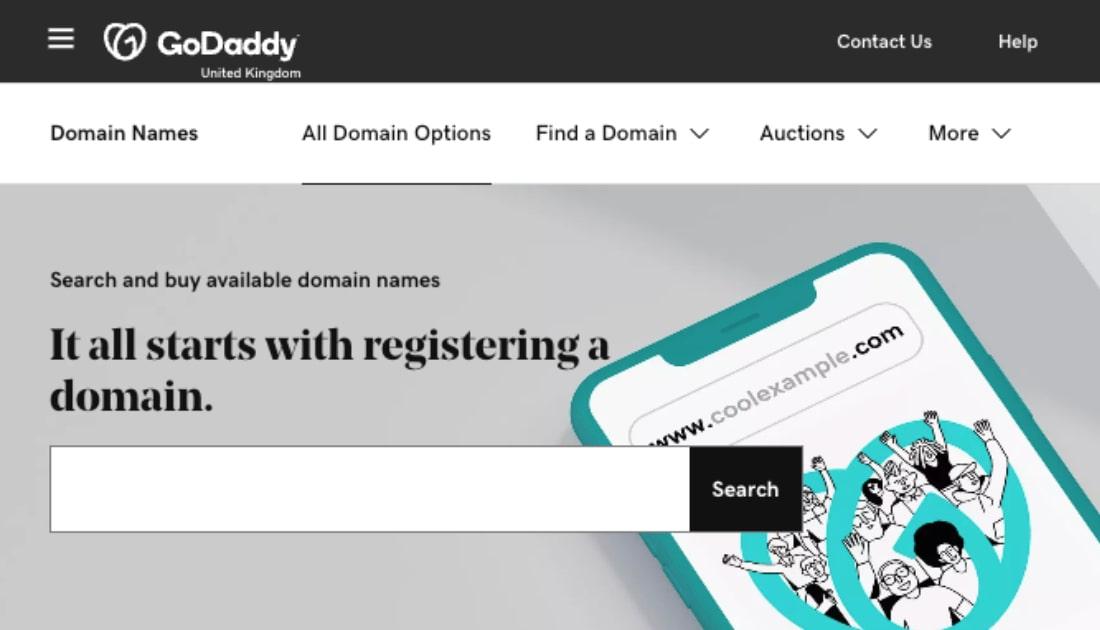
Once you’ve decided on a name, search for it on GoDaddy’s domain names page. Enter your preferred name with .app at the end to see if it is available. If it is, you can add it to your basket. If it has already been registered, try a variation that still keeps your brand easy to read, spell and remember.
2. Add SSL and privacy protection
Proceed to checkout, choose your registration term and enter your contact and payment details. Consider adding domain privacy protection during this step to help keep your personal contact details out of the public WHOIS directory. You can learn more about this process in this article on how to buy a domain.
After you register, make sure your SSL certificate is active before connecting your website. HTTPS is required for every .app domain to load in a browser. GoDaddy includes a free Standard SSL certificate with eligible .app domain registrations.
3. Configure your DNS and go live
Build your app website or landing page, then get the Domain Name System (DNS) records from your web hosting provider or website builder. These records tell browsers where to find your website.
Open your domain’s DNS settings in your GoDaddy account and add the records provided, commonly an A record or CNAME record. Once the changes take effect, visit your domain to confirm that your site loads correctly over HTTPS.
.app domains in action: real-world examples
Here are a few examples of how .app domains can support everything from social platforms to product-development software and creative tools.
Bluesky - bsky.app
Bluesky uses bsky.app for the web version of its social network. People can browse posts, sign up and use the platform in their browser, all from a domain that makes the product’s purpose immediately clear.
Liner - linear.app
Linear uses linear.app for its product-development platform. The domain brings its product information, customer resources and user sign-in experience under one easy-to-find address.
Rive - rive.app
Rive uses rive.app for its interactive graphics platform. Its website gives designers and developers one place to learn about the tool, access the editor and explore resources for creating animated digital experiences.
Is a .app domain right for you?
A .app domain may be right for you if you’re building an app, SaaS product, online tool, game or other software-led brand. It gives your web address a clear technology focus and helps visitors understand what your business offers at a glance.
Ready to give your tech product a home online? Search for your perfect .app domain with GoDaddy today!
Frequently Asked Questions (FAQ) about .app domain
Is SSL required for .app domains?
Yes, SSL is required for every .app domain. HTTPS is also required. Without them, .app domains will not load. You can register the domain first, but you will need to activate SSL before launching a website on it.
Can anyone register a .app domain?
Yes. .app domains are available on a first-come, first-served basis, and you do not need to prove that you own or have built an app.
What is a .app domain used for?
A .app domain is commonly used for mobile apps, web apps, SaaS platforms, games and developer tools. It can also work for a product landing page, support centre or portfolio that focuses on app development and digital products.
How much does a .app domain cost?
In the UK, a standard .app domain typically costs around £9 to £21 per year, depending on the registrar, promotional pricing and renewal rate. Check both the first-year and renewal price before you register.