Professional Business Email
Grow your business with email that matches your domain
Domain-based email works for all your business communication and marketing needs. Plus, advanced security tools help protect your data.
- Build trust with every message you send
- Quick, easy setup saves you time
- Accomplish more every day with Microsoft 365



Call to transfer your existing email address: 03-3741565


Microsoft 365 Email Essentials
Save 77%
$ 8.99
$ 1.99
per mailbox/mo
For 1st 1-year term*
10 GB email storage (approx 50,000 emails)
Use your domain name for your email address, like you@yourdomain.com
Microsoft 365 Email Plus
Save 60%
$ 9.99
$ 3.99
per mailbox/mo
For 1st 1-year term*
50 GB total email storage (approx 250,000 emails)
Use your domain name for your email address, like you@yourdomain.com
RECOMMENDED

Microsoft 365 Online Business Essentials
Save 46%
$ 14.99
$ 7.99
per mailbox/mo
For 1st 1-year term*
50 GB total email storage (approx 250,000 emails)
Use your domain name for your email address, like you@yourdomain.com
Microsoft 365 Online: get popular web apps like Excel, Word, and PowerPoint
Meet, chat and collaborate with your team, customers, or suppliers with Microsoft Teams
Microsoft 365 Business Professional
Save 55%
$ 19.99
$ 8.99
per mailbox/mo
For 1st 1-year term*
50 GB total email storage (approx 250,000 emails)
Use your domain name for your email address, like you@yourdomain.com
Microsoft 365 Desktop: download Office apps like Word, Excel, and PowerPoint to 5 devices
Meet, chat and collaborate with your team, customers or suppliers with Microsoft Teams
Plus
Included in every email hosting plan
Stay connected anywhere
Access your email, contacts, and appointments across all your devices.Shared online calendars
Manage your calendar and quickly schedule meetings.Up to 300 email aliases
Create group-wide email addresses like sales@ or service@.7-day money-back guarantee
Try without risk so you’re sure to find the right plan.24/7 customer support
Experts are always at the ready to help: 03-3741565Online Business Essentials
Domain-based email
Get professional email that uses your domain name. E.g. name@yourbusiness.com
Storage for email, contacts and calendars
50 GB (Approx 250,000 emails)
Sync across all devices
Always have your latest emails, contacts, and appointments at your fingertips. Microsoft 365 from GoDaddy email services work with Outlook, Apple Mail and other top programs to keep all your devices – from your laptop to your smartphone to tablet – up to date and in sync.
Shared online calendars
Manage your calendar, share available meeting times, schedule meetings, and get reminders.
Up to 300 email aliases
Create additional email addresses — like yourname@, sales@, or support@ — that all route to your primary inbox.
Microsoft 365 Online: Web versions of Office apps like Word, Excel, PowerPoint and Teams, plus mobile apps
Create, edit and share documents, plus host online meetings and video calls with Microsoft Teams. Includes web and mobile apps only.
1 TB secure, reliable online storage via OneDrive
Save, access, edit, and share files and photos wherever you are.
Email Backup
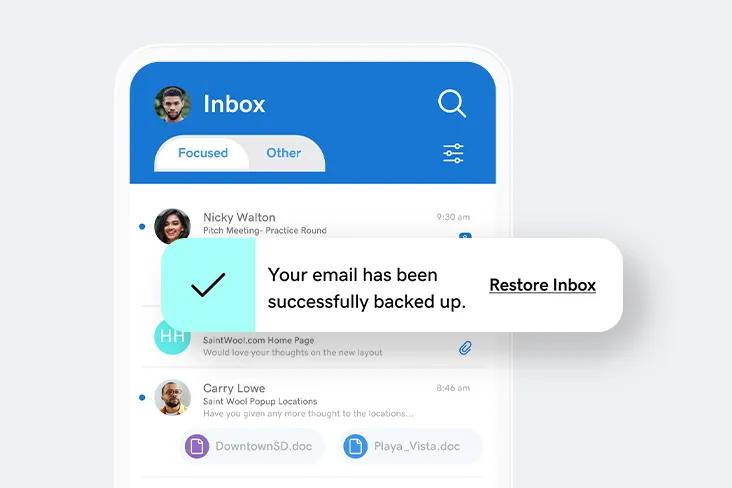
Ever accidentally delete an email or attachment that was critical to your business email account? Email Backup lets you restore it with just one click.
Email Archiving
If your industry requires you to save data, Email Archiving keeps you in compliance by storing emails in a secure, easily searchable database. keeps you in compliance by storing emails in a secure, easily searchable database.
Advanced Email Security
Keep the wrong people from intercepting your small business email and getting access to your company’s – or your client’s – confidential information.
Domain-based email builds trust
Customers are 9x more likely to choose a business with a professional email address, and a domain-based email account promotes your company with every message. You can even create additional email addresses — like sales@ or info@ — that help serve customers better.

Keep more of what’s important
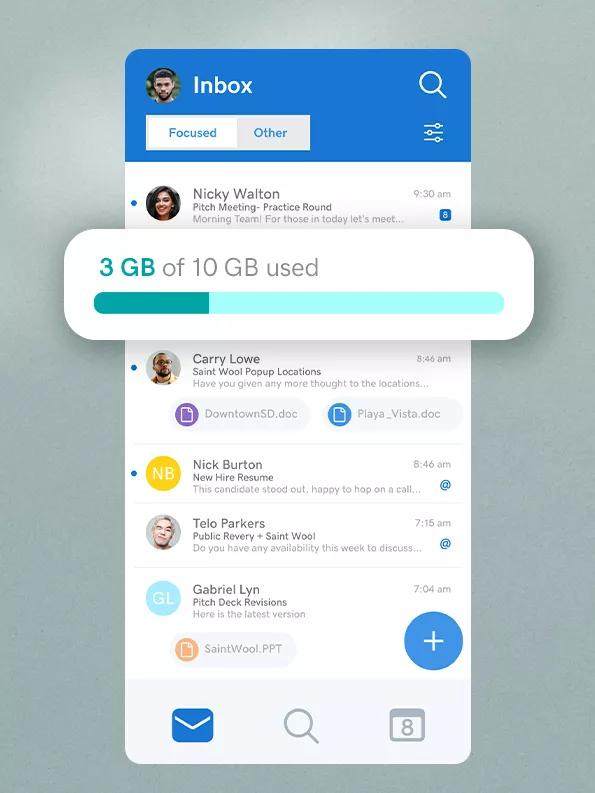
Our plans have loads of storage for your email, contacts and shared calendars. When you create a business email with us, you’ll always have space and won’t have to delete emails to make extra room.
Names you know and can rely on
With Microsoft 365 from GoDaddy, peace of mind is built in. Every email plan is backed by Microsoft’s 99.9% uptime guarantee and our award-winning support.
Your own personal IT team
Creating and managing your business email is simple with GoDaddy. Our award-winning support team is at the ready to answer any questions, and can even help migrate your old email hosting account to our platform.
All your devices, all in sync
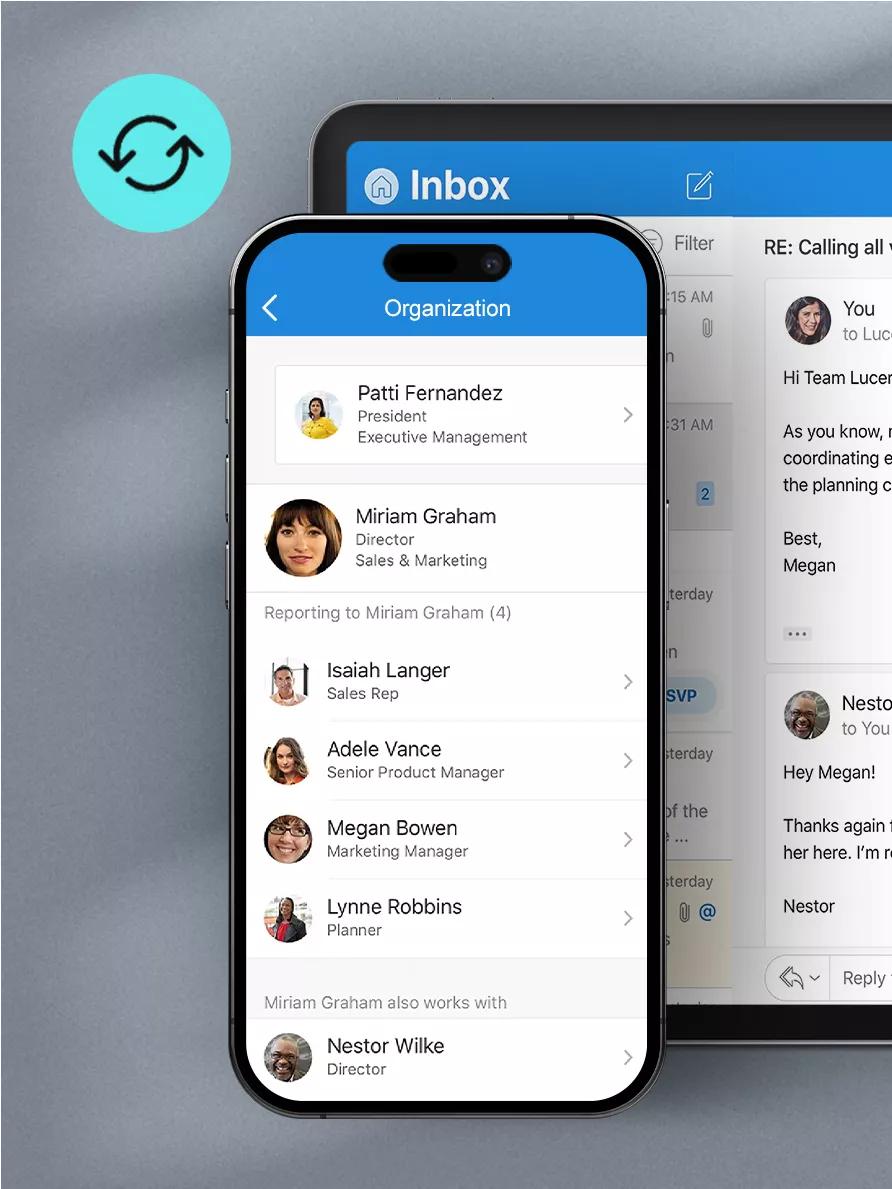
Your latest emails, contacts, and appointments are always at your fingertips. Microsoft 365 from GoDaddy email services work with Outlook, Apple Mail and other top programs to keep all your devices – from your laptop to your smartphone to tablet – up to date and in sync.


How to create a business email
Get started in 5 easy steps.
- Choose and register your domain name.
- Select the right email plan for your business needs and add mailboxes for every user on your team.
- Choose your username and password, then set up your business email account(s).
- Create professional email addresses that match your domain, like orders@yourdomain and info@yourdomain.
- That's it! You're ready to send and receive emails like pro.
Boost your productivity
Do more with additional tools
Microsoft Copilot™
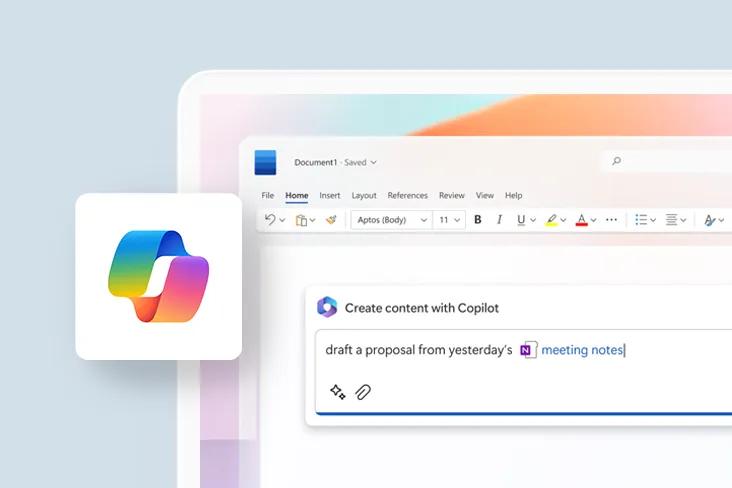
Create and summarize PowerPoints, meetings, documents, chats, and more with AI integration into your most used tools, saving you time and jumpstarting creativity.
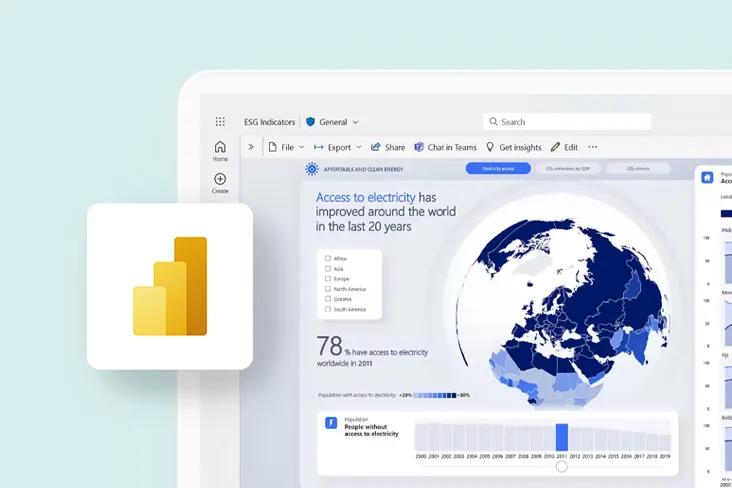
Microsoft Power BI
Understand your business performance better with business intelligence that lets you dig deeper and make data-driven decisions.
Microsoft Visio
Improve communication and collaboration with easy-to-create visual diagrams and flowcharts that illustrate exactly what you’re saying.
Microsoft Planner
Stay on track effortlessly with project management tools and features to help you effectively plan, manage, and track projects.
Professional Business Email FAQ
What is a professional business email?
Professional Email is when you customize your email address to match your domain name, for example you@yourcompany.com. Professional Email adds much more credibility to your business than yourcompany@gmail.com, as Gmail is not considered specifically for business, and people are 9 times more likely to interact with a professional business email address.
What are the benefits of having an email address that has a custom email domain?
A domain email address, also known as a professional email address, helps you look more professional with customers and promotes your website and company. In fact, customers are 9 times more likely to choose a company with a professional email address. Every time you send an email from a domain-based address, you're putting your domain name in front of customers and encouraging them to visit your website.
And with each plan, you can create free “alias” addresses — like one using your first name (keith@your-business-name.com) and others for different departments (sales@your-business-name.com) — that all feed into a single inbox and make you look even more professional.
What if I already have a Workspace email account from GoDaddy?
If you would like to switch your Workspace email to Microsoft 365, please call us at 03-3741565 and we can help you make the right decision regarding your existing email plan.
Does GoDaddy provide free email with a domain registration or a hosting plan?
Select hosting plans include professional email for the first year.
If I purchase the Business Professional plan, can I download the 5 installs of Office apps on my employees' computers?
You can but we don’t recommend it. The desktop Office app licenses that come with the Business Professional plan are associated with an individual user’s account, including that individual’s sign in and password information. Downloading a copy onto an employee’s computer would give them access to your documents.
We highly recommend that anyone in your organization needing the latest desktop version of Office apps have their own Business Professional account.
- Professional Business Email