Phishing scams aren’t new, but they’re on the rise and represent a threat that business owners need to be aware of. In this guide, we’ll cover what phishing scams are, what they look like, and how you can protect yourself and your business.
What are phishing scams?
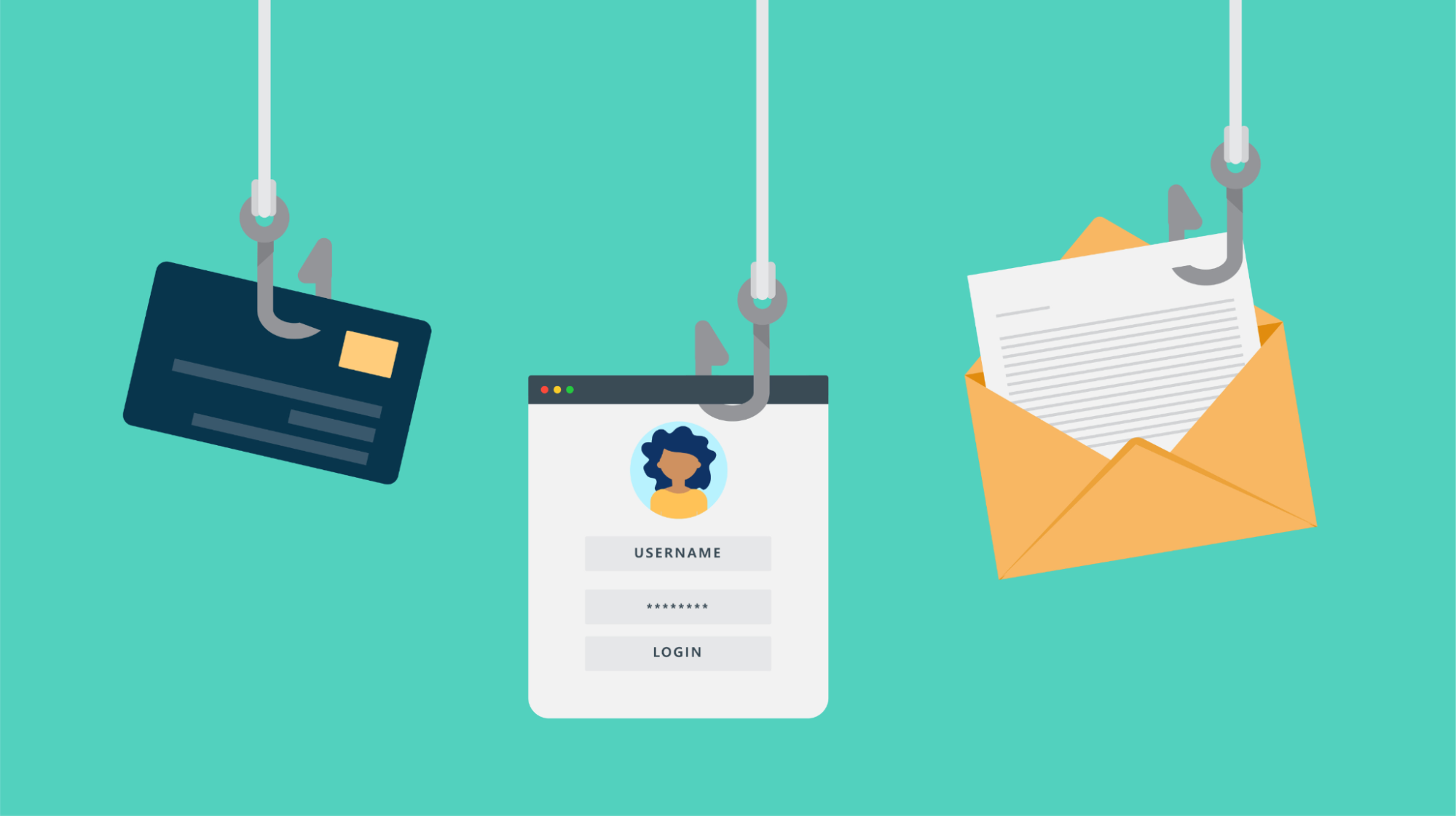
Phishing scams are attempts by an outside source to steal your personal information for their own financial gain. And they cast a wide, effective net — costing companies an average of $4.4 million per breach into their systems.
Being able to avoid the traps set every day by hackers and scam artists is an important skill to cultivate for all internet users. And if you’re running any aspect of your business online, getting caught will cost you.
Related: Domain security best practices
Signs of phishing
Some of the things to watch out for (but can be applied to most phishing scams) include:
- Wrong domain used in the email address: Check the domain that official-looking emails are coming from. Your bank won’t be emailing you from a gmail.com address.
- Lookalike domains in the email address: Be wary of close misspellings of legitimate domains. Common tricks include replacing the letter “O” with the numeral “0” or replacing an “m” with an “r” and “n” close together.
- Generic email greetings: Companies that you do business with have your full name on file, so be cautious when the email message uses generic greetings.
- Misleading links: Don’t click links without checking them first. Always hover your mouse over the link to view the full URL to ensure that it’s going to a legit location. If you’re on a mobile device, Android and iOS users can long-press a link to preview it.
- Attachments when there shouldn’t be any: Don’t open unsolicited attachments. Messages from your bank won’t have attachments unless you’ve requested a file from them specifically.
- Grammar mistakes: This one can be harder to spot with AI use happening more frequently, but if the grammar or phrasing seems off, it’s likely a scam.
Make sure your employees are aware of what’s at stake when it comes to safe email use. Building a culture of skepticism where suspicious emails are treated with caution is a big step toward protecting your business from the negative effects of email phishing.
4 ways to protect your business from phishing scams
To help you steer clear of future headaches, here are three key ways to protect your business from the vast number of phishing scams lurking on the web:
- Use antivirus software.
- Migrate to HTTPS.
- Teach the importance of safe email use.
- Implement email filtering and spam blocks.
Let’s look at each strategy in more detail.
1. Use (and be sure to update) your antivirus software
Technology is your friend when it comes to circumventing clever phishing scams. Sometimes a phisher’s attempt might be so obvious we can’t believe they’d even try it — but this is unfortunately not always the case. In such situations, it’s crucial to have the right antivirus software in place.
There are a variety of tools and antivirus software services available online for business owners looking to fortify their website. Some are more expensive, others are free (but have exclusive features for paid customers only). Or if you believe your website has already been hacked, there are companies that will take time to clean up every instance of malware on your site.
Once your antivirus software is live, don’t just set it and forget it.
Viruses are constantly changing. Leaving all of your company data in the hands of out-of-date software is asking for trouble. Studies have found that out-of-date antivirus software is similar to having no antivirus protection at all, so make sure such updates are being handled on a regular basis.
Lastly, to reiterate the importance of having effective antivirus technology, understand that there are breach notification laws in all 50 states today. Not only will falling for phishing scams compromise the data of you and your users, but you’ll also need to publicly acknowledge your failure to keep the personal information of your customers safe. A data and PR nightmare, to be sure.
2. Migrate your website to HTTPS (and watch out for HTTPS scams)
One type of phishing that is less publicized but equally dangerous is referred to as pharming, and it can affect your website without a single affirmative action (like clicking a link or downloading an attachment). HTTPS prevents this from occurring (and more) by encrypting the data that moves to and from your site.
Keep in mind that while HTTPS protects your own website to a great extent, seeing it on another website doesn’t mean that the URL is necessarily safe. Phishers have learned to exploit some SSL certificates, which give a website its “HTTPS” encryption designation.
Browser security indicators matter for trust
Modern web browsers take HTTPS seriously. Google Chrome and other major browsers flag all non-HTTPS websites as “Not Secure” in the address bar. HTTPS-enabled sites display a padlock icon in the URL bar, signaling to visitors that the connection is secure.
The padlock has become an expected trust signal in the years since HTTPS became required across the internet. Users have learned to look for the padlock, and browsers will loudly warn users if HTTPS isn’t present. Without HTTPS your website is actively marked as unsafe, which can:
- Reduce conversion rates as customers hesitate to complete purchases
- Damage brand credibility and professional reputation
- Decrease search engine rankings (Google uses HTTPS as a ranking factor)
- Increase bounce rates as security-conscious visitors leave immediately
How secure connections are established
When a user connects to your HTTPS-enabled website, a secure connection is established through the following process:
- Certificate transmission: Your website sends its SSL certificate to the user’s browser, which contains the public key needed to start the secure session.
- SSL/TLS handshake: The browser and server perform a handshake, a series of back-and-forth communications that verify identities and establish encryption parameters.
- Encrypted tunnel: Once the handshake is complete, all data transmitted between the browser and server is encrypted.
This handshake process happens automatically in milliseconds, creating a secure connection seamlessly for your website visitors.
How HTTPS encryption protects your data
HTTPS uses the Transport Layer Security (TLS) protocol — formerly known as Secure Sockets Layer (SSL) — to encrypt communications between web browsers and servers. This encryption relies on an asymmetric public key infrastructure using two different keys:
- Private key: Controlled by the website owner, kept secure on the web server, and used to decrypt information that was encrypted by the public key.
- Public key: Available to anyone who wants to securely interact with the server. Information encrypted with the public key can only be decrypted by the corresponding private key.
This two-key system ensures that even if someone intercepts the public key, they can’t decrypt secure communications without access to the private key stored on your server.
3. Teach the importance of safe email use (don’t click that link!)
Even with all of the antivirus technology in the world at your disposal, user error can still lead to company data getting compromised. All it takes is one wrong click inside an inbox.
Phony emails that trick users into divulging their personal information are prevalent all around the world, and they’re only on the rise as automation makes sending out bulk messages easier than ever.
If even one employee fell for a single one of these email phishing scams, it could mean big trouble for your business.
Not to mention, emails are one of the oldest internet scams out there. Phishers have had time to refine their skills over the years. As technology continues to improve, phishers are growing trickier.
If you suspect an email might be a phishing attempt, follow these steps:
- Never click links or open attachments in suspicious emails, even if you’re curious.
- Verify through official channels: If you’re concerned a suspicious message could be legitimate, don’t use any contact information from the email. Instead, go directly to the organization’s website by typing the URL into your browser, or call them using a phone number from their official website.
- Confirm with the sender: If the message appears to come from someone you know, contact them through a different method (a text message or phone call) to verify they actually sent it.
- Report the message: Use your email provider’s reporting tools to flag phishing attempts. This helps improve filters for everyone.
- Delete the message: After reporting, remove the phishing email from your inbox entirely.
4. Implement email filtering and spam blocks
Before phishing emails even reach your employees’ inboxes, you can stop many of them with proper email filtering. This acts as your first line of defense against phishing attacks.
Most professional email service providers, like GoDaddy, offer built-in spam filtering capabilities that allow you to:
- Block specific domains: Prevent emails from known phishing sources from ever reaching your inbox.
- Automatic filtering: Route suspicious messages to spam folders based on common phishing indicators.
- Custom rules: Create filters based on keywords, sender patterns, or attachment types commonly used in phishing attempts.
- Whitelist trusted senders: Ensure legitimate business communications always get through.
Set up your professional email and configure the system’s spam settings at the organizational level to protect all employees simultaneously. Regularly review your filtered messages to ensure legitimate emails are not being blocked, and update your filters as new phishing patterns emerge.
Email filtering prevents many phishing attempts from ever reaching your team, thus reducing the risk of human error.
You can never be too cautious
Online phishing scams are born out of vulnerabilities. If one hacker or fraudster finds a situation that can be exploited, they are going to do so. Just like the email phishing scam, which preyed on users’ anxiety of getting their domain shut down unless they clicked a link, these con artists will use psychology, technology, and craftiness to exploit anyone or any situation they can.
However, it’s not all doom and gloom for internet merchants.
If you invest in the digital security of your business, train employees to be critical of suspicious emails, and maintain a proactive rather than reactive attitude about data protection, you’ll be able to (ideally) avert every potential phishing crisis that rears its ugly head.