DealsNeem contact met ons opHelp
Aanmelden
Nieuwe klant
Nieuw bij GoDaddy? Maak een account aan en ga vandaag nog aan de slag.
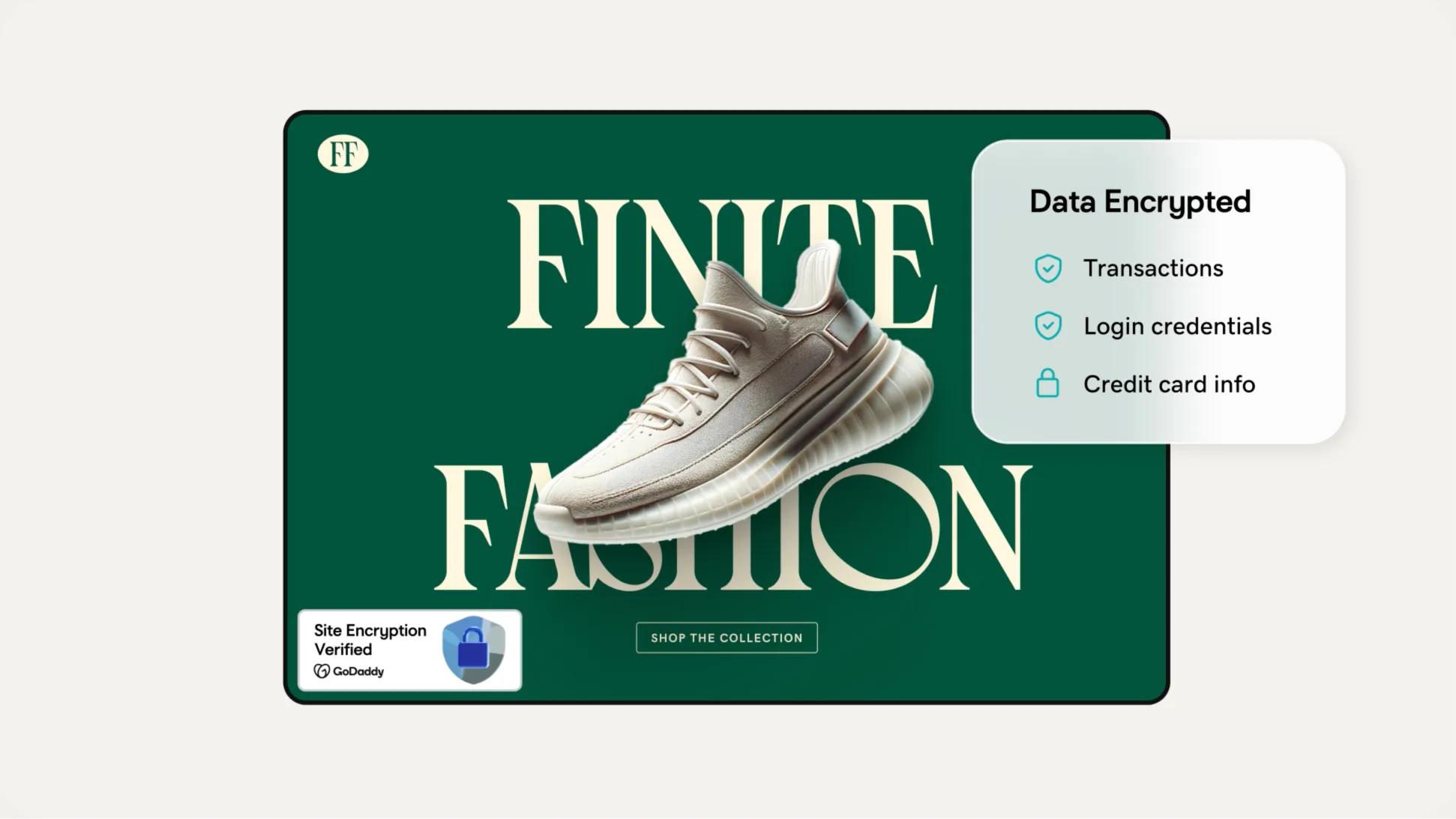
Versleutel je data, inloggegevens en creditcardinformatie met een SSL-certificaat. Kies je voor onze Beheerde SSL-service, dan regelen wij de installatie binnen een uur en zorgen we voor het onderhoud en de monitoring.
kr 54,00
/mnd
Met een looptijd van 3 jaar.
SSL-functies
1 SSL-tegoed per 1 domein
Single site, multi-domein en Wildcard beschikbaar
2x encryptie vernieuwen per jaar
Werkt op bijna alle hosting, onafhankelijk van provider
Installatie
Zelf installeren
Handmatige herinstallatie en probleemoplossing
Bonusfuncties
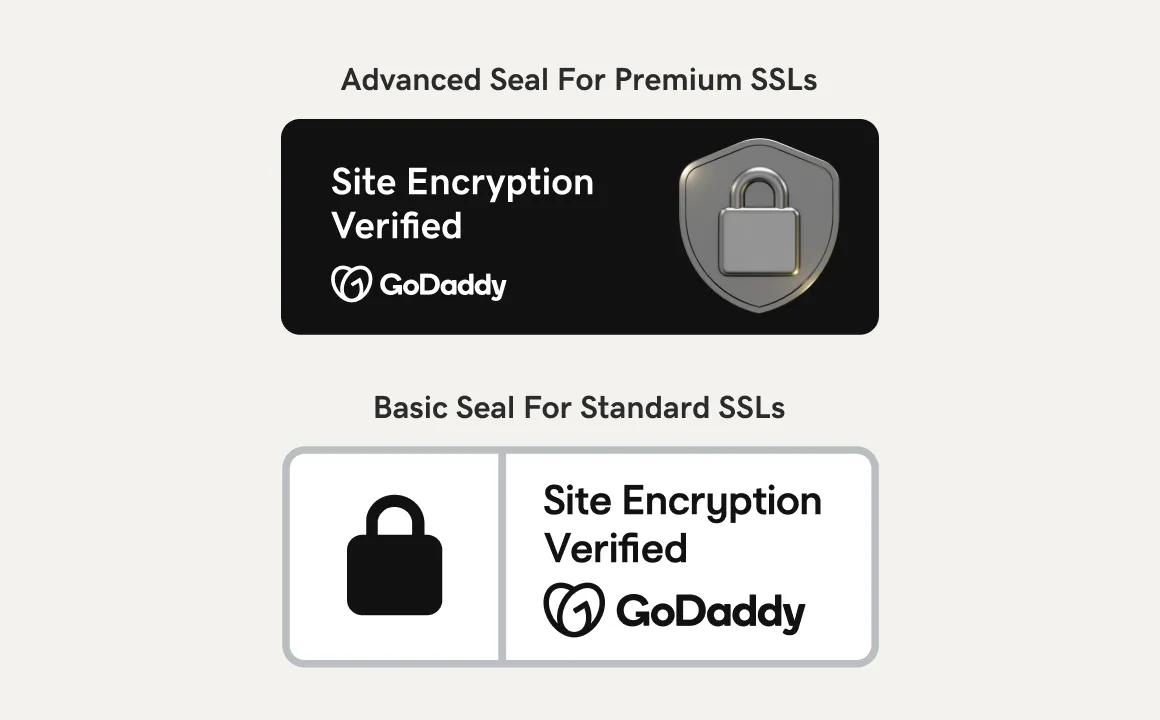
Basis Trust Seal
Basisbeheer-dashboard
Per certificaat betalen
Eén domein, één SSL-certificaat
NIEUW - GEAUTOMATISEERDE HERINSTALLATIE
kr 55,00
/mnd
Met een looptijd van 3 jaar.
SSL-functies
Onbeperkt SSL's per 1 domein
Single site, multi-domein en Wildcard beschikbaar
2x encryptie vernieuwen per jaar
Werkt op bijna alle hosting, onafhankelijk van provider
Installatie
Persoonlijke AI en begeleide workflows helpen je makkelijk te installeren en configureren
Volledig geautomatiseerde herinstallatie
GoDaddy Airo SSL Assistant voor installatie, configuratie en probleemoplossing met AI
Bonusfuncties
Geavanceerd vertrouwenszegel
Nieuw geavanceerd Lifecycle Management-dashboard om al je certificaten makkelijker bij te houden
Per domein betalen, niet per certificaat
Eén domein, onbeperkt SSL-certificaten en uitgifte op onbeperkte servers
Meldingen voor wijzigingen in SSL laten je weten als je SSL door iemand is aangepast
1-staps installatie voor klanten met GoDaddy hosting
1-staps directe automatische validatie voor GoDaddy domeinen, gevalideerd in seconden
kr 66,00
/mnd
Met een looptijd van 3 jaar.
SSL-functies
1 SSL-tegoed per 1 domein
Single site, multi-domein en Wildcard beschikbaar
5x encryptie vernieuwen per jaar
Werkt op bijna alle hosting, onafhankelijk van provider
Installatie
Volledig beheerde installatie
Volledig beheerde herinstallatie en probleemoplossing
Volledig beheerd, GoDaddy regelt installatie, configuratie en probleemoplossing
Bonusfuncties
Geavanceerd vertrouwenszegel
Volledig beheerd tracking-dashboard
Per certificaat betalen
Eén domein, één SSL-certificaat
Meldingen voor wijzigingen in SSL laten je weten als je SSL door iemand is aangepast
Volledig beheerde validatie
PLUS
OV- en EV-abonnementen worden geüpgraded naar Geavanceerde Trust-zegel. Dit laat niet alleen zien dat de site is versleuteld, maar stelt bezoekers ook gerust dat je bedrijf echt is.
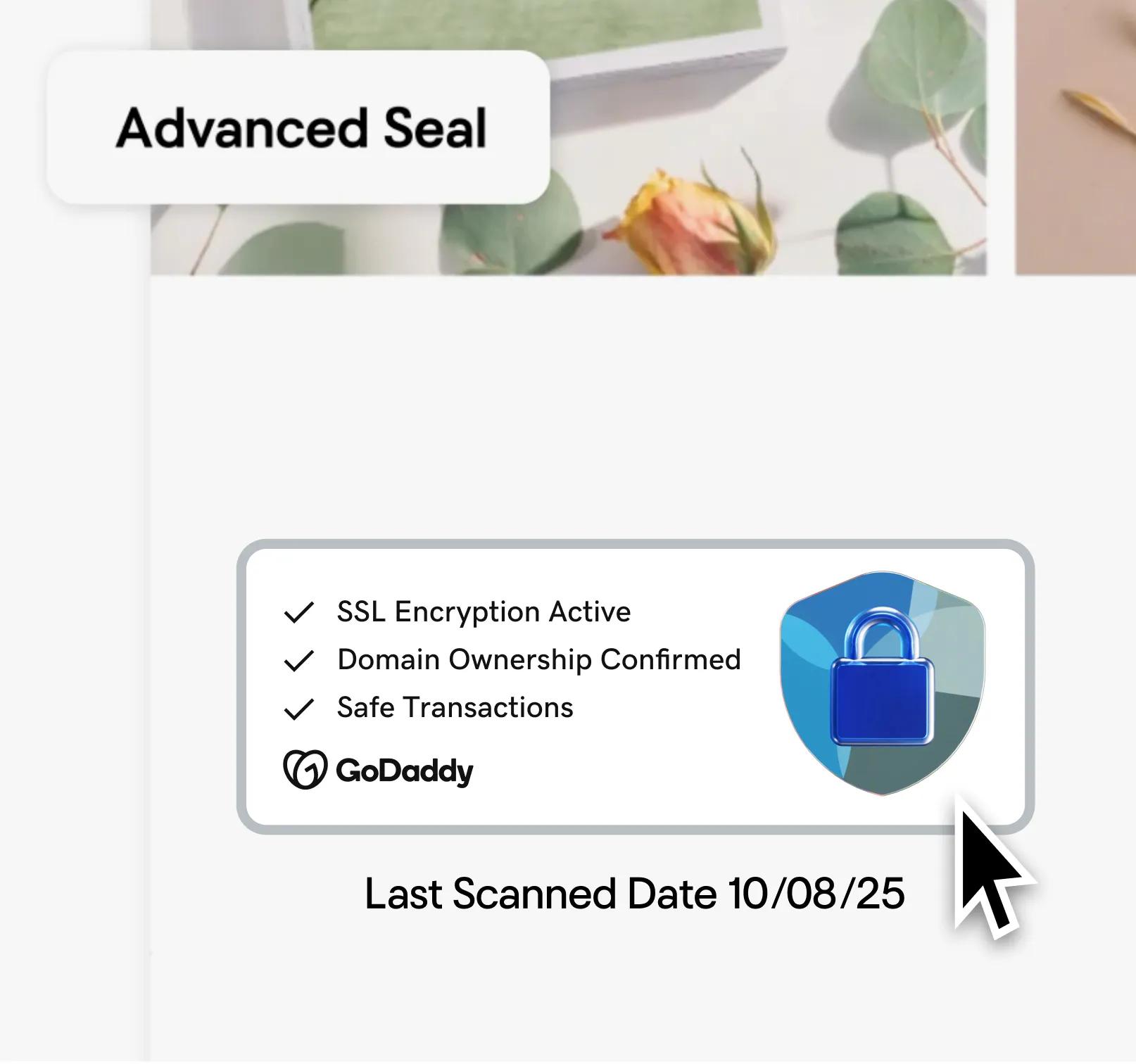
Onze Beheerde SSL's worden nu elke 90 dagen opnieuw uitgegeven voor betere bescherming van je site. Dit is beter dan de minimale industrienorm van 2x per jaar vernieuwen.
Je kunt altijd rekenen op supervriendelijke, deskundige, hands-on support van onze GoDaddy Guides security experts.
GoDaddy is een oprichtend lid van het Certificate Authority (CA)/Browser Forum. Onze certificaten vergroten het vertrouwen van gebruikers omdat ze laten zien dat je identiteit online is beveiligd.
Zoekmachines geven voorrang aan https-versleutelde websites en zetten ze hoger in de zoekresultaten.
Een SSL-certificaat helpt online bedrijven te beschermen, waaronder standaarden en regels zoals PCI-DSS, HIPAA, HITECH, GDPR en meer.
Geef klanten veilige online betaalopties en houd ze langer in je winkel. SSL-certificaten zorgen met end-to-end versleuteling dat klantgegevens veilig blijven.
SSL-certificaten maken een versleutelingssleutel aan zodat gebruikersnamen, wachtwoorden en andere gegevens niet in verkeerde handen vallen.
Als een bezoeker een website met een SSL-certificaat bezoekt, wordt er automatisch een versleutelde verbinding gemaakt met hun browser. Het is het beste als dit op alle pagina's en subdomeinen aanwezig is.

Als de verbinding tot stand is gebracht, wordt de waarschuwing 'Niet veilig' vervangen door een betrouwbaarheidsindicator en het https-voorvoegsel in de browser van de bezoeker, wat aangeeft dat hun gevoelige gegevens zijn versleuteld.
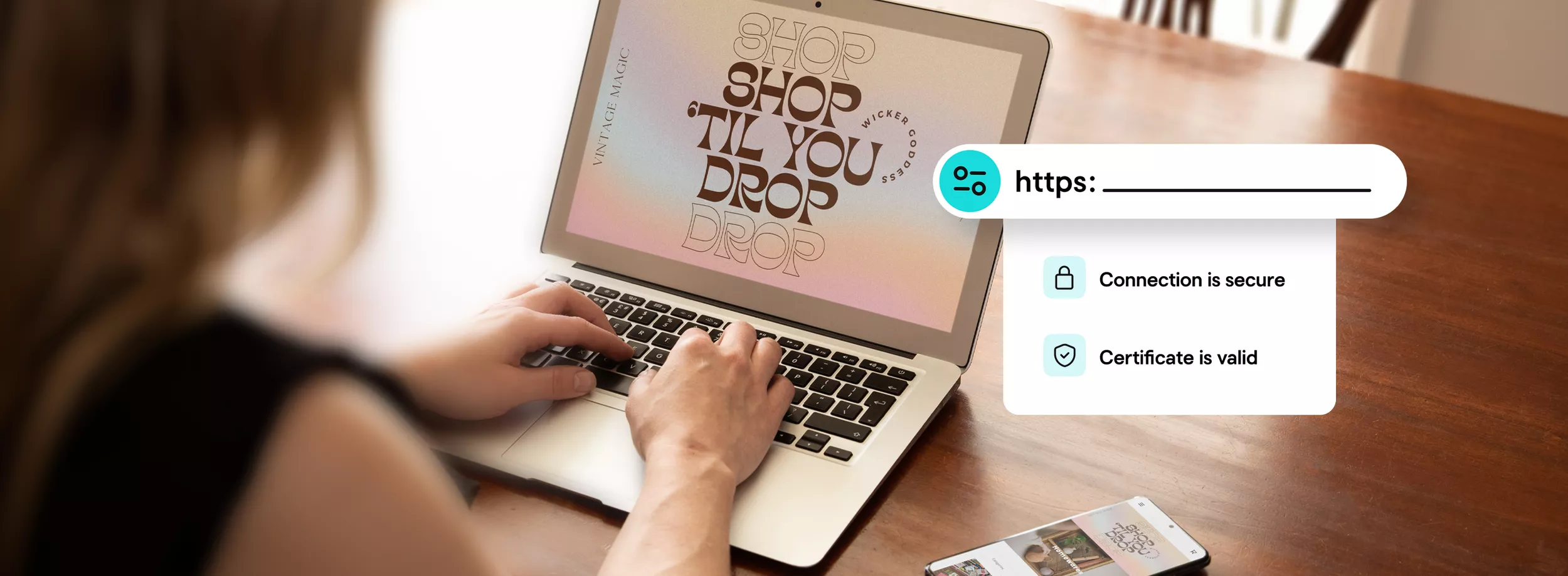
Je SSL-certificaat versleutelt alle verzonden gegevens. Vergeet niet je Trust Seal toe te voegen, zodat bezoekers deze versleuteling zien.

SSL-certificaten zijn SSL (Secure Sockets Layer) certificaten die websites verifiëren en het mogelijk maken om over te schakelen van HTTP naar HTTPS-versleuteling. Zo wordt het uitwisselen van waardevolle informatie die bezoekers met een website delen, beschermd.
Met een SSL-certificaat op je site wek je vertrouwen bij bezoekers, help je gebruikersgegevens te beveiligen, verifieer je het eigendom van je website en voorkom je dat aanvallers een nepversie van je site maken. Met een certificaat op je site weten klanten zeker dat alles wat ze op een beveiligde pagina invullen, versleuteld is. GoDaddy maakt het installeren van je certificaat makkelijk en helpt je gevoelige klantgegevens op je site te beschermen.
Wil je nog meer weten over SSL-certificaten? Bekijk dan dit help-artikel .
Wanneer je GoDaddy SSL-certificaat is uitgegeven, sturen we je een e-mail. Wat er daarna gebeurt, hangt af van waar je site gehost wordt en de opties die je hebt gekozen bij de aankoop.
Kies je voor Webhosting of Websitebouwer , dan regelen wij alles voor je. Host je je website bij een andere partij of maak je gebruik van onze VPS-hosting , ontdek hier meer .
Om een SSL-certificaat te installeren op Parallels Plesk Panel, cPanel en Microsoft IIS, ga naar kijk hier .
Het is belangrijk om de verschillende soorten SSL-certificaatvalidatie te begrijpen zodat je weet wat je nodig hebt om de gegevens van je bezoekers te beschermen wanneer ze je site bezoeken.
De geldigheidsduur is afhankelijk van het SSL-product dat je hebt gekocht.
Beantwoord deze vragen zodat we je kunnen helpen het juiste SSL-certificaat te vinden:
Een GoDaddy DV SSL duurt meestal 5 minuten of minder. Een GoDaddy OV SSL duurt 3-5 werkdagen, omdat we dan niet alleen domeineigendom, maar ook het bestaan van de organisatie of het bedrijf controleren.
Voor GoDaddy EV SSL-certificaten is er een uitgebreid controleproces dat begint met een diepgaande aanvraag. Verzamel vóór je start informatie over je bedrijf, zoals het registratienummer, de oprichtings- of registratieagent en relevante gegevens over de rechtsgebied.
Een Unified Communications Certificate (UCC) is een SSL-certificaat waarmee je meerdere domeinnamen en hostnamen binnen een domeinnaam beveiligt. Met een UCC SSL-certificaat kun je een primaire domeinnaam en tot 99 extra Subject Alternative Names (SAN's) beveiligen met één SSL-certificaat. Je kunt met een UCC bijvoorbeeld www.domains1.com, www.domains2.net en www.domains3.org beschermen.
UCC's zijn compatibel met gedeelde hosting en ideaal voor Microsoft® Exchange Server 2007, Exchange Server 2010 en Microsoft Live® Communications Server. Op het sitezegel en certificaat ('uitgegeven aan') wordt echter alleen de primaire domeinnaam vermeld. Let op: eventuele secundaire hostingaccounts worden ook in het certificaat opgenomen. Wil je niet dat sites met elkaar verbonden lijken? Gebruik dan geen UCC.
Afhankelijk van hoe je website is ingesteld, wil je misschien iets anders dan een enkel domein-SSL-certificaat gebruiken.
Bezoek onze Kennisbank voor meer informatie over het instellen, gebruiken en beheren van SSL-certificaten.
Logo‘s en merken van externe partijen zijn geregistreerde handelsmerken van hun respectievelijke eigenaren. Alle rechten voorbehouden.
GoDaddy is een geweldige zakenpartner
LAAT JE EIGEN BEDRIJF GROEIEN
WEBSITES DIE ZICHZELF SCHRIJVEN
Social media eenvoudig
WERELDWIJD VERTROUWD
GoDaddy is een geweldige zakenpartner
LAAT JE EIGEN BEDRIJF GROEIEN
WEBSITES DIE ZICHZELF SCHRIJVEN
Social media eenvoudig
WERELDWIJD VERTROUWD
GoDaddy is een geweldige zakenpartner
LAAT JE EIGEN BEDRIJF GROEIEN
WEBSITES DIE ZICHZELF SCHRIJVEN
Social media eenvoudig
WERELDWIJD VERTROUWD
GoDaddy is een geweldige zakenpartner
LAAT JE EIGEN BEDRIJF GROEIEN
WEBSITES DIE ZICHZELF SCHRIJVEN
Social media eenvoudig
WERELDWIJD VERTROUWD
GoDaddy is een geweldige zakenpartner
LAAT JE EIGEN BEDRIJF GROEIEN
WEBSITES DIE ZICHZELF SCHRIJVEN
Social media eenvoudig
WERELDWIJD VERTROUWD
GoDaddy is een geweldige zakenpartner
LAAT JE EIGEN BEDRIJF GROEIEN
WEBSITES DIE ZICHZELF SCHRIJVEN
Social media eenvoudig
WERELDWIJD VERTROUWD