Key takeaways
- As of February 2026, all the features of GoDaddy Studio are now part of the GoDaddy app — find it at the App Store (iOS) or Google Play (Android).
- You can still access your content creation features from GoDaddy Studio in the GoDaddy app, and all your projects are safe.
- Beyond creative design tools, the GoDaddy app brings an array of powerful capabilities: buy and manage domains, edit websites, secure your account, and more, all from your mobile device.
We're making big changes so you can get more done, even when you're busy, travelling to meet your next client, or grabbing a quick meal in between appointments.
The GoDaddy app is designed to help entrepreneurs and small business owners create, manage, and grow their businesses — all on the go.
Here's everything you need to know about the transition to the GoDaddy app.
What's changing?
The GoDaddy Studio app is becoming the GoDaddy app. All of your projects, designs, templates, and settings will stay exactly where you left them. You’ll simply access them in the GoDaddy app instead.
We’re also updating how our design tools are named.
- Subscription name: GoDaddy Studio PRO is now called Content Creator PRO.
- Web design tools: The Studio design tools on the web are now called Content Creator, with the same features you already use.
You can access Content Creator on the web here: studio.godaddy.com
When will these changes happen?
The GoDaddy Studio app has become the GoDaddy app starting February 2026.
If you have automatic updates enabled on your device, your app will update seamlessly, no action required.
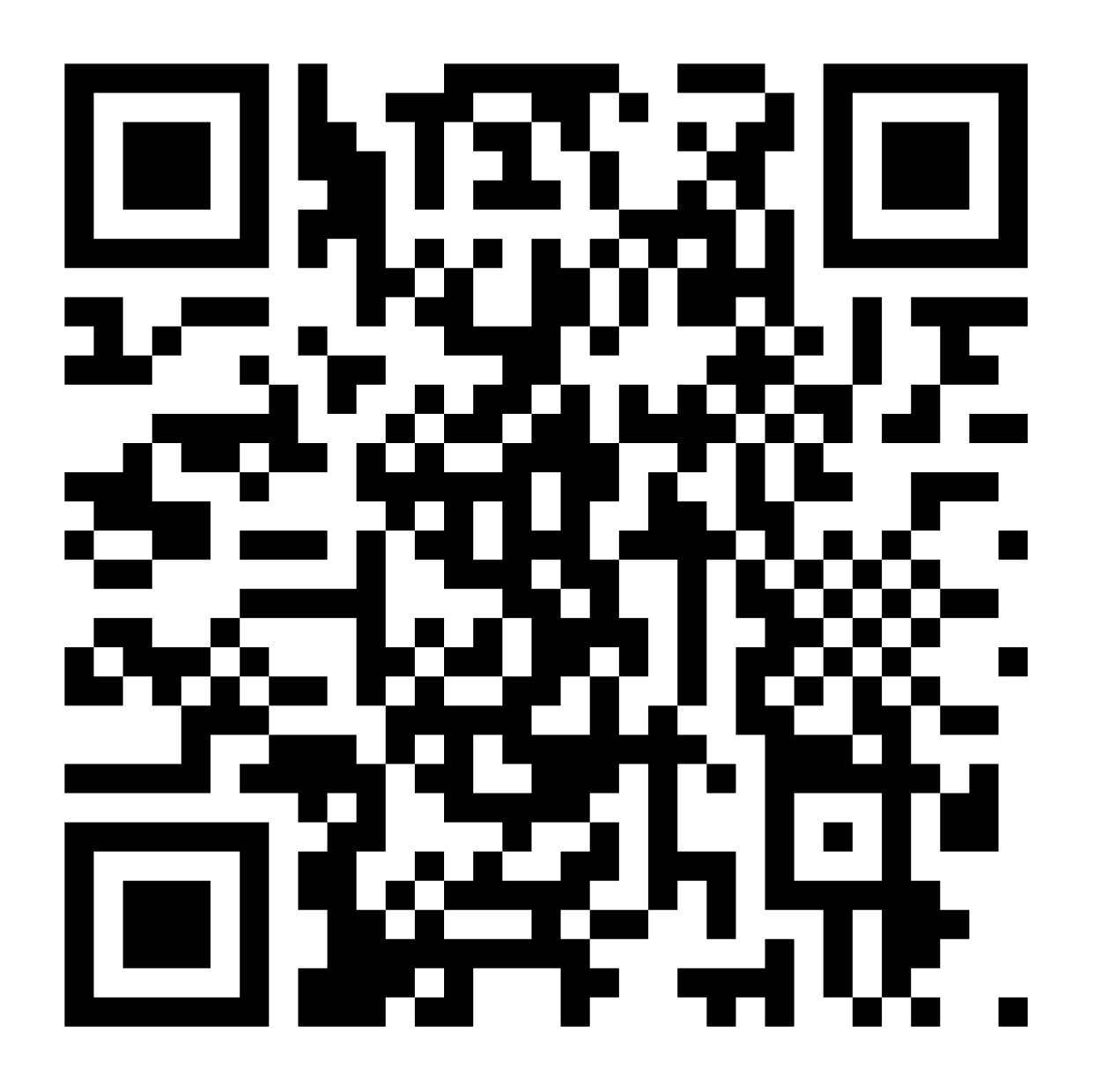
If automatic updates are disabled, download and install the GoDaddy app from your app store:
Or scan this QR code:
Do I need to do anything?
If automatic updates are enabled: Nothing. Your GoDaddy Studio app will automatically update to the GoDaddy app, and all your projects, designs, and settings will be right where you left them.
If automatic updates are disabled: Visit the App Store (iOS) or Google Play Store (Android) to download the GoDaddy app.
Your work is safe. All your existing projects, saved designs, templates, and brand kits remain unchanged after the update. You won't lose anything.
Why are we making this change?
We want to give you a powerful app that handles everything you need to run your business on your mobile. By unifying under the GoDaddy brand name, you can:
- Find the app instantly when searching GoDaddy in app stores.
- Access all your business tools in one place instead of switching between multiple apps.
- Trust the app as an official GoDaddy product backed by our support and security.
What capabilities will the GoDaddy app have?
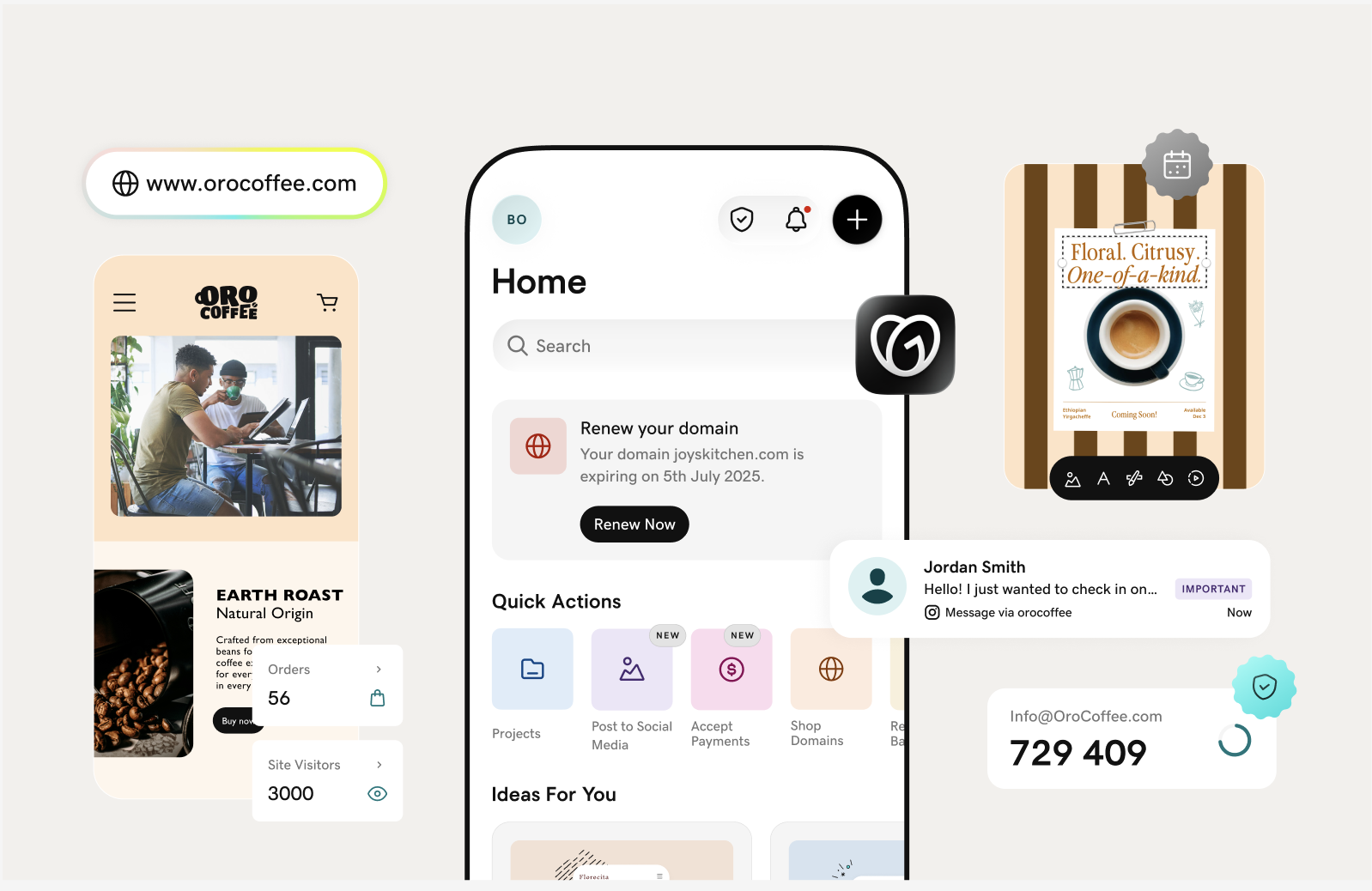
The GoDaddy app is your mobile business toolkit. It combines everything from content creation with more powerful features that let you manage your entire online presence from your phone.
Here's what you can do:
Domain management
Take full control of your domain portfolio from anywhere:
- Search and register domains: Find the perfect domain name for your business and register it instantly from your phone.
- Manage existing domains: View all your domains, check expiration dates, and renew with a few taps
- Get renewal reminders: Receive notifications before your domains expire so you never lose an important web address.
Website creation and management
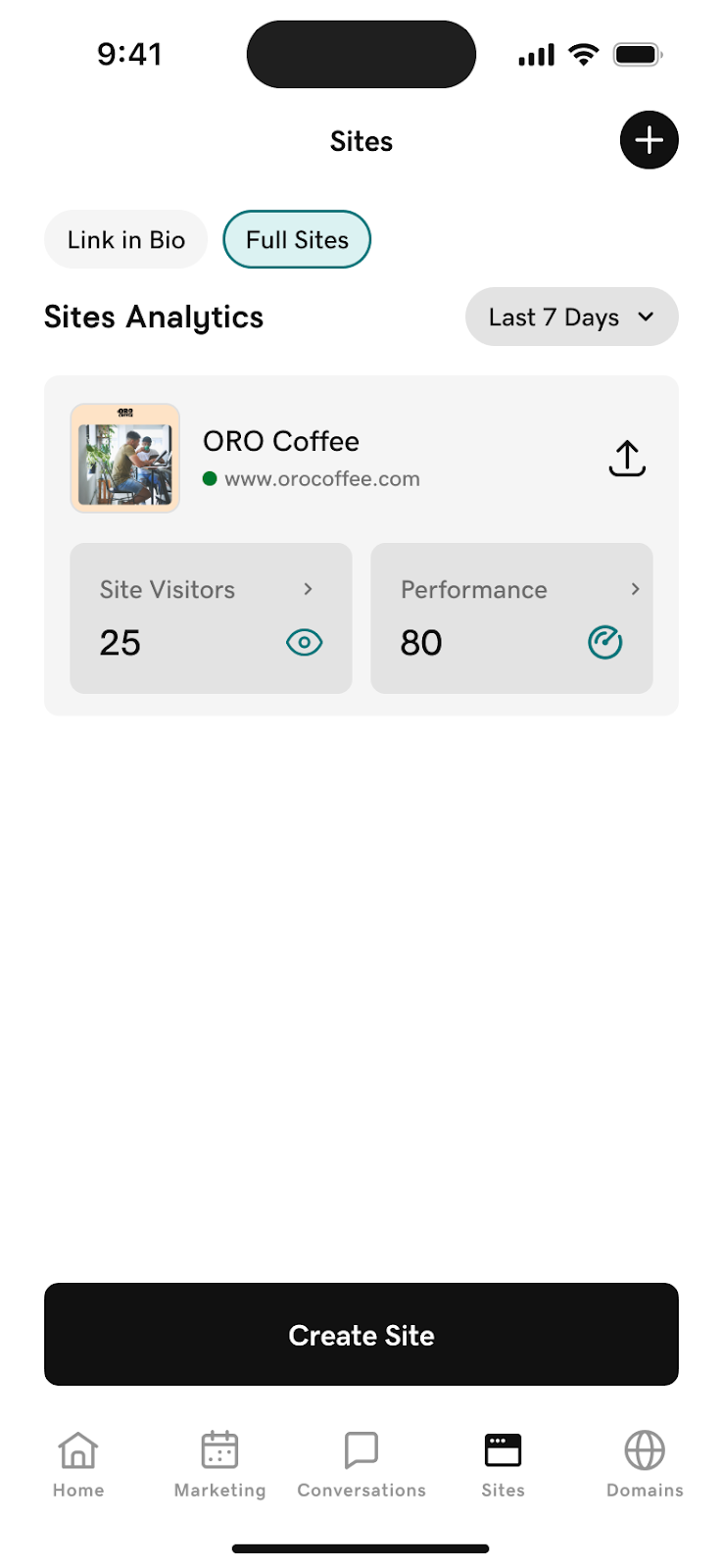
Build and maintain your online presence without needing a computer:
- Edit websites: Use GoDaddy's website builder to design and launch professional websites from your phone.
- Edit existing sites: Make quick updates to text, images, and layouts whenever inspiration strikes.
- Publish changes instantly: Push updates live immediately so your customers always see your latest content.
- Manage multiple sites: Switch between different websites if you run more than one business or project.
- Track site performance: View visitor insights and key metrics to understand how your website is performing.
Marketing tools
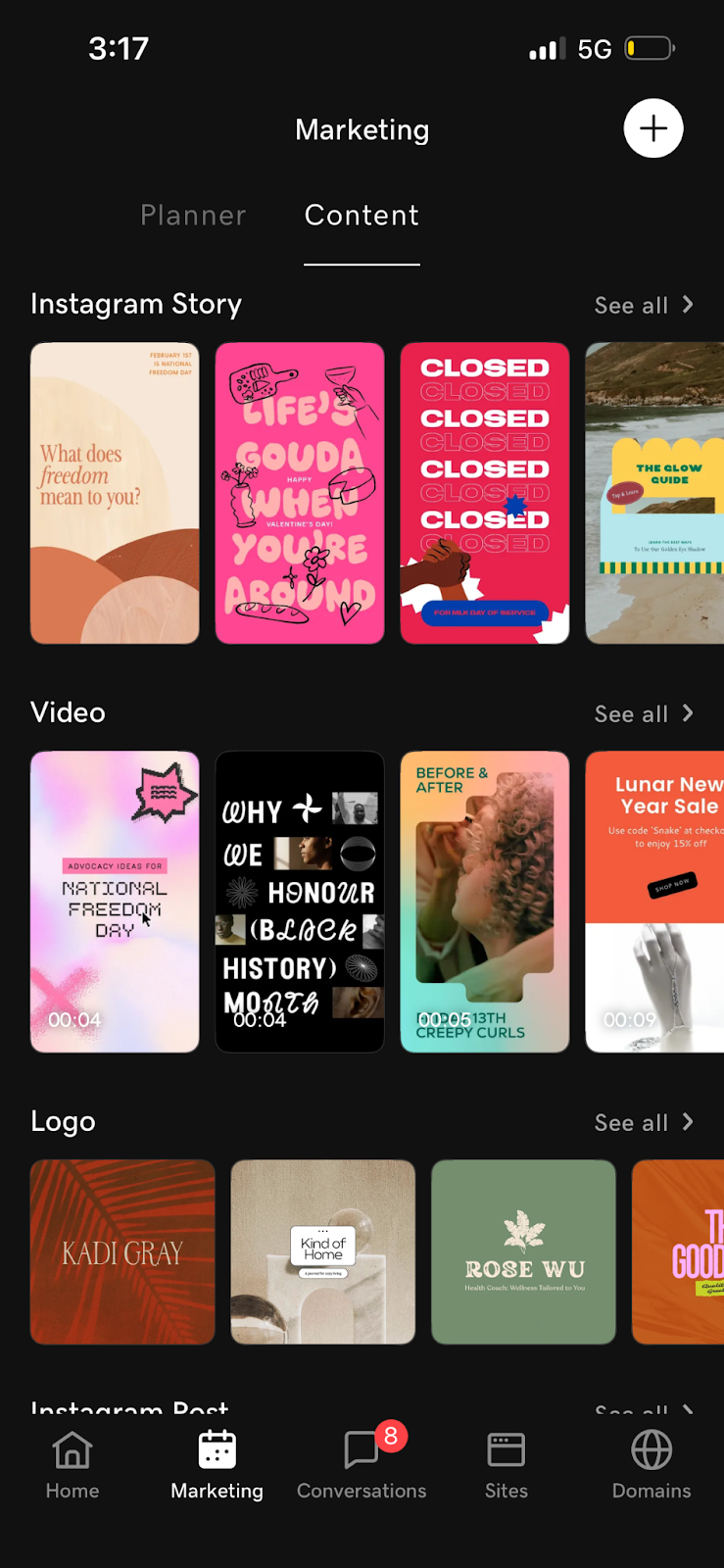
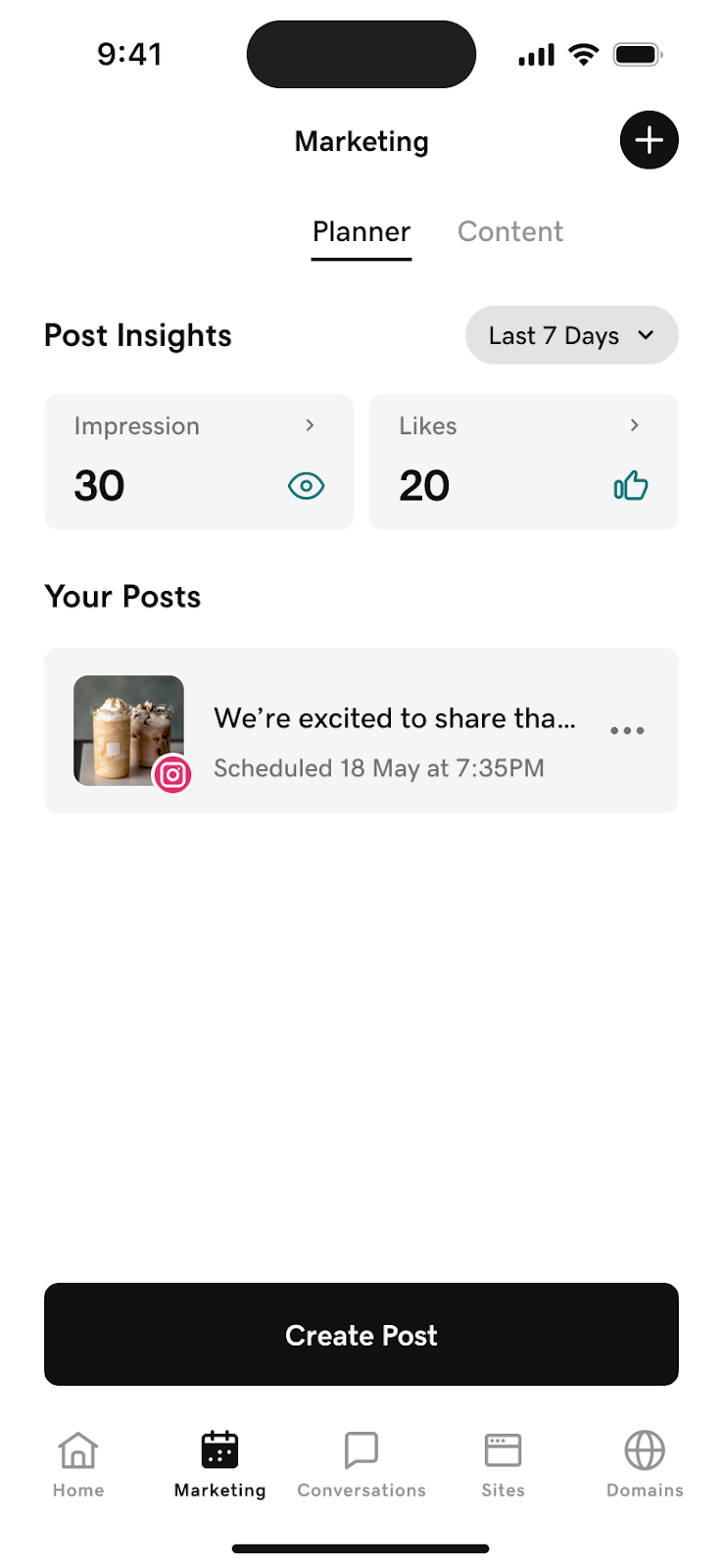
Reach your customers and grow your audience with built-in marketing capabilities:
- Social media posting: Create eye-catching social posts and publish directly to Facebook and Instagram.
- Schedule content: Plan your posts in advance and let the app publish them at the optimal time.
- Marketing analytics: Monitor how your campaigns are performing with engagement metrics and analytics.
- Create promotional graphics: Design sale announcements, event promotions, and seasonal content using Content Creator templates.
- Auto caption creation: Get AI-generated captions and hashtags for your social posts.
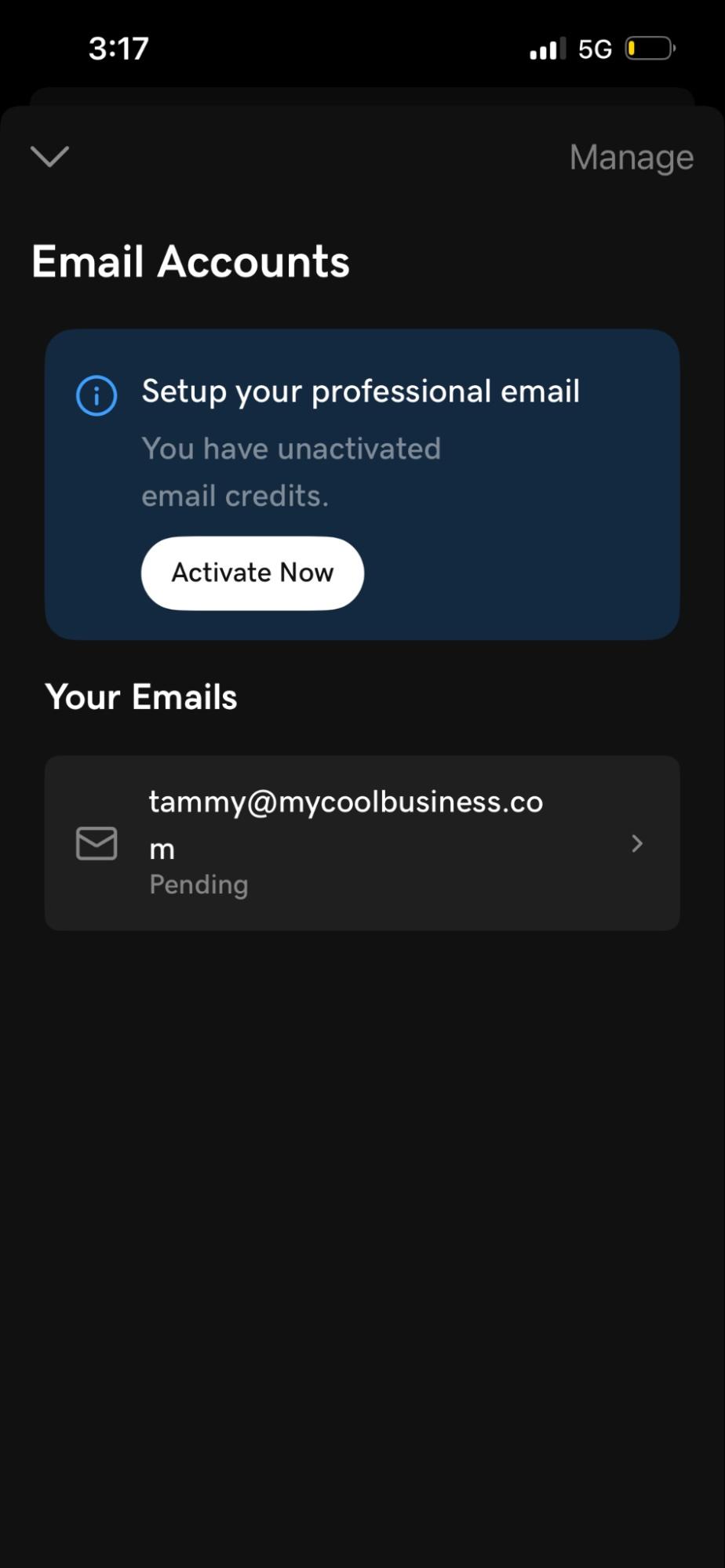
Email management
- Activate your email: Complete email setup directly in the app (some steps may open secure web screens as needed).
- Change your password: Update your email password in-app.
- Manage your email settings: Access advanced email management tools through secure web views.
Customer communication (Conversations inbox)
Manage all your customer interactions in one unified inbox:
- Centralised messages: See messages from email, social media DMs, website contact forms, and more in a single view
- Respond quickly: Reply to customer inquiries from anywhere without logging into multiple platforms
- Never miss a message: Get notified when new messages arrive so you can respond promptly
- Track conversation history: View past interactions with each customer to provide personalised service
- Manage across channels: Handle Facebook messages, Instagram DMs, website chats, and email inquiries all in one place.
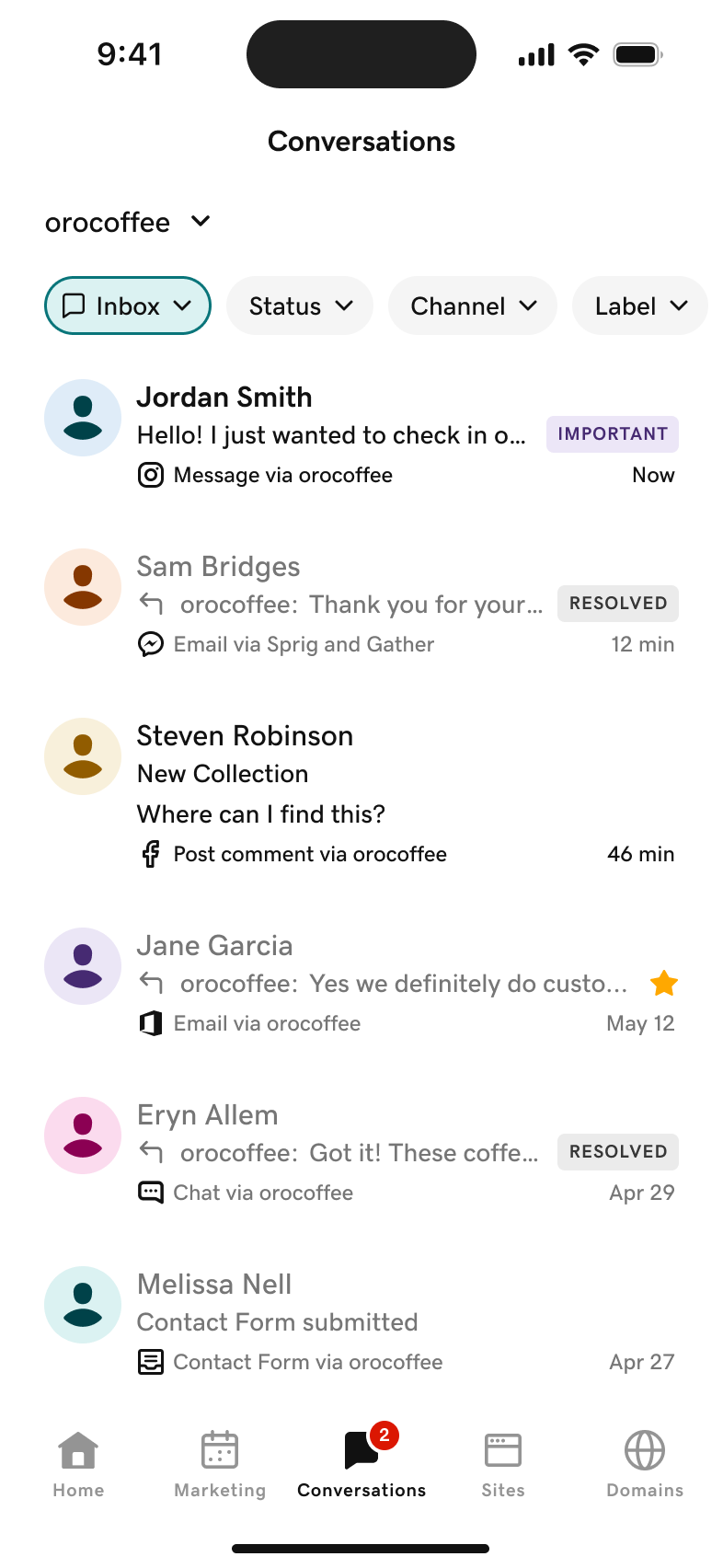
Note: Customers on the GoDaddy Conversations Essentials plan can already access their messages in the GoDaddy app. We'll be migrating other customers over the coming months. You can continue using the standalone GoDaddy Conversations app until your migration is complete.
Account security and identity verification
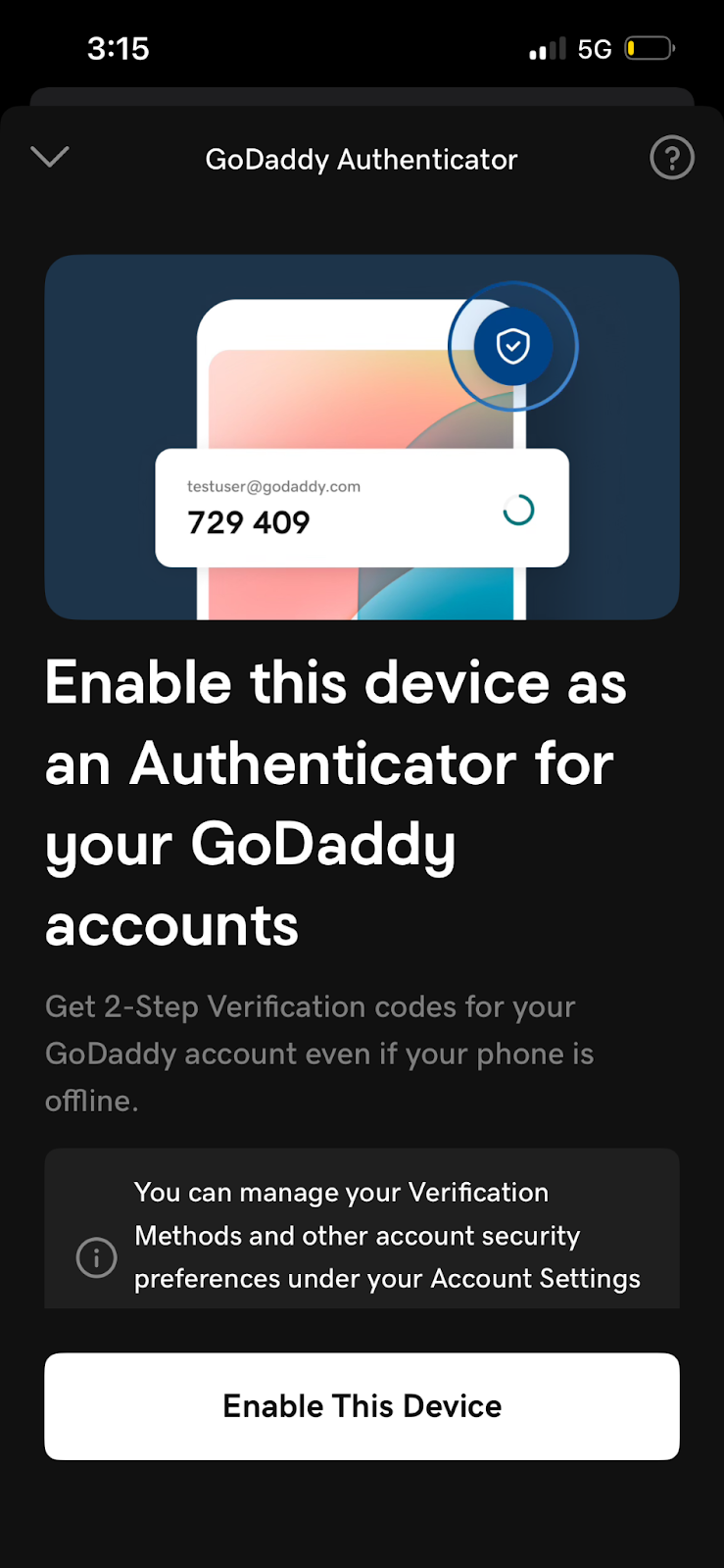
Keep your GoDaddy account protected with mobile-first security features:
- Two-factor authentication (2FA): Enrol your device as an authenticator to add an extra layer of security when signing in.
- Secure account recovery: Use your enrolled device to verify your identity if you ever need to recover your account.
Smart notifications
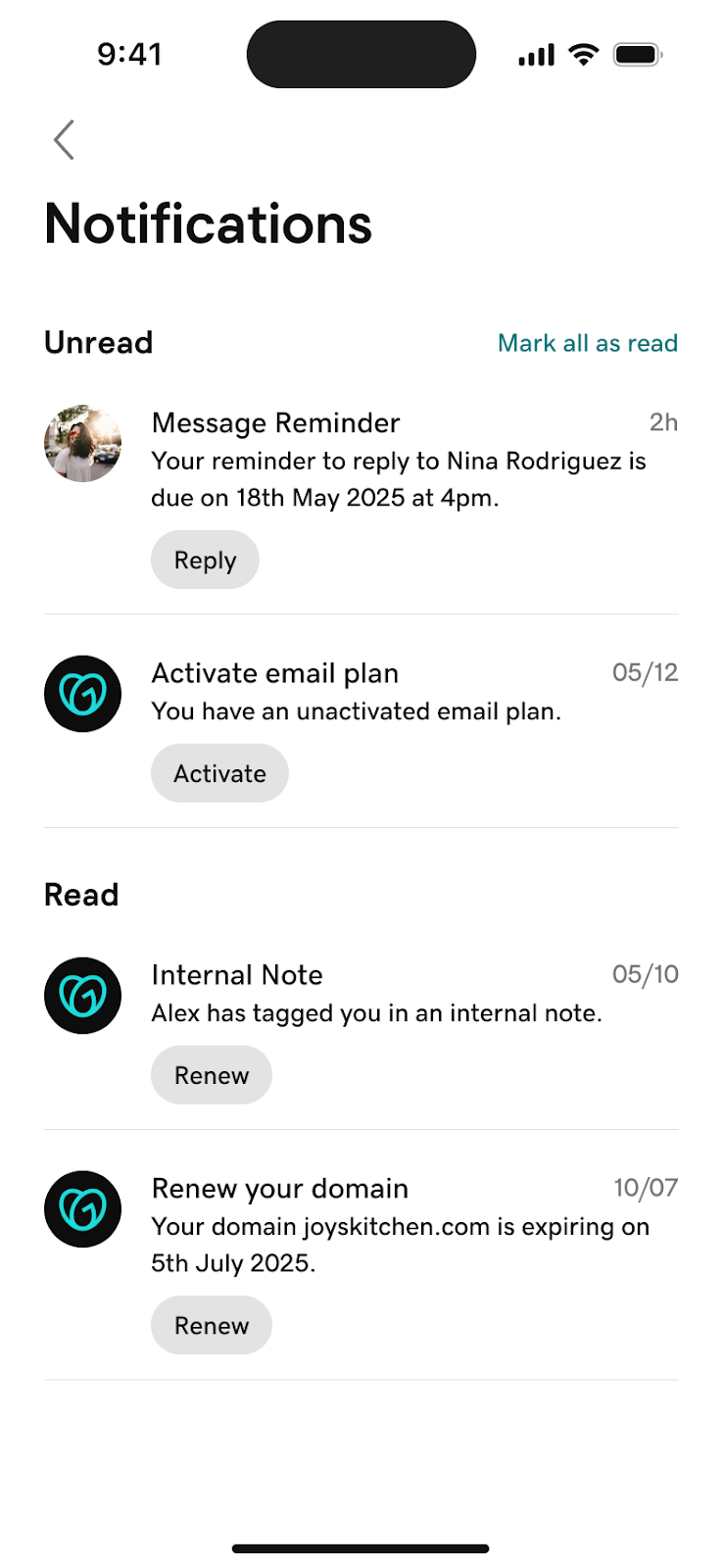
Stay on top of your business with timely alerts:
- Domain renewal reminders: Get notified before domains expire so you can renew in time.
- Customer message alerts: Know immediately when a customer reaches out.
Creative tools (Content Creator)
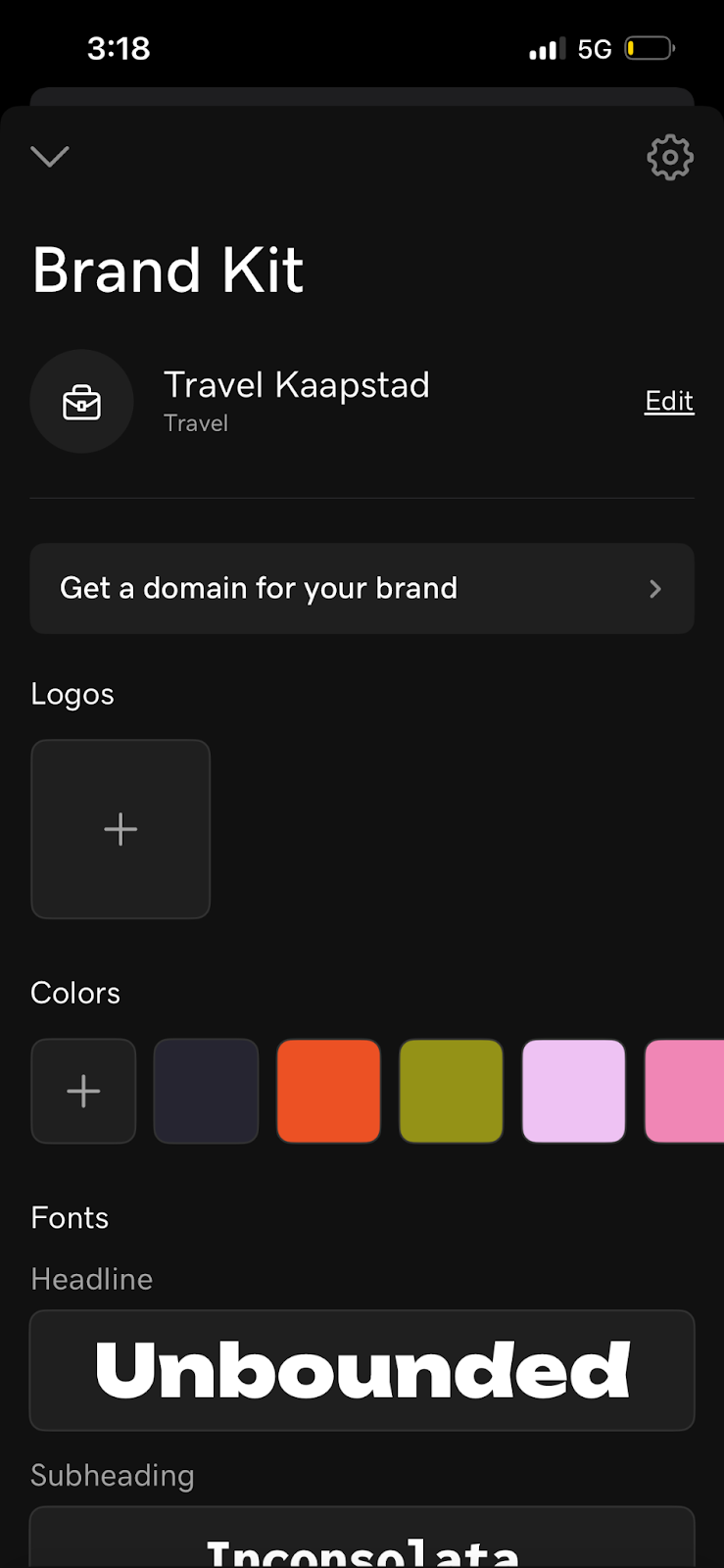
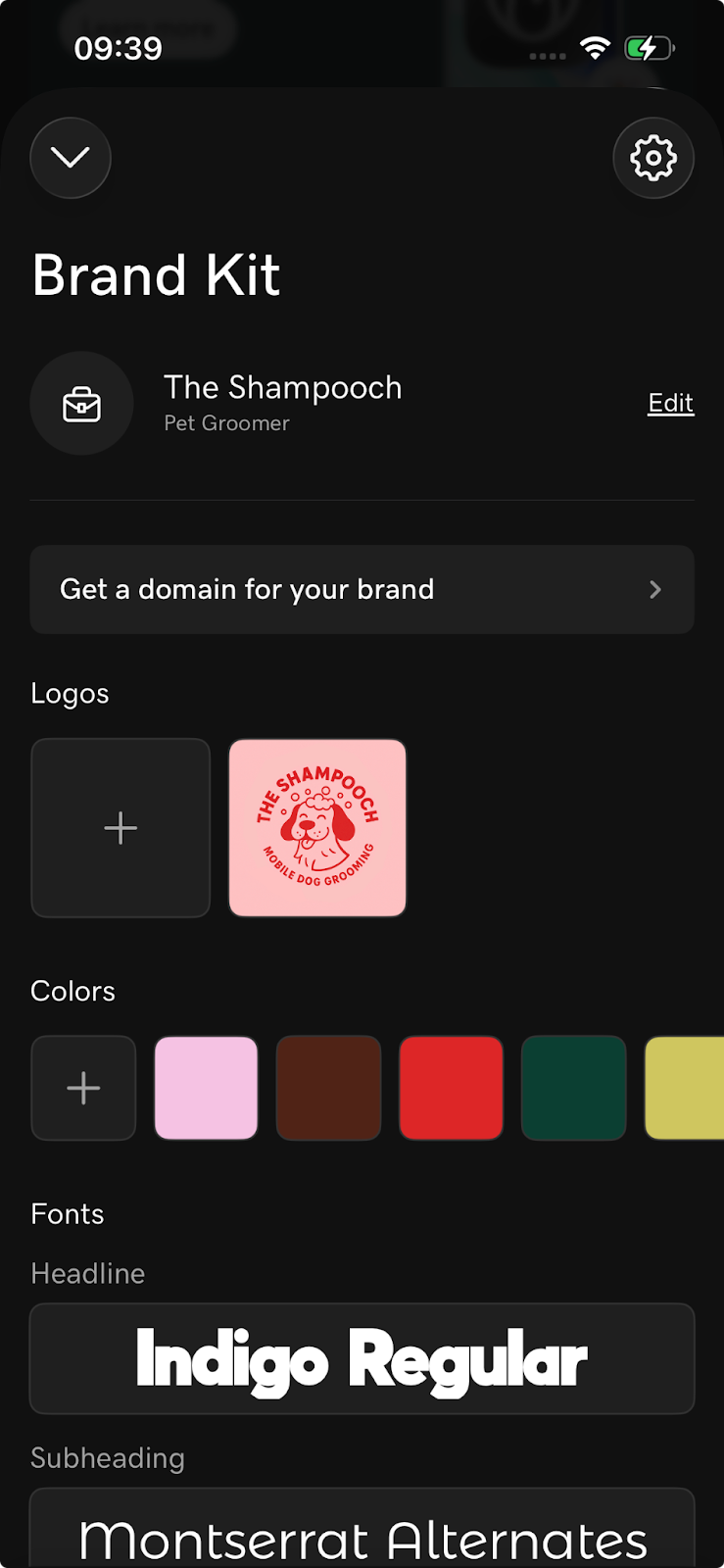
All the design capabilities of GoDaddy Studio are now called Content Creator, and they're better than ever:
- Professional templates: Access thousands of professionally designed templates for social media posts, stories, ads, flyers, logos, and more.
- Brand kit: Save your brand colours, fonts, and logos to apply consistent branding across all your designs with one tap.
- Photo editing: Crop, filter, adjust, and enhance images with powerful editing tools.
- Background remover: Instantly remove backgrounds from photos to create clean, professional product images.
- Text and typography: Add stylish text with hundreds of fonts, effects, and animations.
- Resize for any platform: Automatically resize designs for Instagram, Facebook, Pinterest, LinkedIn, and other platforms.
- Video creation: Create short videos and animated content instantly for social media.
- Stock library: Access millions of royalty-free photos, graphics, and design elements.
- Save and organise projects: Keep all your designs organised in folders and access them from any device.
- Export in multiple formats: Download your creations as PNG, JPG, PDF, or MP4 for any use case.
Your existing projects are safe. Everything you've created in GoDaddy Studio will be waiting for you in the GoDaddy app after the update.
What's next?
These changes are just the beginning. Throughout 2026 and beyond, we'll continue adding new features to the GoDaddy app to help you run your business more effectively from your phone. Check back regularly to find what's new.
Ready to get started? Download the GoDaddy app from the App Store or Google Play.
Have questions about the GoDaddy Studio to GoDaddy app transition? Visit our Help Center or contact our GoDaddy Guides.