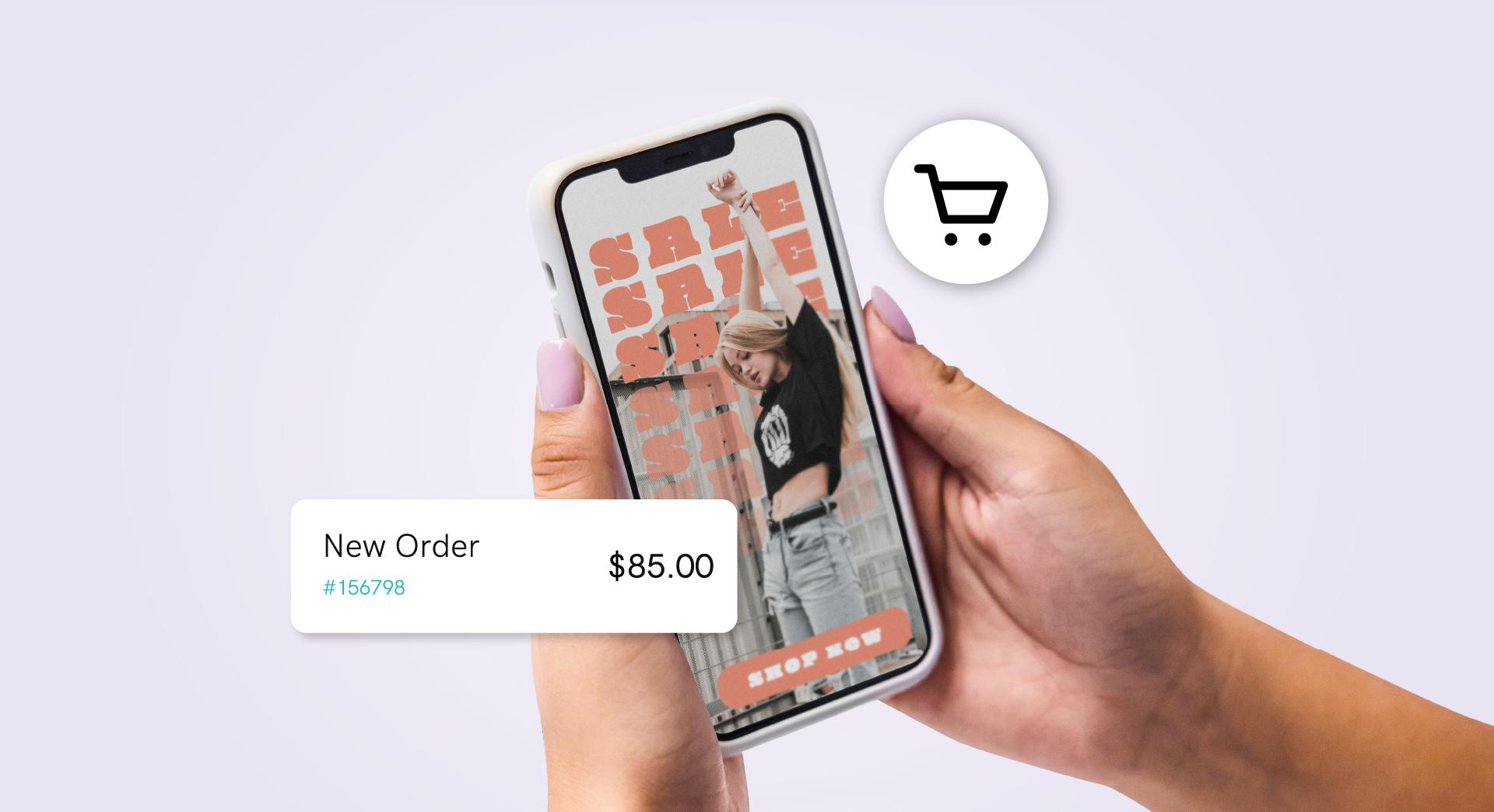


The internet today is more visual than ever, which is why the thumbnail takes center stage. A thumbnail allows viewers to decide at a glance whether to click into content, saving time and boosting satisfaction.
That’s why nailing the design and knowing how to optimise thumbnails matters so much, since they can multiply clicks, retention, and reach.
Let’s jump into how you can do that below.
What is a thumbnail?
A thumbnail is a scaled-down preview of a larger piece of content, such as video, image, or article. It’s purpose is to give viewers a quick visual clue of about what they can expect before deciding to click. You’ll see thumbnails used across the web from video platforms and image galleries to search results. They help users scan and identity content quickly. The term comes from the idea that these preview images are small, roughly comparable in size to a human thumbnail.
Optimal sizes and dimensions
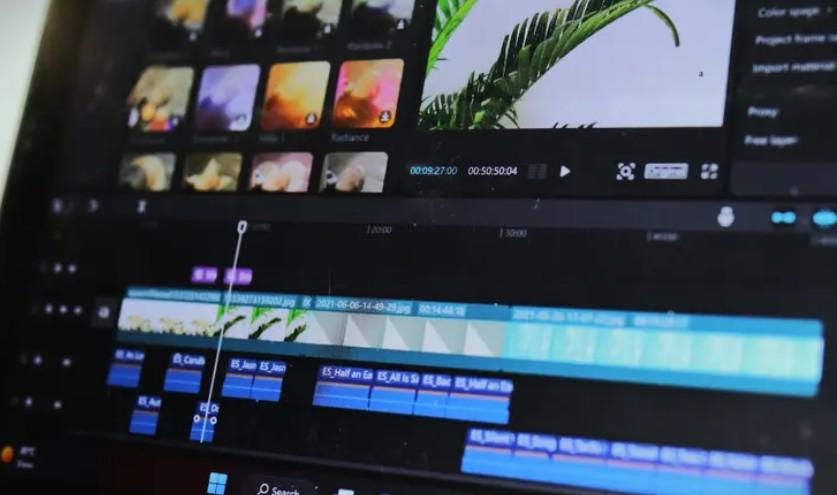
Every platform defines technical requirements for thumbnails. For example, minimum resolution, specific aspect ratio, maximum file size, or accepted formats.
Knowing the specifications helps you avoid unwanted cropping, blurring, or other display errors. Working from current, official specs lets you get it right the first time and deliver a seamless experience on any screen or device.
Ideal size for YouTube thumbnails
On YouTube, Google’s globally known video platform, thumbnails play a crucial role in attracting viewers.
Recommended YouTube thumbnail dimensions are 1280 x 720 pixels with a 16:9 aspect ratio, the standard for most videos. This resolution ensures your thumbnail looks clear and sharp across devices, from desktop to mobile.
It’s also important to note that regardless of dimensions, the thumbnail file should be under 2 MB and saved as JPG, GIF, BMP, or PNG. And beyond simply knowing the measurements, an effective YouTube thumbnail should capture the essence of the video, be visually engaging, and spark curiosity — encouraging users to click and watch.
Considerations for other platforms
Beyond YouTube, other digital platforms use thumbnails to improve the user experience. Each has its own specs and best practices. Here are a few key ones:
- Facebook and Instagram: Meta’s platforms favor square or vertical images with 1:1 or 4:5 aspect ratios. Thumbnails should be eye-catching and accurately represent the content.
- X: While the platform allows multiple image sizes for thumbnails, 1200 x 675 pixels at a 16:9 aspect ratio is a solid preference.
- LinkedIn: For posts and articles on this professional network, 1200 x 627 pixels is recommended.
- Pinterest: Arguably the most creative and visually compelling social network benefits from vertical images with a 2:3 aspect ratio — ideally 1000 x 1500 pixels.
How to create attractive thumbnail images
Your thumbnails should communicate value and context. They need to be readable on mobile, consistent with your brand, and honest about the content they lead to. A strong thumbnail guides the eye, sparks curiosity, and improves click-through rate (CTR).
- Use short, bold text (3–5 words) to communicate the promise.
- Give it a clean background, complementary colours, and edges that separate elements.
- If applicable, put faces or key subjects front and center — because looks attract clicks.
- Compose using the rule of thirds and clear visual hierarchy to guide attention.
- Leave margins; avoid elements jammed against the edges for a more visually appealing design.
- Skip clickbait and false promises to sustain the long-term performance of your content.
- A/B test different thumbnails for the same content and compare CTR in Analytics to improve results.
- Keep your palette, fonts, illustrations, and icons consistent with your brand to make everything feel seamless.
- Include numbers or power words like “new,” “best,” or the current year to attract the audience’s attention.
- Use GoDaddy app to crop, remove backgrounds, and leverage templates — it makes thumbnail creation much easier.
Creating your own images instead of relying on a mega pack of YouTube thumbnail templates will make your content more personal — and more valuable to the people you want to win over.
SEO optimisation for thumbnails
A thumbnail won’t change the algorithm on its own, but it does affect visibility by improving CTR and how your content presents in search engines and social networks — and YouTube content with thumbnails (and their metrics) backs this up.
Well-optimised images also rank better in Google Images, speed up load times, and strengthen the semantics of the page where they are published. If you want to achieve better results, be sure to follow these steps.
- Use descriptive file names with keywords and hyphens.
- Write clear, contextual alt text and avoid keyword stuffing.
- Add structured data when appropriate.
- Include an image sitemap and update it after each publish.
- Implement srcset/picture and compress to prioritise fast loading.
- Choose efficient formats like JPEG, PNG, or WebP and keep file size in check.
- Ensure images are crawlable.
- Don’t block images in robots.txt.
- Align the thumbnail and title. On YouTube, this helps CTR.
- Place the image near important text.
- Check the preview when sharing links before large-scale publishing.
Case studies and best practices
Studying channels that get thumbnails right makes their impact clear. Netflix, for example, has shown how the right image can supercharge engagement. On YouTube, using clear, high resolution thumbnails is recommended by the platform itself. Here are some tips to help you nail it:
- Plan your thumbnail before you even start recording, so you know exactly which shots you’ll need.
- Avoid the bottom-right corner — that’s where video duration usually appears.
- Check legibility at tiny sizes (10–15% scale).
- Limit to two or three visual elements to reduce noise that may distract from the main objective.
- Use outlines or soft shadows to separate the subject and background.
- Use arrows or frames only if they guide the eye — only when they add clarity.
With these guidelines in mind, tools like GoDaddy app can help streamline the process. With ready-made templates, background removal, and customised fonts, it makes it easier to design clear, consistent thumbnails without overcomplicating the workflow. Its mobile-friendly setup also allows you to preview and export thumbnails in formats suited for different platforms.
Best tools for creating thumbnails
Using tools that speed up design — with templates, smart cutouts, and proper export options — helps you get quality results faster. These options are among the most useful today:
- GoDaddy app: A free editor for GoDaddy customers with templates, background removal, fonts, and mobile-friendly outputs.
- Adobe Express: A generator with an integrated editor, templates, asset libraries, and optimised exports.
- Kapwing: An online editor to build thumbnails from a frame, add text, and export — with templates and fast output.
- Snappa: Thumbnail templates and builtin stock photos with an intuitive online editor and a free plan.
Examples of successful thumbnails across platforms
In Australia, we’re surrounded by thumbnails that influence what we ultimately watch more than we realise. So it’s not enough to only know the size of a YouTube thumbnail — here are a few examples:
- Instagram Reels: The cover image controls how it appears in the feed and grid. Recommended size is 420 × 654 px (1:1.55). You’ll need to set it before publishing.
- Netflix: Test artwork and customise images to increase clicks.
- YouTube: Custom thumbnails at 1280 × 720, 16:9, and under 2 MB are more likely to appear in results and recommendations — directly boosting CTR.
- TikTok: Choose a frame or upload a cover before publishing; it’s used in profiles and search.
- Spotify (podcasts): Square 1:1 covers between 640 and 10,000 px act as thumbnails in apps and lists.
Creating a useful, compelling thumbnail takes trial and error, but having a clear grasp of the fundamentals helps you get more from your time and resources, making the lift well worth it in clicks and views.