Permissions required to pair GoDaddy Poynt Card Reader with GoDaddy mobile app
When you pair your GoDaddy Poynt Card Reader to the GoDaddy mobile app, you will be prompted to allow certain permissions on your mobile device. The permissions required vary depending on your device.
| Permission required | Here's why | Here’s how |
|---|
| Bluetooth | Mobile apps request Bluetooth access to perform Bluetooth-based communications, such as requesting a connection, accepting a connection, or transferring data. To pair your Card Reader with the GoDaddy mobile app, the app must search for your Card Reader using Bluetooth. |
- Begin the pairing process.
- When prompted to allow Bluetooth access, tap OK.
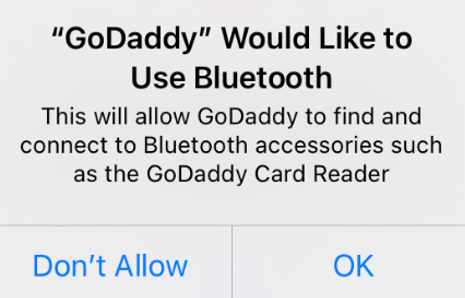
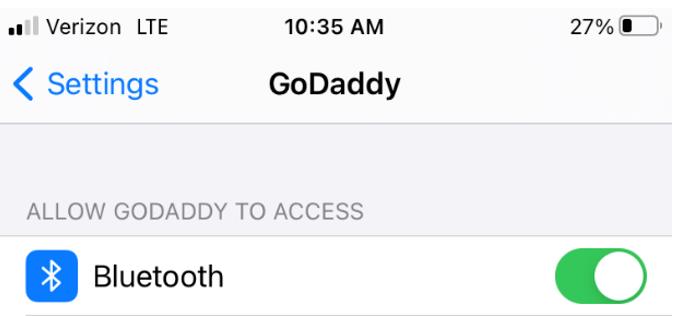
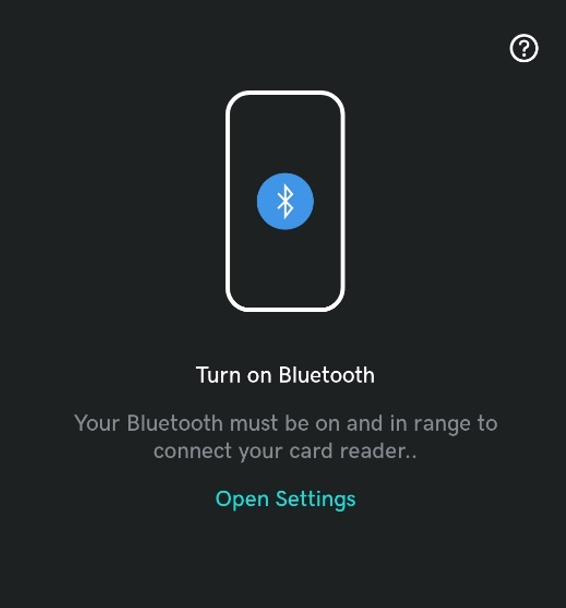
If you’ve previously denied Bluetooth access, you’ll be prompted to select Open Settings, then switch the Bluetooth toggle to On.
|
| Permission required | Here's why | Here’s how |
|---|
| Location | To scan for the Card Reader, Android requires Location permissions in addition to Bluetooth access. Location access is needed so that Bluetooth can perform scans to locate your Card Reader. GoDaddy does not track your location. | - When notified that the app requires Location access, tap OK, got it.
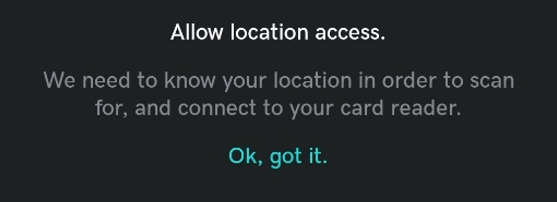
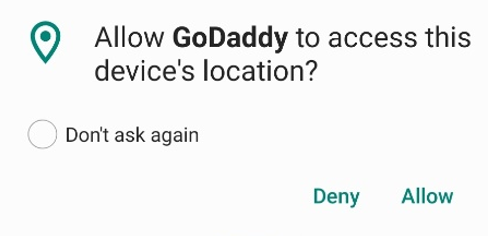
- When prompted to allow Location access, tap Allow.
|
| Bluetooth | Mobile apps request Bluetooth access to perform Bluetooth-based communications, such as requesting a connection, accepting a connection, or transferring data. To pair your Card Reader with the GoDaddy mobile app, the app must search for your Card Reader using Bluetooth. |
- When prompted to allow Bluetooth access, tap Open Settings.
- Tap Allow.

|
More info