Reiniciar mi VPS Hosting
Si no puedes reiniciar tu VPS Hosting manualmente , puedes reiniciarlo desde tu cuenta de hosting de la siguiente manera.
- Inicia sesión en tu cuenta GoDaddy.
- En tu página Mis productos , haz clic en Servidores , y al lado del VPS Hosting que deseas reiniciar, haz clic en Administrar .
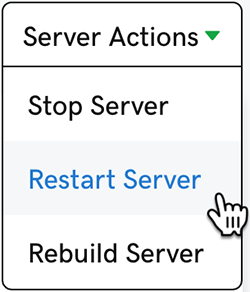
- En la esquina superior derecha de la página, haz clic en Acciones del servidor y luego selecciona Reiniciar servidor .