Alojamiento Node.js
Despliega aplicaciones Node.js en segundos
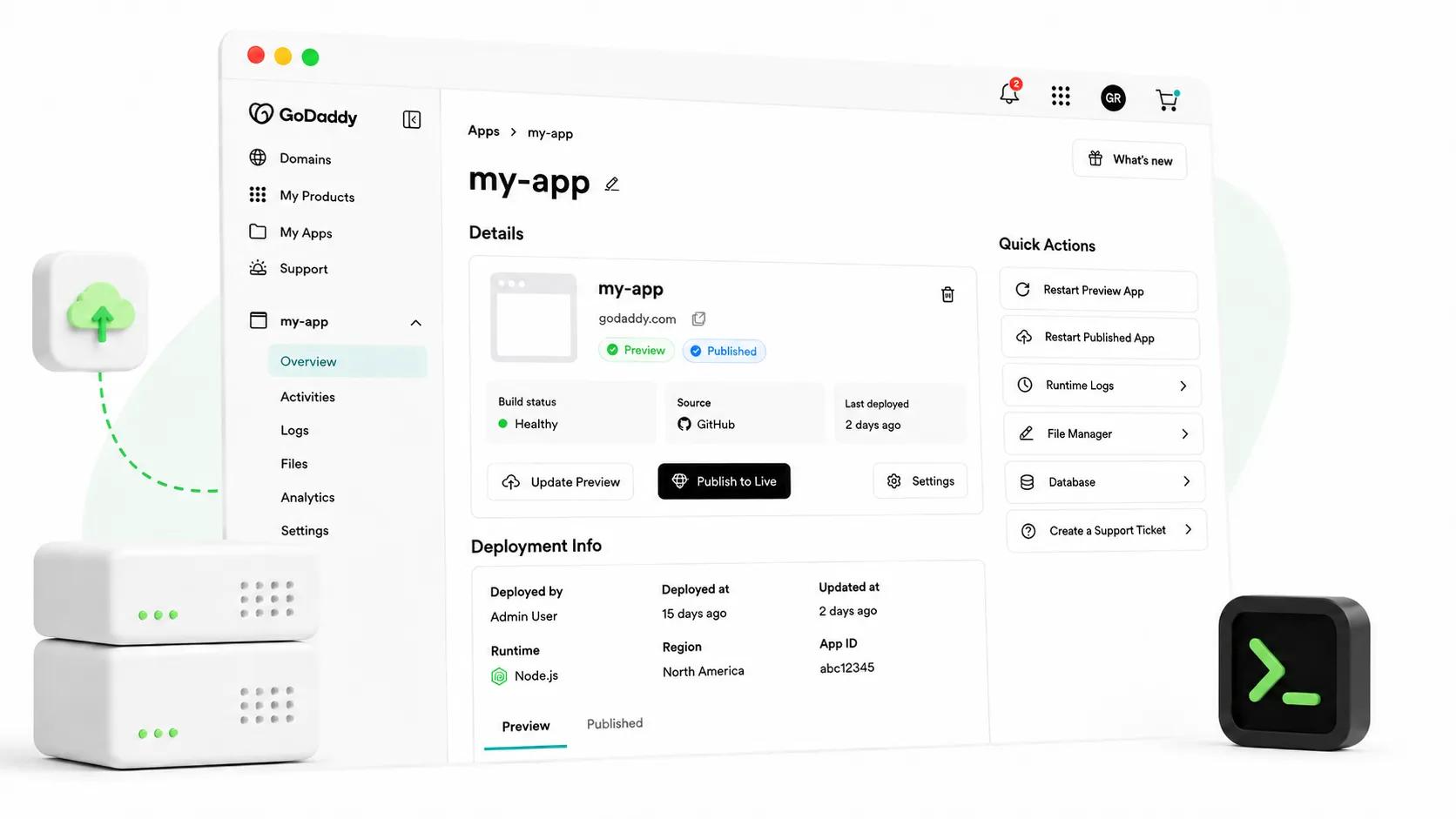
Sube un archivo zip o conéctate a GitHub y nosotros alojamos tu aplicación. Tú la creas, nosotros la ejecutamos. Despliegues rápidos, sin facturas sorpresa, cero DevOps. ¿Prefieres la terminal? Dirige todo desde una API o desde el CLI de GoDaddy.
Lleva tu aplicación. Carga un archivo zip o conecta un repositorio de GitHub. Detectamos tu framework automáticamente, así que no hay archivos de configuración que escribir.
Previsualízalo en privado. Construimos, escaneamos y desplegamos tu aplicación a un enlace privado. Itera hasta que se vea correcto, y si una compilación falla, Airo lee los registros y sugiere la solución.
Publícalo. Lanza tu sitio en tu propio dominio con SSL, un CDN y un firewall ya configurados.
Enviar desde tu terminal
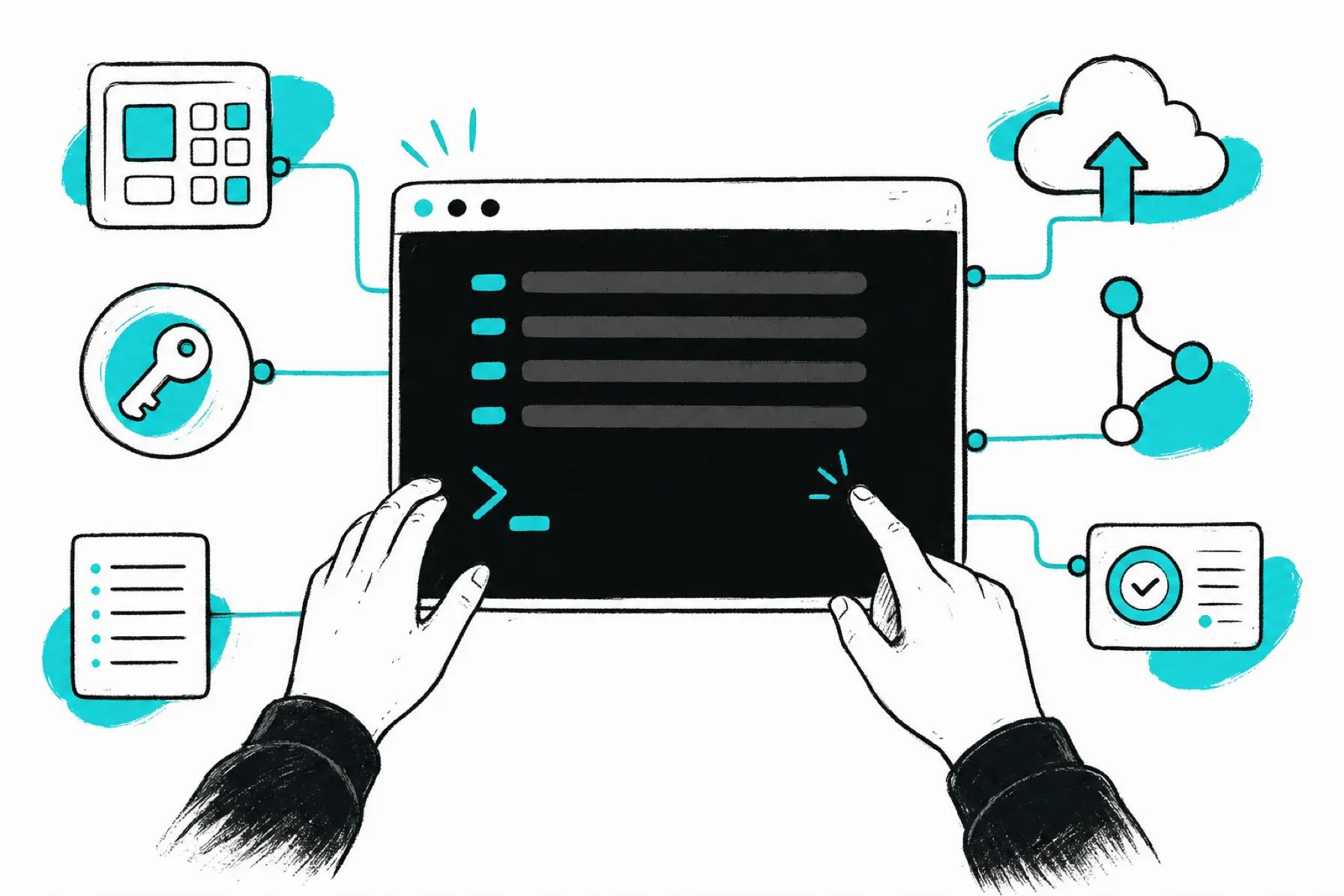
Utiliza la misma plataforma a través de su API REST pública, la CLI de GoDaddy o una skill de agente. Crea una app, sube el código fuente, publica, gestiona secretos y consulta los registros sin abrir el panel de control.
Todo lo que necesitas para enviar
Tres formas de implementar
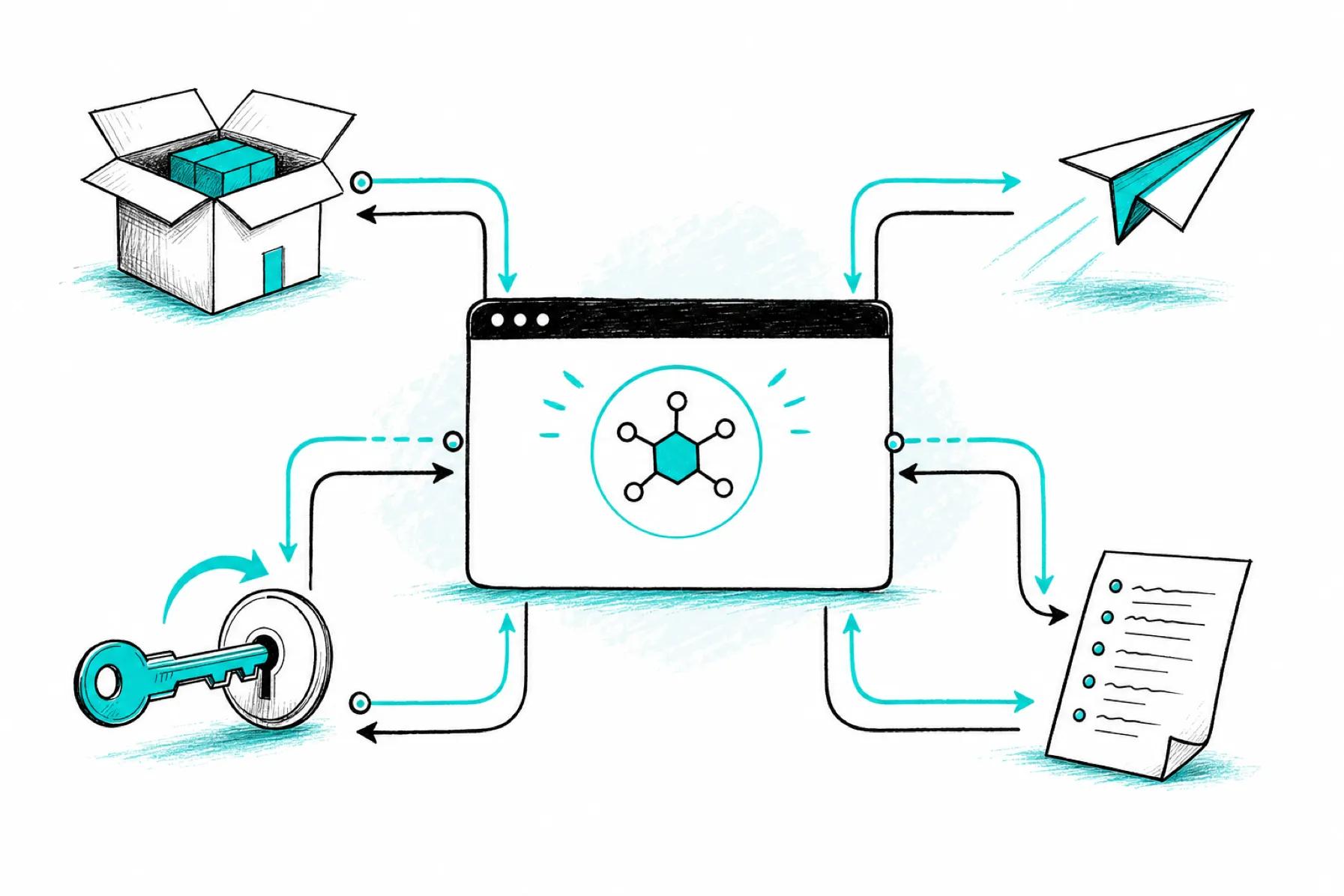
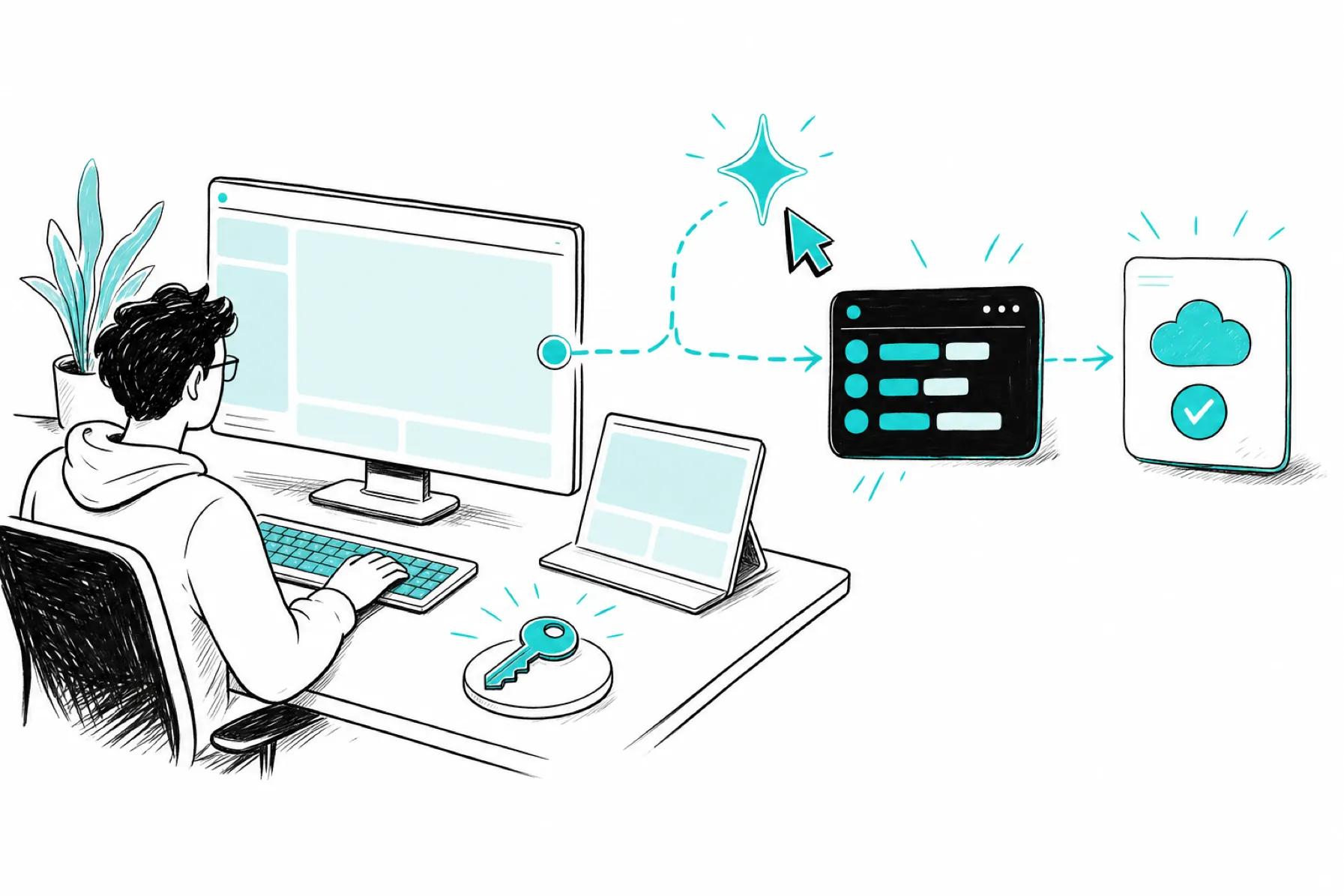
Arrastra y suelta un ZIP, conecta GitHub para automatizar despliegues en cada push o utiliza la API y la CLI desde tu propia canalización.
Sin infraestructura para gestionar
Sin Docker, sin YAML, sin servidores. Detectamos tu framework automáticamente y lo construimos.
API pública y CLI
Una API REST y la CLI de GoDaddy cubren el ciclo de vida de la aplicación, desde la creación hasta su publicación.
SSL, CDN y firewall incluidos
HTTPS automático, una CDN global y un firewall de aplicaciones web en cada aplicación.
Vistas previas privadas
Prueba en un enlace privado y compartible antes de publicar cualquier cosa pública.
Variables de entorno
Añade secretos y variables de entorno en un archivo .env. Se cifran y se cargan cuando tu aplicación se inicia. También puedes gestionarlos desde la API o la CLI.
Base de datos MySQL gestionada
Una base de datos alojada con un navegador de tablas integrado y SQL. Importar y exportar.
Arregla los errores de compilación con Airo
Cuando una compilación falla, Airo lee los registros y te indica cómo solucionarlo. También puedes revisar los registros de la aplicación directamente desde la API o la CLI.
¿Por qué alojarte con GoDaddy
Tu dominio y hosting, juntos
Si su dominio está registrado con GoDaddy, configuramos los registros DNS por usted automáticamente. Si está en otro lugar, le indicamos exactamente qué añadir.
Ayuda cuando la necesites
Obtén ayuda sin abandonar tu proyecto. Crea un ticket de soporte y nuestro equipo te ayudará a salir de la dificultad.
Sin facturas sorpresa
Precios predecibles sin medición por uso. Tu factura no se disparará porque tu app se haya popularizado.

Preguntas frecuentes
¿Qué tipos de aplicaciones puedo desplegar?
Aplicaciones Node.js y sitios estáticos creados con React, Vue, Next.js, Nuxt o Remix, además de servidores creados con Express, Fastify o Nest. Las aplicaciones se ejecutan en Node.js 22.
¿Necesito saber Docker, servidores o la línea de comandos?
No. Sube un zip o conecta GitHub, y detectamos tu framework, instalamos tus dependencias y lo compilamos por ti. Si prefieres la línea de comandos, hay una API REST pública y el CLI de GoDaddy. Ambos son opcionales.
¿Qué sucede si falla mi compilación?
Nuestro diagnóstico de IA lee sus registros de compilación y explica cómo solucionar el problema. Aplique la corrección a su proyecto local o repositorio de GitHub, luego vuelva a desplegar para actualizar su aplicación.
¿Puedo usar mi propio dominio?
Sí. Conecta un dominio que poseas en GoDaddy con un solo clic, o apunta un dominio externo utilizando los registros DNS que te damos. Cada app en vivo tiene SSL automático.
¿Qué protecciones se incluyen con mi aplicación publicada?
Las aplicaciones publicadas funcionan con HTTPS automático, una CDN y un firewall de aplicaciones web, todo impulsado por Cloudflare.
¿Cuánto cuesta?
Empieza gratis con una vista previa privada. No hay facturación por uso, así que tus costos se mantienen predecibles sin importar cuán popular se vuelva tu aplicación.
¿El alojamiento Node.js tiene una API?
Sí. Utiliza la API para crear una aplicación, subir el código fuente, publicar, gestionar secretos y leer registros. Consulta la referencia de la API .
¿Hay una CLI?
Sí. Instala el CLI de GoDaddy con un solo comando para gestionar aplicaciones, despliegues, conexiones con GitHub y secretos. También puedes leer registros y comprobar el estado. Ver configuración de la CLI para el comando install.
¿Puede mi agente de codificación con IA desplegar una aplicación?
Sí. La habilidad de agente CLI de GoDaddy permite a Claude Code, Cursor, Codex, Windsurf y otros agentes compatibles ejecutar la CLI con tus credenciales. Pide a tu agente que despliegue en lenguaje natural.
- Hosting
- Nodejs