Upgrade my Managed Hosting for WooCommerce subscription
When you need even more features and benefits from Managed Hosting for WooCommerce, follow these steps to upgrade your current plan.
- Go to your GoDaddy product page.
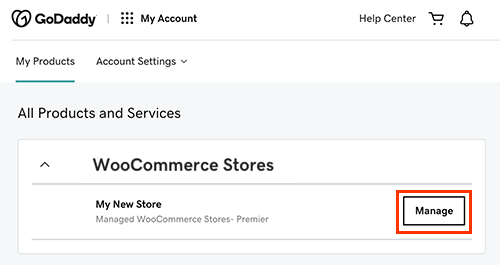
- In the WooCommerce Stores section, select Manage.
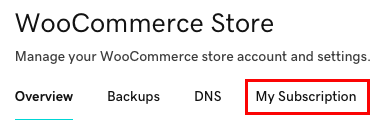
- Below WooCommerce Store, select My Subscription.
- Below Explore subscription options, for the subscription plan you want to upgrade to, select Checkout. We'll walk you through the purchase using your usual payment methods.