
Pos Hardware
Discover which Smart Terminal is best for your business
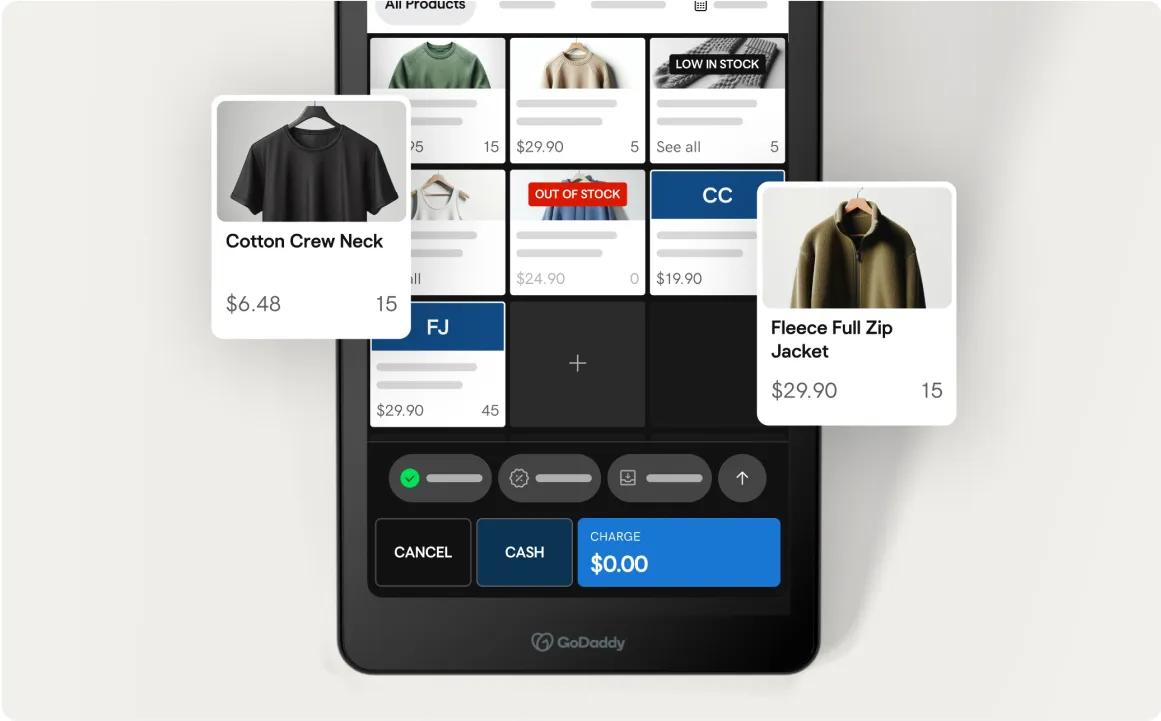
Sleek POS terminals for the ultimate in-store experience.
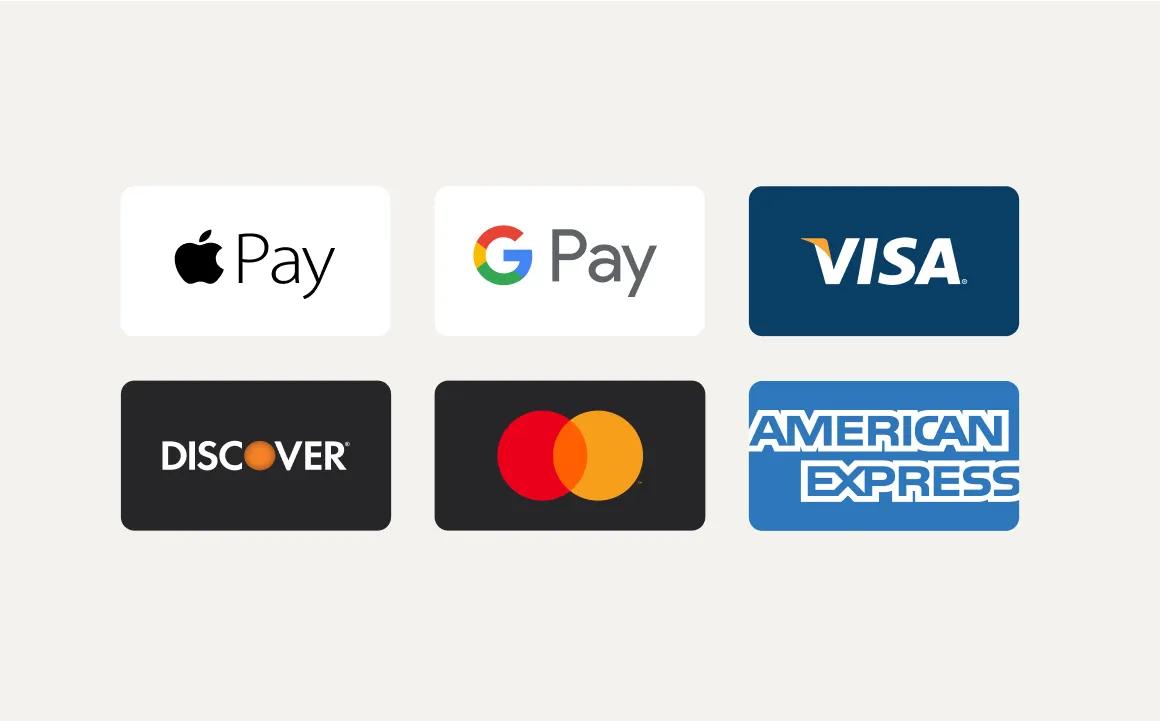
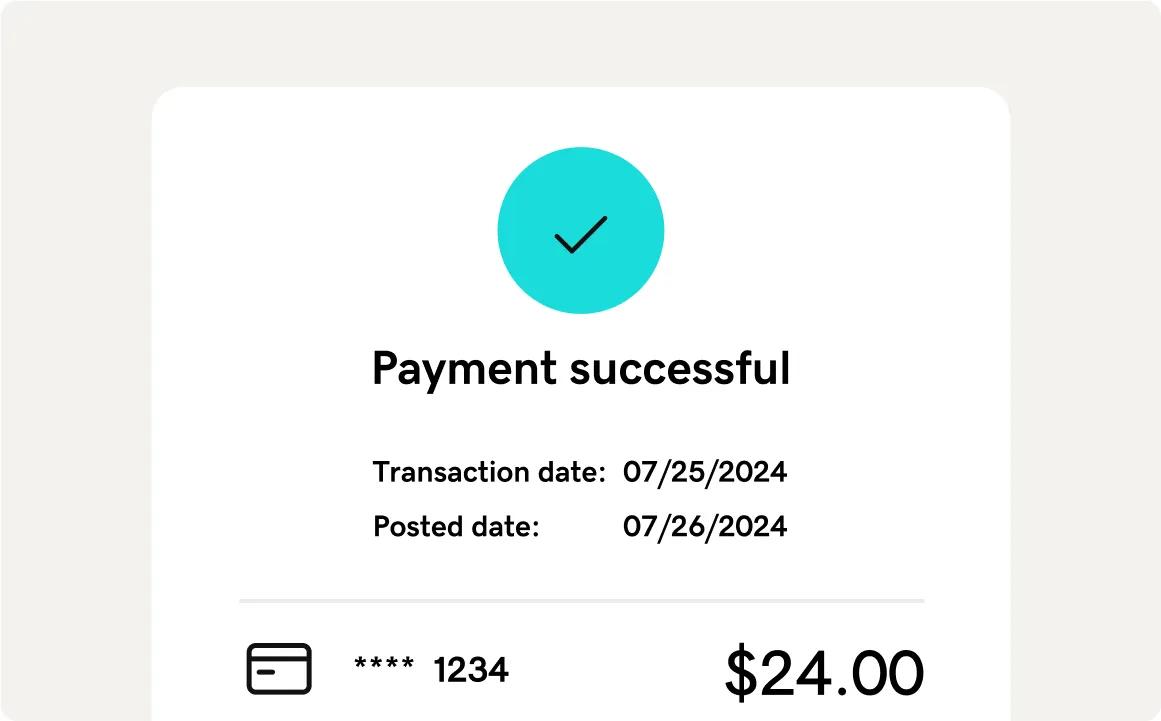
- Accept most major forms of payment
- Lowest fees in the industry¹
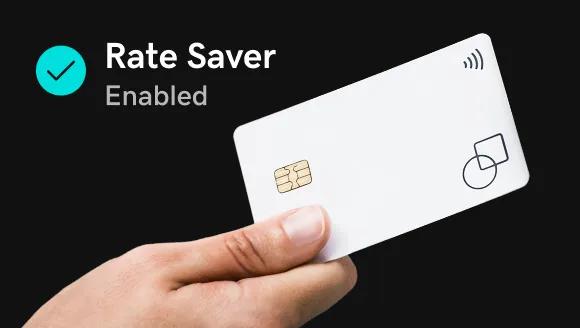
- Get 0% credit card processing fees with Rate Saver ²
- Powerful POS features
Loading...
Sell over $100,000 a year? Call (866) 437-2963 for special offers.
Master complex checkouts
High-performance POS to handle larger catalogs or complex orders. Larger screen displays order and items side by side for easy selection.

10” swivel display
Customer-friendly for easy tipping, signing, and order review. Connect to your existing accessories for an efficient checkout.
Stay productive
Easily manage orders, update your catalog, and check sales from the countertop or anywhere in your store using the detachable display.

Ideal for handheld selling
Take payments and sell everywhere — from the shop floor to the counter, from table side to curbside.

Convenient checkout experience
Easy to use — a dedicated 8” merchant screen and separate customer screen makes tips and signing a breeze.
Charging dock included
Smart Terminal Duo includes a built-in scanner and printer. Use the charging dock to connect with your existing accessories.

Ideal for handheld selling
Take payments and sell everywhere — from the shop floor to the counter, from table side to curbside.

Compact and durable
Single-screen, lightweight POS with a 6” touchscreen display. Ideal for mobility, convenience, and ease of use.
Keep selling with long battery life
The battery enables you to focus on sales — worry free. Includes a built-in printer and bar code scanner.

GoDaddy Smart Terminal devices are a great choice
Try our Smart Terminals risk-free for 30 days — with a money back guarantee
Quick setup
Easy set up and intuitive use — no additional software needed to get started.
Works with accessories
Connect to external printers, cash drawers, and bar code scanners.
Always take payments
Get offline mode, wireless connectivity on select devices, and 24/7 support.
Built-in security²
All transactions are secure — with end-to-end encryption and strict PCI compliance.
Compare Point of Sale hardware
Display
Built-in printer
Built-in barcode scanner
Tap, dip and swipe payment options
Offline payment mode
Connection
Dimensions
Weight
Peripherals
In the box
The POS system that works for your business
Sell over $100,000 a year? Call (866) 437-2963 for special offers.
Loading...
Point of Sale (POS) Hardware FAQ
What is POS Hardware?
Point of Sale (POS) hardware is the physical equipment used in the transaction process between a customer and business at the point where goods or services are purchased. This hardware typically includes components such as cash registers, credit card readers, barcode scanners, receipt printers, and touch screen terminals. Modern POS systems may also integrate mobile devices and tablets to enhance flexibility and mobility in processing sales. These devices work in tandem with POS software to streamline operations, manage inventory, and provide detailed sales analytics, to enhance the overall efficiency and customer experience at a business. Consider the types of payments you want to accept and how you want to design the checkout experience. GoDaddy hardware (Smart Terminals) comes with preinstalled software and can be used out-of-the-box.
How do I select the right POS equipment for my business?
When choosing point of sale hardware, there are a few key factors to consider. The system should offer secure payment processing capabilities for all the payment methods your customers use, including contactless and mobile payments. It should also include features to help you efficiently manage transactions, sales, and orders. If your customers would appreciate an option to order online for in-store pickup, ensure the POS hardware supports this (Learn more about our retail POS system and software and its omnichannel functionalities). Consider where you typically take payments — do you need a countertop terminal or POS equipment to accept payments anywhere in your establishment? Connectivity features like Wi-Fi and offline payments mode can enable payments anytime, anywhere. GoDaddy Point of Sale hardware allows you to accept diverse payment types, streamline processes, and deliver exceptional checkout experiences for your customers.
Can GoDaddy POS hardware help me upgrade the payments experience I offer?
GoDaddy Smart Terminals offer more than just basic credit card payment acceptance. Our Point of Sale hardware allows you to accept a wide range of payment types including contactless and mobile payments, as well as HSA/FSA cards. The dual screen on the Smart Terminal makes it easy for customers to tip and sign. In addition to being secure and reliable, our terminals integrate with other aspects of your business so you can manage your business operations from one centralized platform. By implementing modern POS hardware technology, you can provide a seamless payments experience for customers and reduce time spent on administrative tasks.
Is the Point of Sale hardware bought or leased?
Currently, you need to purchase the POS hardware (leasing options may become available in the future).
How does Rate Saver work?
Rate Saver is an opt-in feature available on the Point of Sale Plus plan and Invoicing & Pay Links Plus plan. It allows you to save even more on payment processing fees. With Rate Saver, you can add a surcharge to credit card transactions and benefit from lower debit card fees. Learn more. Rate Saver applies to transactions on the Smart Terminal, Card Reader, Invoicing, Online Pay Links, Virtual Terminal, and the GoDaddy Mobile App. Your customers will be automatically notified of credit card surcharges during checkout and on receipts.
For more information, please refer to our Surcharging Guide.
Third-party logos and marks are registered trademarks of their respective owners. All rights reserved.
GoDaddy is a great business partner
WE SPEAK FLUENT SIDE HUSTLE
WEBSITES THAT WRITE THEMSELVES
24/7 help and support
ECOMMERCE EXTRAORDINAIRE
GoDaddy is a great business partner
WE SPEAK FLUENT SIDE HUSTLE
WEBSITES THAT WRITE THEMSELVES
24/7 help and support
ECOMMERCE EXTRAORDINAIRE
GoDaddy is a great business partner
WE SPEAK FLUENT SIDE HUSTLE
WEBSITES THAT WRITE THEMSELVES
24/7 help and support
ECOMMERCE EXTRAORDINAIRE
GoDaddy is a great business partner
WE SPEAK FLUENT SIDE HUSTLE
WEBSITES THAT WRITE THEMSELVES
24/7 help and support
ECOMMERCE EXTRAORDINAIRE
GoDaddy is a great business partner
WE SPEAK FLUENT SIDE HUSTLE
WEBSITES THAT WRITE THEMSELVES
24/7 help and support
ECOMMERCE EXTRAORDINAIRE
GoDaddy is a great business partner
WE SPEAK FLUENT SIDE HUSTLE
WEBSITES THAT WRITE THEMSELVES
24/7 help and support
ECOMMERCE EXTRAORDINAIRE
- Payments
- Point Of Sale
- Hardware