Key takeaways
- Locksmith websites serve two very different visitors at once — someone locked out in a panic who needs a phone number immediately, and someone planning a lock upgrade who wants service details and a quote — and your site needs to support both paths.
- Trust is especially critical in the locksmith industry since customers are granting access to their home, car, or business; real photos of your van, team, and completed work do more to build credibility than any stock image of a key.
- Giving each service category its own dedicated page helps the right customers find relevant information quickly and gives search engines clearer signals about what you offer.
- Including your service areas by city and neighborhood in both your prompt and your site copy is one of the most effective ways to show up when nearby customers search for a locksmith.
- GoDaddy Airo AI Builder lets you describe your locksmith business in plain language and generates a complete, mobile-optimized, SEO-friendly website — including service pages, a tap-to-call button, quote forms, and payment processing — without any coding required.
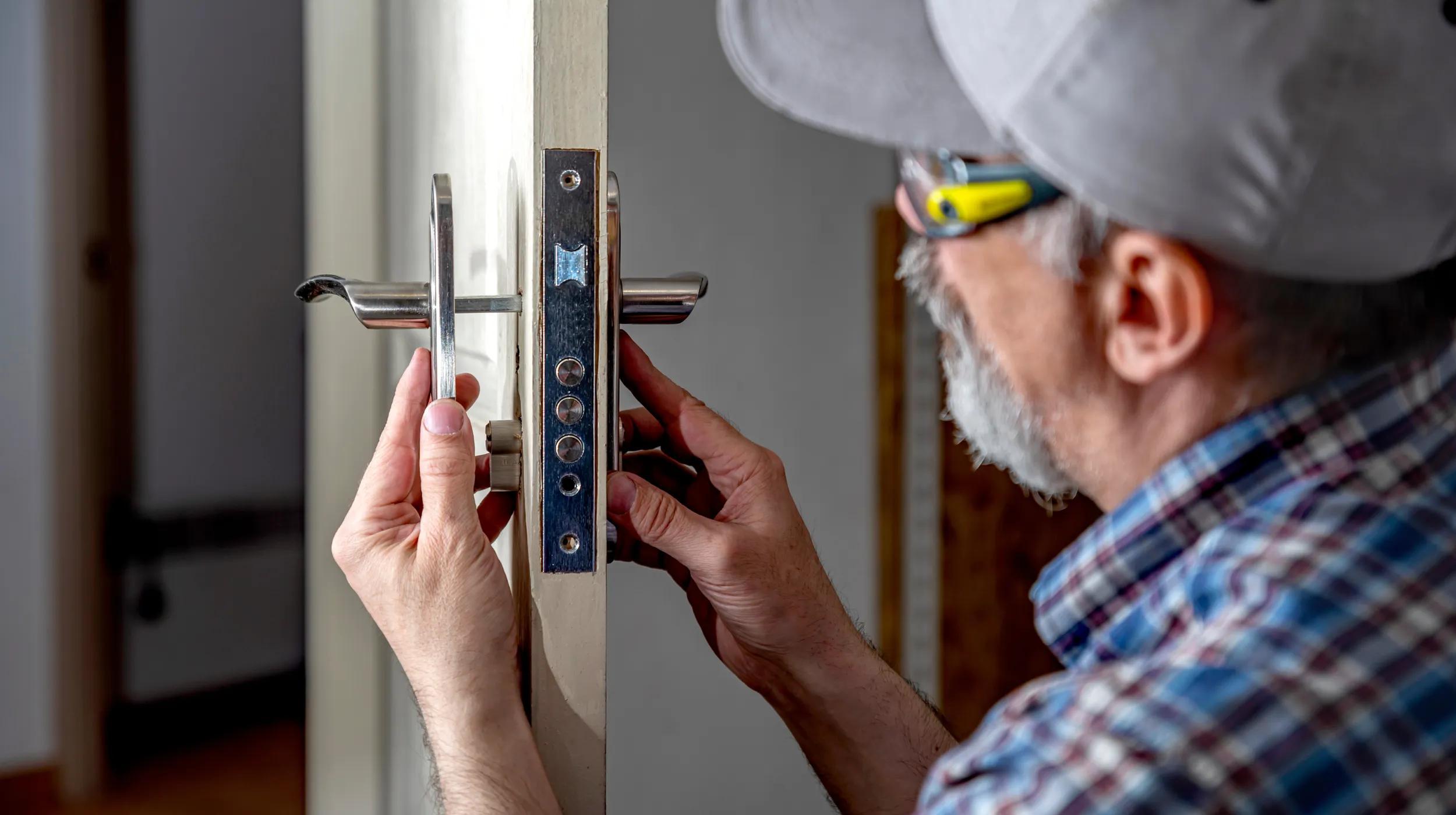
When someone gets locked out of their car, house, or office, they grab their phone and search for a nearby locksmith who is available now and trustworthy enough to welcome onto their property. To end up at the top of their list of locksmiths to call, you need a polished, professional website.
With GoDaddy Airo AI Builder, you don’t have to be a tech expert to build your business’ online home. Just describe the website you want in plain language, and let Airo create the first draft. Use the step-by-step instructions in this guide to make your locksmith website today.
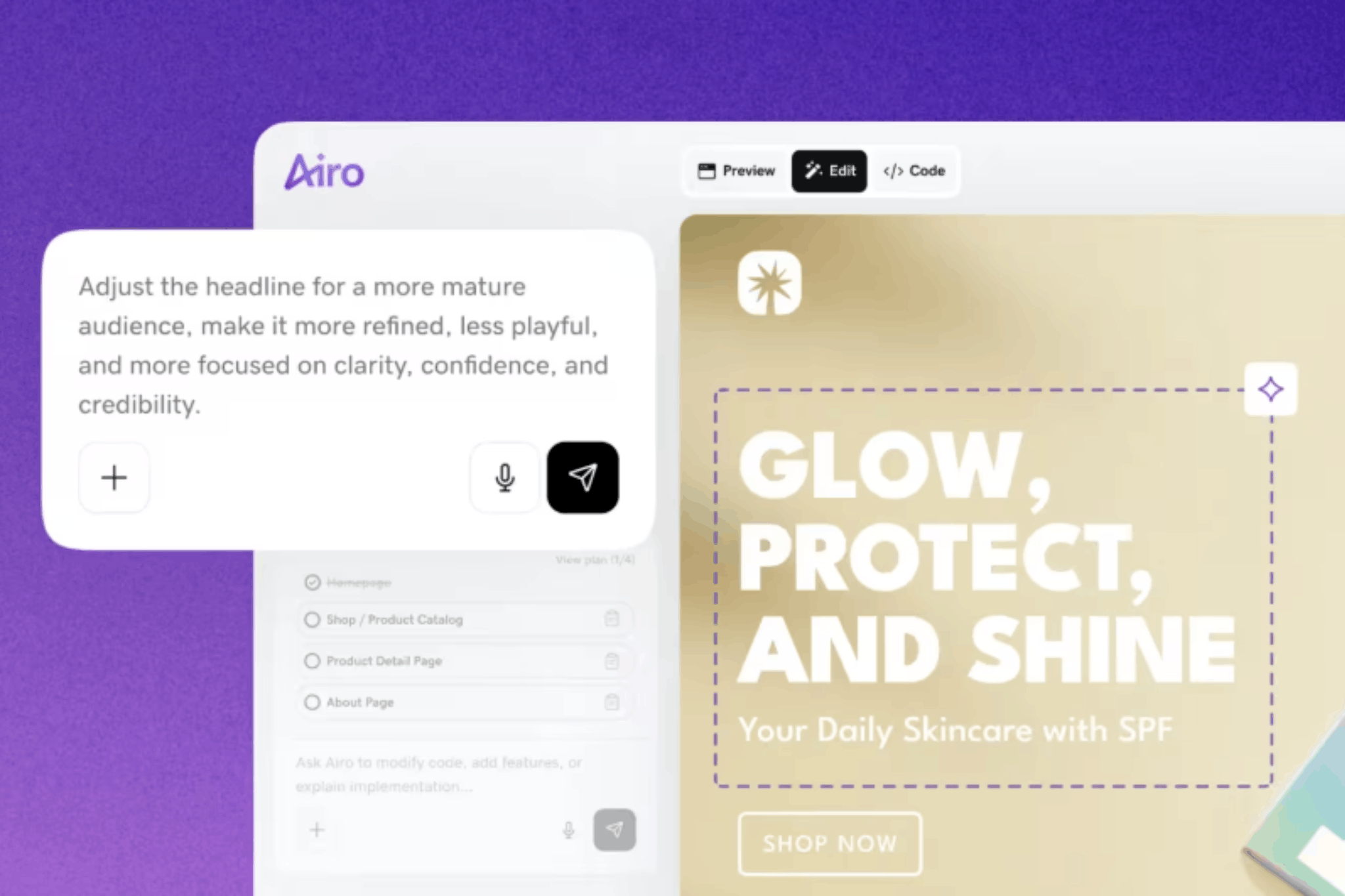
GoDaddy Airo AI Builder
Describe your idea. We'll build your live website in minutes.
With a few prompts, Airo AI Builder generates your website, web app, pages, databases and logic in minutes — no coding required. Start for free with 50 AI credits a month. No credit card required.
Build for FreeWhat to get ready before building your website
Preparation is the key to a locksmith website that stands out against the competition. It gives Airo AI Builder better material to work with and makes it easier to create a site that reflects your business while answering customers’ most urgent questions.
Prepare your content
Planning your website ahead of time prevents mid-build guesswork and helps you include all the essentials. Gather these three components before logging into Airo:
Write a description of your locksmith business (services, service areas, availability, what sets you apart)
Your business description is the starting point for Airo. The more specific you are, the more accurately your website can reflect the work you do and the customers you serve. Include details like:
- Locksmith services you provide, such as emergency lockouts, rekeying, deadbolt installation, lock repair, key duplication, master key systems, access control, car key replacement, ignition work, and safe opening
- The types of customers you serve, including residential, commercial, automotive, or a combination
- Cities, neighborhoods, and ZIP codes in your service area
- Regular business hours, after-hours service, weekend availability, and 24/7 emergency support
- Your business setup, such as mobile locksmith service, a physical shop, or both
- Licensing, insurance, and bonding information
- Years in business, response-time expectations, specialized expertise, and lock brands you work with
- The feeling you want your website to create, such as professional and trustworthy, clean and fast, or local and personal
For the best results, avoid vague descriptions like:
“I’m a locksmith.”
Try something more descriptive like this instead:
“I’m a licensed, insured mobile locksmith serving Denver, Aurora, Lakewood, and Littleton. I provide 24/7 emergency lockout service, residential rekeying, deadbolt installation, lock repair, and car key replacement. I have 12 years of experience and focus on fast response times for homes, businesses, and drivers. I want my website to feel professional, local, and easy to use, with my phone number visible right away.”
Decide what pages you need
Most locksmith websites include pages like the following:
- Homepage
- Residential locksmith services
- Commercial locksmith services
- Automotive locksmith services
- Emergency locksmith services
- Service areas
- Pricing guidance
- About
- Reviews and testimonials
- Frequently asked questions
- Contact
However, you don’t have to have every page to launch your site and start finding customers. Focus on key pages like your homepage, emergency services page, residential services page, service areas page, and contact page, then add more later.
Give each major service category its own page instead of grouping every service into one long list. Someone replacing a deadbolt at home has different priorities than someone stranded outside a car at night. Dedicated pages help each visitor find relevant information quickly and give search engines clearer context for your services.
Gather photos of your van, tools, and completed work
Trust carries extra weight in the locksmith industry. Customers need to feel confident they are calling a legitimate local professional before they grant access to a home, vehicle, or business. Real photos make that confidence easier to earn.
Collect photos of:
- Your branded van or truck
- A technician in uniform or branded clothing
- Completed work, such as installed deadbolts, commercial hardware, and rekeyed locks
- Tools and equipment you use on the job
- Your storefront or shop, if you have one
- Before-and-after work, such as replacing a damaged lock after a break-in
Generic or AI-generated photos of keys and padlocks appear on countless locksmith websites and can make a business blend into the crowd. Images of your actual team, vehicle, and workmanship make your site feel more credible, personal, and local.
Get a domain name
A custom domain gives your locksmith business a professional home online and helps customers recognize that they have reached the right company. Keep these tips in mind when choosing your domain:
- Use your business name or combine it with your main city, such as SmithLocksmith.com or DenverSmithLocksmith.com
- Choose a short name that customers can type quickly, especially on mobile devices
- Prioritize a .com domain when it is available
- Skip hyphens and numbers, which can be easy to mishear or mistype
- Keep your domain consistent with your Google Business Profile name
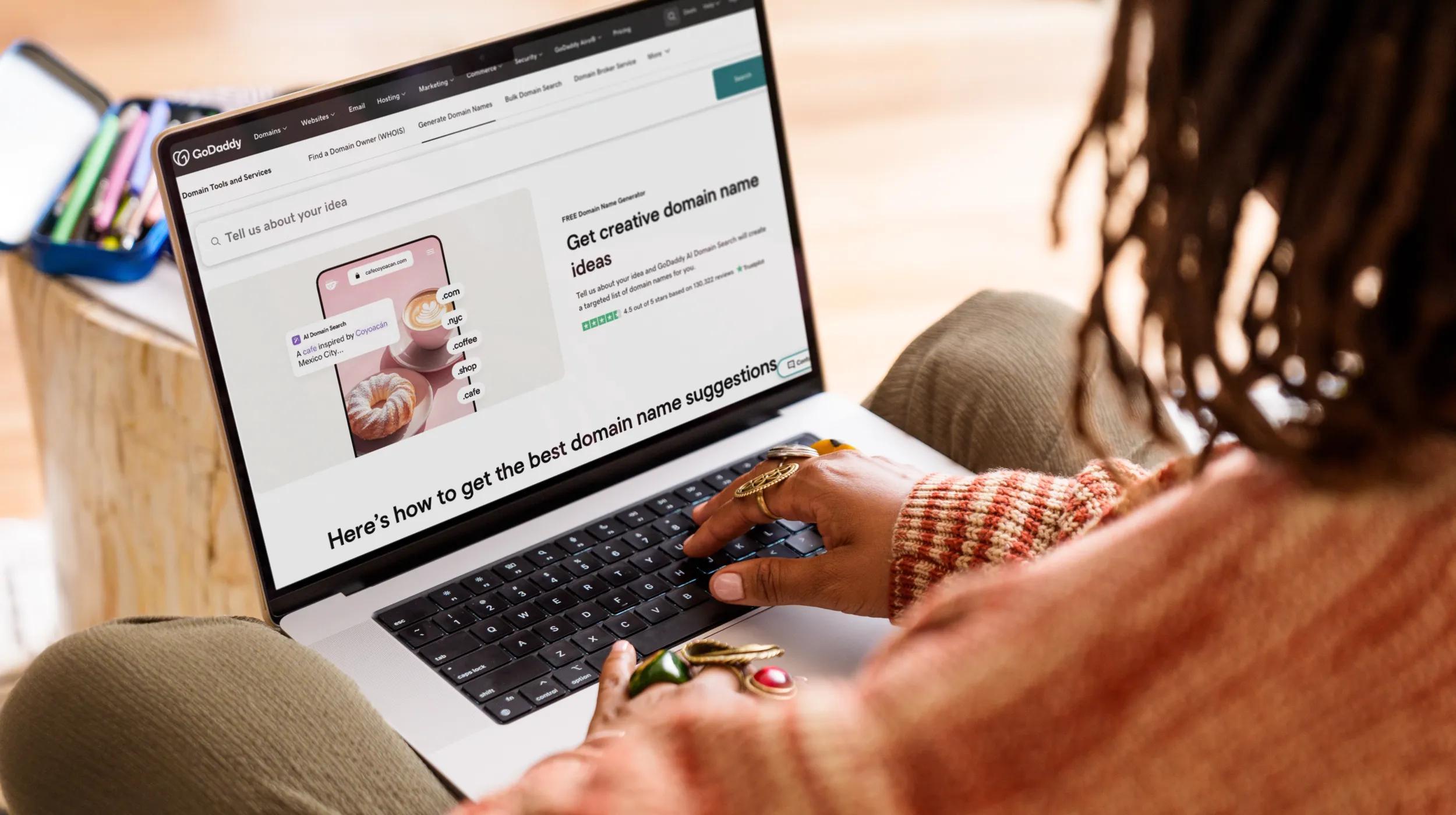
You can search for and register a domain name through GoDaddy. Paid Airo AI Builder plans include a free custom domain, so you may not need to buy one separately. If you already own a domain, you can connect it during the website-building process.
Want to see if the domain you want is available? Give it a try here:
Prompting tips to make your locksmith website stand out
Airo AI Builder uses the details you share to shape your site’s pages, copy, calls to action, and overall tone. A short prompt can be a good starting point, but a well-developed description helps Airo create a website that reflects how your locksmith business actually operates.
- Open with your core services and location. “Locksmith” alone leaves too much room for interpretation. State the work you do and the market you serve right away, such as “24/7 emergency locksmith in Austin” or “residential and automotive locksmith serving the Portland metro area.”
- Make emergency availability explicit. Tell Airo when and how customers can reach you for urgent help. Phrases such as “available 24/7 for lockouts” or “after-hours emergency service available evenings and weekends” help Airo spotlight that availability across your homepage and emergency-services content.
- Name each service category separately. List residential, commercial, automotive, and emergency work as distinct services. This gives Airo a clearer framework for creating dedicated service pages instead of treating everything as one general locksmith offering.
- Call out each service area. Include the cities, neighborhoods, and ZIP codes you cover. Airo can incorporate those locations naturally into your site copy, helping nearby customers understand that you serve them and giving your website stronger local search relevance.
- Describe the two types of visitors you need to help. Emergency callers need a phone number and reassurance immediately. Visitors planning a lock upgrade, rekeying project, or commercial security improvement may want service details and a quote request. Tell Airo that your site should support both paths.
- Share the pricing details you are comfortable publishing. Transparency can set expectations before a customer calls. Include information such as a call-out fee, after-hours rate, starting prices, or a promise that the price is confirmed before work begins. Airo can use those details to build a clear pricing section or FAQ.
Use these example prompts as a guide:
24/7 mobile emergency locksmith
“Create a professional, fast-loading website for a licensed and insured mobile locksmith in Austin, Texas. I provide 24/7 emergency lockout service for homes, cars, and businesses, plus rekeying, lock repair, deadbolt installation, and car key replacement. I serve Austin, Round Rock, Cedar Park, Pflugerville, and nearby areas. Emergency visitors should see my phone number immediately, while non-urgent visitors should be able to request a quote. Include a pricing section explaining that the call-out fee and total price are confirmed before work begins.”
Residential and commercial locksmith shop
“Build a clean, trustworthy website for a locksmith shop serving the Denver metro area. I handle residential rekeying, deadbolt installation, lock repair, master key systems, access control, commercial door hardware, and safe opening. My shop is open Monday through Saturday, with after-hours emergency service available. Create separate pages for residential, commercial, emergency, service areas, about, reviews, and contact. The site should feel established, local, and security-focused.”
Automotive key specialist
“Create a straightforward website for an automotive locksmith serving Portland, Oregon, and surrounding communities. I specialize in car key replacement, key fob programming, transponder keys, ignition repair, broken key extraction, and vehicle lockouts. I provide mobile service and same-day appointments, with emergency availability evenings and weekends. Make it easy for stranded drivers to call now, and include a quote form for key replacement and ignition work.”
Locksmith website checklist
Use this quick-reference checklist to make sure your website covers the details customers look for before they call. A mobile emergency locksmith and a commercial access-control shop will not need the exact same features, so focus on the items that fit your services and business model.
Homepage with emergency contact front and center
Many visitors need immediate help, so your phone number should appear before they scroll and work as a tap-to-call link on mobile. Include a one-line description of your services, service area, and availability, then give visitors clear paths for “Locked out? Call now” and “Request a quote.”
Service pages (residential, commercial, automotive, emergency)
Each major service category deserves its own page. A homeowner replacing a deadbolt, a property manager planning a master key system, and a driver locked out of a vehicle have different needs and search terms. Explain the relevant services in plain language, describe when a customer may need them, and end each page with a clear option to call or request a quote.
Service areas by city or neighborhood
Local customers commonly search for terms such as “locksmith near me” or “locksmith in [city name].” Create pages or sections for the cities, suburbs, and neighborhoods you actually serve, and note available services, dispatch details, or typical travel range where helpful. Mobile locksmiths should state their coverage radius clearly.
Pricing guidance
Customers do not need a complete price list to get a sense of what to expect. Share details such as a standard call-out fee, after-hours or weekend rates, starting prices for common jobs, and your process for confirming the final price before work begins. Straightforward pricing guidance builds trust and can reduce calls that are unlikely to become jobs.
Emergency availability and response times
Emergency availability should be easy to spot, not buried on a subpage. State your hours, share a realistic response-time range, and give customers useful waiting guidance, such as staying with their vehicle and avoiding forced entry. Only publish arrival estimates your team can meet consistently.
About page with licensing and credentials
People are granting a locksmith access to their home, car, or business, so this page needs to cultivate confidence. Share your experience, licensing, insurance, certifications, and approach to customer service, then add a photo of the owner or team.
Photos of your van, tools, and completed work
Real photos signal that your business is established, local, and accountable. Feature your branded van, a technician in uniform, finished hardware work, and your shop or storefront, if applicable. Skip generic stock or AI-generated imagery of keys and padlocks because they can make a legitimate business look interchangeable with every other listing.
Client reviews and testimonials
Reviews matter because customers want proof that you are reliable, professional, and fair before they call. Display your Google Business Profile rating and review count, and feature testimonials that mention details like quick response, upfront pricing, identification, and quality work. New businesses should make requesting a review part of the post-service routine so they can build up this portion of their site over time.
FAQ (response times, pricing, what to expect)
An FAQ can answer the questions your team hears repeatedly before the phone ever rings, and help your site appear in search results. Cover topics such as response times, call-out fees, identification requirements, weekend service, pricing, and steps customers should take while waiting.
Contact page with click-to-call
Your contact page should make it easy to call, especially on a phone. Include a tap-to-call number, your service area, and a short quote form that asks for a name, phone number, service type, and location. Emergency visitors should be encouraged to call rather than submit a form. Locksmiths with physical locations can add an address, hours, and an embedded map to this page.
Social media and directory links
Link only to profiles that are current, accurate, and actively maintained, such as:
- Google Business Profile
- Yelp
- Active Facebook, Instagram, or LinkedIn profiles
- Associated Locksmiths of America (ALOA), if listed
- HomeAdvisor, Thumbtack, or Angi, if listed
These links can reinforce your local presence and give prospective customers more ways to verify your business.
Build a locksmith website: step by step with Airo AI Builder
Now that you’ve got the essentials ready, it’s time to start building. Airo AI Builder is the ideal builder to get a locksmith website online fast. Use the five steps below to make a locksmith website with Airo AI Builder.
GoDaddy Airo AI Builder
Describe your idea. We'll build your live website in minutes.
With a few prompts, Airo AI Builder generates your website, web app, pages, databases and logic in minutes — no coding required. Start for free with 50 AI credits a month. No credit card required.
Build for FreeStep 1: Describe your locksmith business to Airo AI Builder
First, you’ll need to describe your business to Airo AI Builder. This part should be fairly quick, since you’ve gathered your business information earlier in this guide.
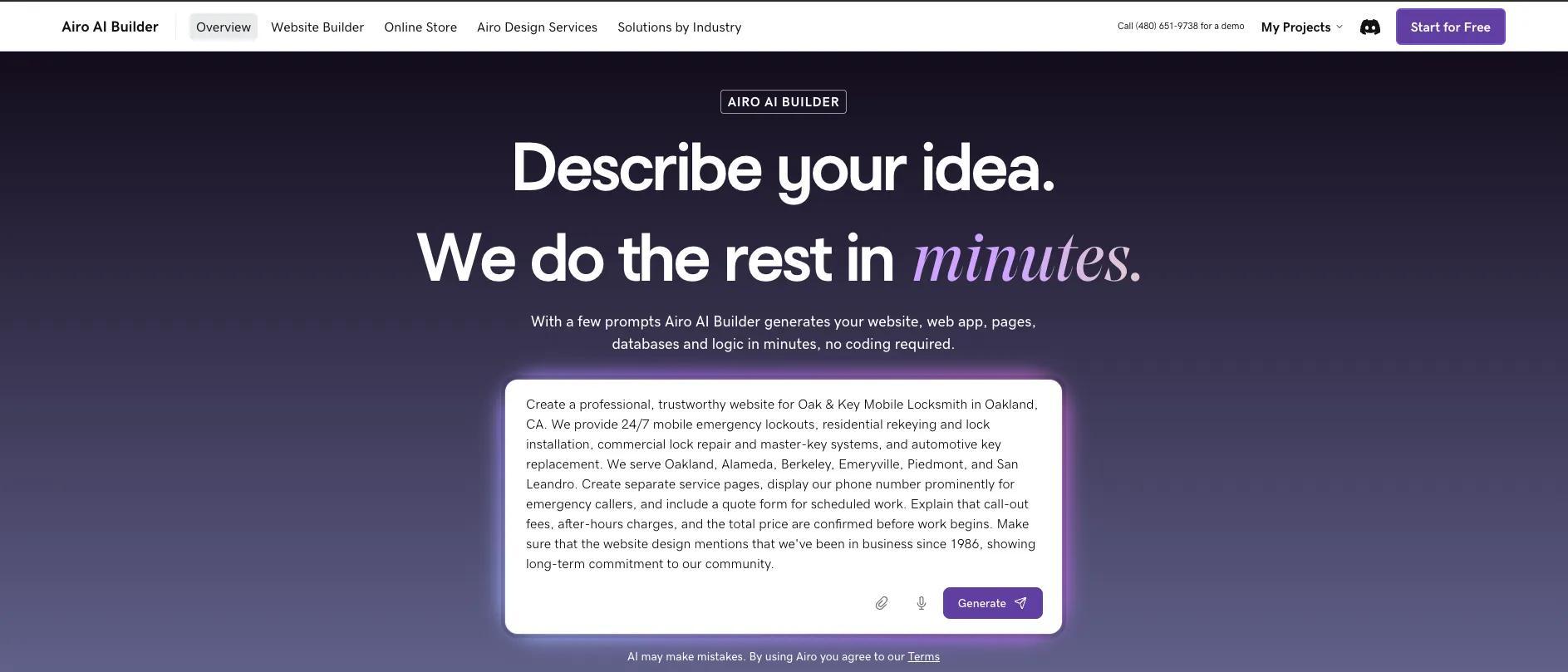
You’re also able to attach your logo at this step, using the attachment icon at the bottom of the prompt screen. Additionally, if you already have a website that you’d like Airo AI Builder to reference, include the URL to your current site in your prompt.
Step 2: Reply to a few follow-up questions
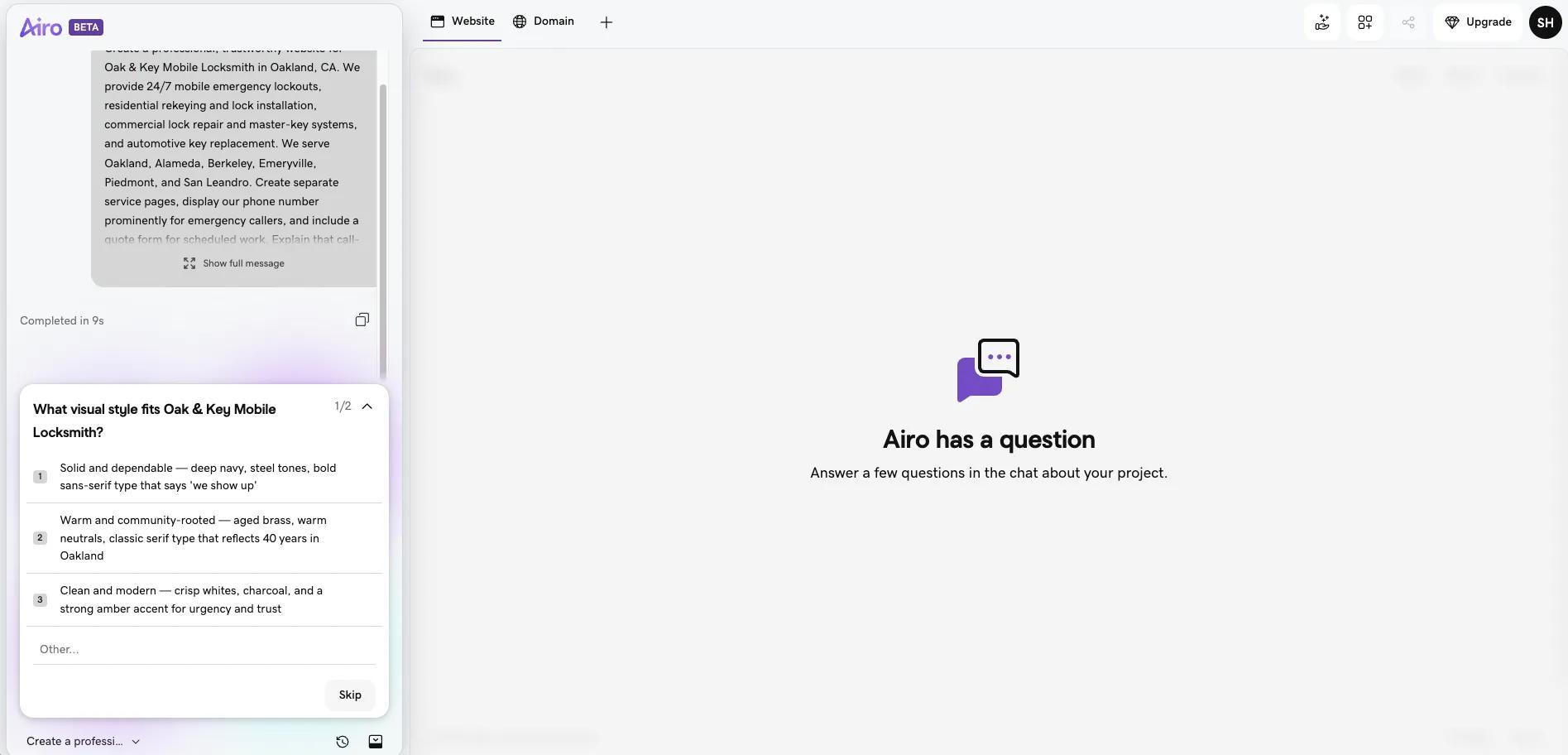
Once you’ve clicked the Generate button, Airo AI Builder will start working. There will be a few clarifying questions in the chat; you can select your answer from the list provided or type further context into the chat window. The questions are quick and simple, allowing you to move on to the next steps fast.
Step 3: Adjust your site through follow-up prompts
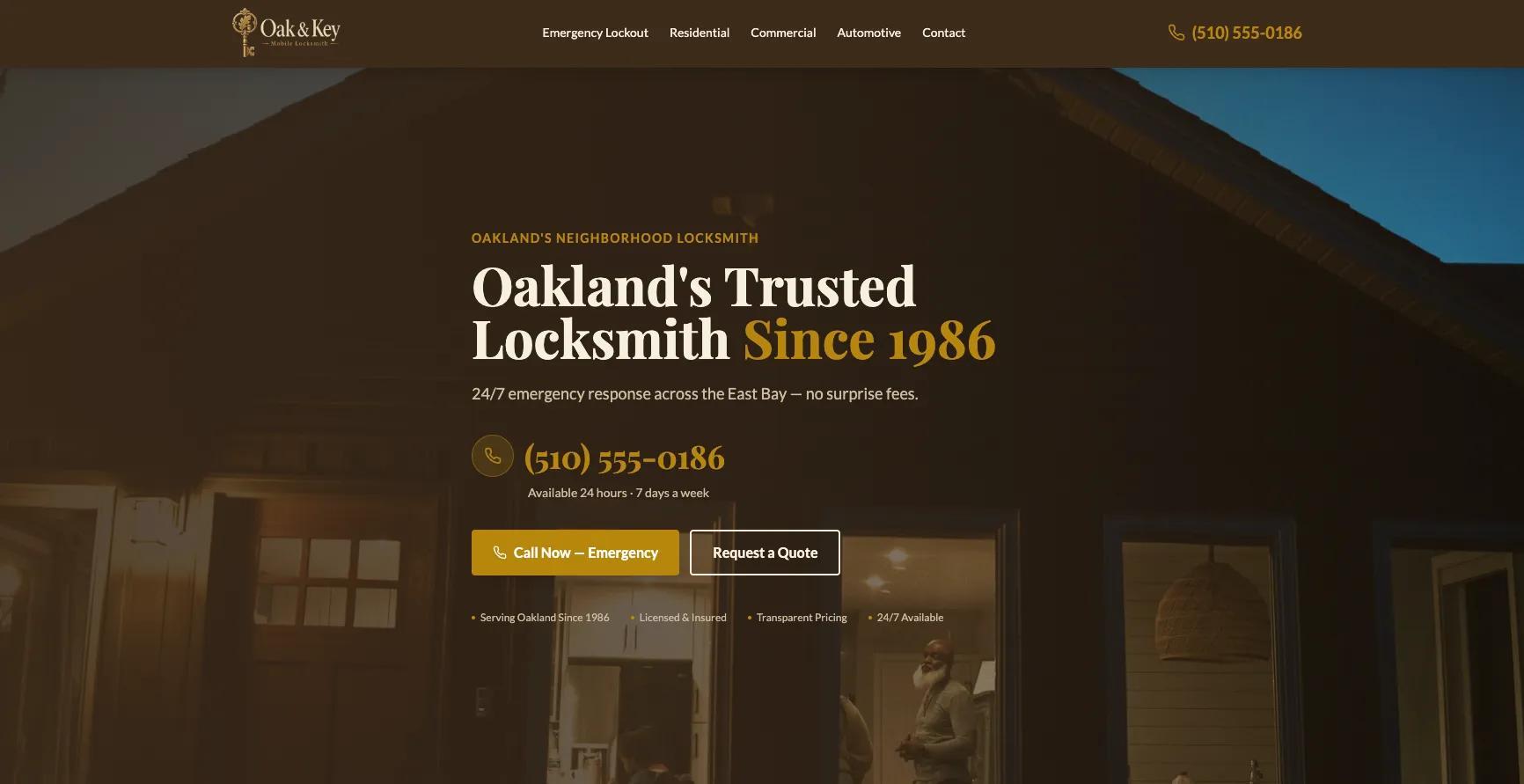
Airo AI Builder creates a full draft of your website, ready to be customized to your needs. You can either continue making updates in the chat window conversationally, or you can edit content within the builder directly.
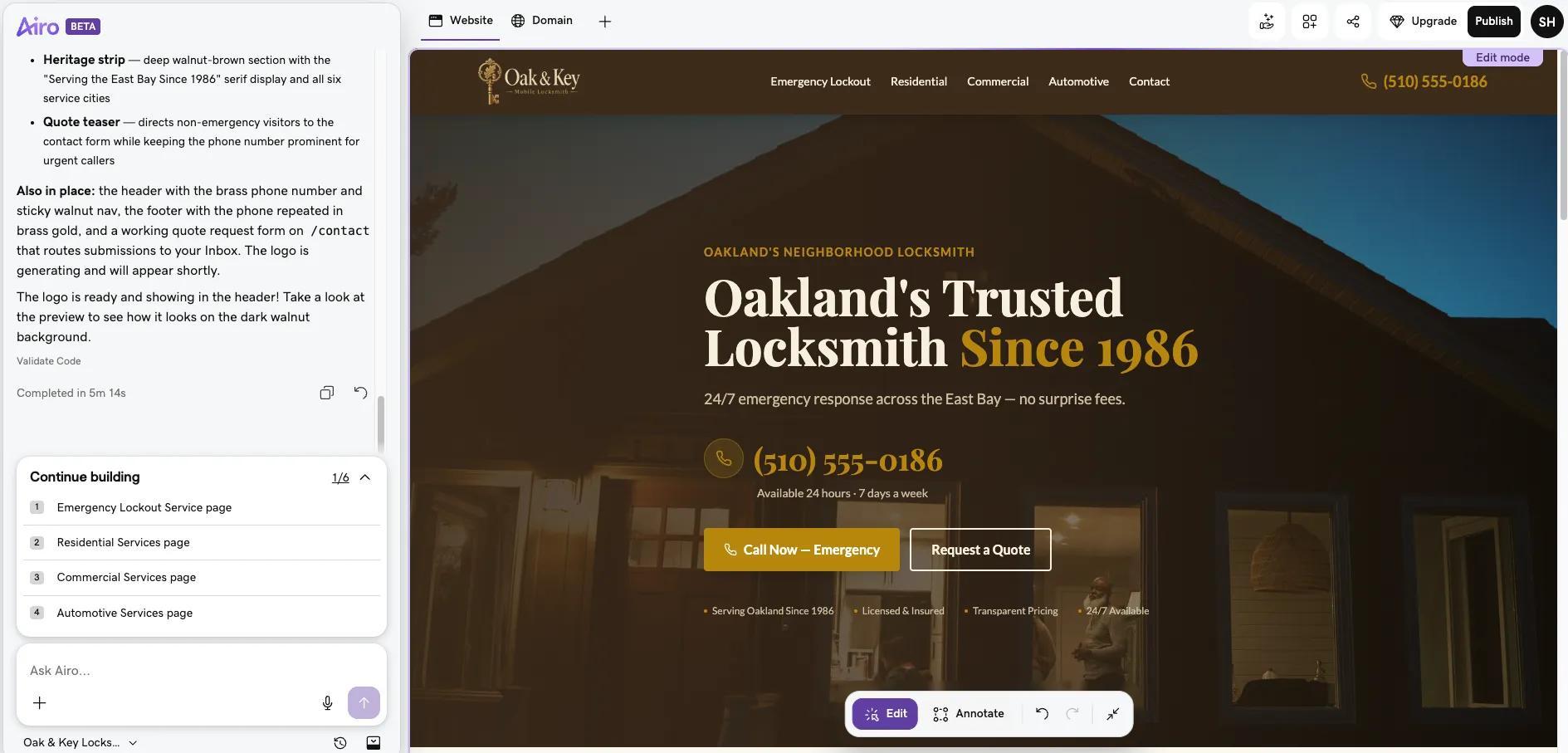
Here are some examples of what you might tell Airo AI Builder to update:
- "Create separate pages for residential, commercial, automotive, and emergency services"
- "Put my phone number at the top of every page with a tap-to-call button"
- "Add a pricing section that shows my call-out fee and after-hours rate"
- "Add a banner that says I'm available 24/7 for emergency lockouts"
- "Add service area pages for Denver, Aurora, Lakewood, and Littleton"
- "Add a quote request form for non-emergency work that asks for service type, location, and number of locks"
You’re able to keep making changes until you’re happy with your website. Keep in mind that basic text and image edits don't use AI credits, while design changes, new pages, and AI-generated copy do.
Step 4: Set up your quote forms and payments
It’s important that potential clients are able to request a quote and/or pay for services directly on your website. Here are some suggestions on what to have Airo AI Builder include on your forms:
- Set up a short quote request form for non-emergency work (name, phone, service type, location).
- Make sure the emergency contact path is just a tap-to-call.
- Configure payment processing for collecting deposits or on-site payments.
- Set up invoicing for commercial or recurring clients.
Make sure that you review the contact and quote flow on mobile to make sure everything works smoothly.
Airo AI Builder can also help connect your website to third-party tools to ensure a smooth booking process for your clients. This could include Stripe or Square for payments, Housecall Pro or Jobber for field service scheduling and invoicing, Google Calendar or Calendly for scheduling non-emergency appointments, QuickBooks or FreshBooks for invoicing, Google Business Profile and Yelp for reviews and local visibility, Mailchimp or Klaviyo for follow-up emails and seasonal promotions.
Step 5: Set up your domain and go live
Once you’ve checked that your website has the information you need, looks the way you want, and that the booking flows work as intended, you’re ready to go live. Airo AI Builder optimizes your website for both mobile and SEO as you build, making it faster to get your website online.
If you haven’t upgraded to a paid plan yet, you will need to do so before you can publish your site. Click on the Upgrade button at the top right to choose and pay for your desired plan. Your paid plan will include a free one-year domain registration, so you can also grab your desired domain name during this step.
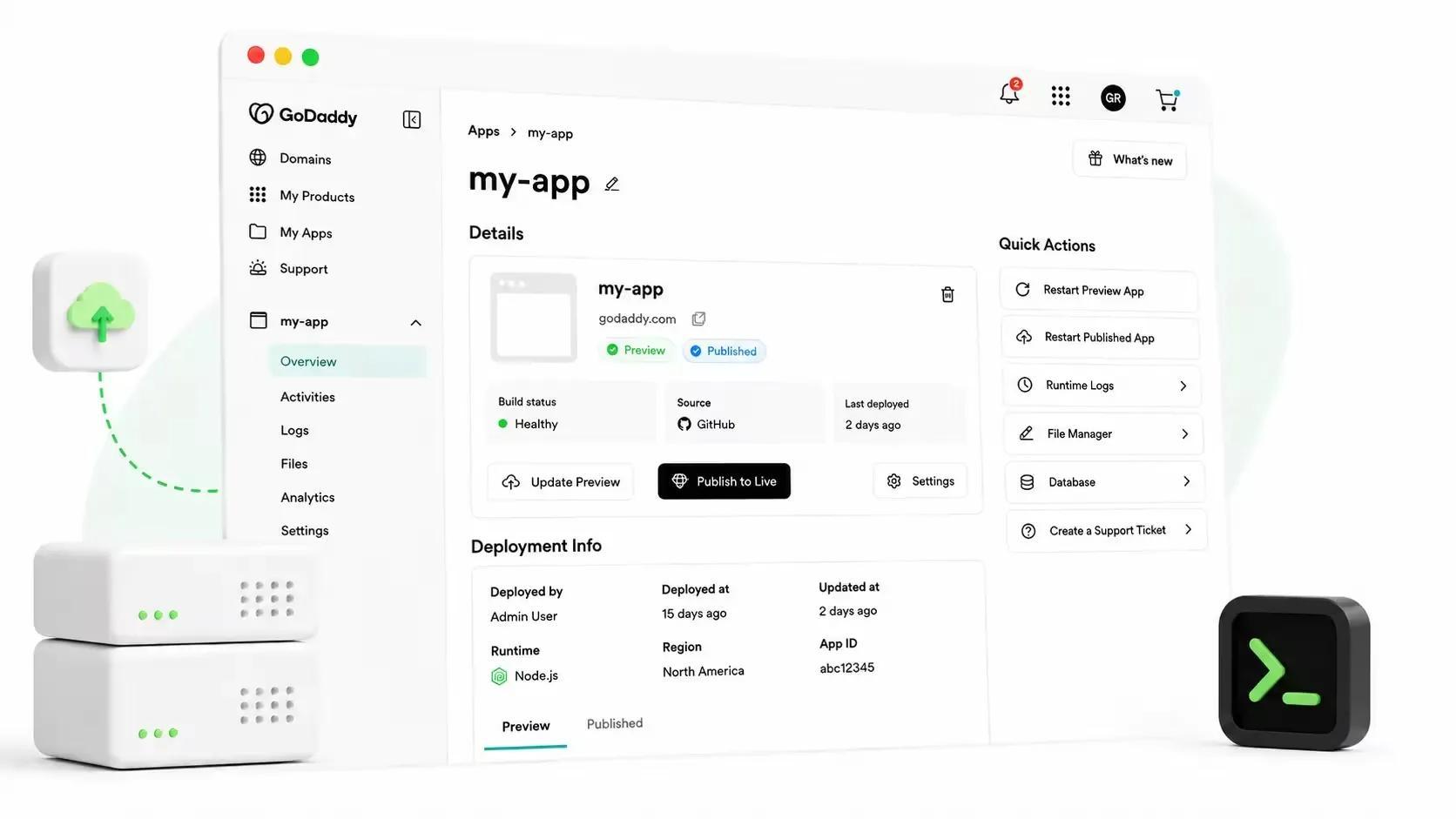
Then, once you’re ready, click the Publish button at the top right, add your domain name, then click Publish at the bottom of the publishing window.
Important note: If your domain is registered in the same GoDaddy account as Airo AI Builder, then your domain's DNS settings will be configured automatically when publishing. If your domain is registered in a different GoDaddy account, or at a different domain registrar, then additional steps will be required before your site can be live online. See our help guide on how to connect a domain to Airo AI Builder for the steps needed for each domain scenario.
Publish your locksmith website today
A professional locksmith website gives customers a clear next step when they need help fast. Put your services, coverage area, availability, and contact information where visitors can find them immediately, then use real photos, reviews, and straightforward pricing guidance to help them feel confident reaching out.
Ready to find your customers? Build a locksmith website with Airo AI Builder today. Share what makes your locksmith business different, launch the pages that matter most, and keep adding to your online presence as your business grows.
GoDaddy Airo AI Builder
Describe your idea. We'll build your live website in minutes.
With a few prompts, Airo AI Builder generates your website, web app, pages, databases and logic in minutes — no coding required. Start for free with 50 AI credits a month. No credit card required.
Build for FreeLocksmith website FAQ
Does a locksmith need a website?
Yes! A locksmith website helps local customers find your business, confirm that you serve their area, and contact you when they need help. It also gives you a place to showcase services, reviews, credentials, and emergency availability beyond a directory listing.
What should a locksmith website include?
Most locksmith websites include a prominent tap-to-call phone number, clear service and service-area pages, emergency availability, pricing guidance, reviews, and a simple contact form for non-urgent requests. Real photos, licensing details, and a concise FAQ can also help visitors feel confident choosing your business.
How do I get more calls from my locksmith website?
Make your phone number visible immediately on every page, especially on mobile, and use clear calls to action such as “Call now for emergency service.” Dedicated pages for residential, commercial, automotive, and emergency services can also help the right customers find you through local search.
How much does a locksmith website cost?
The cost depends on the platform, domain name, plan, design needs, and any professional support you choose. Airo AI Builder plans start at just $9.99 per month when billed annually.