For veterinary clinics, animal hospitals, and mobile vet practices, a website is the digital front door. It’s where pet owners check your services, meet your team, find emergency information, and arrange care for their animals.
A well-designed website makes those tasks simple, whether someone is planning a puppy’s first visit or looking for help after hours. It should communicate your expertise while making your practice feel approachable.
With Airo AI Builder, you can create a custom veterinary website through conversation, without coding or design experience. This guide walks you through planning your pages, refining your site, and setting up the tools that help pet owners take the next step.
GoDaddy Airo AI Builder
Describe your idea. We'll build your live website in minutes.
With a few prompts, Airo AI Builder generates your website, web app, pages, databases and logic in minutes — no coding required. Start for free with 50 AI credits a month. No credit card required.
Build for FreeBefore you start building
A little preparation makes building faster and gives you a better starting point. The more clearly you describe your practice, services, and clients, the closer to “just right” your first AI-generated draft will be.
Before firing up Airo AI Builder, gather a practice description, a page list, and photos that show what makes your clinic welcoming.
Plan your site
Start by deciding what your website should help pet owners do. For most practices, the priorities are finding care information, arranging appointments, and contacting the right team.
Then prepare these three essentials.
Write a description of your veterinary practice
Your description becomes the starting point for Airo AI Builder. Explain what kind of practice you run, which animals you treat, and why clients choose you.
Include:
- Practice type: Small animal, large animal, exotic, emergency, mobile, or specialty referral.
- Services: Wellness exams, vaccinations, dental care, surgery, diagnostics, boarding, grooming, or urgent care.
- Accreditations and certifications: Current AAHA accreditation, Fear Free certifications, or Cat Friendly Practice designation, where applicable.
- Patients: Dogs and cats, small exotics, horses, farm animals, or multiple species.
- What sets you apart: Your experience, particular expertise, approach to care, or verified around-the-clock emergency availability.
- Locations: Each clinic’s address, services, and hours, or the territory covered by a mobile practice.
Be precise about credentials. Individual staff certifications and practice-level certifications aren’t interchangeable.
Before: “I run a vet clinic.”
After: “We run Pawprint Animal Hospital, an AAHA-accredited small animal practice in Austin. Our three veterinarians provide wellness exams, vaccinations, dental care, and soft tissue surgery for dogs and cats. Several team members are Fear Free Certified Professionals. We want a welcoming website that helps clients request appointments and quickly find our after-hours emergency referral information.”
The second description gives Airo direction for the content, structure, and tone of your site.
Decide what pages you need
Most veterinary websites share a similar foundation, but your page list should reflect the care you provide. An emergency hospital needs a different homepage emphasis than a mobile veterinarian offering scheduled home visits.
Consider these pages:
- Homepage.
- Services.
- Meet the team.
- Appointment booking or requests.
- New patient information and forms.
- Emergency information.
- Pet care resources and FAQ.
- Testimonials.
- Blog.
- Contact.
- Locations and hours.
Start with the essentials and expand later. Contact details and emergency instructions should be available from day one, even if your practice refers emergencies elsewhere.
Gather photos of your clinic, team, and patients
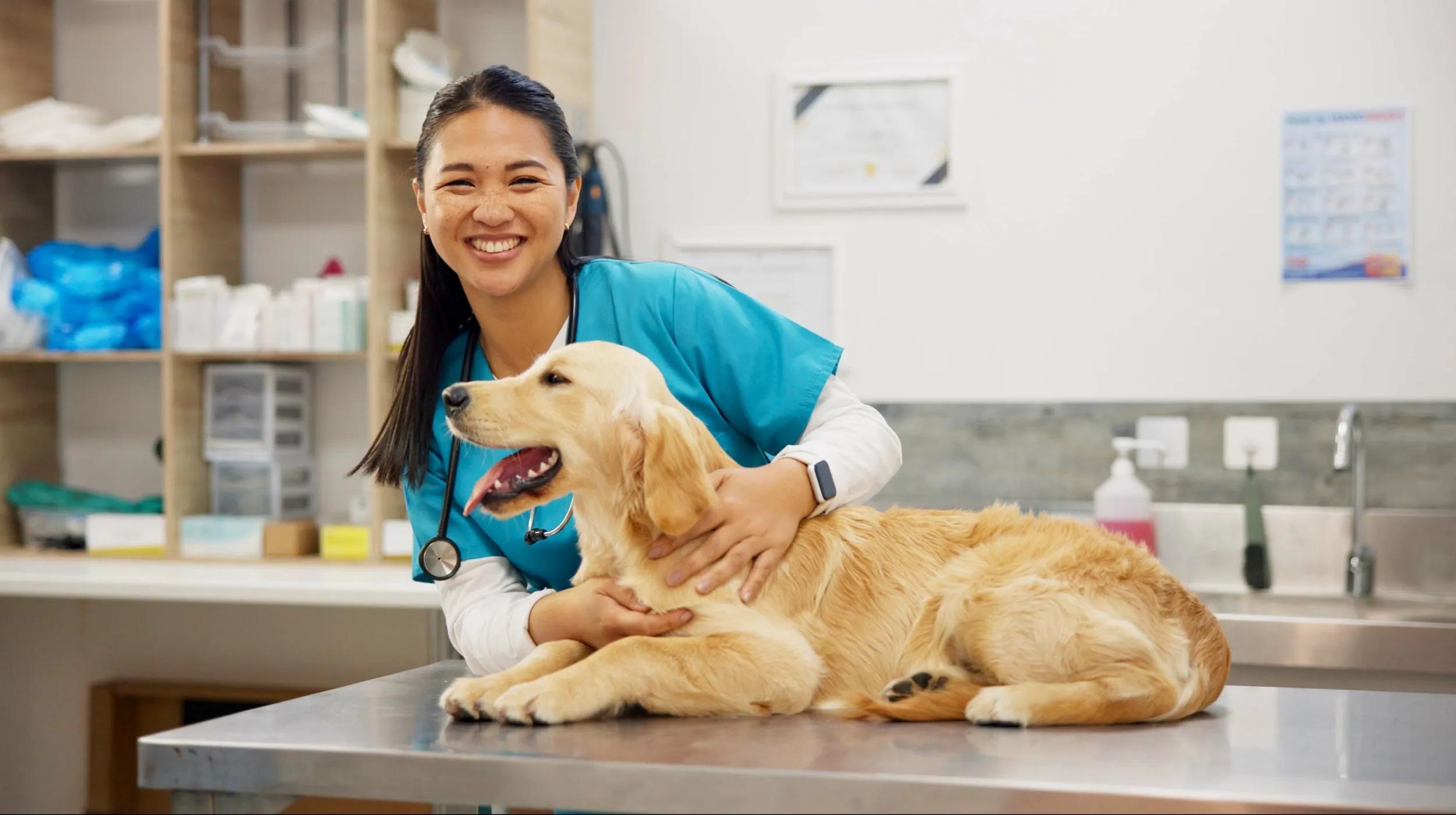
Pet owners want to see where their animals will receive care and who will be looking after them. Gather real photos of:
- Your facility: Exterior, entrance, lobby, exam rooms, and relevant treatment or boarding areas.
- Your team: Veterinarians, technicians, and client service staff, perhaps with their own pets.
- Your patients: Comfortable pets in the clinic and appropriate recovery or treatment photos, with owner consent.
Well-lit phone photos are fine. Focus on a clean, welcoming environment and gentle interactions rather than graphic procedures or images that could make visitors anxious.
Real photography makes your practice recognizable in a way stock images can’t. Check backgrounds for visible records, client information, or other private details before publishing.
Find a domain name
A custom domain gives your practice a professional, consistent address to share on signage, appointment reminders, and local listings. It also helps clients recognize that they’ve found your official website.
When choosing a domain:
- Use your practice name, such as pawprintanimalhospital.com.
- Keep it short and easy to spell.
- Consider .com for familiarity or .vet for a veterinary-focused address.
- Avoid hyphens and numbers unless they’re part of your established name.
- If your practice name is long, choose a recognizable abbreviation.
You can search for and register a domain with GoDaddy.
Want to see if the domain you want is available? Give it a try here:
Before buying separately, check your Airo AI Builder offer. A qualifying new annual paid plan can include an eligible domain for the first year, subject to offer terms, availability, fees, and renewal pricing. If you already own a domain, you can connect it to your new site.
Your domain is one part of your online presence, not a shortcut to ranking for “vet near me.” Accurate location details, helpful content, and a current Google Business Profile also matter.
Prompting tips to make your veterinary website stand out

Think of your conversation with Airo AI Builder as briefing someone who needs to understand your practice. Specific details help Airo build around your services and clients instead of producing a generic clinic website.
Here’s how to talk to Airo:
- Lead with your practice type and focus. Say “small animal hospital offering preventive and urgent care” or “mobile veterinarian focused on senior pet care,” rather than simply “vet clinic.”
- List your services. Name wellness exams, dental cleanings, soft tissue surgery, ultrasound, in-house lab work, or other services you actually offer.
- Explain current credentials. Ask Airo to feature relevant accreditations and certifications using accurate wording and approved assets.
- Choose the main visitor action. Tell Airo whether pet owners should book, request an appointment, call, find emergency instructions, or download forms.
- Describe every location. Provide each branch’s address, hours, services, and contact information so Airo can create distinct location pages.
- Share your branding. Supply your logo and colors so the site matches your signage, business cards, and team uniforms.
Try adapting one of these prompts:
General small animal clinic: “Create a welcoming website for a dog-and-cat veterinary clinic in Portland. Include wellness exams, vaccinations, dental care, surgery, and diagnostics. Use our teal-and-white branding, feature team photos, and make requesting an appointment the main action.”
Emergency and specialty hospital: “Build a website for a 24/7 emergency and specialty animal hospital in Denver. Put our emergency phone number, address, and arrival instructions at the top of the homepage. Create pages for emergency care, internal medicine, surgery, and cardiology, with profiles for our specialists.”
Mobile veterinarian: “Create a website for a mobile veterinary practice serving senior dogs and cats in Charlotte. Explain our home-visit services, service area, and scheduling process. Use a calm, approachable tone and add a visit request form asking for the client’s location, pet’s species, and reason for the visit.”
Veterinary website checklist
Use this checklist while building and as a final review before publishing. The goal is to make your website helpful for both first-time visitors and existing clients.
Homepage with a clear call to action
Explain what your practice does, which animals you treat, and where you’re located near the top of the page. Pair a welcoming photo with a prominent “Book an appointment,” “Request an appointment,” or “Call now” button. For emergency practices, prioritize the emergency number and arrival instructions before routine booking.
Services list with descriptions
Help pet owners quickly determine whether you offer the care their animal needs. Organize services into categories such as preventive care, dental, surgery, diagnostics, and emergency care, then explain each in plain language. Instead of saying only “surgery,” list relevant procedures you provide and explain how consultations are arranged.
Meet the team
Introduce each veterinarian with a photo, degree, experience, and areas of professional interest. Add a personal detail, such as their own pets or what drew them to veterinary medicine. Include technicians and key support staff, and distinguish general interests from formally recognized specialist credentials.
Online appointment booking
Give clients a way to arrange routine care without waiting for business hours. Capture the pet’s name, species, visit reason, and preferred time, and clearly distinguish appointment requests from confirmed bookings. Airo AI Builder can create booking tools and support applicable deposits, or link to a veterinary scheduling portal such as PetDesk or ezyVet.
Location, hours, and emergency info
Make these details easy to find:
- Location: Address, map, entrance details, and parking directions.
- Hours: Regular opening times and holiday changes.
- Emergency guidance: Your emergency number or referral clinic, plus practice-approved after-hours instructions.
Place a concise emergency banner across the site rather than relying on a buried page. For multiple locations, show separate hours and emergency arrangements for each.
Client testimonials and reviews
Genuine feedback can help pet owners feel more comfortable choosing your practice. Display permitted excerpts from Google or Yelp with clear attribution, or use a compatible review widget. A pet photo can add warmth when you have the owner’s permission; place relevant testimonials near booking information or on the homepage.
Pet care resources and FAQ
Answer common questions with veterinarian-reviewed resources, such as:
- What to expect at a first visit.
- Vaccination and spay/neuter questions.
- Seasonal hazards, including heat, holiday foods, and ticks.
- General post-operative care information.
- Nutrition guidance.
Helpful resources can support search discovery as well as client education. Make clear that general website content doesn’t replace an examination or individualized instructions.
New patient forms
Offer downloadable PDFs or an online intake form so clients can prepare before arrival. Basic intake can collect owner contact information, pet details, and visit preferences; vaccination history and medication information should use a workflow your practice has approved for handling clinical information. Keep full records and sensitive medical documents in your dedicated veterinary system rather than treating a general website form as a medical-record portal.
Blog (pet health tips, seasonal advice, clinic news)
A blog gives clients useful information and helps you explain your services beyond a short description. Cover seasonal safety, common pet health questions, new team members, clinic updates, and community events. Have clinical content reviewed by a veterinarian, link to relevant services, and avoid promising particular search rankings.
Social media links
Link to active profiles, especially Facebook and Instagram, so visitors can get a fuller sense of your practice. Patient photos shared with consent, behind-the-scenes updates, and helpful tips can reinforce your approachable tone. Prioritize current accounts rather than sending visitors to profiles you no longer maintain.
Contact information
Make your phone number, address, email, and contact form accessible from every page. Use a clickable phone number on mobile and clearly distinguish the emergency line from routine inquiries. State that online forms and email aren’t monitored for emergencies, and direct urgent concerns to the appropriate phone number.
Build a veterinary website: step by step with Airo AI Builder
With your description, page list, photos, and domain choice ready, it’s time to build. Airo AI Builder lets you generate and refine a custom website through conversation, by describing your practice instead of writing code.
Here’s how to build a veterinary website with Airo AI Builder.
GoDaddy Airo AI Builder
Describe your idea. We'll build your live website in minutes.
With a few prompts, Airo AI Builder generates your website, web app, pages, databases and logic in minutes — no coding required. Start for free with 50 AI credits a month. No credit card required.
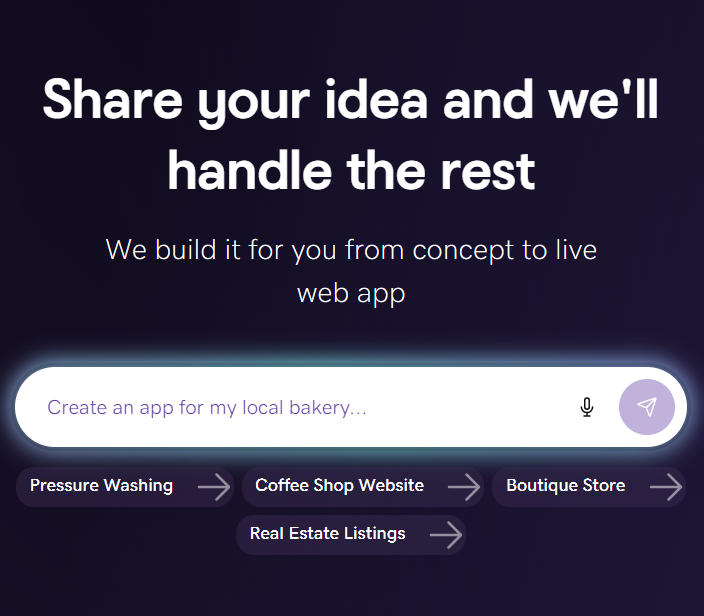
Build for FreeStep 1: Describe your veterinary practice to Airo AI Builder
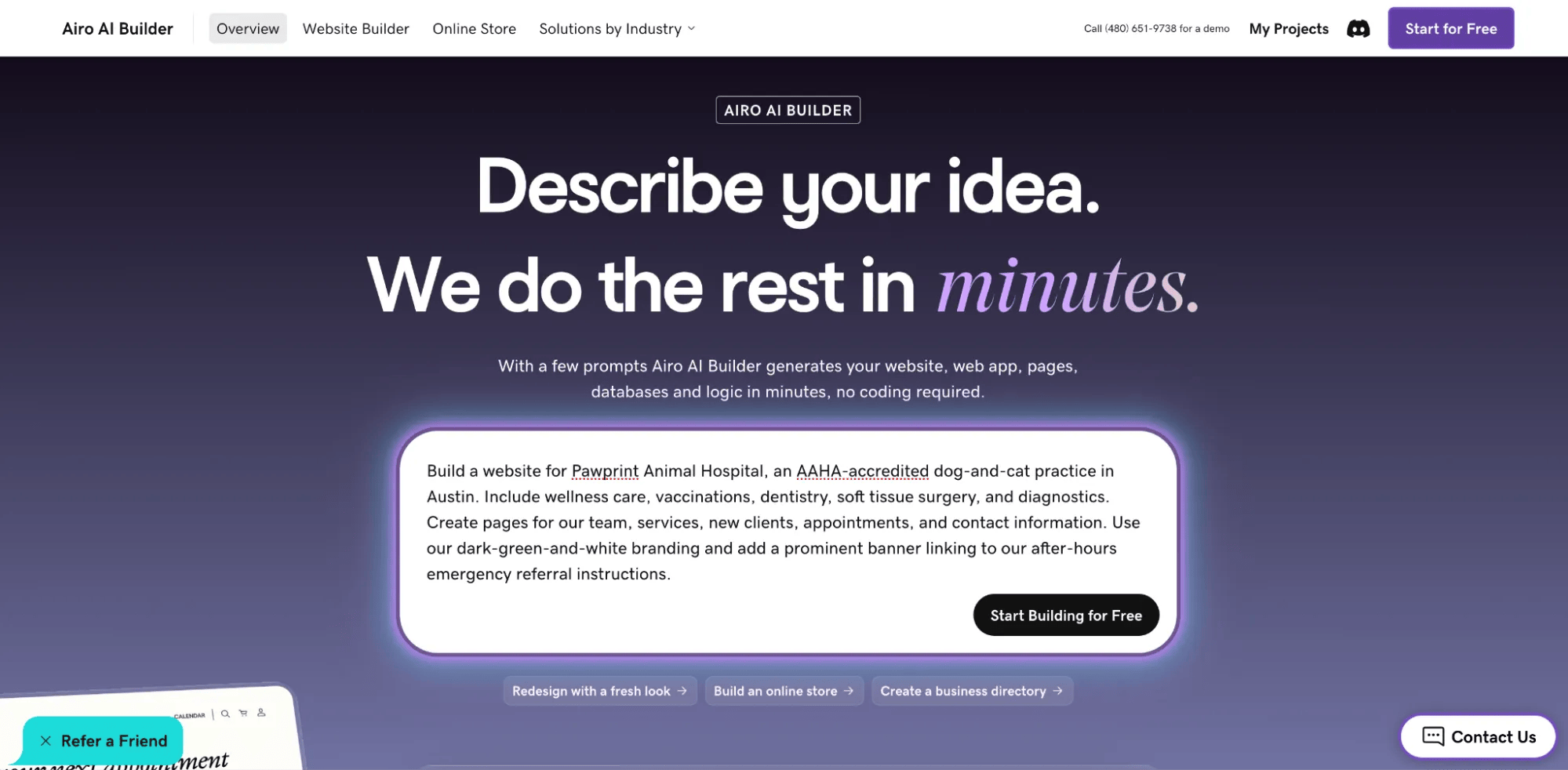
Start by telling Airo AI Builder what your practice does and what your website should accomplish. Include your patients, services, location, current credentials, branding, and main calls to action.
For example:
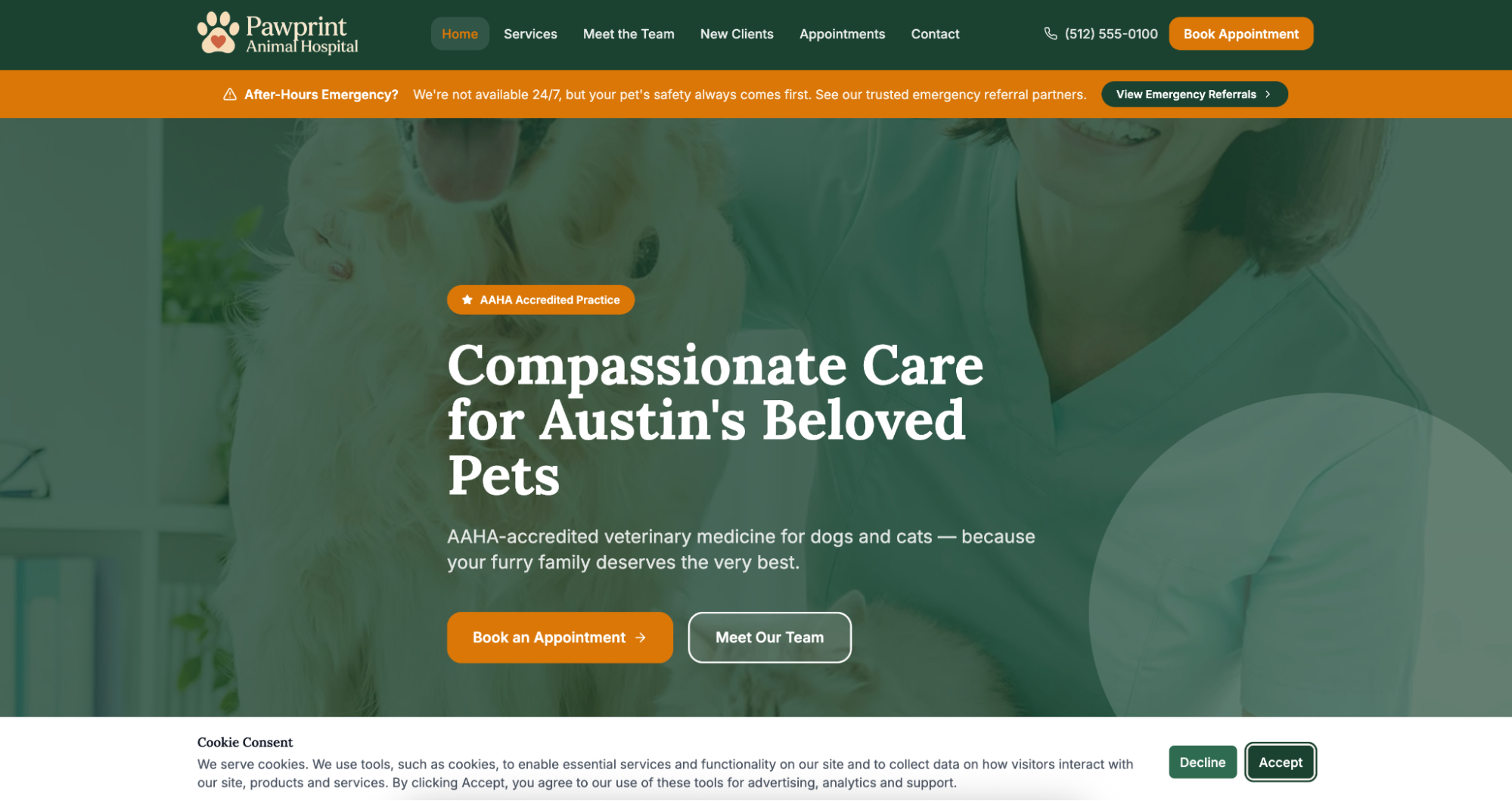
“Build a website for Pawprint Animal Hospital, an AAHA-accredited dog-and-cat practice in Austin. Include wellness care, vaccinations, dentistry, soft tissue surgery, and diagnostics. Create pages for our team, services, new clients, appointments, and contact information. Use our dark-green-and-white branding and add a prominent banner linking to our after-hours emergency referral instructions.”
You can provide files such as a logo or reference an existing website. Review the draft carefully rather than assuming every fact, credential, or service has transferred correctly.
Step 2: Answer a few questions

Airo AI Builder may ask follow-up questions about your pages, design preferences, or booking needs. Clarify whether clients should request appointments, choose available slots, or use your existing veterinary scheduling portal.
Be specific about the differences between routine and urgent care. For example, tell Airo that emergencies should prompt a phone call, not a form submission.
Step 3: Refine your website with follow-up prompts

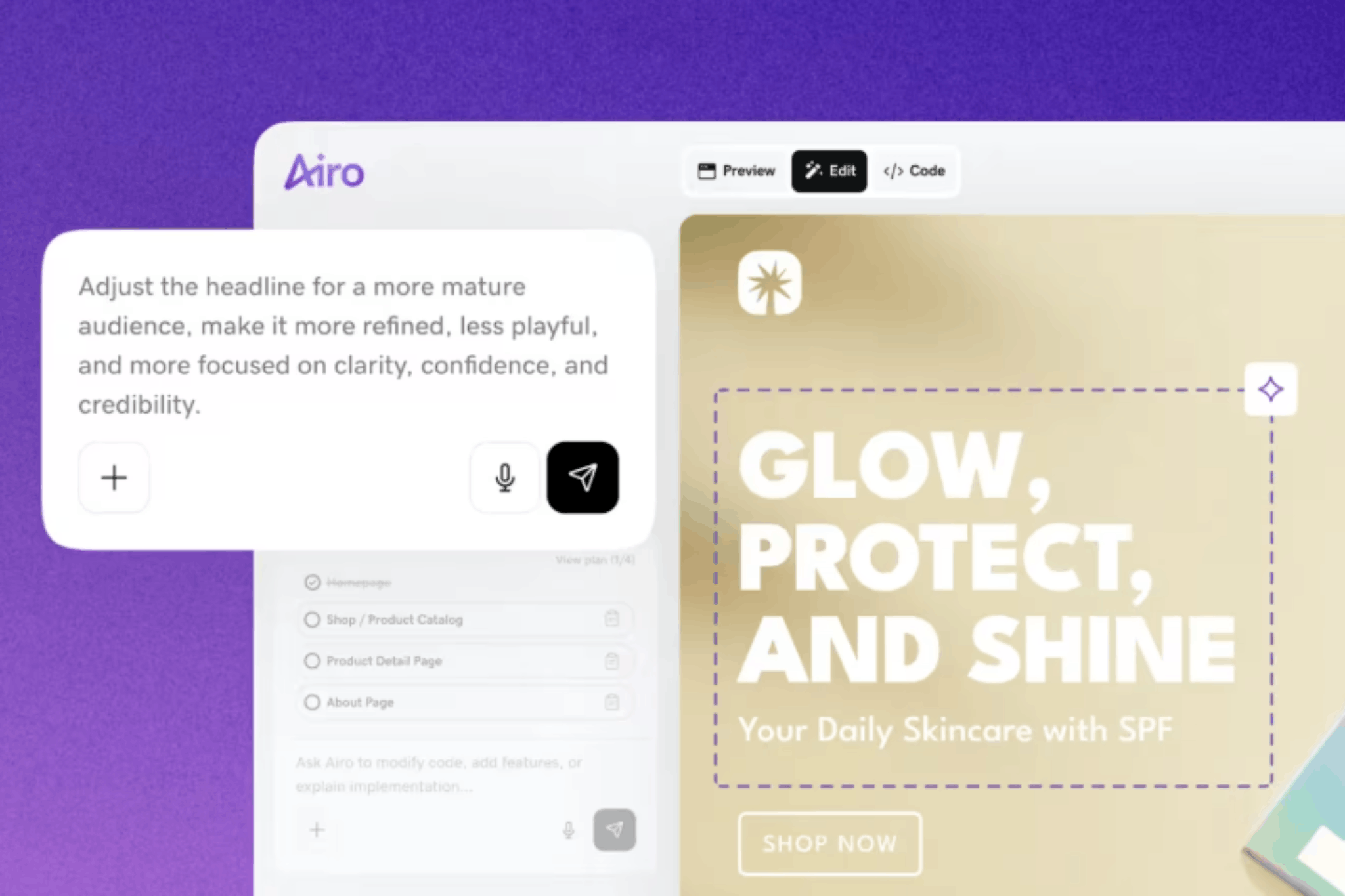
Once Airo AI Builder generates a draft, continue the conversation to adjust its content and layout. Try requests such as:
- “Add an emergency banner to every page with this after-hours number and referral information.”
- “Create a separate page for each veterinarian using these approved bios and photos.”
- “Organize services by preventive care, dental, surgery, and diagnostics.”
- “Include a section for downloadable new patient forms.”
- “Change the colors to match our logo — dark green and white.”
- “Make our phone number and appointment button easier to find on mobile.”
You can also make minor edits directly in the editor. Keep refining until the site reflects your practice. Check names, degrees, service descriptions, hours, and all emergency instructions before moving on.
Step 4: Set up appointment booking and patient forms

Airo AI Builder can help create appointment tools and intake forms within your site. Its veterinary features include appointment inquiry forms and conditional intake questions based on details such as species and age.
Configure the options that fit your workflow:
- Appointments: Service selection, basic pet information, and preferred times, with a clear confirmation process.
- Deposits or prepayment: Applicable reservation payments, with clearly stated cancellation and refund policies.
- New client intake: Owner contact details, basic pet information, and visit reason. Route clinical history through an approved system.
- General inquiries: A simple contact form with response-time expectations and emergency exclusions.
If you use PetDesk, ezyVet, or Shepherd, add a button linking to the booking portal your practice provides. These links are not the same as automatic synchronization of medical records or your full practice schedule.
Explore the Airo AI Builder connectors directory for current third-party connection options.
If you don’t use a separate scheduling platform, configure available Airo booking features for your appointment types and capacity. Test every form, notification, confirmation, and payment flow before launch.
Step 5: Connect your domain and publish your new site
Connect your domain to your Airo AI Builder project and follow the publishing instructions. Domains registered with GoDaddy can have the required DNS records updated automatically; domains using another DNS provider may require you to enter the supplied records there.
If you need a domain, check whether your qualifying annual paid plan includes an eligible first-year domain offer.
Airo AI Builder provides mobile-responsive design and SEO features, but give the finished site a final review:
- Confirm all locations, hours, and phone numbers.
- Verify emergency contacts and referral arrangements.
- Review page titles, descriptions, and service copy.
- Test booking, forms, notifications, and payment links.
- Check the site on a phone.
- Add appropriate privacy information and booking policies.
Keep your practice details consistent with your Google Business Profile and other local listings. SEO features can support discovery, but they don’t guarantee rankings for “vet near me.”
Publish your project, allow time for domain changes to take effect, and check the live website.
What to expect from an Airo AI Builder veterinary website
Airo AI Builder creates websites and web apps, but it isn’t a veterinary practice management system. Use it for your public-facing information and client intake, while dedicated veterinary tools manage clinical records and operations.
| What Airo AI Builder does | What requires dedicated veterinary software |
|---|---|
| Creates services, team, contact, and blog pages | Electronic medical records |
| Provides booking tools and applicable deposit collection | Clinical scheduling and diagnostic lab integrations |
| Builds basic new client and appointment intake forms | Controlled substance logs |
| Displays practice-approved emergency information | In-clinic billing and invoicing through a PIMS |
| Supports configured website payments, including GoDaddy Payments or compatible connected providers | Prescription management and pharmacy fulfillment |
| Creates pet care resources and blog content | Clinical telemedicine workflows and video consultations |
| Displays permitted reviews and testimonials | Patient medical history and records storage |
| Provides SEO features and location-relevant content | IDEXX, Abaxis, and other lab equipment integrations |
| Helps create marketing content and use supported email or social connections | Referral and specialist case management |
| Adds maps and location information | Boarding and kennel management |
| Generates mobile-responsive layouts | — |
| Includes hosting and SSL | — |
Airo AI Builder’s veterinary guidance distinguishes general website intake from clinical information handling. Keep sensitive records in systems designed and approved for that purpose. Website payments, booking, and third-party features also depend on your plan, provider, region, and configuration.
Your website works alongside your practice software: it helps clients find you and take the next step, while your clinical systems support the care that follows.
As Omer Veterinary Services says:
“This could not be a better experience from start to finish.”
Get your veterinary website live today

A helpful veterinary website doesn’t need to be complicated. Start with accurate services, welcoming photos, visible emergency guidance, and a clear way to arrange care.
Plan your pages, describe your practice to Airo AI Builder, refine the draft, and configure booking and intake around your team’s workflow. With website creation, domain connection, forms, and SEO features in one process, getting online becomes more manageable.
Ready to welcome more pet owners through your digital front door? Create a veterinary website with Airo AI Builder.
GoDaddy Airo AI Builder
Describe your idea. We'll build your live website in minutes.
With a few prompts, Airo AI Builder generates your website, web app, pages, databases and logic in minutes — no coding required. Start for free with 50 AI credits a month. No credit card required.
Build for FreeVeterinary website FAQ
Does a veterinary clinic need a website?
A website helps pet owners evaluate your practice and find essential information. It gives you a place to explain services, introduce your team, share emergency instructions, and arrange appointments. Social profiles and local listings are useful alongside it, but your website gives you more control over how that information is presented.
How do I let pet owners book appointments online?
You can configure available booking features, create an appointment request form, or link to your existing veterinary scheduling portal. Clearly explain whether clients are choosing a confirmed slot or requesting a time your team must approve. Routine booking should remain separate from emergency guidance.
What should a veterinary website include?
Start with services, team information, location and hours, contact details, appointment options, and prominent emergency instructions. Add new client forms, reviews, pet care resources, and a blog as appropriate. Multi-location practices should provide distinct details for each clinic.
How much does a veterinary website cost?
Costs depend on your plan, domain, and any third-party tools. Airo AI Builder offers a free option for building and previewing, while publishing requires a paid plan. Check the current Airo AI Builder plans for pricing and billing terms.
Also budget for domain renewal, payment processing, and external scheduling or marketing services. Qualifying new annual paid plans may include an eligible domain for the first year, subject to offer terms.