

Key takeaways
- The website footer is a foundational part of your site’s structure. It typically includes contact details, links to legal pages, and trust-building information.
- How you build your footer depends on your platform. On a custom HTML site, CSS knowledge may be required, whereas platforms like WordPress or website builders like GoDaddy offer tools that make customization much more accessible.
- A well-designed footer reinforces your brand identity, builds credibility, and shows visitors that your online presence is polished and professional.
When you’re building a website, it’s easy to focus on the homepage, your services section, or your calls to action. But there’s another area that deserves just as much attention: the footer.
The footer sits at the very bottom of your website and appears on every page. It’s the final section visitors see, and often the place they scroll to when they’re looking for something specific.
Because it comes at the end of a website, many site owners treat the footer as an afterthought, but that’s a missed opportunity. Instead of being a dumping ground for random links, your footer can be a reliable navigation hub that supports your visitors and reinforces your brand.
The good news is you don’t need advanced technical skills to create an effective website footer. With a thoughtful approach and the right structure, you can turn this often-overlooked section into a valuable part of your site experience.
What is a website footer?
A website footer is the final section at the bottom of a web page. It signals to visitors that they’ve reached the end of the main content and provides one last opportunity to guide them to important information.
The footer is often visually separated from the rest of the page using a different background color, spacing, or a dividing line. Functionally, it plays a much bigger role than its placement might suggest. This space is designed to support the user experience by housing essential details and helpful links.
Overall, effective website footers reinforce credibility, improve navigation, and help your website feel complete and professional.
What should be included in a footer?
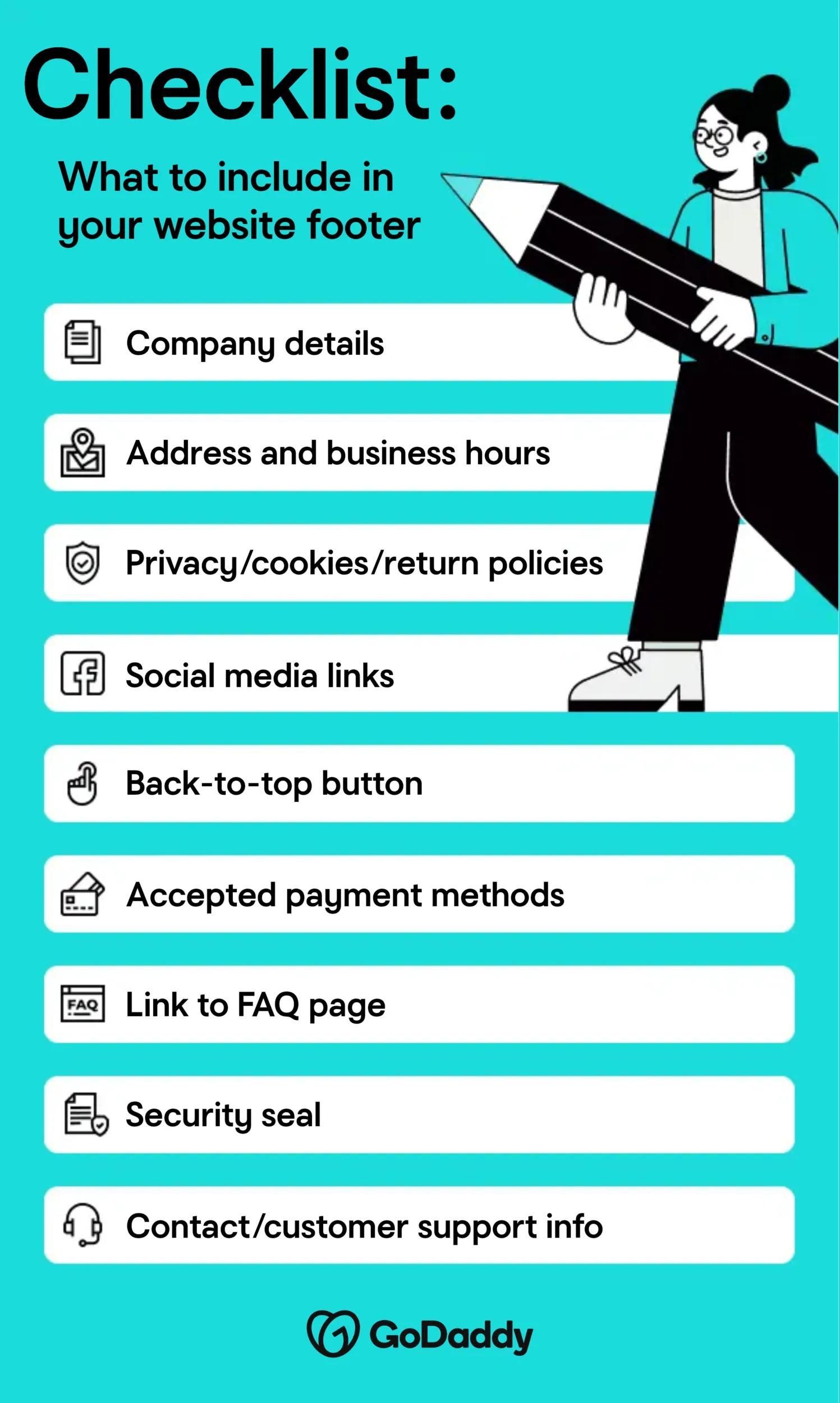
Your website footer should include important information like:
- Company details
- Address and hours of operation
- Links to your privacy, cookies, and return policies
- Social media links
- Back-to-top button
- Accepted payment methods
- Link to the FAQ page
- Security seal
- Contact or customer support information
These are some of the most common items in footers. However, you should include anything you feel is relevant and important for your visitors.
6 website footer examples
Take a look at five examples of how major companies use their website footers strategically:
- GoDaddy: Clean design, clear navigation, and built-in trust elements
- Amazon: Quick access to customer service, policies, and account support
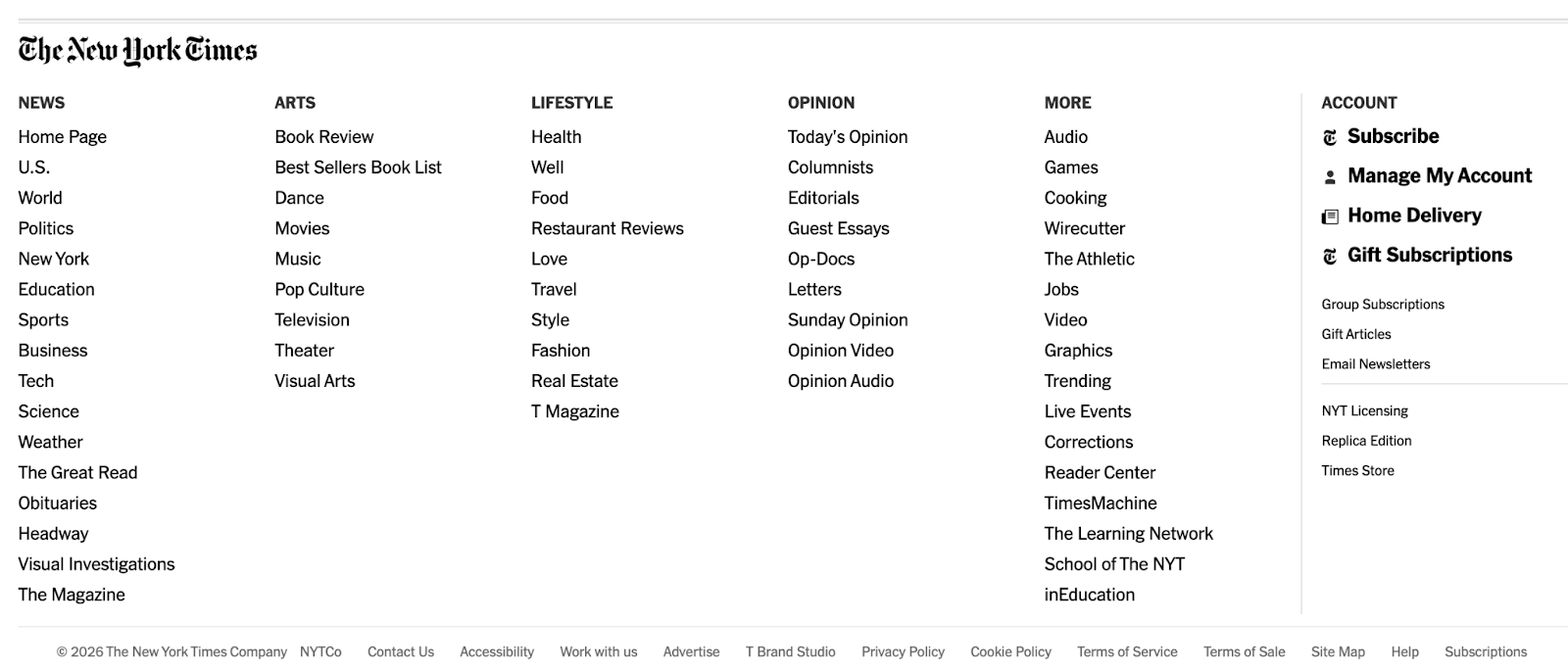
- The New York Times: Strong navigation links and detailed legal information
- Walmart: Key services, store tools, and customer resources
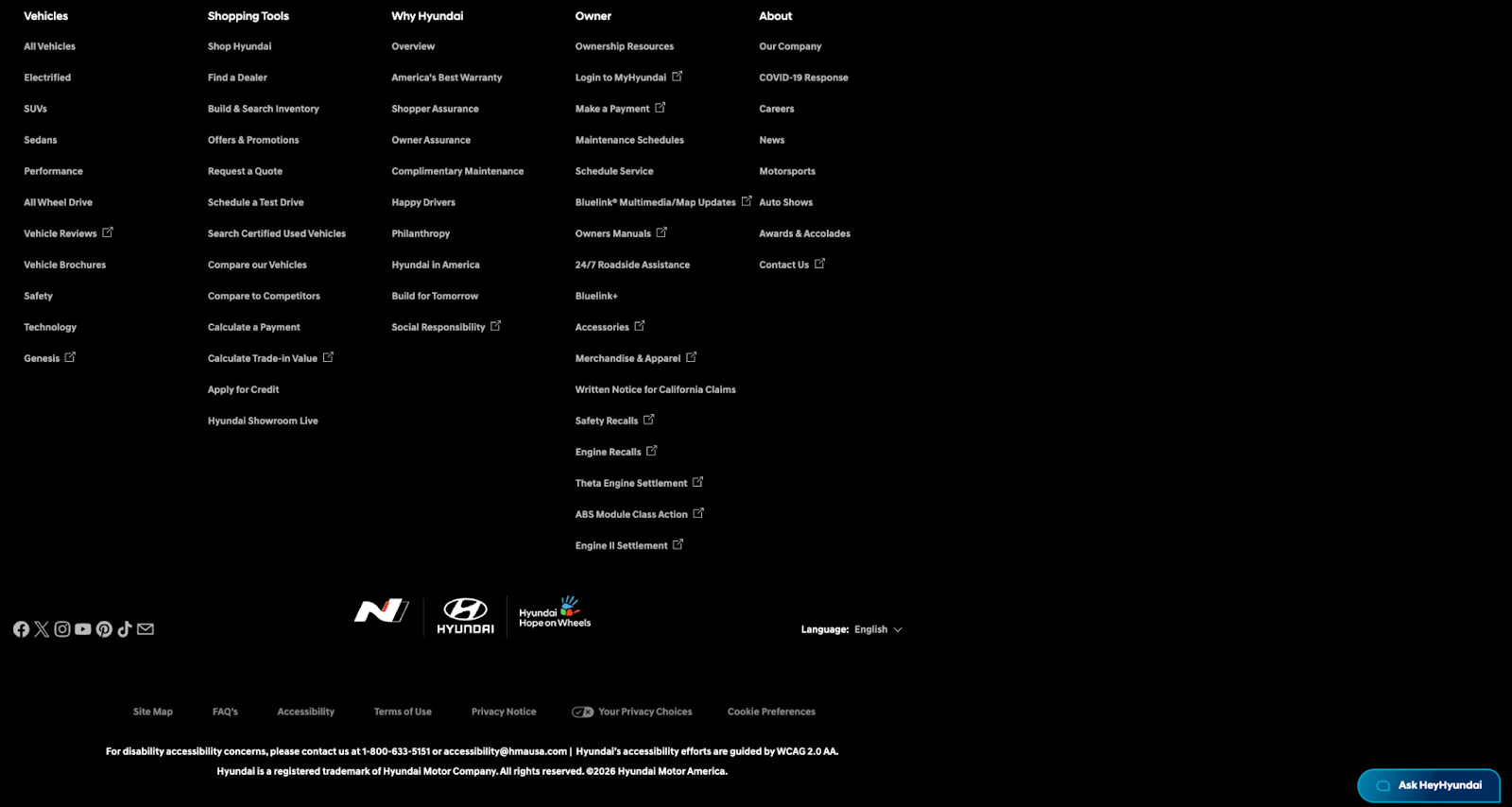
- Hyundai: Important links, brand resources, and usage guidelines
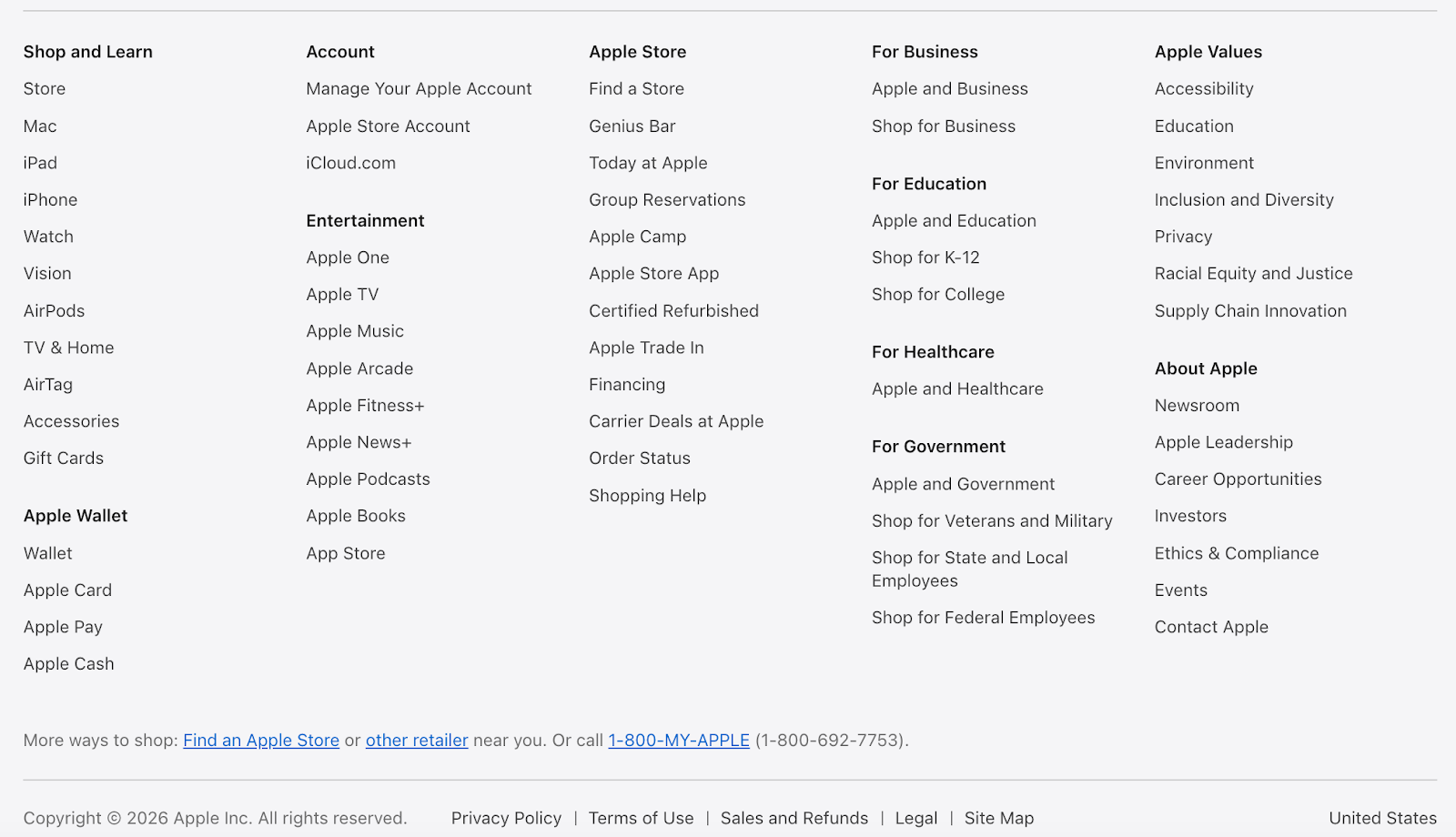
- Apple: A structured site map with product categories and technical information
Each of these brands uses its footer to organize complex information, reinforce credibility, and help visitors quickly find what they need.
1. GoDaddy
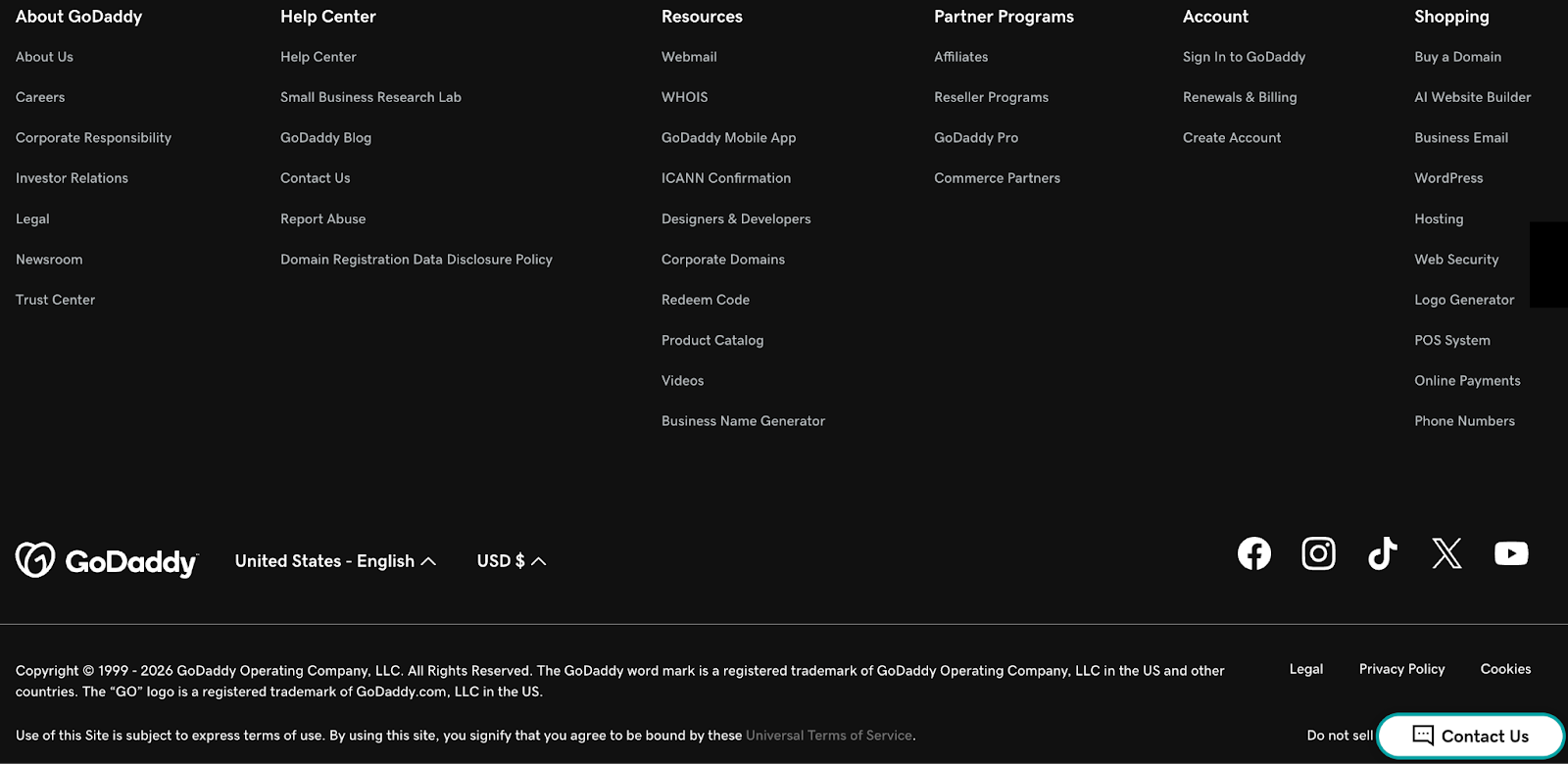
GoDaddy’s footer is designed for clarity and usability. It includes organized navigation links, customer support resources, legal information, and trust signals, all structured in a clean, easy-to-scan layout.
2. Amazon
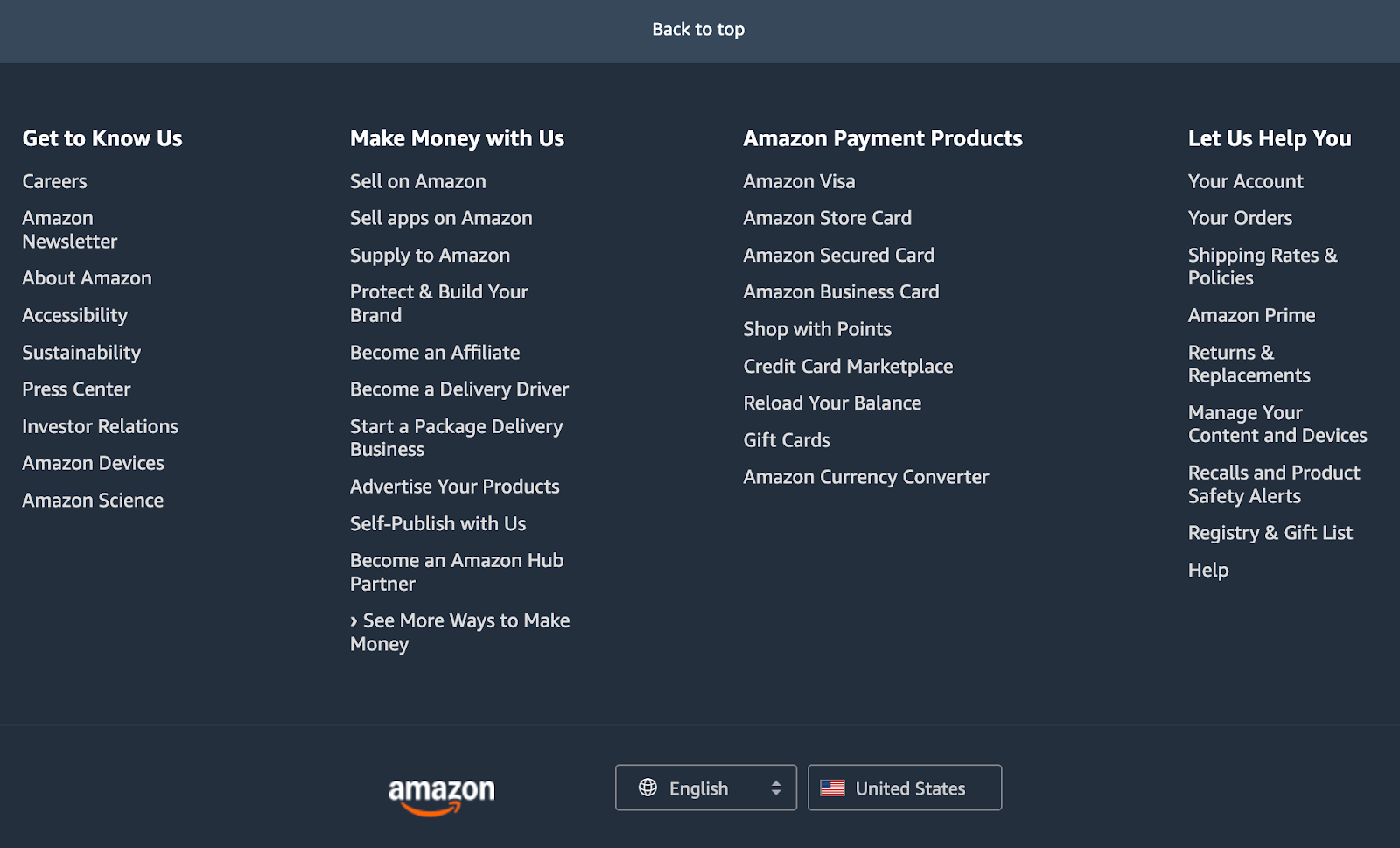
Amazon uses its footer as a utility hub. It’s packed with links to customer support, order help, returns, shipping information, and account tools. You’ll also see clear access to policies and corporate pages, which helps build trust and reduces friction for visitors who need answers fast.
3. The New York Times
The New York Times footer is built for navigation and clarity. It includes a set of links to major site sections and services, along with detailed legal and subscription information. For a content-heavy website, this kind of footer helps readers quickly find what they need without hunting through menus.
4. Walmart
Walmart’s footer focuses on convenience and customer resources. It highlights key services like store tools, pickup and delivery options, customer service links, and policy pages. The structure makes it easy for shoppers to move from browsing to action.

5. Hyundai
Hyundai uses its footer to connect visitors with essential brand and site resources. It includes links to key pages, legal information, and usage guidelines, along with pathways to tools or regional resources. The result is a footer that feels organized and professional while supporting the visitor journey.
6. Apple
Separated from the main content with a simple line, Apple’s footer includes a structured set of links that guide visitors across the site, from product categories to support and corporate information. You’ll also find trademark and legal details, plus other technical information that reinforces credibility.
How do I place the footer at the bottom of the page?
If you’re building a website from scratch, keeping the footer fixed at the bottom of the page typically requires some basic CSS knowledge. Developers often use layout tools like Flexbox or CSS Grid to structure the page so the footer stays at the bottom, even when there isn’t much content on the page. These layout methods ensure your design looks polished and consistent across different screen sizes.
If you’re not familiar with CSS, you don’t have to figure it out on your own. Tools like GoDaddy Airo® can help you create a professional website without writing code. It builds a site using AI-powered features based on your goals and preferences. It handles layout details like footer placement for you.
How to add a footer in WordPress
In WordPress, the process is more visual and depends on the theme you use. Most modern themes offer native customization options. Go to Appearance > Customize in the menu. There, you’ll find a section dedicated to the “Footer” to edit widgets, texts, and menus without code.
If you use a page builder, simply edit the page, drag the footer block to the bottom, and customize it freely.
Need help creating and maintaining your WordPress site? Check out GoDaddy’s managed WordPress hosting services!
How to create a website footer in HTML
Creating a footer in HTML usually requires a basic understanding of HTML for structure and CSS for styling. You’ll use the <footer> tag to define the section, then apply CSS to control its layout, spacing, colors, and positioning.
If coding isn’t your thing, you have options! GoDaddy’s website builder allows you to create and customize a footer without writing a single line of code. You simply choose the type of site you want to build, select a professionally designed template, and start editing.
You can update text, images, colors, and layout elements using a visual editor, with real-time previews that let you see your changes instantly. This makes it easy to experiment and refine your design as you go.
Websites built with GoDaddy’s tools are also responsive, meaning they automatically adjust to look great on smartphones, tablets, and desktop computers. With so many people browsing on mobile devices, a responsive design is crucial for delivering a smooth user experience across all screens.
Create a professional website with GoDaddy!
As you’ve seen, the footer plays an important role in your website’s credibility, navigation, and overall user experience. The good news is you don’t need technical expertise to get it right. With GoDaddy’s website builder, you can start with professionally designed templates that already include optimized footer layouts. From there, you can easily customize your contact information, links, policies, and other key elements in just a few clicks.
Ready to build a site that looks polished and works for your business? Start creating your website and footer with GoDaddy today.