
The best domain registrars today provide an experience that goes far beyond typing a few words into a search bar. Along with your perfect domain, you should also expect extras like privacy, security, website builders, and AI tools — helping you get from an idea to a live site in minutes.
And with more than 2,400 ICANN-accredited domain registrars to choose from, it’s more important than ever to understand how they differ on pricing, protection, and long‑term reliability.
We’ve compiled a list of the top nine domain registrars based on their reputation, features, pricing, and customer support.
It doesn’t matter if you’re after the lowest long-term pricing, hands-on customer support, or AI-powered help with names, logos, and content; this comparison will show you exactly what each registrar does well and who it’s best suited for.
What is a domain registrar and what do they do?
A domain registrar manages the registration of domain names on the internet. It’s important to keep in mind that you can’t permanently own a domain — but you can maintain exclusive access to it as long as you keep your registration current.
In that sense, you might look at your domain registrar as a leasing agent.
And when we talk about domain names, we’re referring to the unique addresses used to identify websites on the internet, such as "godaddy.com.” When you want to register a domain name for your website, you’ll need to go through a domain registrar.
A domain registrar also:
- Lets you search and register available domain names.
- Ensures that domain names are unique and available for new registration.
- Maintains required registration data and communicates with the registry.
- Offers DNS and nameserver management (DNSSEC) and domain security controls.
In short, domain registrars are essential for establishing and maintaining an online presence.
Things to consider when choosing a domain registrar
Not all domain registrars are the same. Depending on your individual needs, some are better positioned to offer more in terms of capability and value. There are several factors to consider to guide you in picking a company that meets your specific needs. Here are those key considerations:
- Price: Domain registrars charge different fees for domain registration, renewal, and transfer. Compare the prices of various domain registrars to find one that offers affordable rates. Make sure to check beyond the first-year promotional pricing, and also look for extra charges on privacy, DNS, email, or security add-ons.
- Features: Different domain registrars offer various features such as domain privacy, email hosting, SSL certificates, and website building tools. Additionally, consider the TLD (Top Level Domain) you want to purchase, as not all domain registrars offer the same TLD selection. If you expect to manage multiple domains, look for bulk tools, portfolio views, and API access as well.
- AI and automation: More and more registrars are incorporating AI and automation into their tools for domain suggestions, site builders, and more. Consider how the incorporation of AI might help with your own needs, while also looking at data usage disclosures and the company’s policy towards responsible use of AI. If you plan to rely on these tools, confirm whether they’re included or paid add-ons, and whether they support your language.
- Reputation: Consider the reputation of the domain registrar. Look for reviews and feedback from other users to gauge the company’s reliability.
- Customer support: Ensure that the domain registrar offers reliable customer support. Choose a company that provides multiple support channels, such as phone, email, and live chat. If your domain is critical to your business, 24/7 support and clearly stated response times are especially important.
- Security: Verify that the domain registrar provides adequate security measures to protect your domain name and personal information from cyber threats. Things to look for include 2FA, DNSSEC availability, registry lock, and account access controls. Some registrars also offer role-based access for teams and alerts for suspicious activity, which can be valuable for growing businesses.
- Domain transfer policy: Check the domain transfer policy of the domain registrar. Choose a company that allows easy domain transfers in case you decide to switch to a different registrar in the future. ICANN policy dictates a 60-day lock for new domain registrations (regardless of registrar), but good registrars make transfers easy after that 60-day period.
- User interface: Select a domain registrar with an easy-to-use user interface that allows you to manage your domain name easily and efficiently. A clear dashboard, simple DNS editor, and obvious renewal dates can save time and help you avoid DNS misconfigurations or accidental domain expirations.
By considering these factors, you can choose a domain registrar that provides the features, pricing, and support that you need to get your idea a head start. Don’t be afraid to write down your top priorities (e.g., “lowest long-term cost,” “best security,” or “fastest way to launch a site”) and compare registrars against that list of personal priorities.
9 best domain registrars of 2026 (pricing, privacy, and AI tools)*
Now that we’ve covered the basics of what domain name registrars can provide, let’s take a closer look at each of the top domain registrars in 2026.
Quick comparison of top domain registrars
| Registrar | .com Reg* | .com Renewal* | WHOIS Privacy | AI Tools |
|---|---|---|---|---|
| GoDaddy | $0.01 | $22.99 | Free | Yes |
| Namecheap | $11.28 | $18.48 | Free | Yes |
| Dynadot | $10.88 | $10.88 | Free | Yes |
| IONOS | $1.00 | $20.00 | Free | Yes |
| Hostinger | $0.01 | $19.99 | Free | Yes |
| Name.com | $12.99 | $19.99 | $4.99/yr | Yes (API-focused) |
| Network Solutions | $11.99 | $28.99 | $11.99/yr | Yes |
| Bluehost | $12.99 | $21.99 | $11.99/yr | Yes |
| Domain.com | $11.99 | $21.99 | $3.99/yr | Yes |
1. GoDaddy
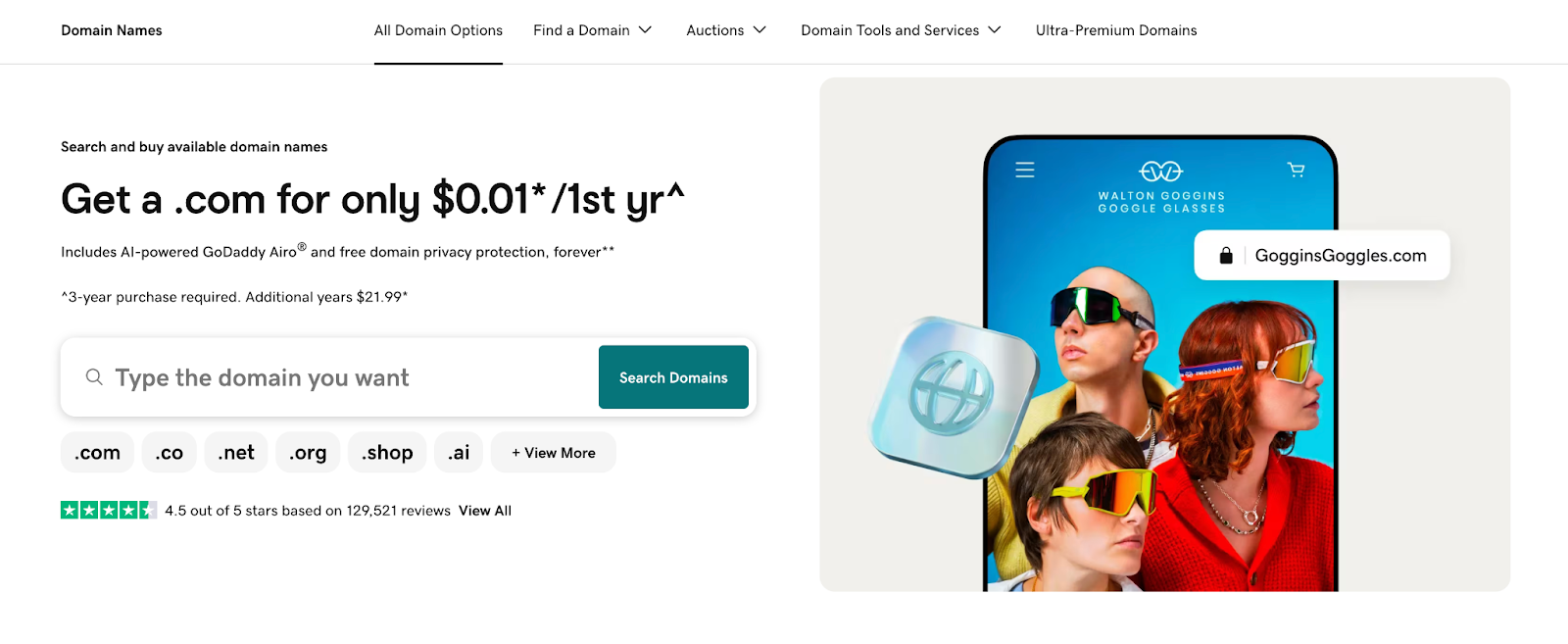
Based in Tempe, Arizona, GoDaddy was founded in 1997 and, with over 84 million registered domain names, it is the largest domain name registrar globally. GoDaddy is often a strong fit for users who want an “all-in-one” solution for domains, websites, email, and marketing in a single account.
Snapshot of services
GoDaddy pricing:
| Domain extension | Registration | Renewal price |
|---|---|---|
| .com | $0.01* | $21.99 |
| .net | $0.01 | $24.99 |
| .org | $9.99 | $22.99 |
| .biz | $1.99 | $31.99 |
| .info | $3.99 | $37.99 |
| .co | $0.01 | $51.99 |
- WHOIS privacy: Free domain privacy is included with domain registrations.
- Domain transfers: Incoming domain transfers start at $11.99 and include one free year of registration. Outgoing transfers do not have an associated cost and can be completed by the customer from within their account.
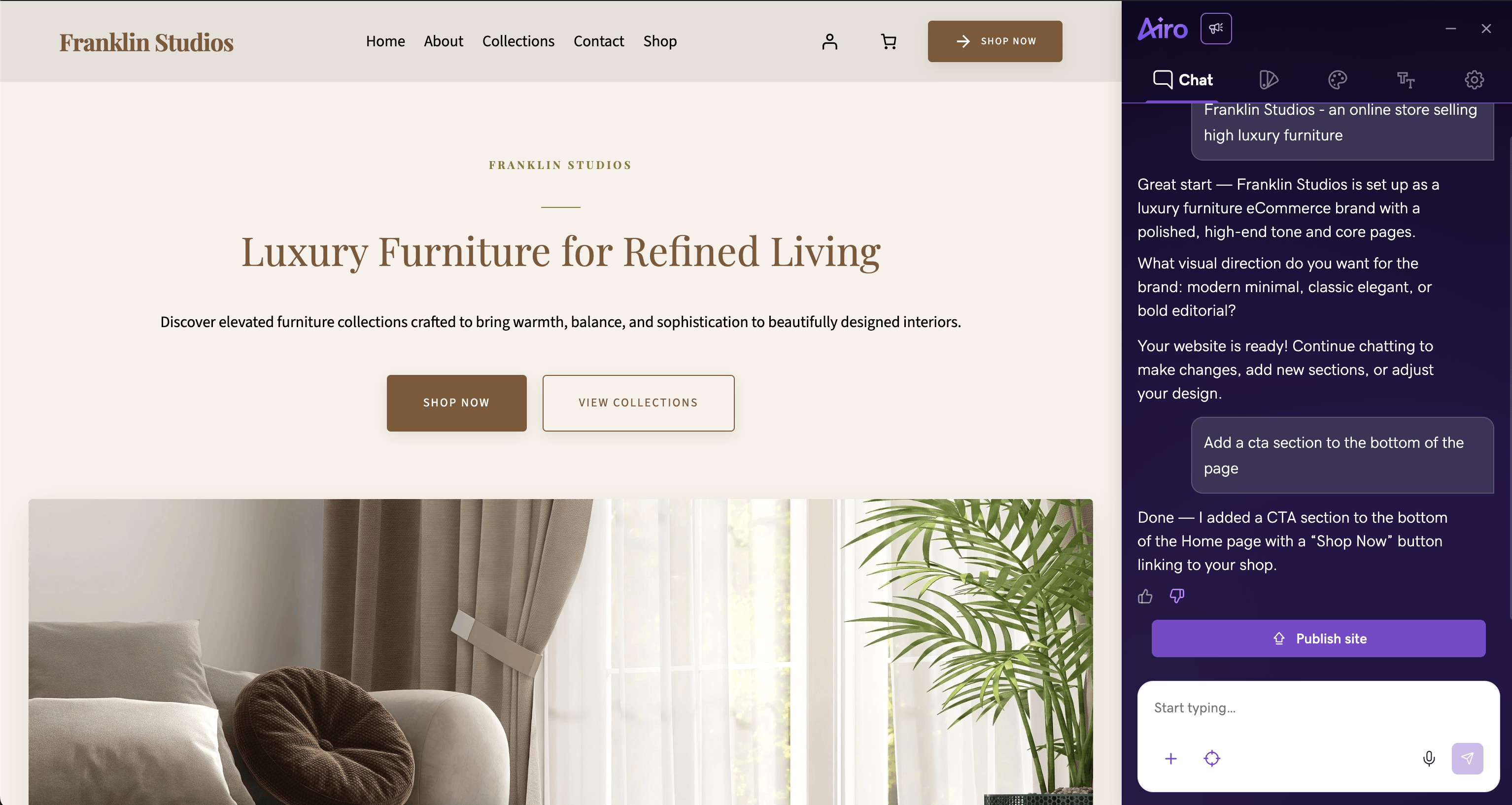
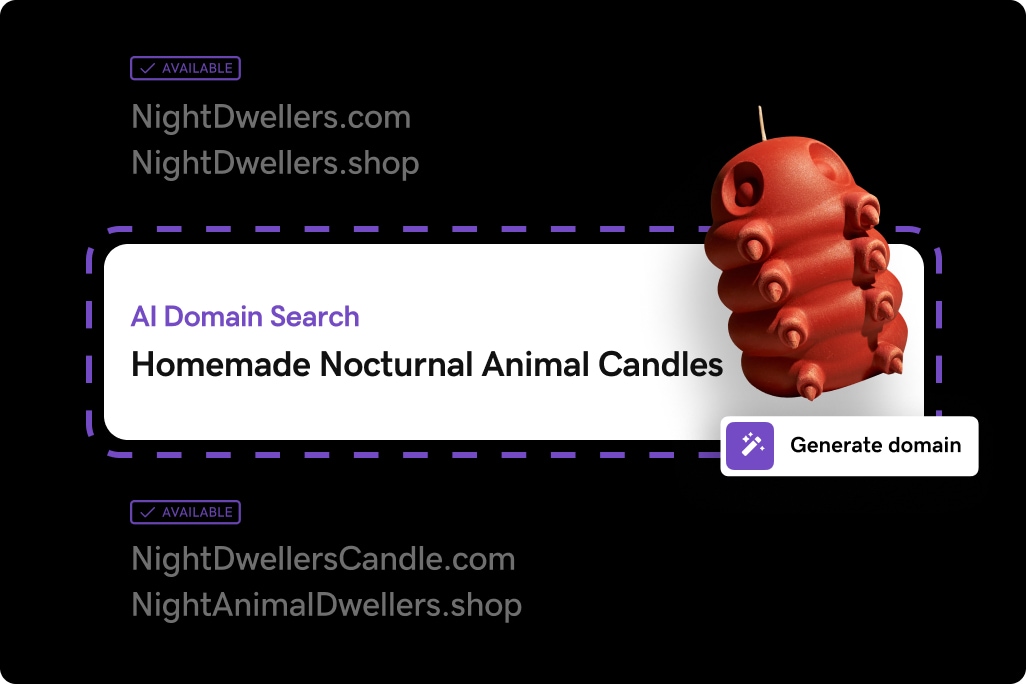
- AI-powered tools: GoDaddy Airo, an integrated AI-powered experience, simplifies the process of getting online for GoDaddy customers. The GoDaddy Airo suite includes a free AI domain name generator, a free AI logo generator, payment capabilities, a personalized Coming Soon site, social media marketing, as well as upgrades for premium features.
- Customer support: 24/7 customer support, including telephone and chat support, in multiple countries.
- Additional services: GoDaddy’s domain registrations include a free site builder, free domain privacy, a free logo maker tool, and free domain-based pay links to allow users to collect payments without a website. Other GoDaddy services include hosting, email, web design, and marketing solutions. Investors and power users can also take advantage of GoDaddy’s domain auction marketplace and bulk tools.
*First year price, with 3-year purchase required.
2. Namecheap
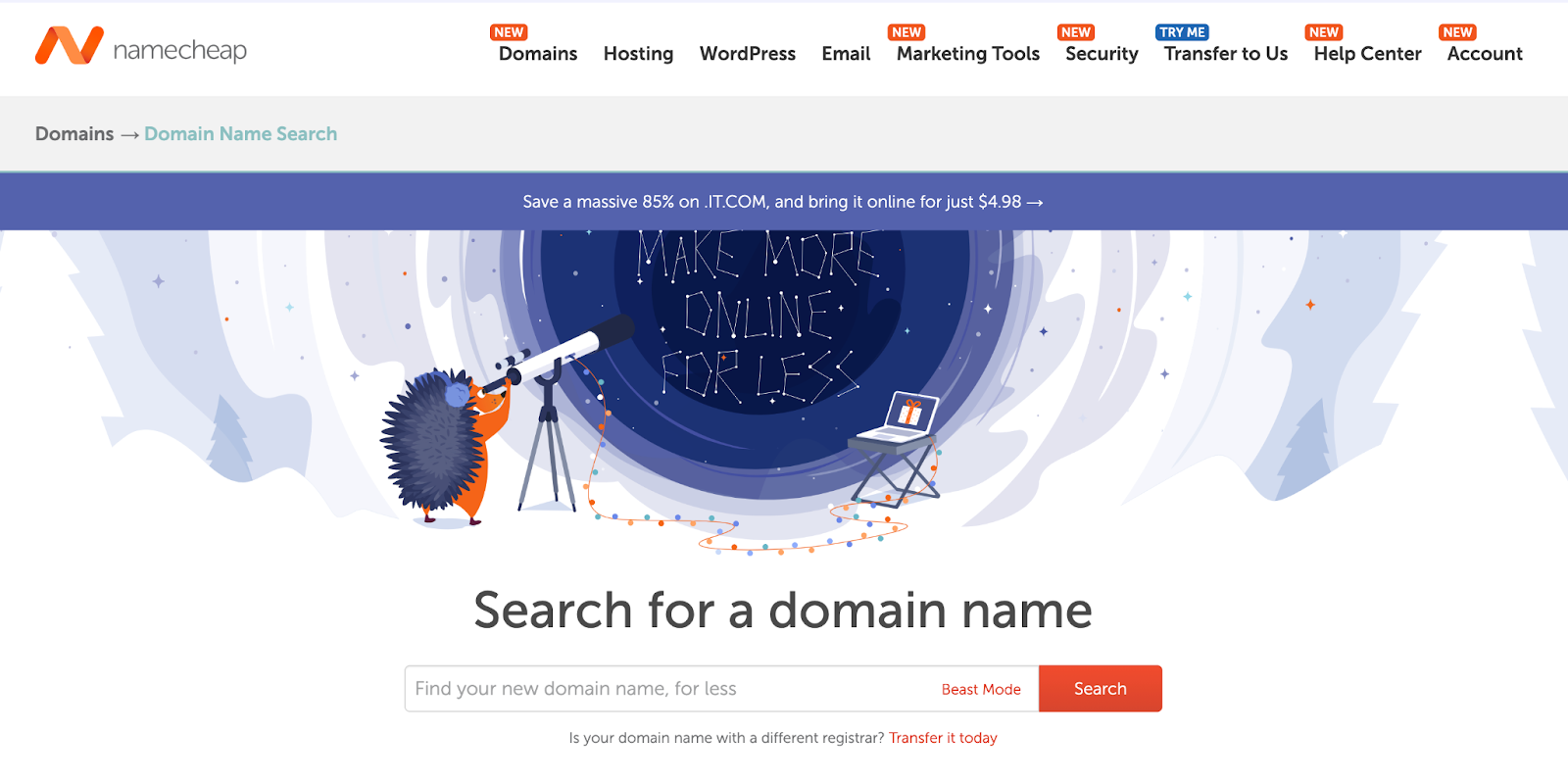
Namecheap, based in Phoenix, Arizona, is a domain registrar founded in 2001 and has over 18 million domain names registered through their services. They’re widely known for competitive pricing and a customer-friendly stance on privacy.
Snapshot of services
Namecheap pricing:
| Domain extension | Registration | Renewal price |
|---|---|---|
| .com | $11.28 | $18.48 |
| .net | $12.98 | $18.58 |
| .org | $7.48 | $15.98 |
| .biz | $6.98 | $24.98 |
| .info | $3.48 | $32.98 |
| .co | $12.48 | $39.98 |
- WHOIS privacy: Namecheap offers free domain name privacy for their registered domains.
- Domain transfers: Incoming domain transfers of the selected TLDs above vary from $10.98 up to $33.98 and include one year of registration. Outgoing transfers do not have an associated cost and can be completed by the customer from within their account.
- AI-powered tools: Namecheap offers an AI-powered Logo Maker, Business Name Generator, and AI Website Builder. They also have an AI tool available for WordPress websites to help with content and image generation.
- Customer support: Live chat and email support via ticket are available 24/7.
- Additional services: Namecheap offers hosting and email products, as well as paid social and review management services. With domain purchases, they offer trial versions of their Social Media Manager, Business Email, and Review Manager.
3. Dynadot
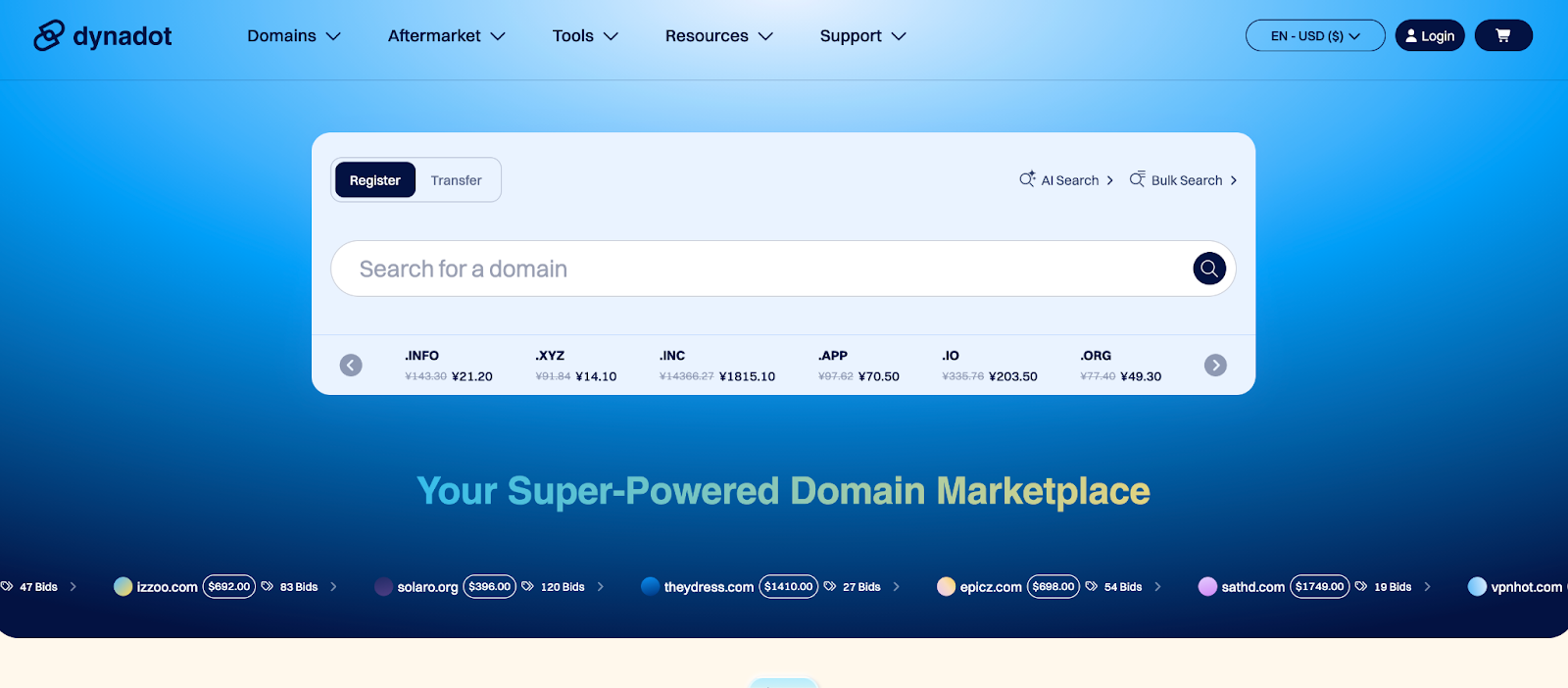
Based in San Mateo, California, Dynadot is a domain registrar founded in 2002 and currently boasts over 4 million registered domain names. Dynadot is often favored by domain investors and technically inclined users thanks to its clean interface and competitive pricing on many TLDs.
Snapshot of services
Dynadot pricing:
| Domain extension | Registration | Renewal price |
|---|---|---|
| .com | $10.88 | $10.88 |
| .net | $12.52 | $12.52 |
| .org | $6.99 | $10.53 |
| .biz | $5.57 | $16.85 |
| .info | $2.5 | $20.55 |
| .co | $9.30 | $27.04 |
- WHOIS privacy: Free domain privacy is included with Dynadot domains.
- Domain transfers: Incoming domain transfer fees vary between $10.88 and $27.04. Outgoing transfers do not have an associated cost and can be completed by the customer from within their account.
- AI-powered tools: Dynadot features an AI Sitebuilder and an AI-powered Domain Search tool, and Logo Builder.
- Customer support: 24/7 support is available via chat and email.
- Additional services: Dynadot offers free versions of their email and website services with domain purchases.
4. IONOS
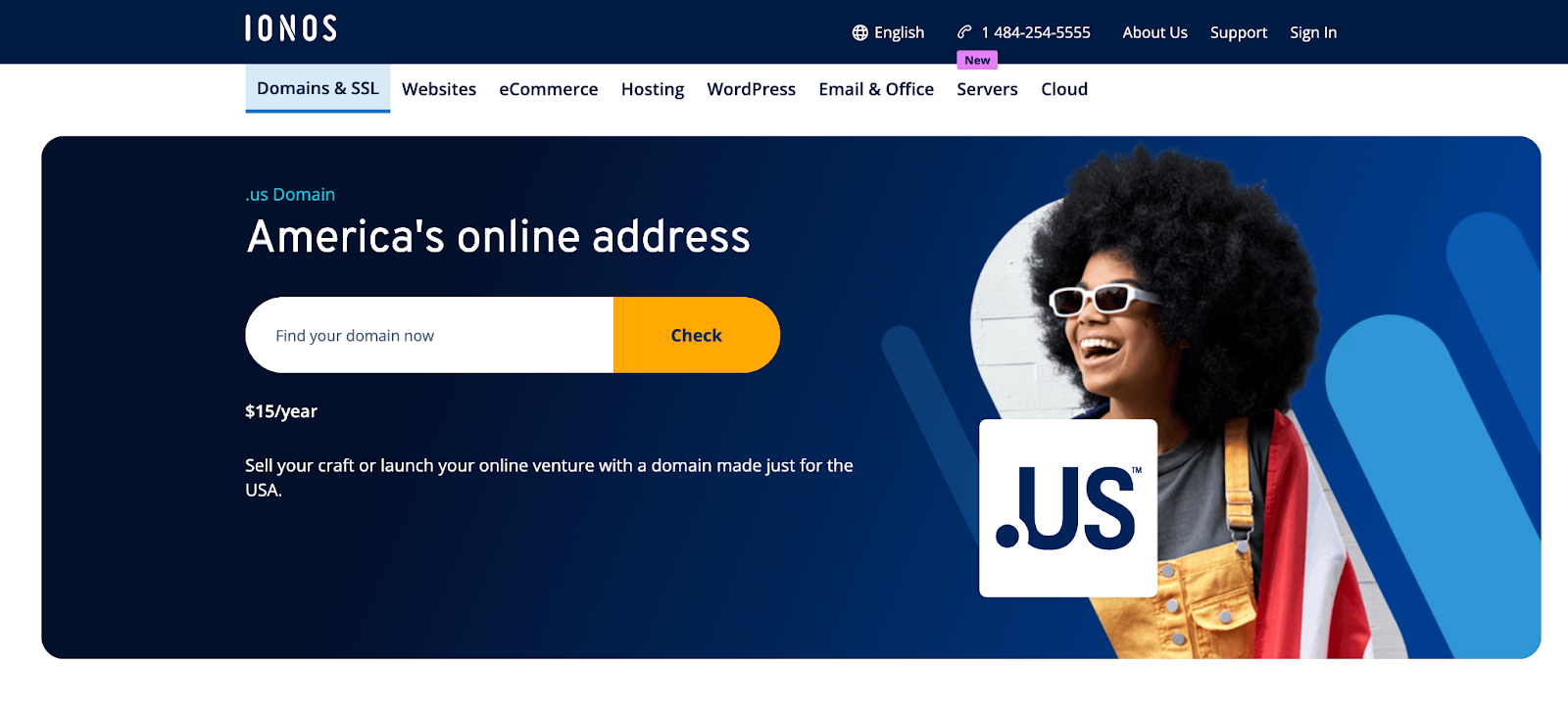
Initially known as 1&1 for over 30 years, they rebranded their company as IONOS in 2018 and currently hold over 5 million domain name registrations through their services (as well as being the largest hosting provider in Europe).
Snapshot of services
IONOS pricing:
| Domain extension | Registration | Renewal price |
|---|---|---|
| .com | $1.00 | $20.00 |
| .net | $5.00 | $20.00 |
| .org | $1.00 | $20.00 |
| .biz | $30.00 | $30.00 |
| .info | $1.40 | $35.00 |
| .co | $36.00 | $48.00 |
- WHOIS privacy: IONOS includes free domain privacy for their domain names.
- Domain transfers: Incoming domain transfers for the above domain extensions range from $20 up to $48. Outgoing transfers also do not have an associated cost and can be completed by the customer from within their account.
- AI-powered tools: The IONOS Website builder includes an AI text and image generator. They also have an AI-powered domain name generator and AI-powered marketing tools to help with email marketing.
- Customer support: 24/7 customer support is available via phone and live chat.
- Additional services: A free SSL certificate is included with domain purchases. IONOS also offers hosting, ecommerce, and site builder services.
5. Hostinger
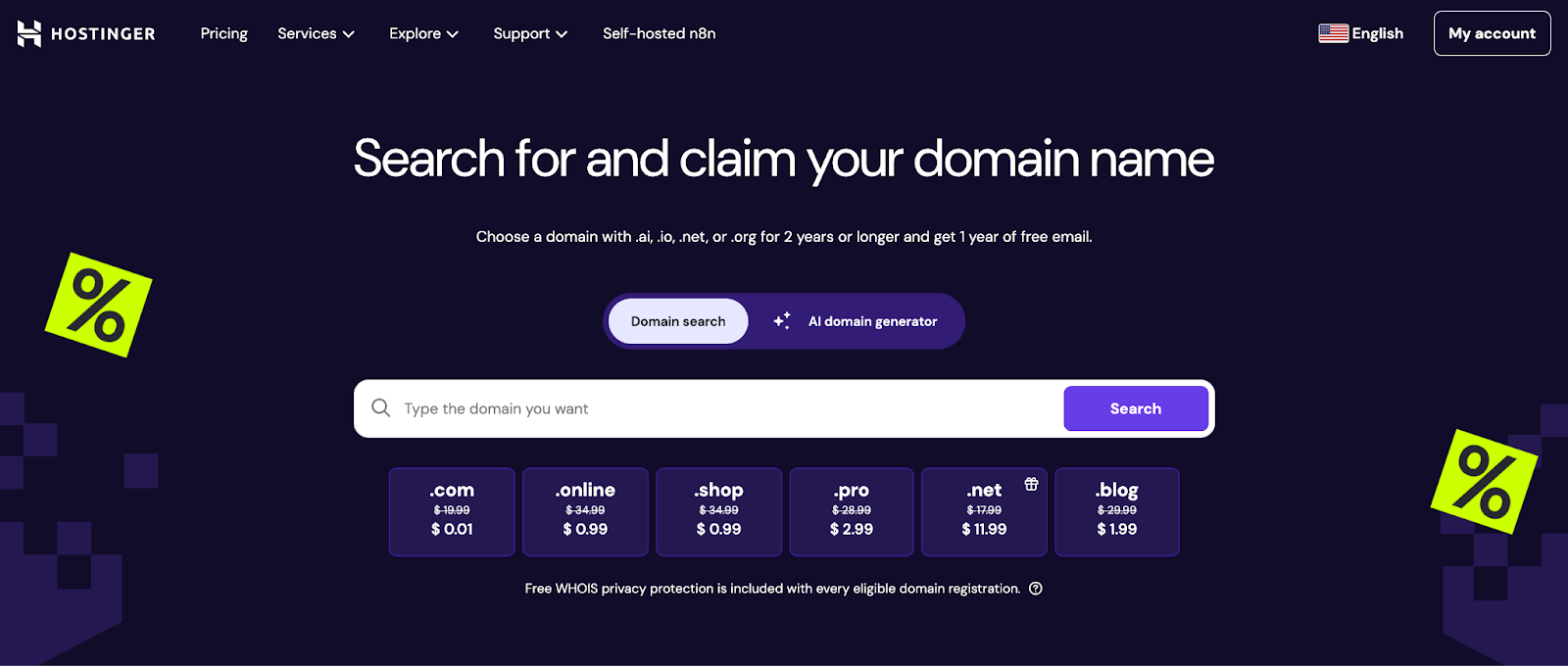
Founded in 2011, Hostinger is an employee-owned hosting provider that currently has over 7 million registered domain names. Based in Lithuania, their company also owns other brands, such as Zyro Website Builder and Niaga Hosting.
Snapshot of services
Hostinger pricing:
| Domain extension | Registration | Renewal price |
|---|---|---|
| .com | $0.01 | $19.99 |
| .net | $11.99 | $17.99 |
| .org | $7.99 | $15.99 |
| .biz | $18.99 | $20.99 |
| .info | $2.99 | $28.99 |
| .co | $27.99 | $23.99 |
- WHOIS privacy: Domain name privacy is included with eligible top-level domains (TLDs) with Hostinger.
- Domain transfers: Incoming domain transfers start at $9.99. Outgoing transfers do not have an associated cost and can be completed by the customer from within their account.
- AI-powered tools: Hostinger has an AI Writer for content creation, an AI Logo Maker, and an AI Website Builder that accommodates both vibe coding and drag-and-drop website creation.
- Customer support: Chat support is available 24/7.
- Additional services: Hostinger offers hosting, VPS, SSL, and email services for their customers.
6. Name.com
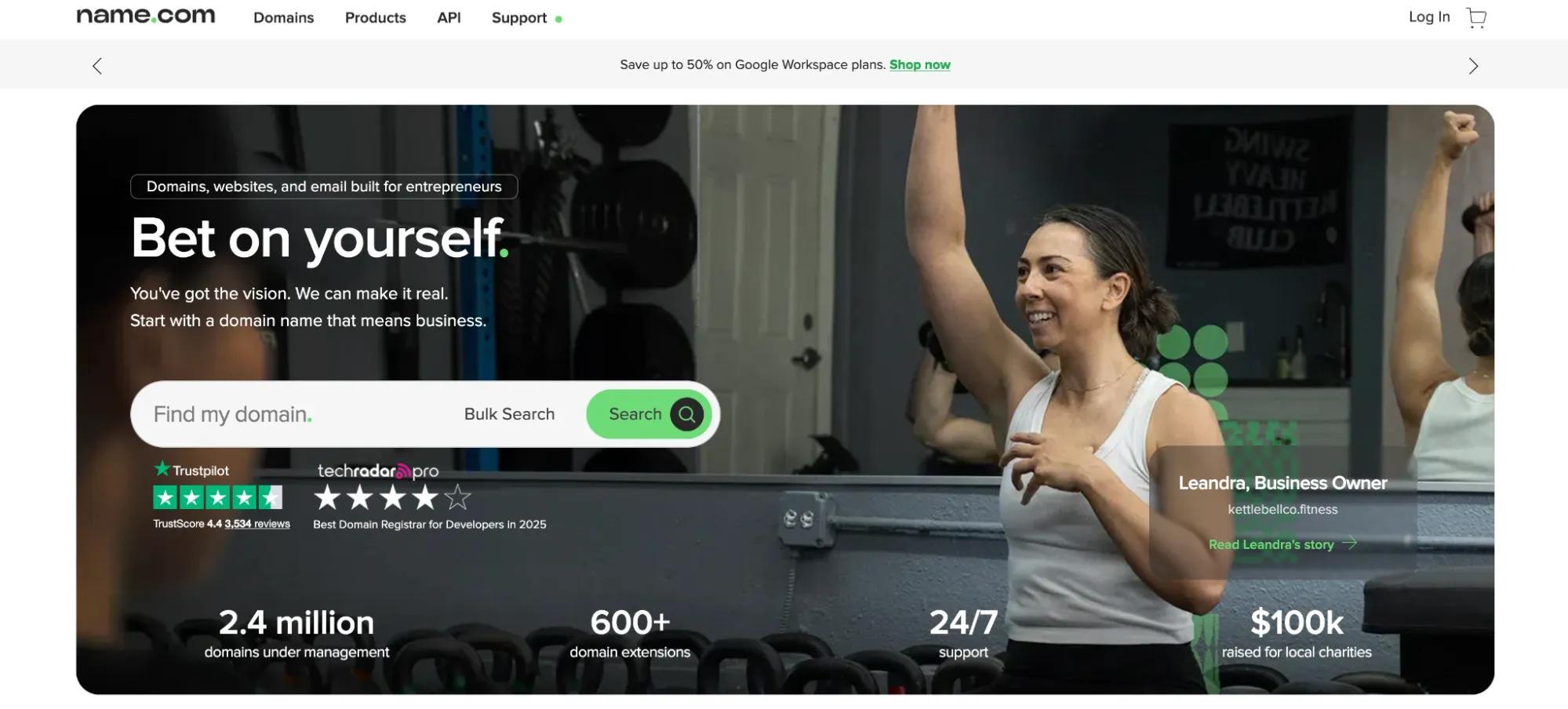
Based in Denver, Colorado, Name.com is a domain and hosting provider founded in 2003 and currently manages over 2 million domain names.
Snapshot of services
Name.com pricing:
| Domain extension | Registration | Renewal price |
|---|---|---|
| .com | $12.99 | $19.99 |
| .net | $16.49 | $23.99 |
| .org | $8.99 | $21.99 |
| .biz | $9.99 | $29.99 |
| .info | $3.99 | $35.99 |
| .co | $17.99 | $48.99 |
- WHOIS privacy: Domain privacy is $4.99 per year, per eligible domain name.
- Domain transfers: Incoming domain transfers for the above TLDs varies from $10.99 to $39.99. Outgoing transfers do not have an associated cost and can be completed by the customer from within their account.
- AI-powered tools: Name.com provides an AI-native API for developers, but currently no end-user AI tools.
- Customer support: Live chat is available 24/7, and support tickets can be submitted online through the website.
- Additional services: Name.com offers partnerships with Wix and Google Workspace, as well as its own cloud hosting and SSL certificates.
7. Network Solutions
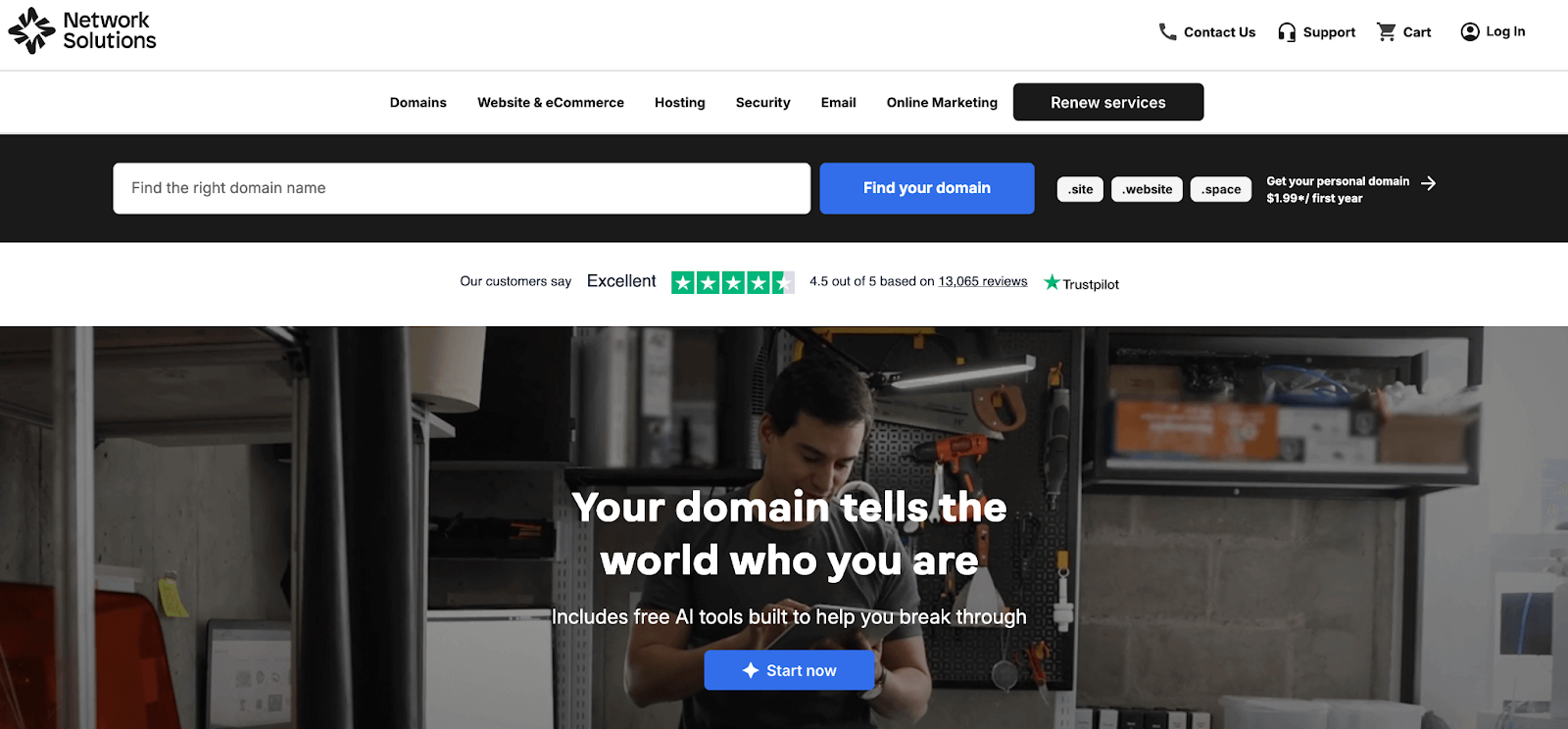
Network Solutions has been a part of the domain name industry since before ICANN existed, operating through a partnership with the US Defense Information Systems Agency to manage domain registrations in 1991. They currently have over 6 million domain names registered.
Snapshot of services
Network Solutions pricing:
| Domain extension | Registration | Renewal price |
|---|---|---|
| .com | $11.99 | $28.99 |
| .net | $14.99 | $32.99 |
| .org | $9.99 | $34.99 |
| .biz | $19.99 | $34.99 |
| .info | $19.99 | $34.99 |
| .co | $29.99 | $52.99 |
- WHOIS privacy: Domain privacy costs $11.99 per year, per eligible domain.
- Domain transfers: Incoming domain transfers are $10.99. Outgoing transfers do not have an associated cost and can be completed by the customer from within their account.
- AI-powered tools: Network Solutions’ paid website builder includes AI-powered tools that assist with site design and content creation. They also have an AI Domain Name Generator and an AI Logo Builder.
- Customer support: Network Solutions offers support via phone and email.
- Additional services: Network Solutions offers hosting, site builders, ecommerce, email, marketing, and IT services.
8. Bluehost
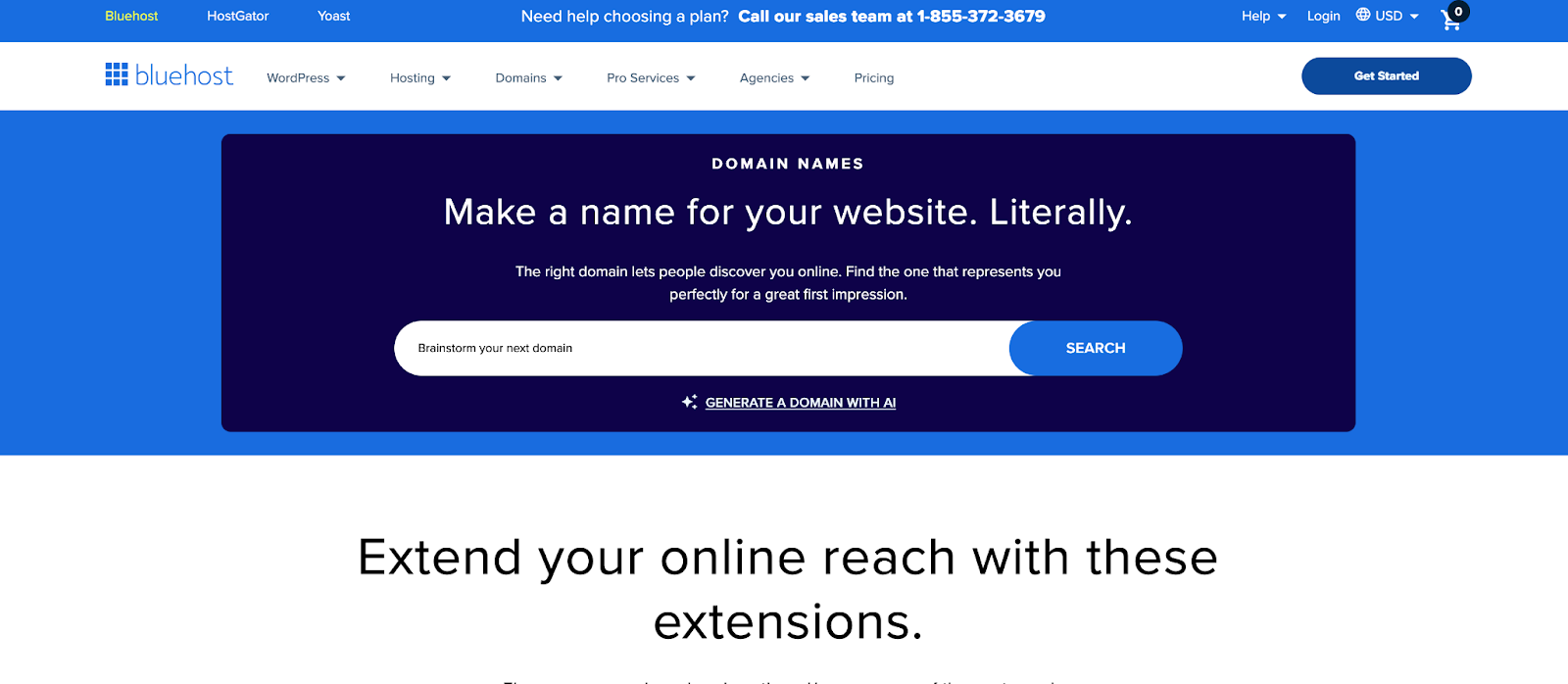
Headquartered in Orem, Utah, Bluehost was founded in 2003 and is primarily a hosting provider that also offers domains. They are especially well‑known for their WordPress hosting plans.
Snapshot of services
Bluehost pricing:
| Domain extension | Registration | Renewal price |
|---|---|---|
| .com | $12.99 | $21.99 |
| .net | $18.99 | $22.99 |
| .org | $9.99 | $20.99 |
| .biz | $9.99 | $26.99 |
| .info | $11.99 | $31.99 |
| .co | $27.99 | $29.99 |
- · WHOIS privacy: Domain name privacy with Bluehost is $11.99per year, per eligible domain.
- · Domain transfers: Incoming domain transfers are $12.99. Outgoing transfers do not have an associated cost and can be completed by the customer from within their account.
- · AI-powered tools: Bluehost offers an AI Domain Name Generator and an AI Website Builder that features content creation capabilities. They also provide AI Brand Insights to help with online marketing.
- · Customer support: Phone support and live chat are available 24/7.
- · Additional services: Bluehost is a hosting provider with hosting, servers, email, and DIFY services.
9. Domain.com
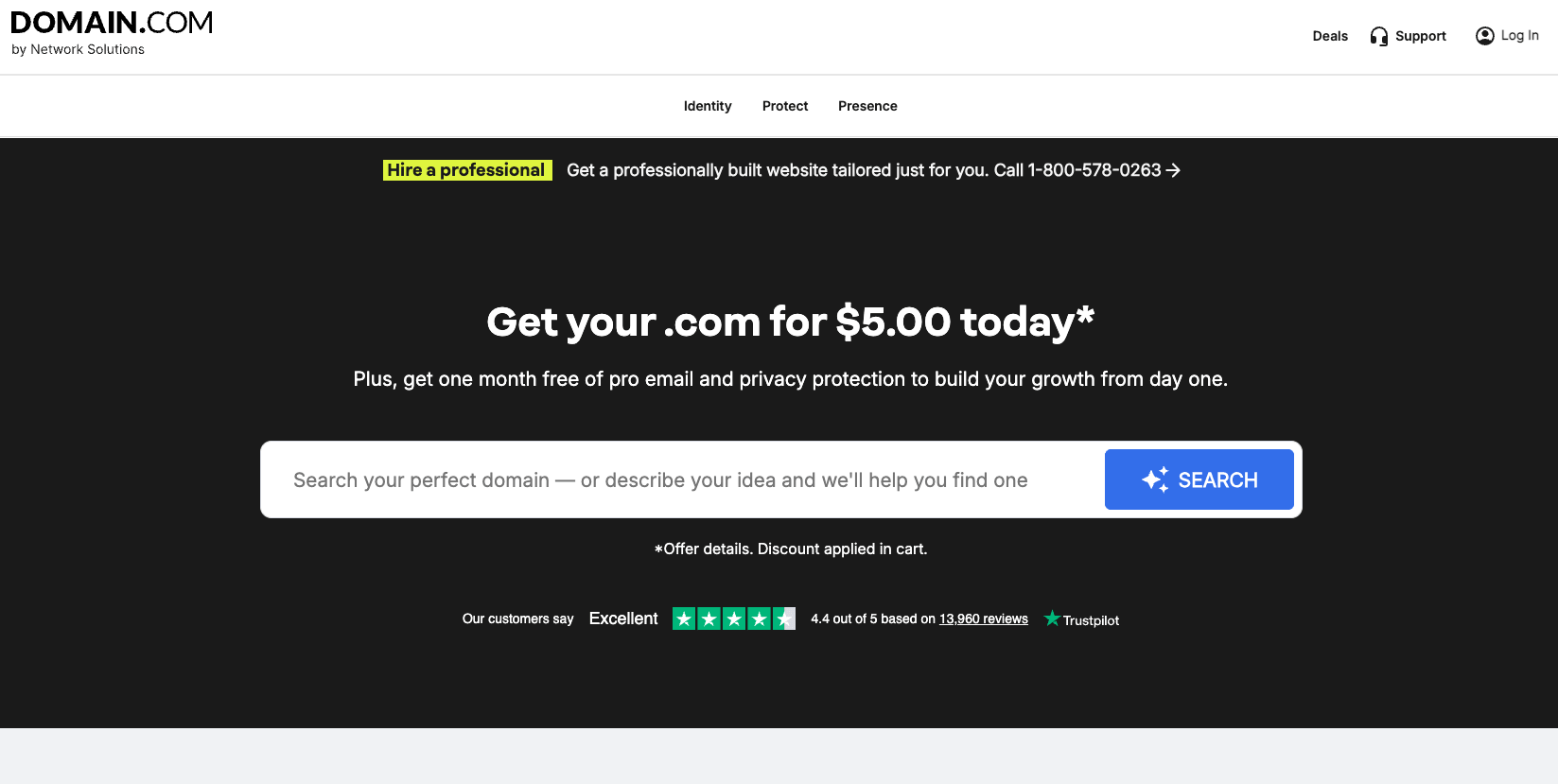
Domain.com has been in the domain registration business since 1999. Headquartered in Jacksonville, Florida, the company has grown its portfolio to nearly 2 million registered domains, offering a straightforward approach to domain registration alongside web hosting and related services.
Snapshot of services
Domain.com domain pricing:
| Domain extension | Registration price | Renewal price |
|---|---|---|
| .com | $11.99 | $21.99 |
| .net | $14.99 | $22.99 |
| .org | $9.99 | $20.99 |
| .biz | $16.99 | $26.99 |
| .info | $3.99 | $31.99 |
| .co | $27.99 | $37.99 |
- WHOIS privacy: Domain privacy protection is available for $8.99 per year on each eligible domain name.
- Domain transfers: Transferring a domain into Domain.com costs $9.99. There is no fee for outgoing transfers, and customers can initiate the process directly through their account dashboard.
- Additional services: Beyond registration, Domain.com provides website builder tools, professional email accounts, email marketing solutions and a range of web hosting plans.
Finding the best domain registrar for your needs
Finding the right domain registrar can make a big difference for your online presence, but the “best” choice depends on your unique goals. To find the right registrar for your needs, look beyond the initial price tag and evaluate the full scope of services against your actual requirements.
Not every provider will have a range of services that meet everyone’s needs.
While comparing introductory prices is a good start, you should dig deeper. Researching a company's reputation and support channels ensures you aren't stuck with a provider that ghosts you when things break. Usability matters, too – if you can’t navigate their dashboard to update a DNS record or easily get in touch with support, the low price isn't worth the hassle.
Also consider the ecosystem: Do they offer email hosting or website building tools? Bundled services can provide immense value if you want an all-in-one solution.
To narrow your search, start with your primary goal:
- If you only need a single domain for a small project: Look for simplicity, transparent renewal pricing, and free WHOIS privacy.
- If you’re launching a full business website quickly: Consider registrars with built‑in site builders, templates, and AI tools that generate copy and designs.
- If you’re a developer or domain investor: Prioritize bulk tools, APIs, advanced DNS controls, and competitive pricing across many TLDs.
The rise of integrated AI tools also means that some registrars can now offer a much faster path from domain name idea to a fully functional website, making AI capabilities an important consideration for many buyers.
Hopefully, our guide has given you some helpful information to get you started on finding the best domain registrar for you or your business.
By selecting a domain registrar that fits your requirements, you can ensure that your website has a strong foundation and is positioned for success in the future.
Related FAQ about domain name registrars
Who is the best domain registrar in 2026?
It depends on your needs, but GoDaddy is a strong starting point for most people — and there's a reason it manages over 84 million domains worldwide. Between free WHOIS privacy on eligible domains, 24/7 expert support and an all-in-one platform that covers registration, hosting, website building and email, it offers a balance of value, simplicity and room to grow that few registrars match.
Who is the largest domain registrar?
GoDaddy is currently the largest domain registrar, with over 84 million registered domain names. Their platform dominates the market, often serving as a one-stop shop for small businesses by bundling domains with hosting and marketing tools.
Which domain registrars offer the best privacy options?
Six of the registrars on our list — GoDaddy, Namecheap, Dynadot, IONOS, Hostinger, and Name.com — stand out by offering free WHOIS privacy, along with account-level, two-factor authentication (2FA). WHOIS privacy is a critical service that shields your personal information from the public database, keeping it out of the hands of spammers.
On the other hand, both Network Solutions and Bluehost still treat basic domain privacy as a paid add-on. Before making a domain purchase, you should always check to see if basic WHOIS privacy is included or if it is an additional fee.
Some domain registrars offer domain protection services, which provide an additional layer of security to prevent unauthorized domain transfers.
Do all registrars offer the same domain extensions?
No, the selection of domain extensions varies significantly between providers. While nearly every registrar sells common extensions like .com or .net, many do not support specific niche TLDs. If you are targeting a specialized extension (like .store) or a country code (like .de), you must verify that the registrar carries it before committing.
Why do domain registration, renewal, and transfer prices differ?
Domain prices vary because each domain extension (like .com, .net, .org) has its own wholesale cost set by the registry that operates it. On top of that, promotions, market demand, and ICANN fees can affect pricing.
- Registration prices are often discounted for the first year as an introductory offer to help you get started online affordably.
- Renewal prices reflect the standard, non-discounted annual cost to maintain your ownership of the domain. This price ensures the ongoing stability and security of your web address.
- Transfers usually involve a one-time fee to move your domain from one registrar to another. This fee almost always includes an extra year of registration added to your current term.
A trustworthy registrar will be transparent about the cost of their offerings, so look for clear, upfront pricing on all services from any domain registrar you’re considering.
Does it really matter which domain registrar I use?
Yes, it absolutely does. Your registrar is the guardian of your online identity, so you need one that prioritizes security and transparency. The wrong choice can result in frustrating upsells, poor customer support, or even accidental domain expiration.
A reliable registrar offers transparent pricing and robust security features like 2FA and free WHOIS privacy. By choosing a reputable registrar, you not only protect your data but also gain access to better tools — like integrated website builders and email hosting — that help you build your online presence with confidence.
Can I use more than one domain registrar?
Yes, you can hold domains across as many registrars as you like. While most business owners prefer the simplicity of a single dashboard, there are valid reasons to diversify. You might find a better renewal price for a .com at one registrar while needing a specialist provider for a specific country code (like .de or .ca) that your primary registrar doesn't support.
However, spreading your assets across multiple accounts increases administrative work. If you choose this route, be extra vigilant about tracking expiration dates and keeping payment methods updated in every account to avoid accidental domain loss.
How can AI tools from registrars actually help me?
AI tools are constantly developing, but many registrars currently offer AI-powered that can:
- Suggest available domain names based an idea, your brand, your focus industry.
- Generate website copy, blog posts or product descriptions to speed up content creation.
- Design logos or graphics to give your brand a visual identity quickly.
- Help with marketing tasks like writing emails, social posts or ad copy.
These tools don’t replace human strategy or review, but they can significantly cut the time from idea to launch — especially for individuals and small teams.
Domain registration glossary: Key terms to know
ccTLD: Country Code Top-Level Domain. A domain extension specific to a country or region, such as ".uk" for the United Kingdom or ".ca" for Canada.
DNS: Domain Name System. A hierarchical system that translates human-readable domain names into numerical IP addresses required for locating and identifying computer services and devices.
DNS Records: Entries in the DNS database that provide information about a domain, such as its IP address and mail server details.
Domain Auction: A marketplace where domain names are bought and sold, often involving high-demand or premium domains.
Domain Expiry: The end of a domain’s registration period, after which it must be renewed to maintain ownership.
Domain Locking: A security feature that prevents unauthorized changes, including transfers, to a domain name.
Domain Name: A unique address used to access websites on the internet, such as godaddy.com.
Domain Privacy: A service offered by registrars to hide personal information of domain owners from the public WHOIS database.
Domain Registrant: The individual or organization that registers and holds the rights to a specific domain name. The registrant is considered the domain's owner and is responsible for maintaining its registration.
Domain Registrar: A company authorized to register and manage domain names on behalf of individuals or organizations.
Domain Registry: An organization responsible for managing the database of domain names within a specific top-level domain (TLD). It maintains the records of which domain names are available and who the current registrants are.
Domain Transfer: The process of moving a domain name from one registrar to another.
Generative AI: A type of artificial intelligence that can create new content, such as text, images, or designs, in response to prompts.
gTLD: Generic Top-Level Domain. Non-country-specific domain extensions like ".com," ".org," ".store,",or ".xyz."
ICANN: Internet Corporation for Assigned Names and Numbers. A global organization responsible for coordinating and managing the domain name system and IP address allocation.
Name Server: A server that stores DNS records and helps translate domain names into IP addresses.
Parked Domain: A registered domain name that is not yet active or hosting a website, often used for future projects or resale.
Premium Domain: A domain name that is considered highly desirable, often short, memorable, or keyword-rich, and typically sold at a higher price.
Registrar Accreditation: The approval process by which registrars are authorized by ICANN to sell and manage domain names.
Renewal Period: The timeframe during which a domain name registration can be renewed to maintain ownership.
SSL Certificate: A digital certificate that encrypts data exchanged between a website and its visitors, ensuring secure communication.
TLD: Top-Level Domain. The last portion of a domain name, such as .com, .org, or .net, indicating the domain's category or country code.
WHOIS: A public database that stores registration details of domain names, including ownership and contact information.
*Pricing data was researched on 11/20/2025. All prices listed are subject to change.