
These days, having a website isn't simply a nice-to-have; it's one of the most powerful tools available for anyone looking to establish an online presence. In fact, the internet has grown from just 19,732 websites in August 1995 to over 216 million as of July 2026.
Whether you're a small business owner, a freelancer, or someone with a passion project to share, a website puts you on the map.
But what exactly is a website, and how does it work? What makes one effective, and what types are out there to choose from?
What is a website?
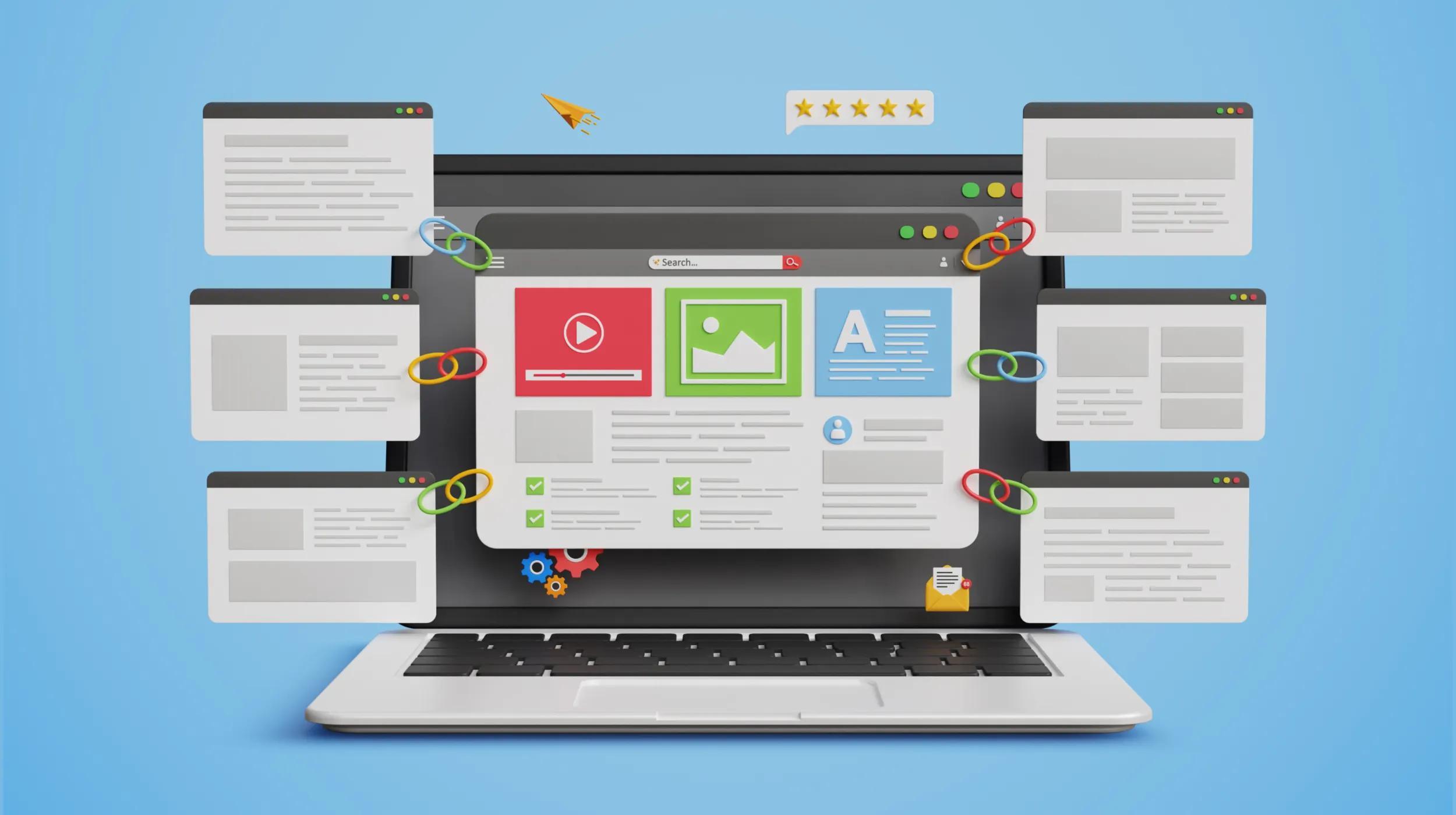
A website is a collection of interconnected web pages hosted on a server, identified by a unique domain name, and accessible via the internet through a web browser.
Websites are accessed via the internet using a URL (Uniform Resource Locator).
With a website, you can display information, sell products, offer services, and practically anything else you can imagine. In other words, they are a platform to build an online presence and reach a global audience.
Related: URL vs URI vs URN
Characteristics of an effective website
An effective website should capture and keep visitors’ attention, make navigation easy, and offer content that’s truly useful. Here are a few other characteristics:
- Visually appealing design that’s consistent with the brand
- Intuitive navigation via clear menus that make moving through the site easy
- Relevant, well-written, and up-to-date information
- Solid performance, so pages load quickly
- Responsive design that adapts to different devices and screen sizes, providing a better user experience
Most people browse the internet on mobile devices, so responsive design is non-negotiable.
Essential questions your business website should answer
To help visitors quickly understand your business, your website should clearly answer four fundamental questions:
- Who you are: Provide company identity and background information
- What you provide: Clearly describe the products or services offered
- Where you’re located: Include a physical address and service areas
- What makes your business unique: Communicate your value proposition and key differentiators
Some businesses also benefit from creating an FAQ page. These pages give visitors quick answers to the most commonly asked questions, which can reduce the number of people contacting your customer service department.
Uses and benefits of having a website
Creating a website offers personal and business advantages that enable greater visibility and reach, such as:
- Makes a business or personal profile accessible from anywhere in the world.
- A website is always on and can be visited at any time, offering 24/7 availability.
- It’s an effective tool to promote products and services, attract potential customers, and drive more sales.
- Makes it easier to communicate with customers and collect reviews, which are great for building trust.
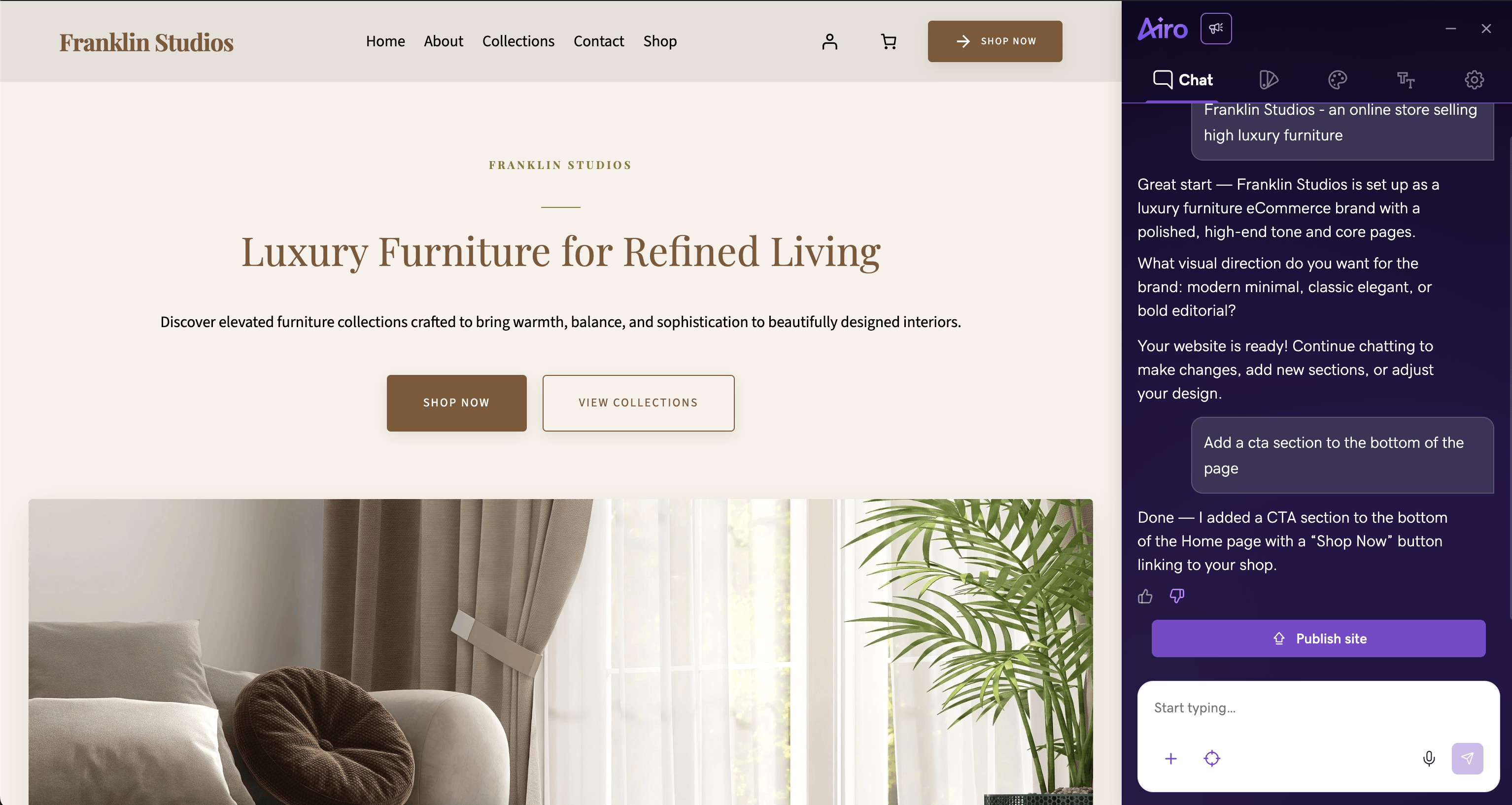
GoDaddy Airo AI Builder
Describe your idea. We'll build your live website in minutes.
With a few prompts, Airo AI Builder generates your website, web app, pages, databases and logic in minutes — no coding required. Start for free with 50 AI credits a month. No credit card required.
Build for FreeWebsite vs. web page vs. web server
These terms are often confused, but they refer to different things.
- A website is a collection of web pages linked together via a common domain name and stored on a web server.
- A web page is a single document within a website that contains text, images, or other multimedia elements, typically written in HTML.
- A web server is the computer system that hosts website files and makes them accessible to users over the internet.
Website vs. web application
A website primarily shares information. Think of a restaurant menu, a consultant’s service pages or a news article.
A web application lets people complete tasks and receive personalized results. Examples include document-editing tools, tax-filing platforms and real-time delivery trackers. Web applications often require users to log in, maintain an active session, and save information to an individual account.
The distinction is not always clear-cut, though. Many modern business websites include web app features, such as appointment scheduling, shipping calculations at checkout, and members-only content.
Components related to a website
When people talk about websites, some terminology can come up that might be confusing.
Let’s take a moment to brush up on some of these terms.
Domain
A domain is the unique address that identifies a website on the internet, such as www.example.com. Buying an appropriate domain can help increase site traffic.
Web hosting
Web hosting is the service that stores a website’s files and data on servers, so they’re accessible online. Good hosting can positively impact key aspects like page load speed.
Adaptive and responsive design
As you learn how to build a website, make responsive design a priority. A responsive website automatically adapts to different screen sizes and device types, creating a smooth experience for mobile visitors. Most people these days are browsing on mobile, so this should be considered non-negotiable.
Web browser
A web browser is an application that lets you access and view websites. Popular examples include Chrome, Firefox, and Safari.
CMS
CMS stands for Content Management System, which is an application like WordPress. They make it easier to create and manage a website without advanced technical knowledge.
URL
A URL (Uniform Resource Locator) consists of three parts:
- Protocol identifier — defines the protocol used to access the webpage, usually HTTP or HTTPS
- Server name — refers to the domain name and extension where the web server is located
- File name — indicates the specific page or resource on that web server
For example, in https://www.example.com/blog, “https” is the protocol, “www.example.com” is the server name, and “blog” is the file name.
Link
A link is an interactive element that lets users navigate between different web pages. It’s also known as a hyperlink.
Ecommerce
Ecommerce refers to buying and selling goods and services over the internet, usually on a website dedicated to that purpose.
SSL certificate
An SSL certificate encrypts data between the browser and server, authenticates the website’s identity, and enables a secure connection. It protects forms, payments, and credentials, and also provides a small Google ranking signal that helps improve security, trust, visibility in organic search, and conversions.
SEO and website optimization
SEO optimizes a website for greater visibility in search engines. Useful content, clear structure, technical performance, and appropriate links can supercharge results. Measuring aspects like load speed, indexability, structured data, and mobile experience will help improve conversion rates.
Content
Content is everything your visitors read, watch, or interact with on your website, including text, images, videos, and more.
Great content engages and guides your audience toward taking action.
It’s also a key driver of SEO because it helps search engines understand what your site is about and rank it accordingly.
Landing pages
Your landing page is the first page most visitors see, making it your most important piece of digital real estate. This can sometimes be the homepage (if they search by brand), or related landing pages (if they reach via organic keywords or search engine ads).
It sets the tone for your entire site, communicates who you are and what you offer, and directs visitors to where they need to go.
Static and dynamic websites
Websites generally fall into two categories: static and dynamic. The difference comes down to how each page is created and updated.
Static websites
A static website displays prebuilt pages that look the same for every visitor. It works well for content that doesn’t need frequent updates, such as a portfolio, brochure site, or basic business information. Static sites aren’t ideal when content changes frequently because updates require manually editing and republishing the site.
Dynamic websites
Dynamic websites create or update content based on information from a database, user activity, or other inputs. This functionality can support personalized experiences, such as product recommendations, account dashboards, and location-specific content.
How a website works
A website works through an exchange between its hosting server and a visitor’s web browser.
When you enter a web address in your browser, your computer sends a request to the website’s hosting server. The request travels through the Domain Name System (DNS), which finds the server’s IP address.
Web services rely on protocols such as HTTP, HTTPS, and FTP to send information and files across the internet. After the server receives the request, it returns the requested web page, along with images and other files, to your computer.
Your browser then uses HTML, CSS, JavaScript, and other programming languages to display the web page.
Elements of a website
Knowing the parts of a website is helpful when creating your own. Here are some of the main elements of a site:
Key elements
| Element Name | Definition |
|---|---|
| Hero section | Includes large headline, subheading, background image or video, and primary call-to-action button |
| Main content area | Delivers the core information or value of the website |
| Sidebar (optional) | May contain recent posts, categories, filters, and ads |
| Header | The top area of the site, which can include a logo and the navigation menu |
| Footer | The bottom area, which often includes contact information and helpful navigation links |
| Navigation | Menus and links that make it easier to move through the site |
Functional elements
| Element Name | Definition |
|---|---|
| Forms | Interactive tools that allow you to collect user information |
| Multimedia | Graphics, photos, illustrations, or videos that complement the written content |
| Calls to action | Buttons or links that encourage visitors to take an action, such as “Contact Us” |
| Backend components | Not visible to users; handle functions such as ecommerce |
Technical building blocks
| Element Name | Definition |
|---|---|
| HTML | The backbone of a web page that defines structure by organizing content into elements like headings, paragraphs, and images |
| CSS | Controls the visual appearance of a web page, determining everything from colors and fonts to layout and spacing |
| JavaScript | Brings web pages to life by enabling dynamic, interactive features like animations, buttons, and real-time content updates |
Types of websites
One of the most important aspects of creating a website is deciding what type of website you need. You can choose from the following:
| Type | Purpose | Example |
|---|---|---|
| Ecommerce | Online platforms for buying and selling products or services; typically include brand news and updates, product demonstrations, FAQs, shipping and return policies, and contact information to build trust and reduce friction | Amazon, Online stores |
| Landing pages | Capture visitors' attention and convert them into leads via forms or CTAs | Product launch pages |
| Institutional | Represent organizations and provide information about history, services, and contact details | University websites |
| Brand sites | Promote and build a brand's image by showcasing products, values, and achievements | Nike.com |
| Blogs | Regularly publish articles on specific topics and encourage reader interaction | Fashion or tech blogs |
| Professional services | Represent professionals and provide information about services and experience | Law firm websites |
| Forums and communities | Let users discuss and share information, creating interaction networks | |
| Wikis | Collaborative platforms where users create and edit content together | Wikipedia |
| News portals | Offer up-to-date information on various topics | CNN, local news sites |
| Booking sites | Let users make reservations for hotels, flights, restaurants, and events | Booking.com, OpenTable |
| Educactional | Share educational materials, like lessons, webinars, ebooks, courses, and more | Coursera |
| Social networking | Give users ways to interact with each other online by sharing images, text, videos, and more | Instagram, X, Tiktok |
| Nonprofit | Showcase a nonprofit organization’s mission and values, as well as offer ways for visitors to get involved through donations or volunteering | American Red Cross |
| Government | Explain a government entity’s roles and responsibilities, as well as provide related resources and contact information | Department of Justice website, White House website |
| Personal | Often function as digital resumes that focus on individual identity and personal brand; show the work a person is most proud of and demonstrate their specialization; typically organized by work type | |
| Membership and community websites | Give members of specific communities, like HOAs or gyms, a place to connect and find exclusive content | MasterClass |
How to create a website
Feature comparisons can be overwhelming, which often causes people to choose platforms so complex that they eventually abandon them. Because of this, the right website builder depends less on its feature list and more on what you can realistically maintain six months from now.
Creating a website is easier than it may seem. Start with these core building blocks:
Steps to create your website
With GoDaddy, the process is simple and fast:
- Buy a domain.
- Create your site using Airo AI website builder.
- Publish.
That’s it!
Ready to build your website?
Ready to share your passion or business idea with the world? Building a website is easier than you think. Dive in, get creative, and watch your ideas come to life online.
GoDaddy Airo AI Builder
Describe your idea. We'll build your live website in minutes.
With a few prompts, Airo AI Builder generates your website, web app, pages, databases and logic in minutes — no coding required. Start for free with 50 AI credits a month. No credit card required.
Build for Free