Your homepage is often the first impression your business makes. Visitors form an opinion quickly, so the individual parts of your website need to work together to keep them engaged and moving forward.
For small businesses, every section of the homepage has a job to do. And when those pieces come together, your homepage becomes a powerful tool for growth.
The good news is, you don't need to be a designer or a tech wizard to get it right. In this guide, we'll walk through 10 essential elements of great small business homepage design that help turn casual visitors into loyal customers.
GoDaddy Airo AI Builder
Describe your idea. We'll build your live website in minutes.
With a few prompts, Airo AI Builder generates your website, web app, pages, databases and logic in minutes — no coding required. Start for free with 50 AI credits a month. No credit card required.
Build for FreeWhy your small business homepage matters more than ever
The way people find and evaluate businesses has changed fast. More than half of all Google searches now happen on mobile, which means your homepage is often the first touchpoint someone experiences with your brand. At the same time, online shopping continues to grow, with ecommerce making up more than 21% of global retail sales. That shift puts even more pressure on your homepage to pull its weight.
Here's what great homepage web design actually does for your business:
It helps people find you
Google handles more than 16 billion searches every day. A homepage with clear messaging and relevant content boosts SEO and has a stronger chance of showing up when someone looks for the services or products you offer.
It builds trust fast
People make quick decisions about your business based on your website. A clean, professional homepage with real reviews, clear service details, and simple navigation helps your target audience feel confident choosing you. A cluttered or outdated page can push them to keep looking.
It turns visitors into leads and customers
The global average ecommerce conversion rate sits around 2%, meaning most website visitors are still exploring their options. A strong homepage points them in the right direction and encourages a next step, like making a purchase, joining your email list, or learning more about your business.
Let's get into the 10 elements that help make that happen.
1. Lead with a clear value proposition
The first thing visitors see is your hero section. This is prime space on your homepage, and it needs to communicate value right away. People should be able to understand three things within seconds:
- What you offer
- Who it’s for
- Why they should choose you
Keep it simple and direct. A strong headline, a short supporting line, and a relevant image or video are often all you need.
For example, a local bakery’s hero section might say, “Fresh, handcrafted bread delivered to your door every morning.” It’s clear, specific, and easy to understand at a glance.
Tip: Skip jargon and clever wordplay. Clarity wins every time, especially when visitors are deciding quickly if they want to stay on your site.
2. Use one strong call-to-action
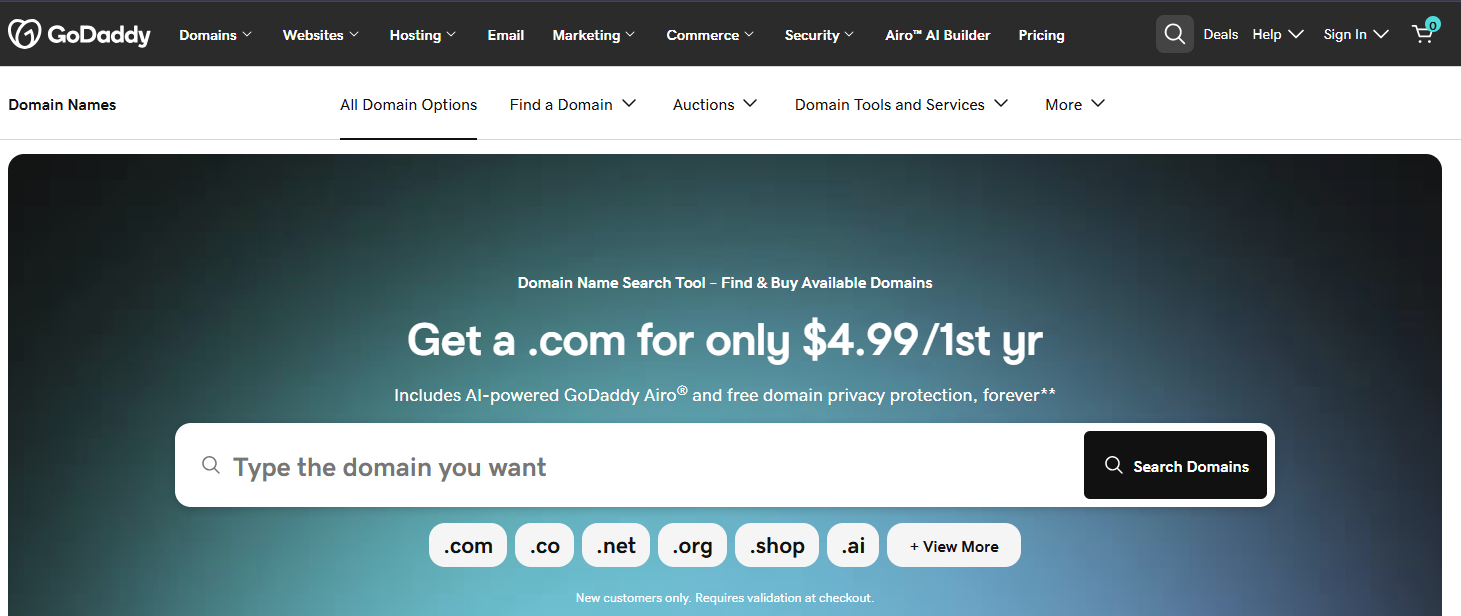
Your call-to-action (CTA) provides visitors with a clear next step to take on your website homepage.
For most small businesses, it’s best practice to limit it to one primary CTA per section.
Providing your audience with too many options will leave them confused about which step they should take, and they may opt for doing nothing at all.
When you plan a website homepage, your CTA button should be easy to find at a glance. Use a contrasting color so it stands out, and choose action-focused language that tells visitors exactly what they’ll get when they click, such as:
- Book an appointment
- Get a free quote
- Call us today
- See our menu
Skip generic labels like “Submit” or “Click here.” Specific wording sets clear expectations and helps people feel confident taking the next step.
Tip: Place your primary CTA above the fold so visitors see it right away. Add it again further down the page for anyone who needs a little more information before they’re ready to act.
3. Showcase your products or services front and center
No one wants to dig through menus just to figure out what your business does. Your homepage should give visitors a clear look at what you offer right away.
For instance, online stores can highlight bestselling products, new arrivals, or curated collections directly on the homepage. Category tiles or product grids make it easy for shoppers to browse and find what catches their interest. A pet supply shop might feature tiles like “Dog Food,” “Cat Toys,” and “New Arrivals.”
Service-based businesses should focus on the problems they solve and the core services they provide. When visitors can quickly confirm you offer what they need, they’re more likely to stay and explore. A cleaning business could include sections on its homepage like “Our Services” and “Our Prices.”
This setup helps visitors head straight to what matters to them. If you need some inspiration, check out these website wireframe examples.
4. Build trust with social proof
People look for reassurance before they choose a business. Think about how it feels to walk into an empty restaurant—you start to question your decision. The same instinct applies to online shoppers.
Reviews and testimonials on your website homepage help build trust and prove that there are lots of people out there who have turned to your business and gotten great results.
Social proof can take a few different forms:
- Customer reviews and star ratings
- Logos of brands or partners you work with
- Trust badges like “Licensed & Insured,” “BBB Accredited,” “Family-Owned Since [Year],” or industry certifications
- User-generated content, such as customer photos, before and after shots, or images of your team in action
- Press mentions or awards
You don’t need to include everything. A few strong trust signals placed in the right spots can go a long way in helping visitors feel confident choosing your business.
5. Make contact info easy to find

This one seems obvious, but you'd be surprised how many websites bury their contact details. If someone is ready to reach out, don't make them hunt for a phone number or email address.
Best practice is to include your contact info in your site header or footer so it’s visible on every page. For mobile visitors, you can make your phone number tap-to-call for even more convenience.
If you really want to go above and beyond, consider adding live chat or an AI chatbot. Customers expect quick answers, and a chat widget can help turn a homepage visit into a sale.
6. Design for mobile first
In 2026, roughly 71% of all Google searches happen on mobile devices, and Google ranks your site based on its mobile version first. If your homepage doesn’t work well on a small screen, you’re missing a large share of potential customers.
A mobile-friendly homepage should include:
- Responsive layout that adjusts to any screen size
- Tap-friendly buttons that are easy to press with a thumb
- Simple navigation, like a clean menu icon instead of a full desktop menu
- Fast load times with optimized images and minimal code
7. Use high-quality images and video
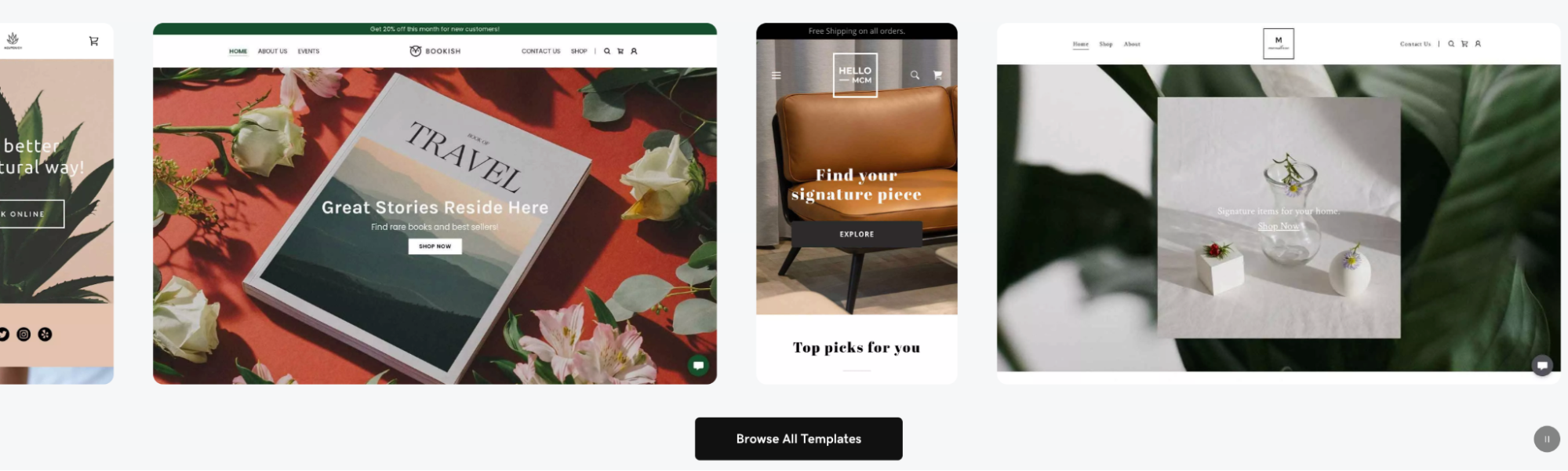
People process visuals roughly 60,000 times faster than text, so the images on your homepage carry a lot of weight. The right visuals can quickly show what you do and help visitors feel confident in your business.
If you offer services, show real examples of your work. A landscaper can highlight finished yards. A restaurant can feature its space and dishes. A mechanic can show a clean, organized shop. Photos of your team in action help your business feel more real and approachable.
Video can add even more clarity. A short clip, around 15 to 45 seconds, can introduce your business, walk through a project, or share a customer experience.
A few best practices to keep in mind:
- Use high-resolution images and compress them so your site stays fast
- Choose modern formats like WebP to balance quality and file size
- Add alt text to every image to support accessibility and SEO
- Use authentic photos when possible instead of generic stock images
- If using stock photos, make sure they are copyright-free images
8. Keep navigation simple and intuitive

Website navigation features on your homepage should help visitors find what they need without any confusion. Think of it like clear signage in a store; when it’s done right, people can move through your site with ease.
Here’s what effective homepage navigation looks like:
- Limit your main menu to five to seven items so key pages stand out
- Use clear, descriptive labels like “Our Services” or “Book online now”
- Add a sticky header so the menu stays visible as visitors scroll
- Include a search bar if you have a large catalog of products
- Create clear paths for different audiences when needed
If you serve multiple types of customers, guide them early. A home services company might offer options like “Homeowners” and “Property Managers” so each visitor can head in the right direction.
Overall, simple navigation helps people stay on your site longer and makes it easier for them to take action.
9. Prioritize page speed
Page speed plays a major role in how your homepage performs. If a website takes more than three seconds to load, about 53% of visitors will leave before they even see your content.
Speed also impacts your visibility in search. Faster sites tend to rank better, which helps more people find your business in the first place.
Here are a few ways to keep your homepage running smoothly:
- Compress your images since large files are a common cause of slow load times
- Choose reliable hosting that can handle your traffic
- Limit extra plugins, animations, and heavy scripts
- Use a valid SSL certificate to support web security and performance
- Test your site regularly with tools like Google PageSpeed Insights
10. Include a well-organized footer
Your footer is the section at the very bottom of your homepage, and it’s where visitors expect to find important details. When it’s organized well, people know exactly where to go for more information.
This is where users head when they want to dig deeper or take the next step. Keep it clean, structured, and easy to scan.
A strong footer should include:
- Full site navigation with links to your key pages
- Contact information like your phone number, email, and address
- Social media links
- A newsletter signup form
- Business hours and service areas
- Licensing or certifications if they apply to your business
- Links to your Google Business Profile or review pages
- A link to your FAQ page
Don’t forget your favicon. It’s a small detail, but it helps your site look more polished and professional in the browser and reinforces your brand identity.
Your homepage checklist: Putting it all together
A strong small business homepage should be clear, easy to navigate, and built to guide visitors toward action. When each element is in place, it becomes much easier for people to understand what you offer and take the next step.
Use this checklist as you build or refine your homepage. Focus on clarity, speed, and usability, so your site works for your business, not against it.
Ready to get started? GoDaddy’s Website Builder gives you the tools to create a professional homepage without the guesswork. Pick a template, customize your content, and launch a site that’s designed to help your small business thrive.